
AI Templates for Images & Creative Workflows
Start with ready-made KiwiMotion templates for image edits, visual effects and creative compositions. Open a template, see a real preview, then customize it in Studio.
Image Templates
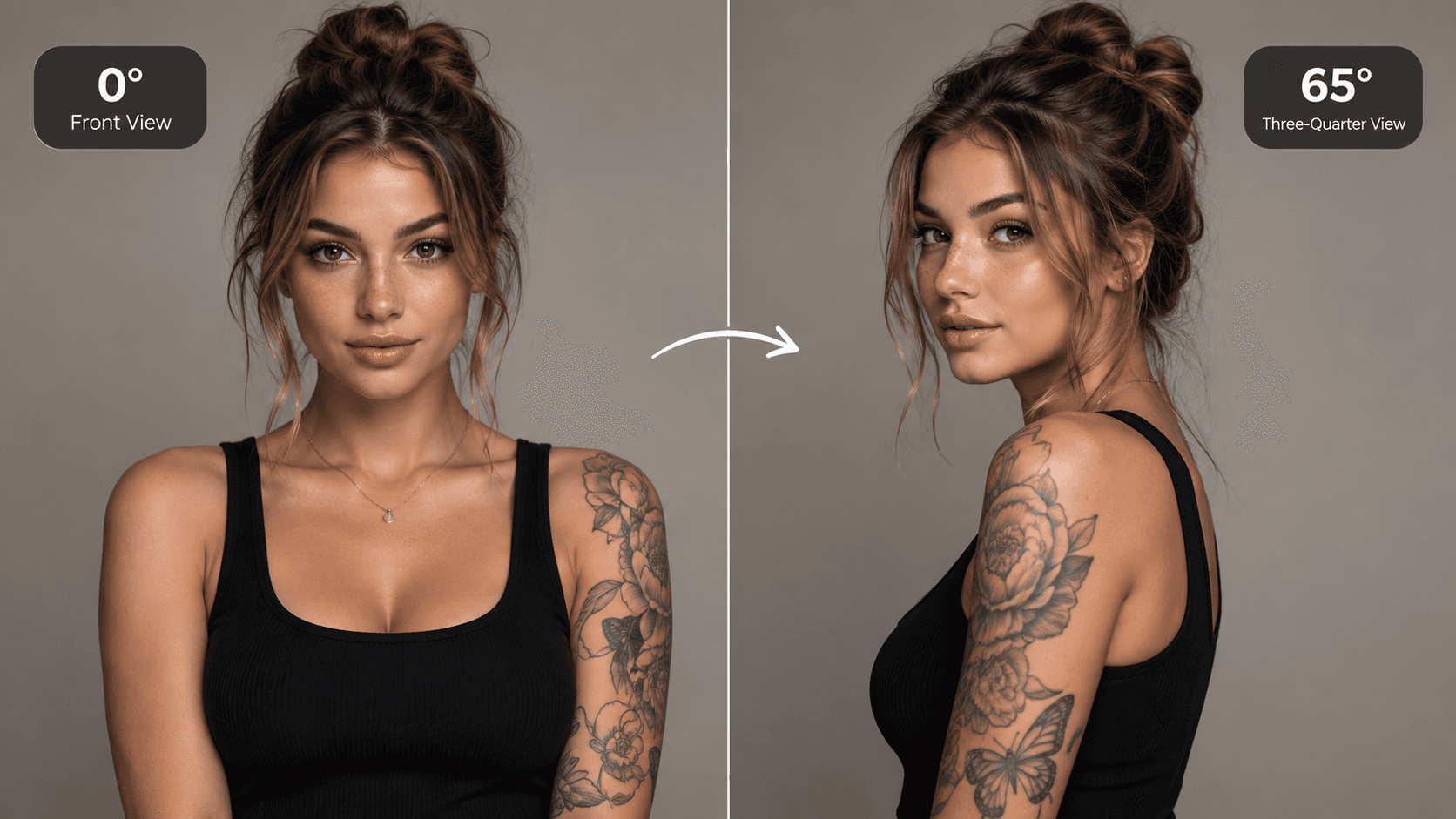
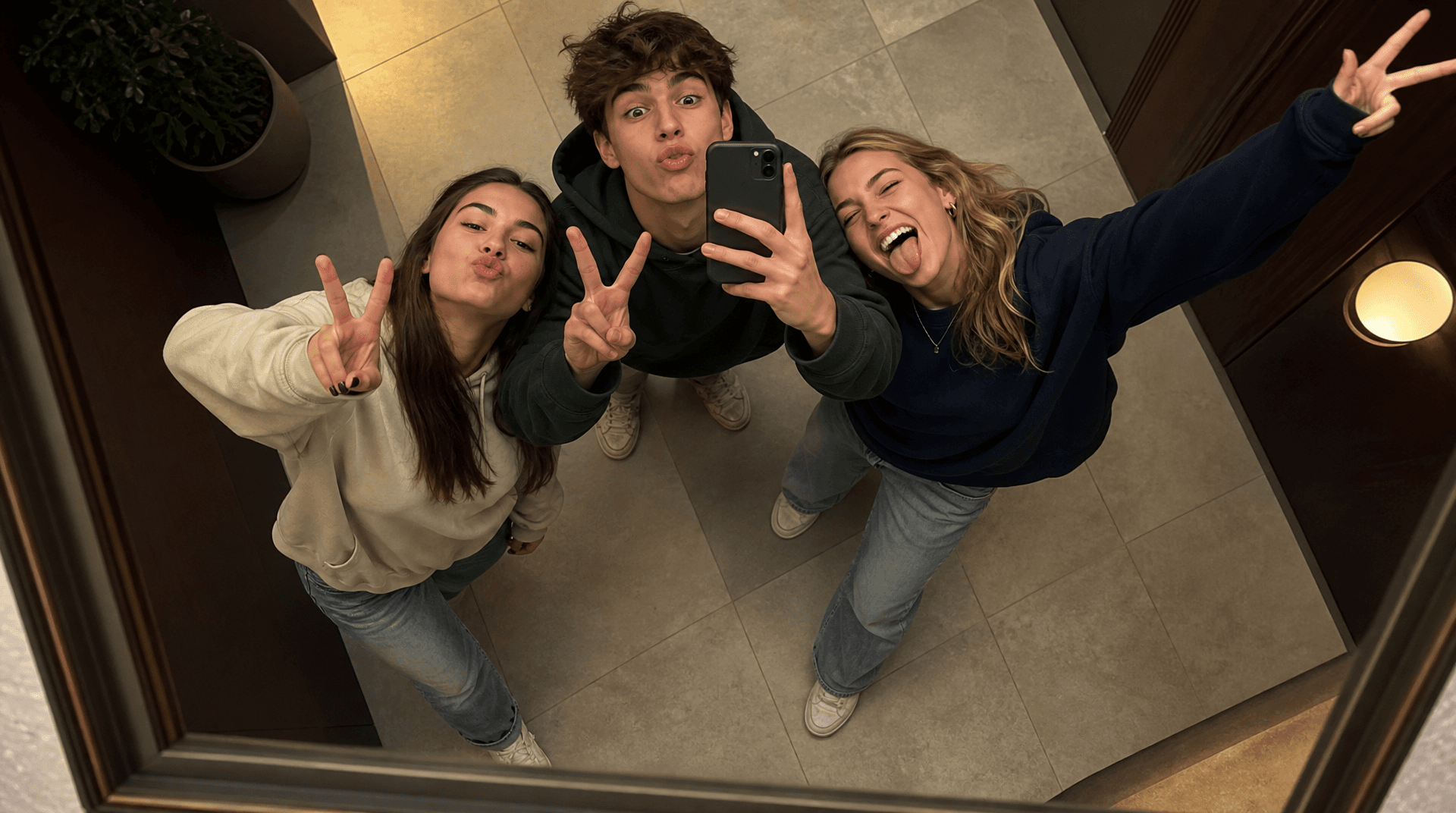
AI Camera Angle
See your image from a new perspective.
Image-to-image · viewpoint edit · Qwen Image Edit
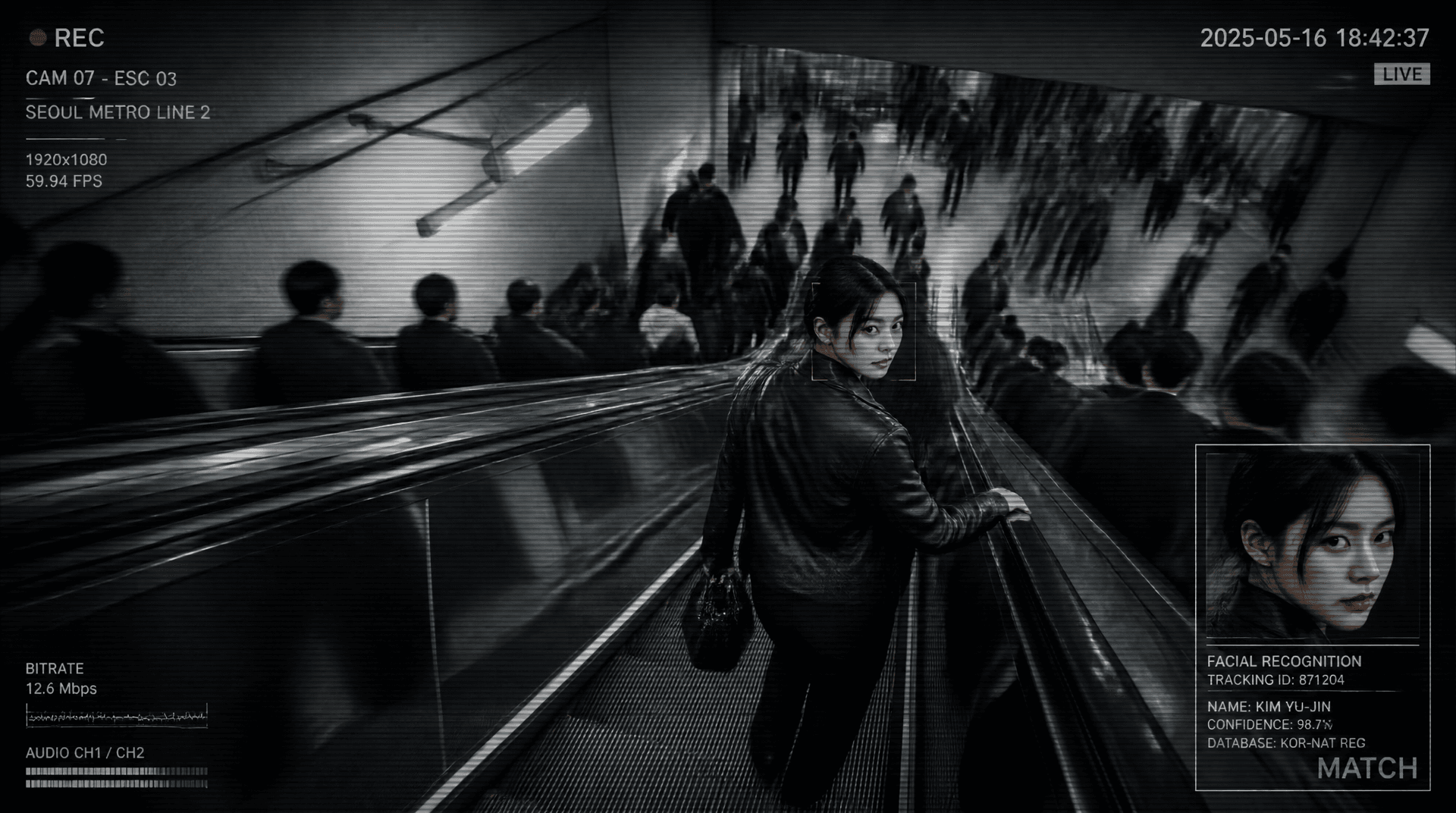
Metro Surveillance
Turn your photo into a cinematic CCTV thriller.
Reference-image scene transformation · GPT Image 2
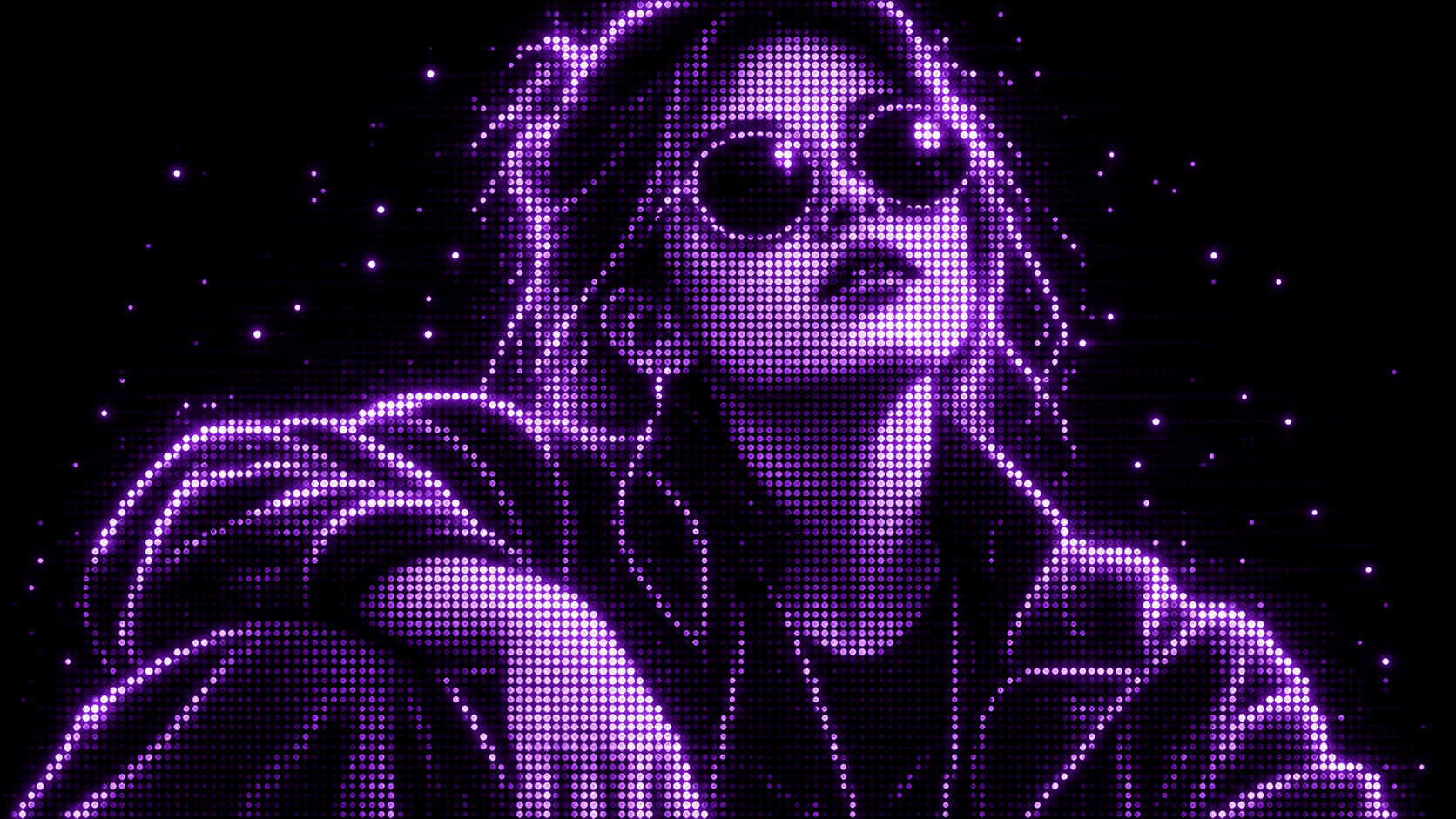
Purple Phosphor
Reimagine your photo as a glowing purple dot display.
Reference-image style transformation · GPT Image 2
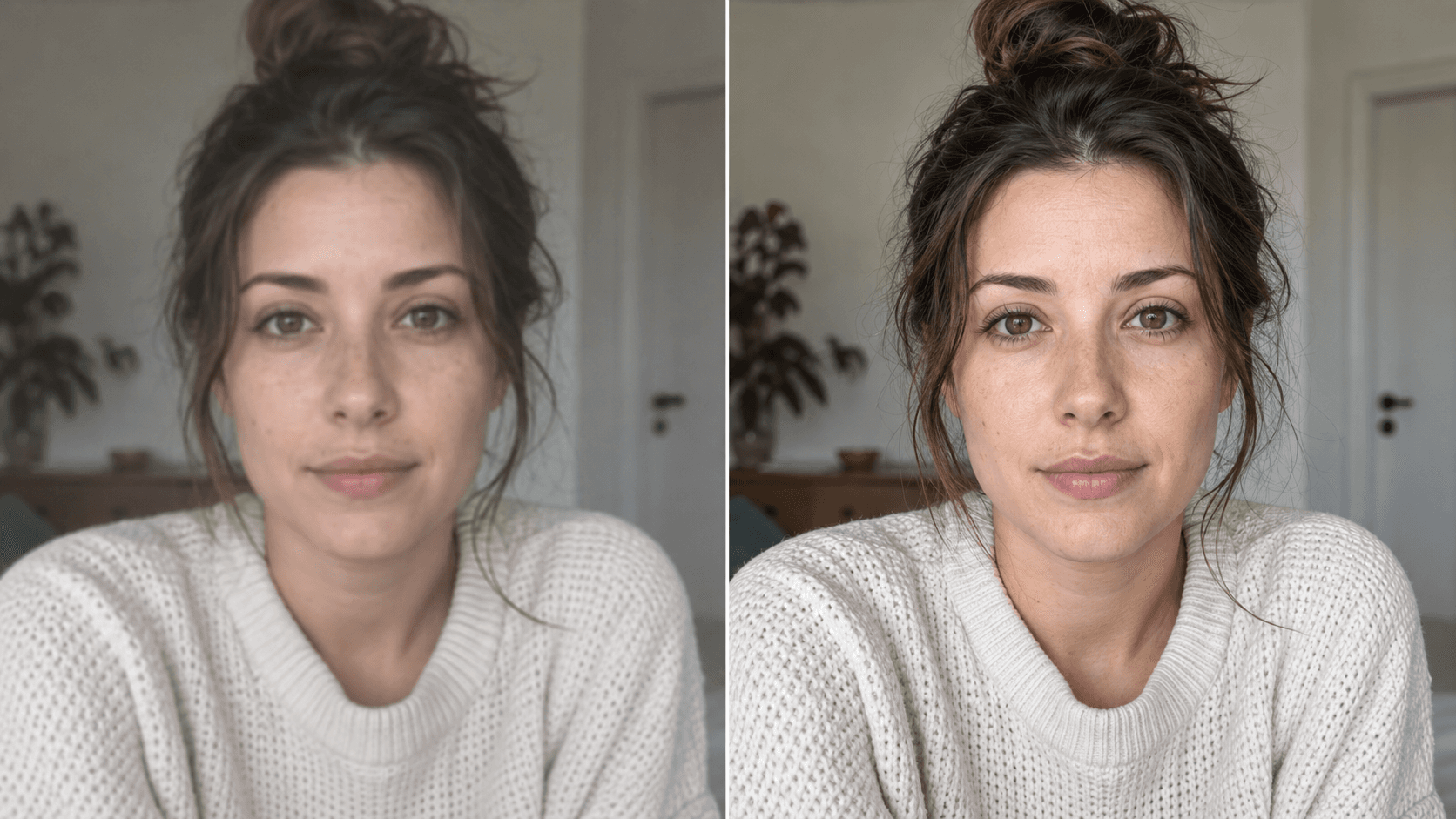
Upscale
Enhance your photo with natural, lifelike detail.
Reference-image enhancement · GPT Image 2
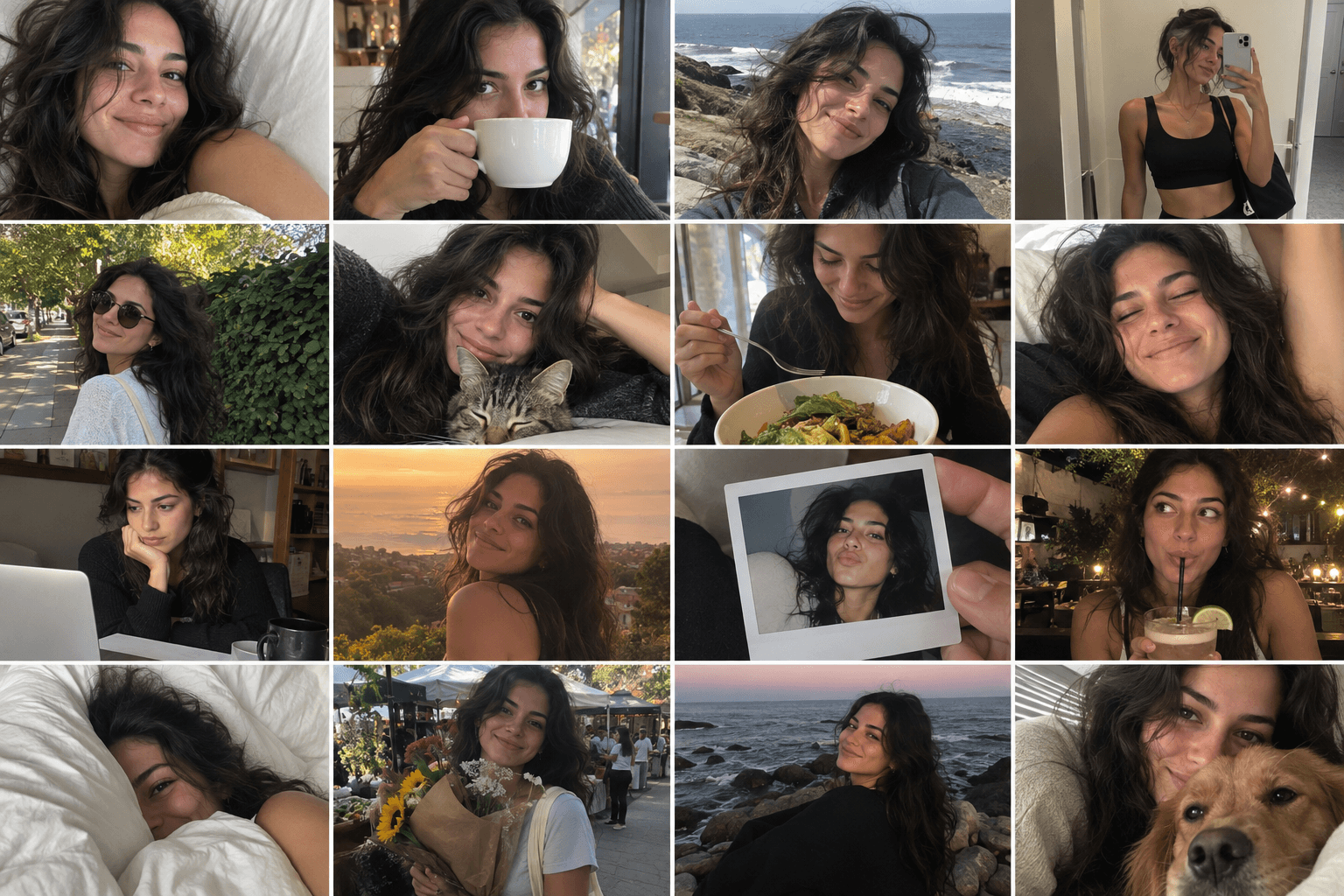
Camera Roll
Turn one photo into a day of casual camera-roll moments.
Reference-image multi-scene creation · GPT Image 2
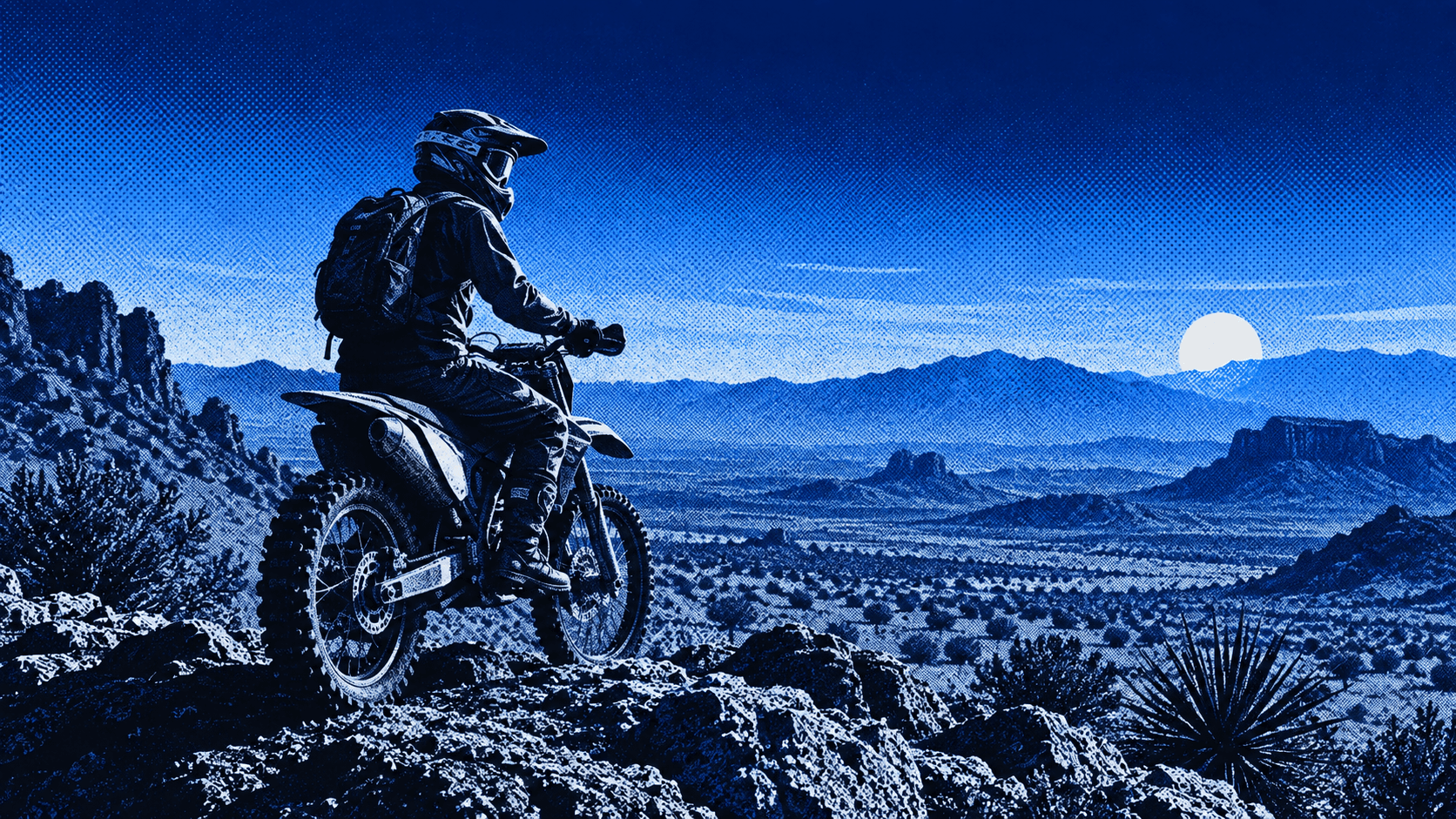
Press Blue
Transform your image into a bold blue halftone poster.
Reference-image poster design · GPT Image 2
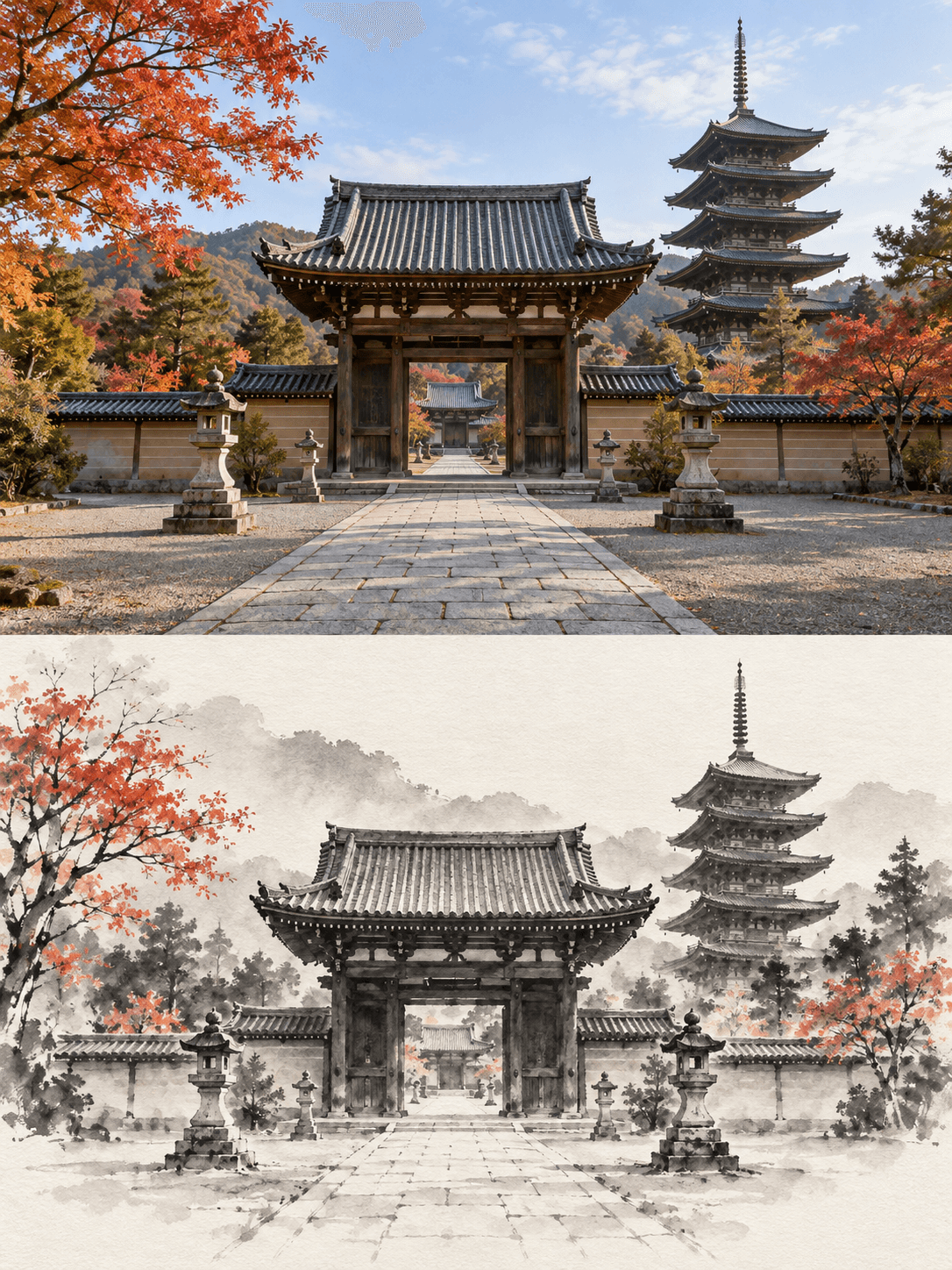
Ink Wash Reconstruction
Turn your image into an original + minimalist ink-wash comparison.
Reference-image art comparison · GPT Image 2
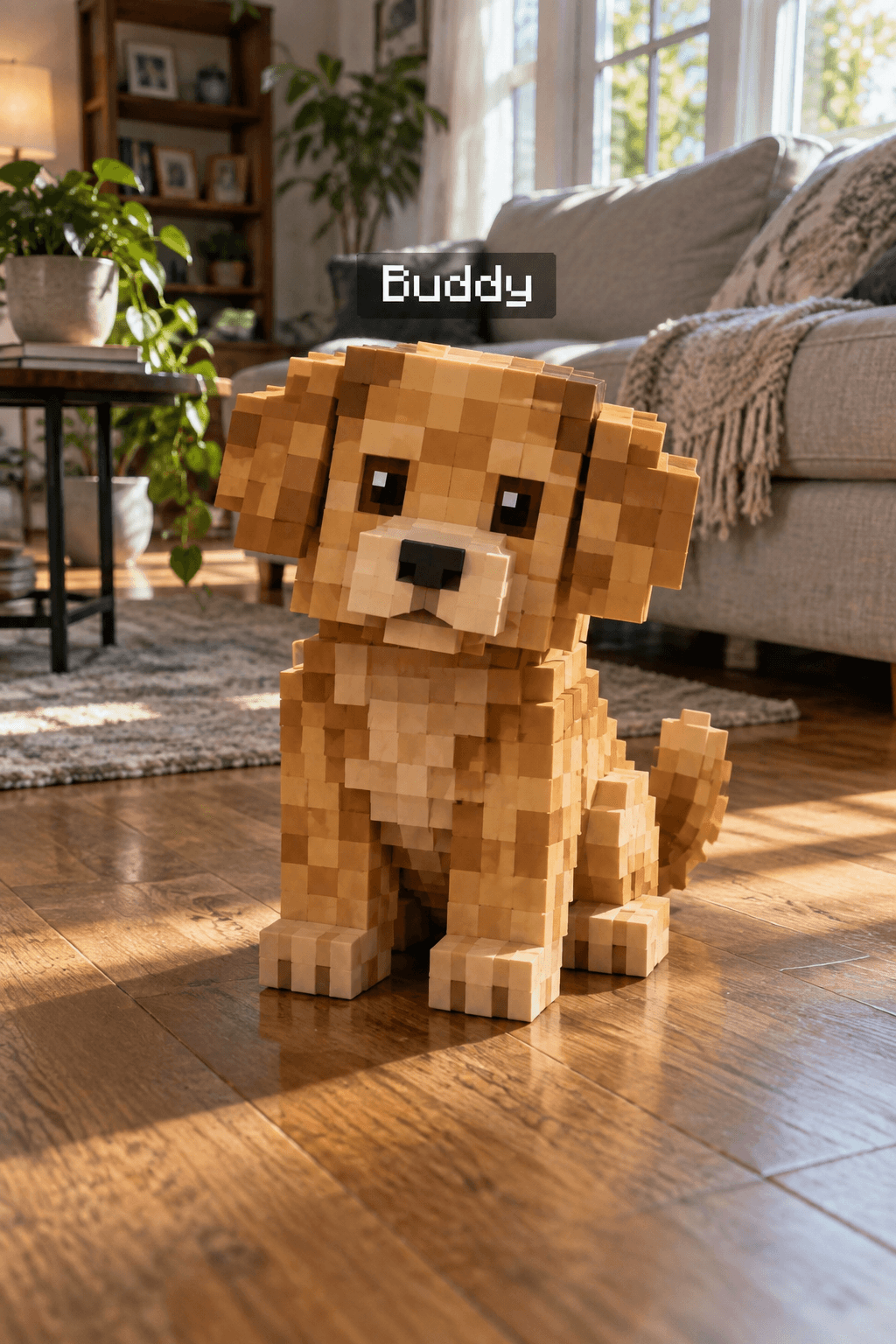
Minecraft Pet
Turn your pet into a Minecraft-style voxel version while keeping the real photo.
Reference-image pet transformation · GPT Image 2
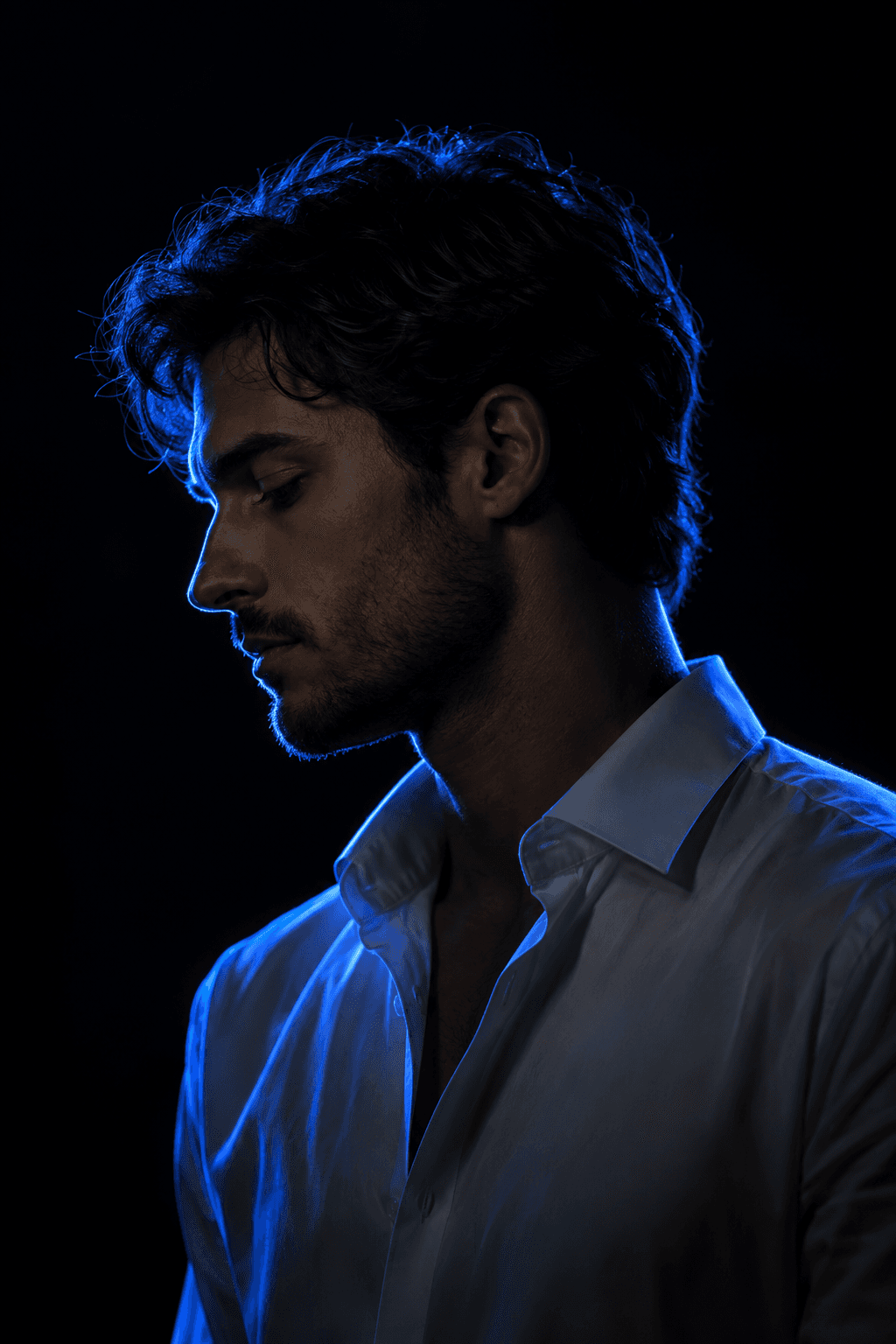
Blue Rim Light Portrait
Turn your photo into a cinematic neon-lit portrait.
Reference-image portrait relighting · Nano Banana
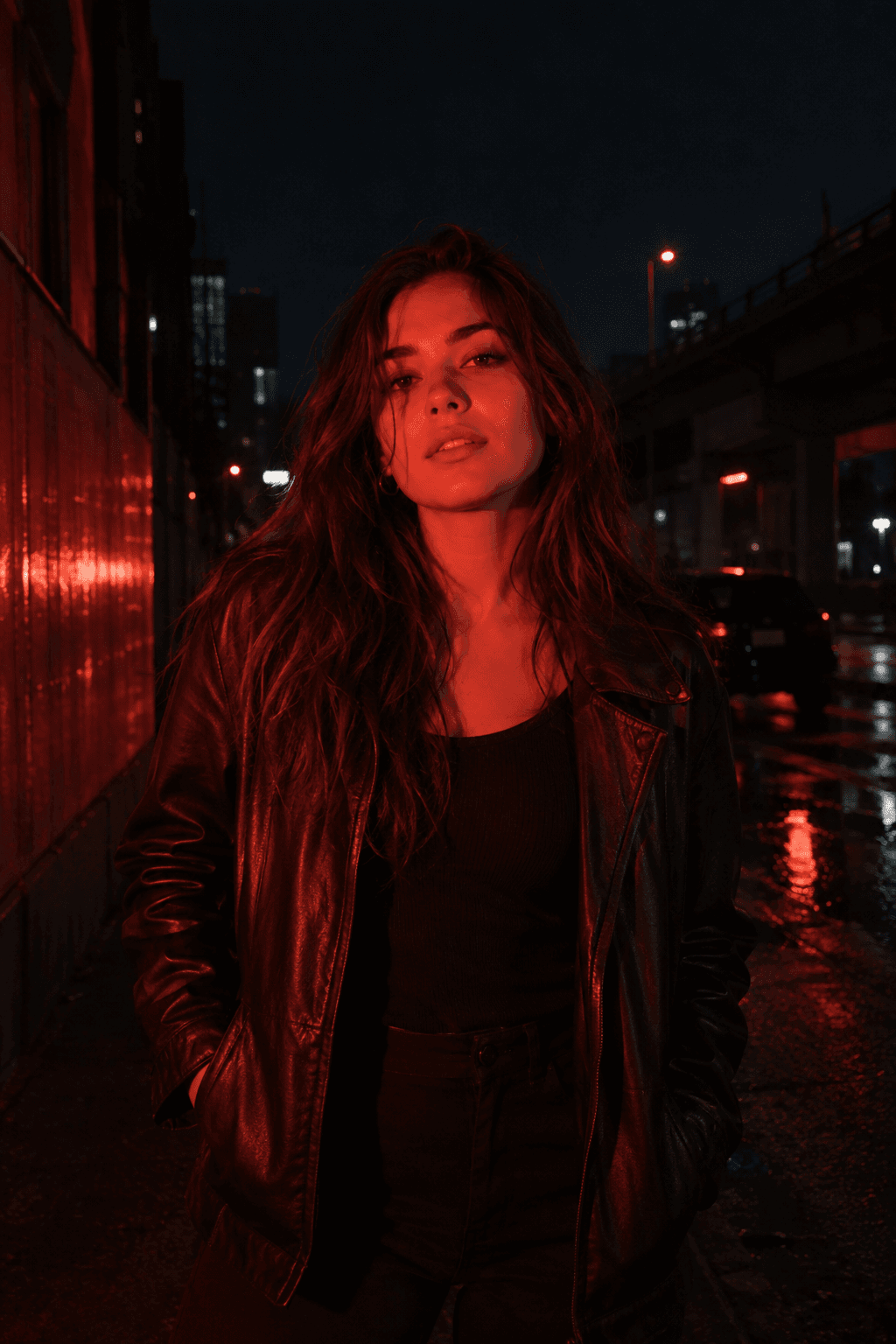
Red Flash
Relight your photo with intense cinematic red flash.
Reference-image relighting · GPT Image 2
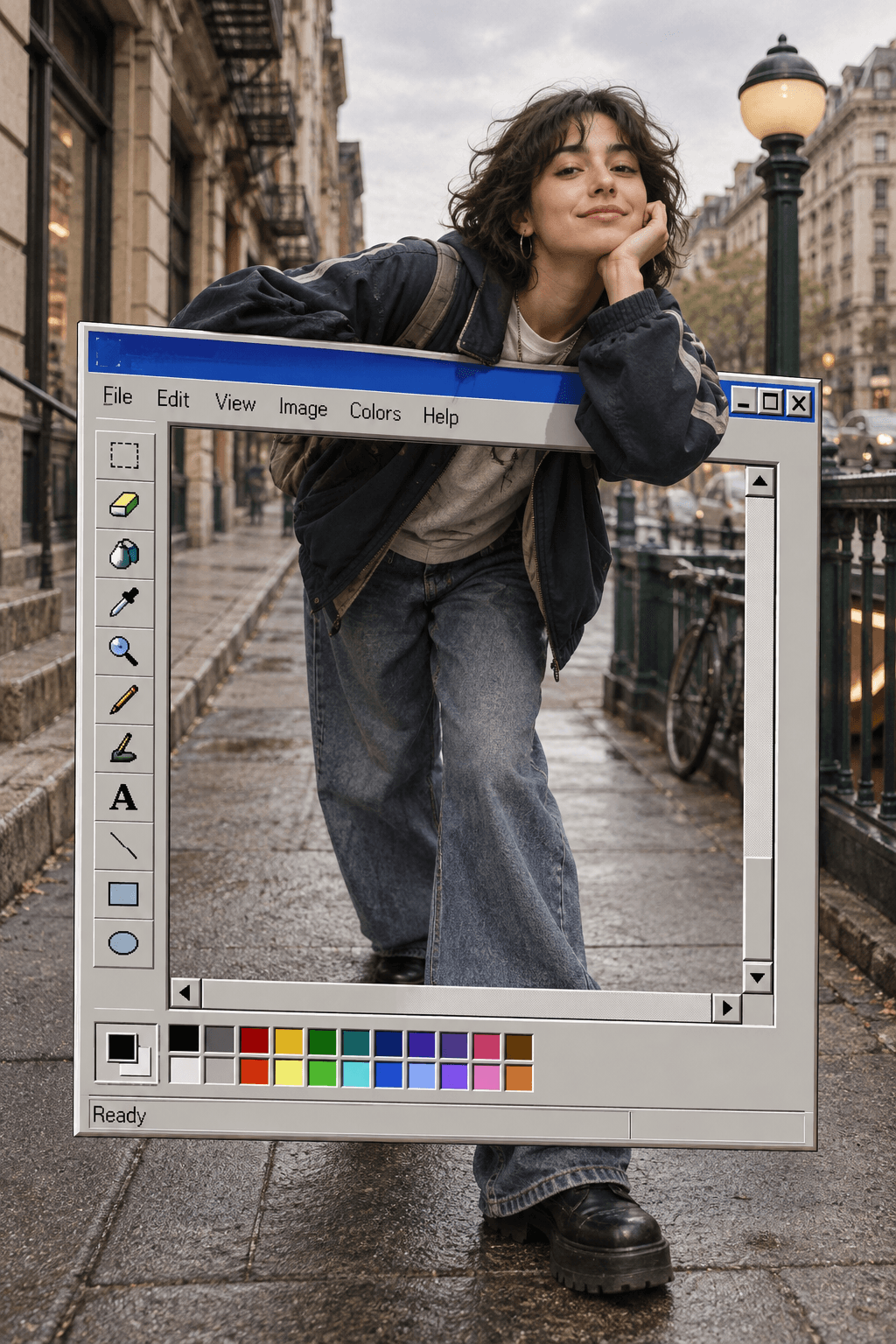
MS Paint
Turn your portrait into a retro Paint-window pop-out scene.
Reference-image graphic composition · GPT Image 2
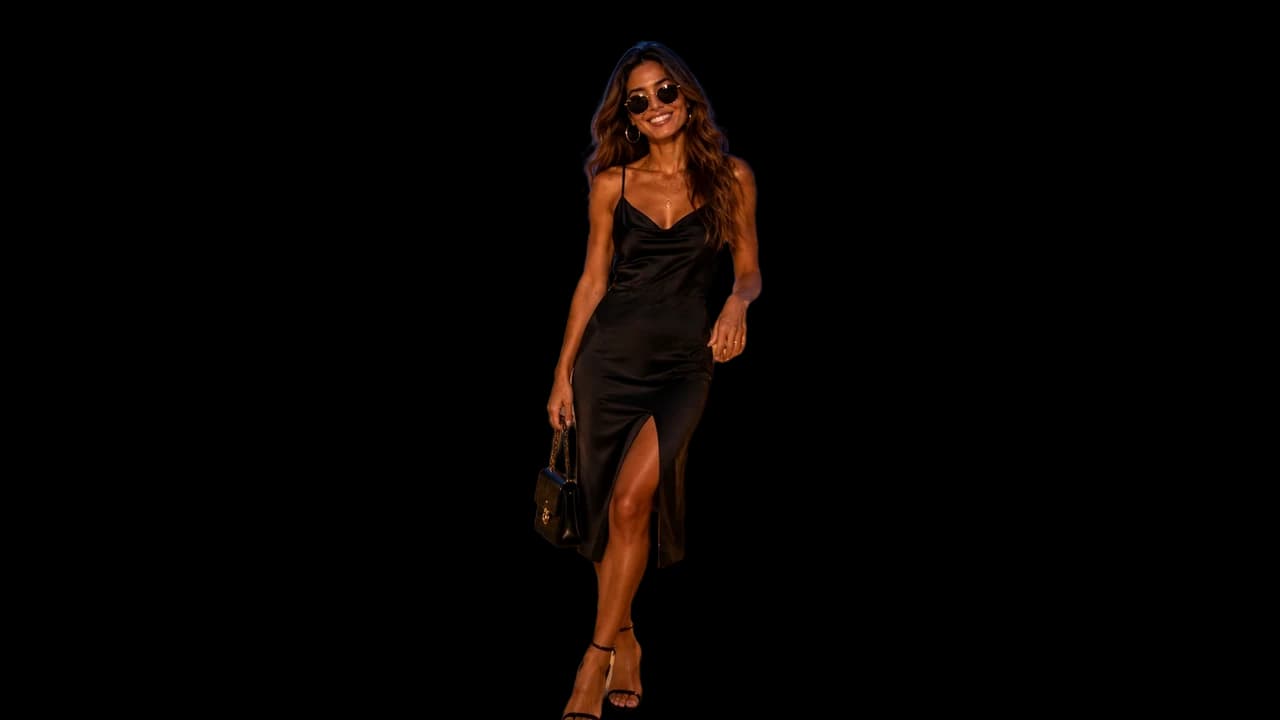
Remove Background
Create a clean cutout in seconds.
Image background removal · Background Remover
Social Templates
How to choose a template
Start with the result you want: a change of viewpoint, a visual treatment, a composite scene or a clean cutout. Each template page explains its input and opens the matching KiwiMotion workflow with the template selected. You can adjust your source image and settings before generating.
Looking for a model instead? Browse AI models →