
Image-to-image · viewpoint edit
AI Camera Angle
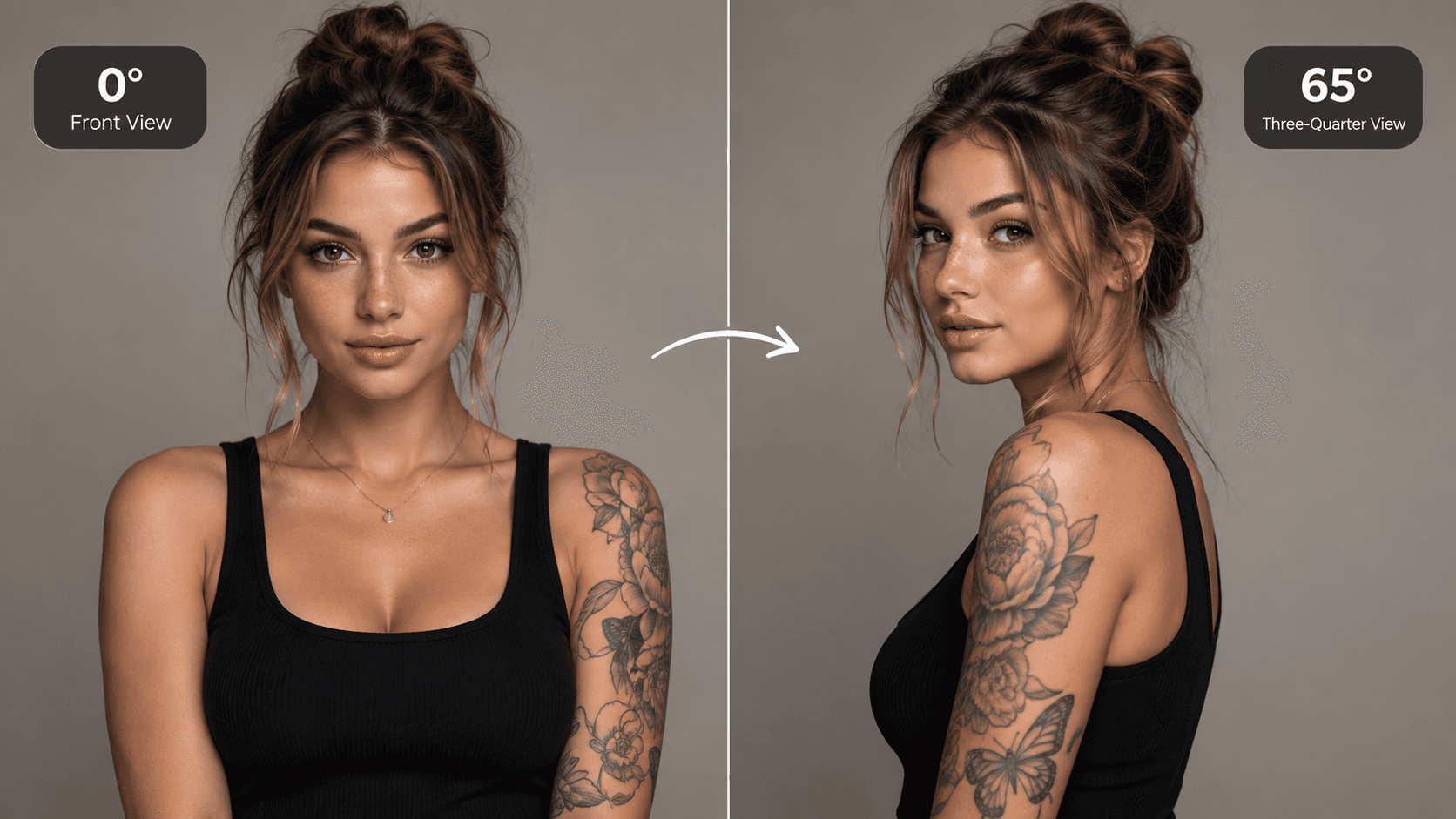
See your image from a new perspective. The output is a newly generated viewpoint of the source image. Hidden sides of objects cannot be verified from one photograph, so review fine identity and spatial details before using the result.
Use This Template →Opens the existing KiwiMotion Studio workflow with this template selected.
What this template does
AI Camera Angle uses an existing image as the visual reference while you choose a new view. It is for changing perspective, not replacing the subject or inventing a different scene. The preview shows the same person from front and three-quarter angles.
How to use it
- Upload a clear source image with a visible subject and enough surrounding detail to establish orientation.
- Use the angle controls to choose azimuth, elevation and zoom; start with a modest turn if identity matters.
- Generate a new view, inspect the subject and background geometry, then adjust the controls for another perspective.
What to expect
The output is a newly generated viewpoint of the source image. Hidden sides of objects cannot be verified from one photograph, so review fine identity and spatial details before using the result.
Tips for better results
- A sharply focused subject is easier to carry across viewpoints than a small figure in a crowded image.
- Large turns may require the model to imagine surfaces hidden in the original photo.
- Keep the framing generous if you plan to rotate or zoom without cropping the subject.
Workflow and model
Image-to-image · viewpoint edit · Qwen Image Edit
Does this rotate the original photo?
No. Studio generates a new image from your reference and chosen camera position rather than simply rotating the existing pixels.
Related Templates
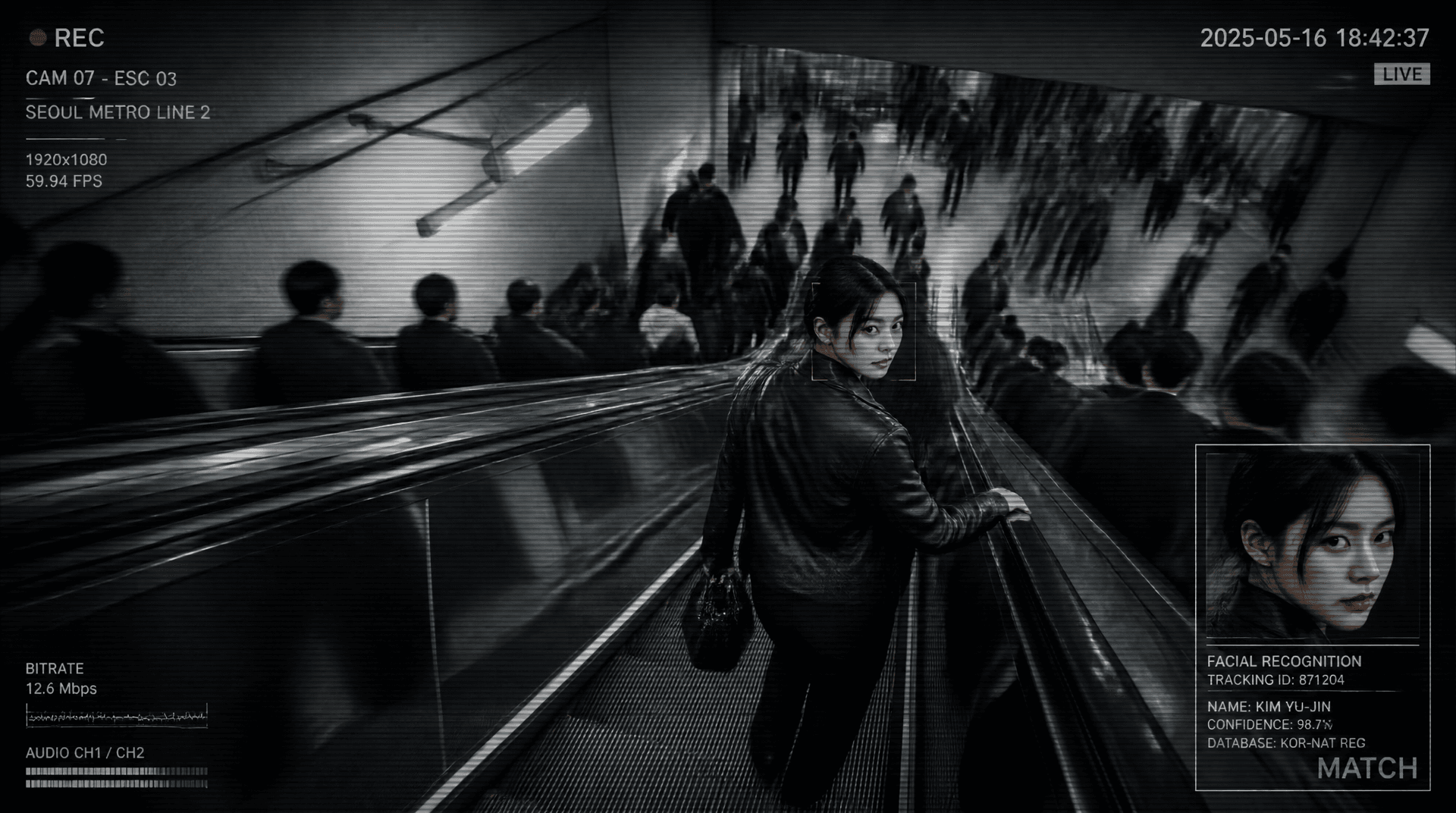
Metro Surveillance
Turn your photo into a cinematic CCTV thriller.
Reference-image scene transformation · GPT Image 2
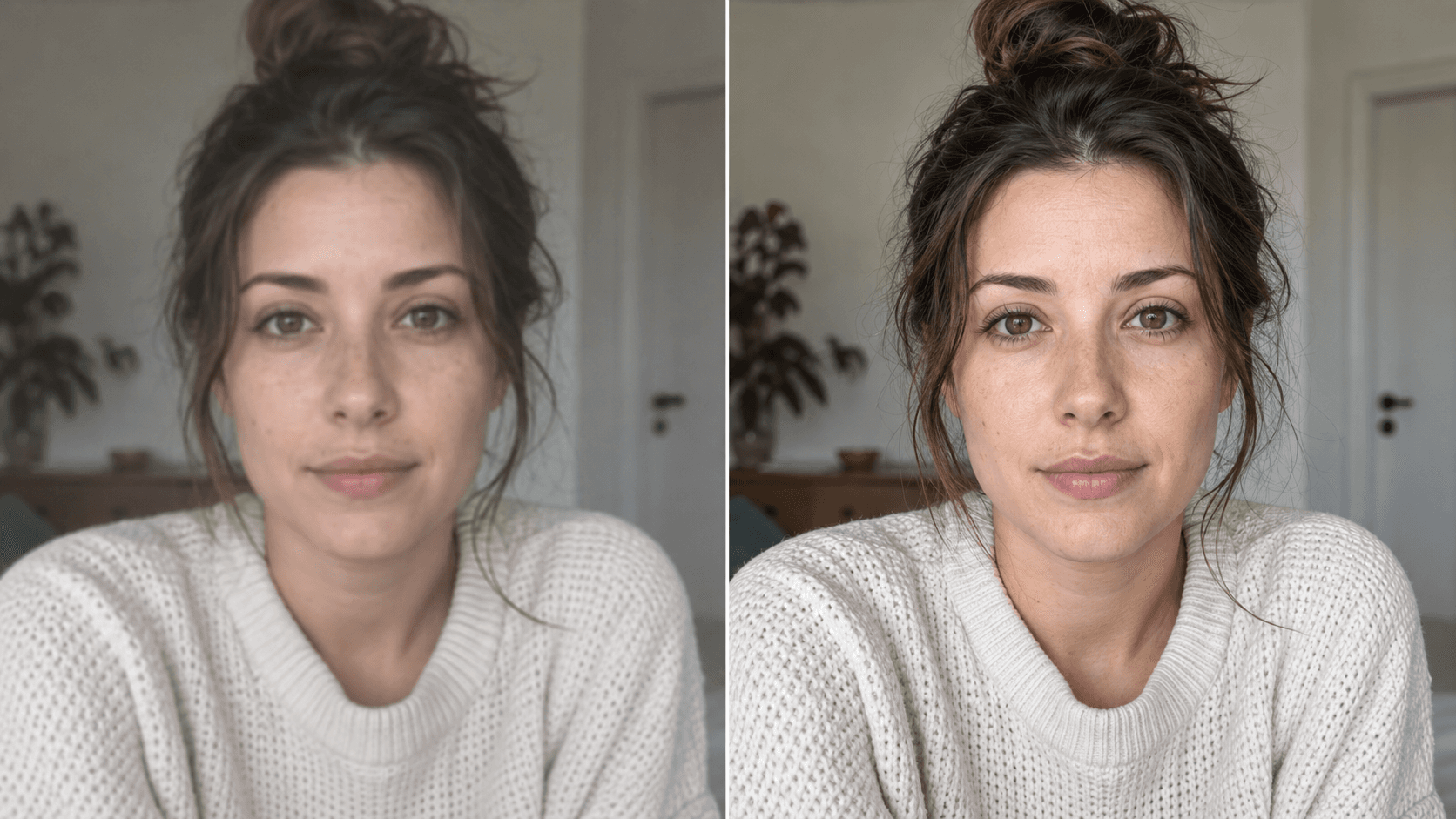
Upscale
Enhance your photo with natural, lifelike detail.
Reference-image enhancement · GPT Image 2
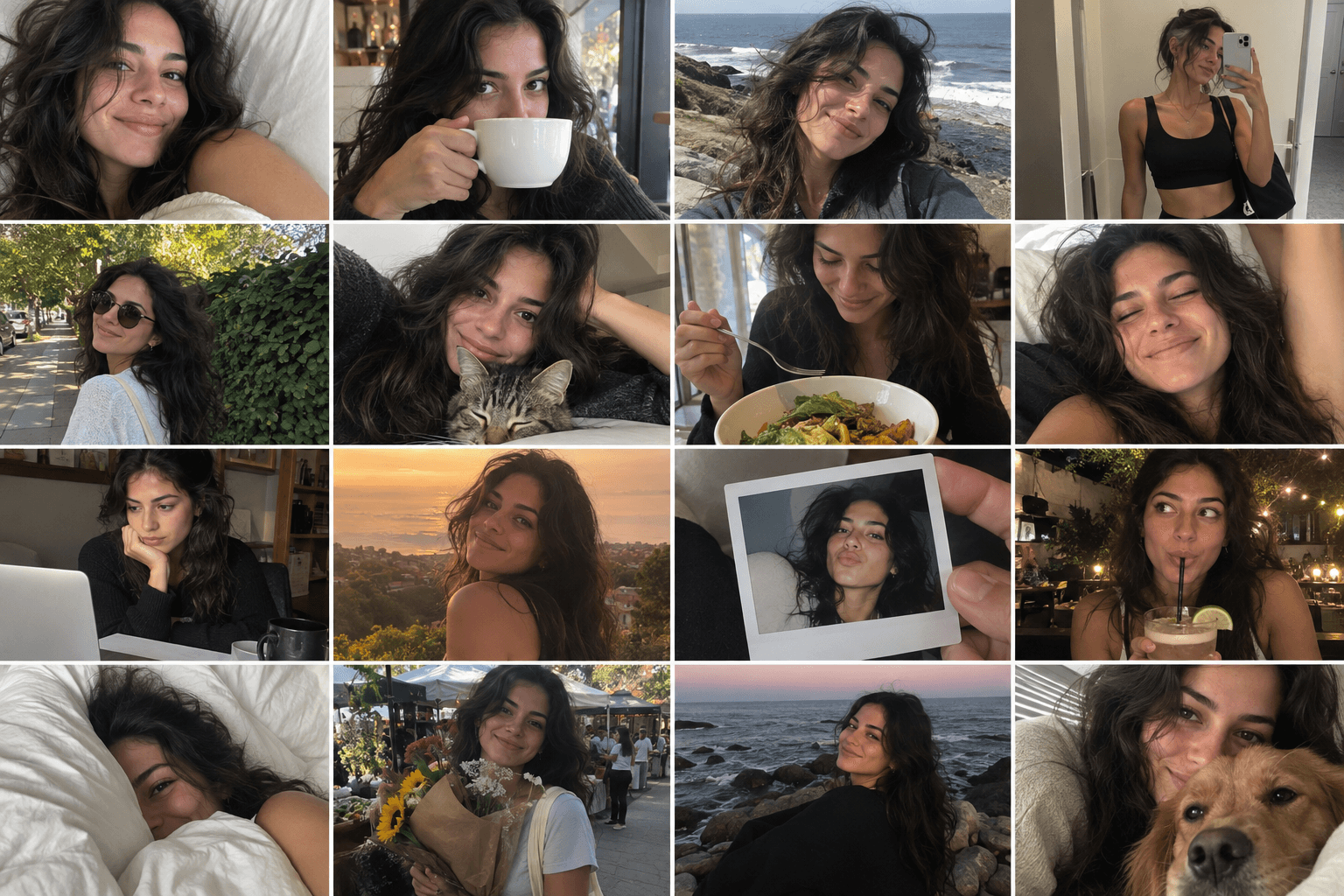
Camera Roll
Turn one photo into a day of casual camera-roll moments.
Reference-image multi-scene creation · GPT Image 2
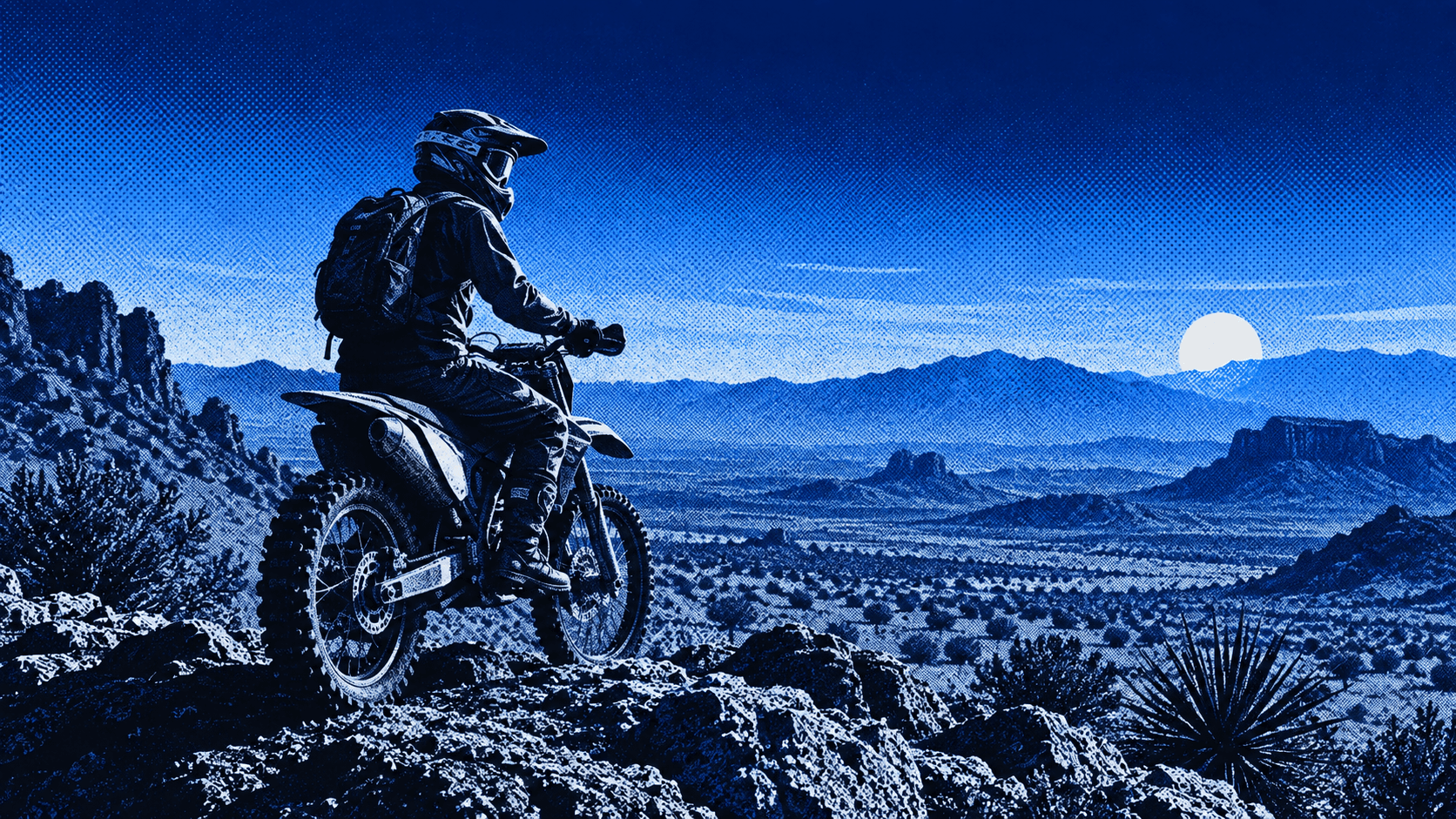
Press Blue
Transform your image into a bold blue halftone poster.
Reference-image poster design · GPT Image 2