
Reference-image enhancement
Upscale
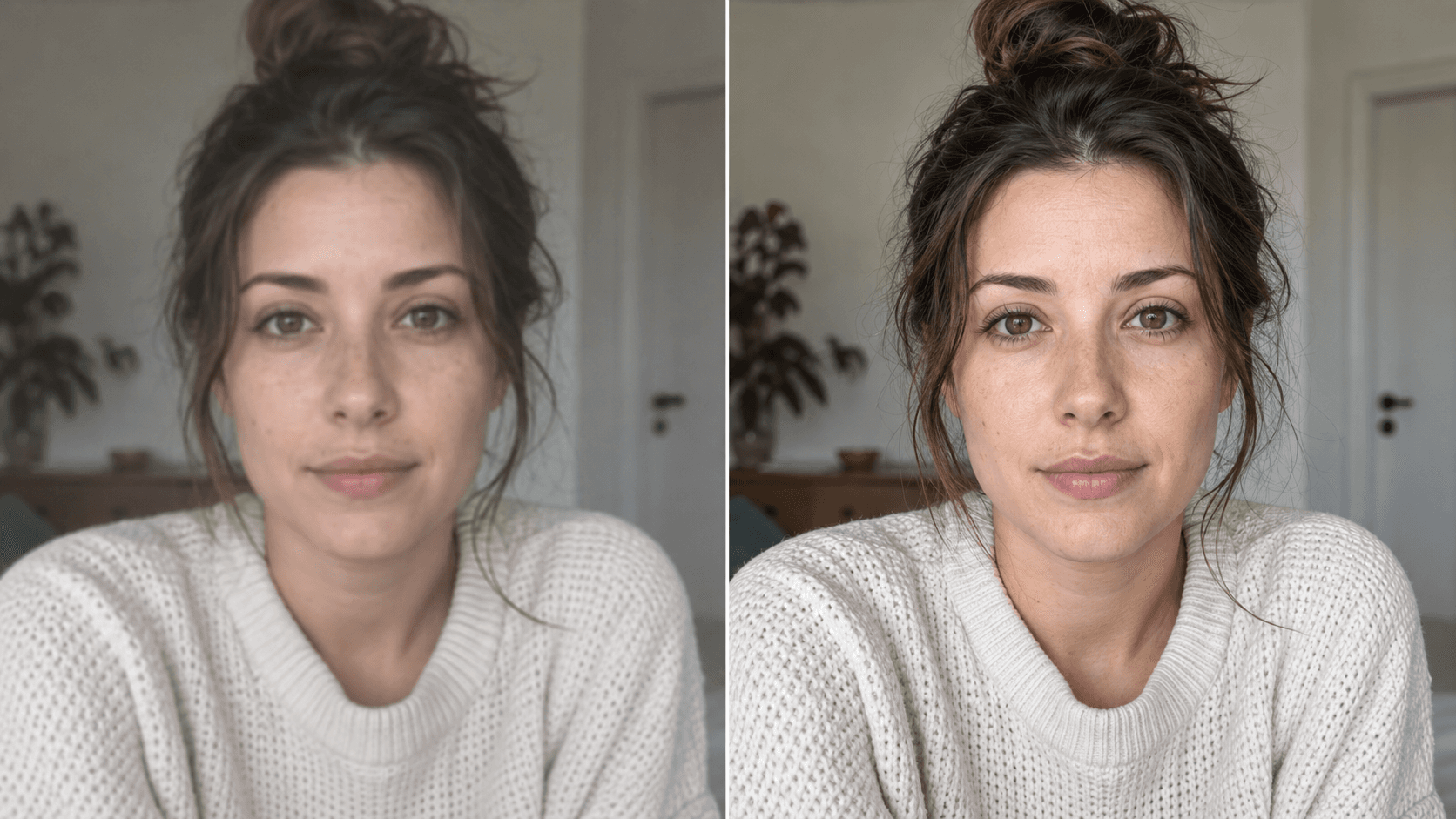
Enhance your photo with natural, lifelike detail. You should see a cleaner photographic rendition with the original composition broadly intact; generated fine detail may not perfectly match the source.
Use This Template →Opens the existing KiwiMotion Studio workflow with this template selected.
What this template does
This Upscale template asks GPT Image 2 to refine a photo's lighting, local contrast and detail while retaining its subject, framing and photographic style. It is an AI reconstruction rather than a lossless pixel enlargement.
How to use it
- Upload the image you want to enhance.
- Use the prefilled enhancement direction in Studio and generate a result.
- Compare face, fabric, hair and scene details against the source before choosing the output.
What to expect
You should see a cleaner photographic rendition with the original composition broadly intact; generated fine detail may not perfectly match the source.
Tips for better results
- Begin with the highest-quality original you have rather than a heavily compressed copy.
- Moderately exposed photos retain more real information than clipped highlights.
- Look for invented textures or oversharpened edges when reviewing the output.
Workflow and model
Reference-image enhancement · GPT Image 2
Does this recover missing real detail?
No. AI can render plausible detail, but it cannot prove what an unreadable part of the original actually contained.
Related Templates
Camera Roll
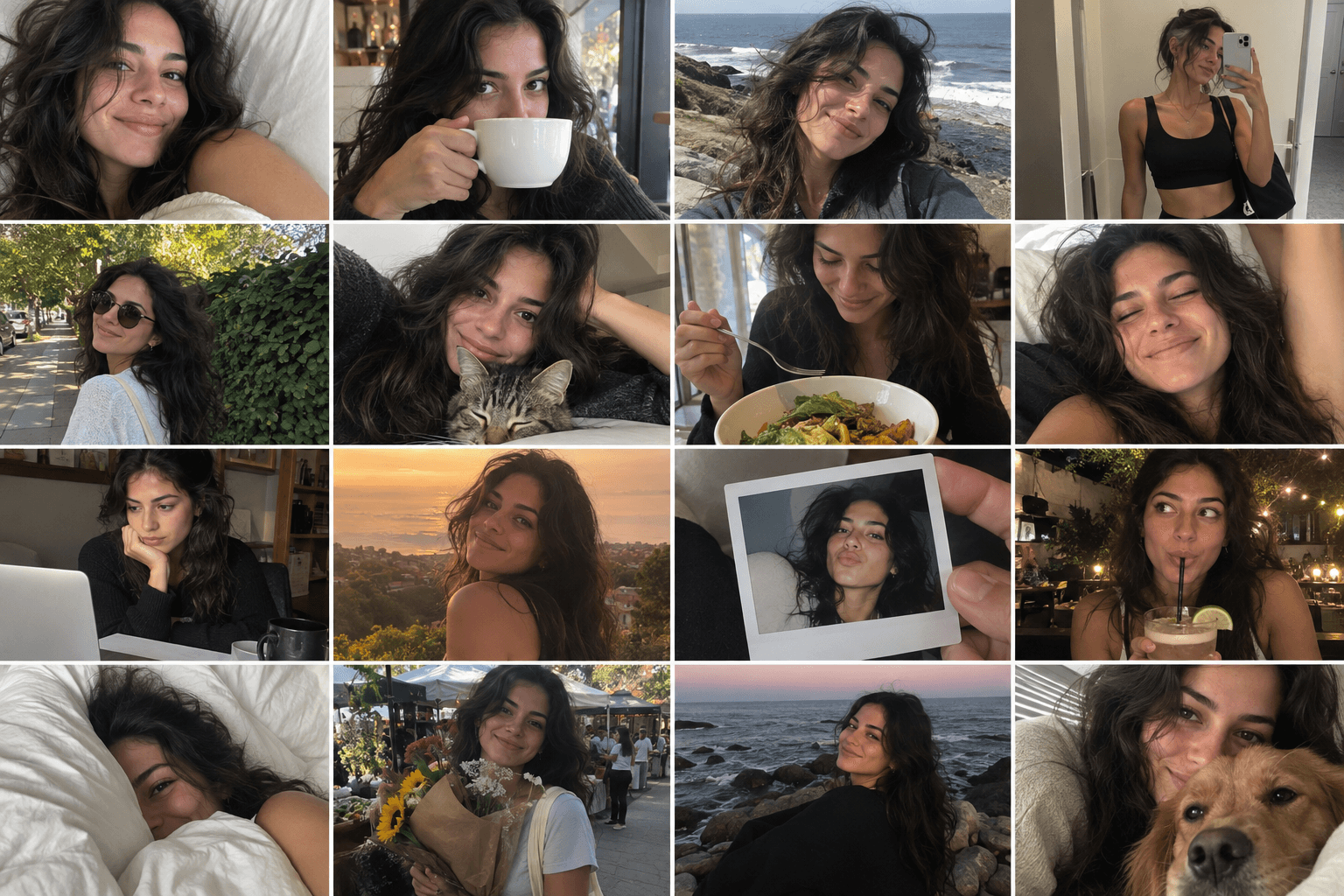
Turn one photo into a day of casual camera-roll moments.
Reference-image multi-scene creation · GPT Image 2
Red Flash
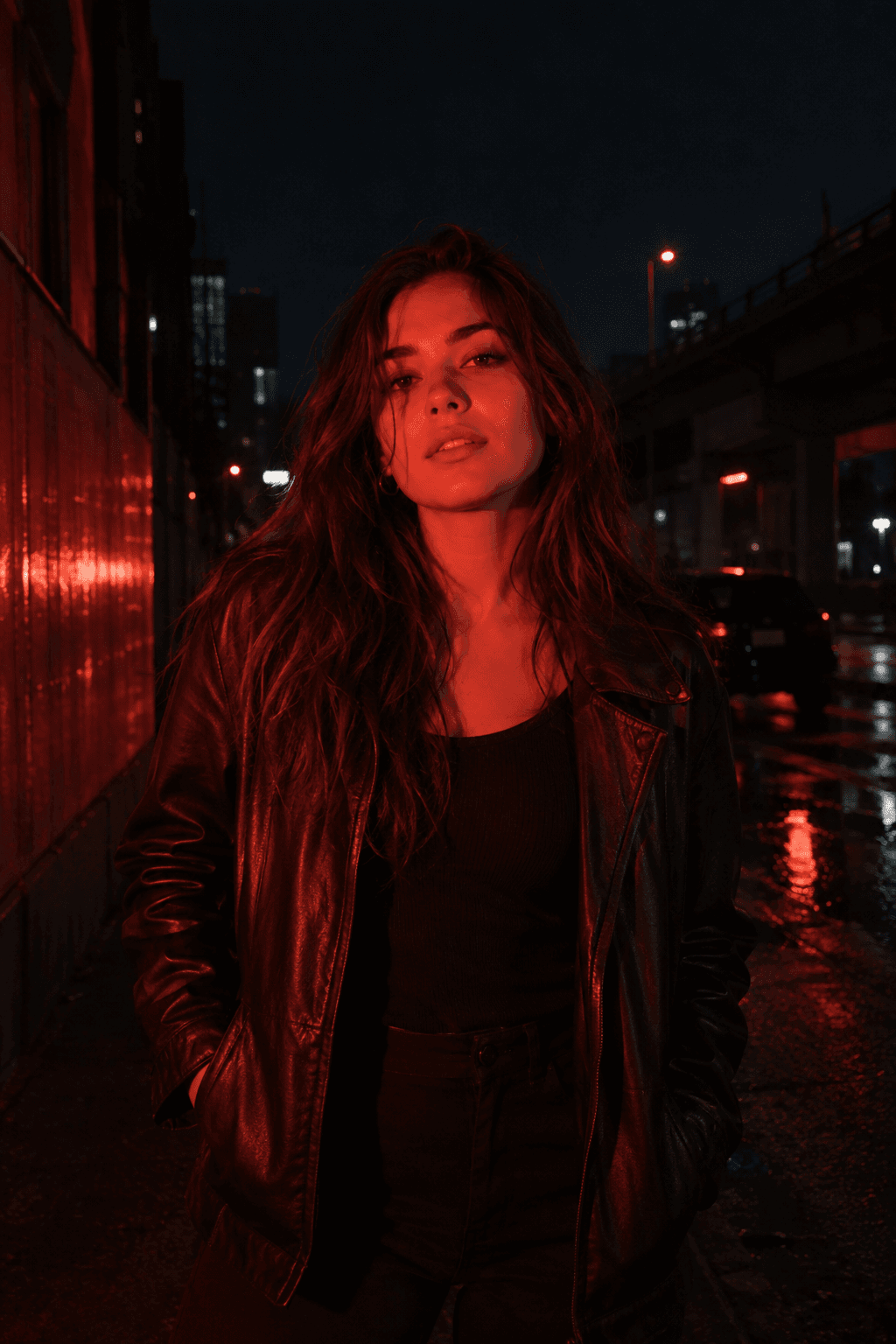
Relight your photo with intense cinematic red flash.
Reference-image relighting · GPT Image 2
Metro Surveillance
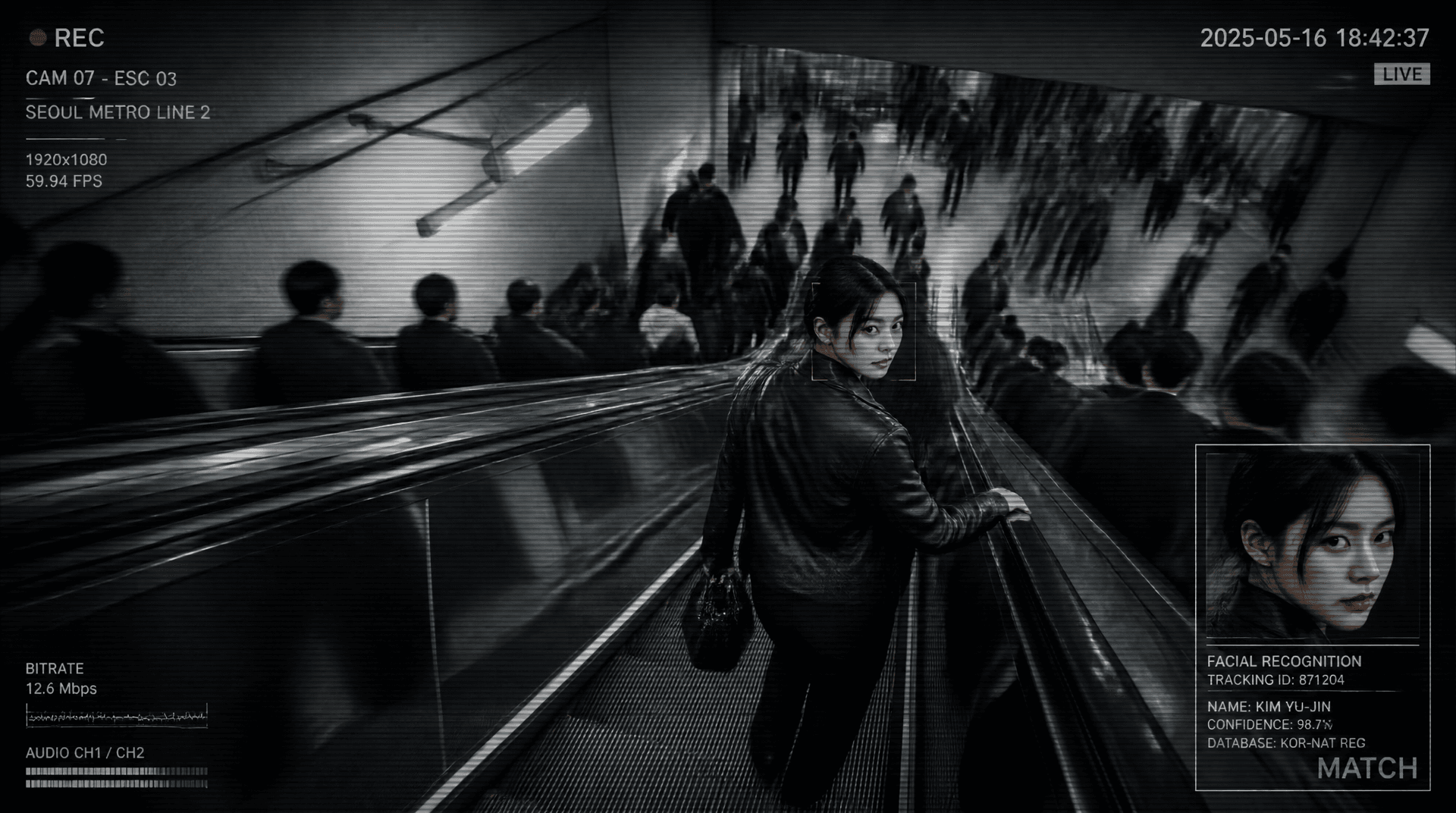
Turn your photo into a cinematic CCTV thriller.
Reference-image scene transformation · GPT Image 2
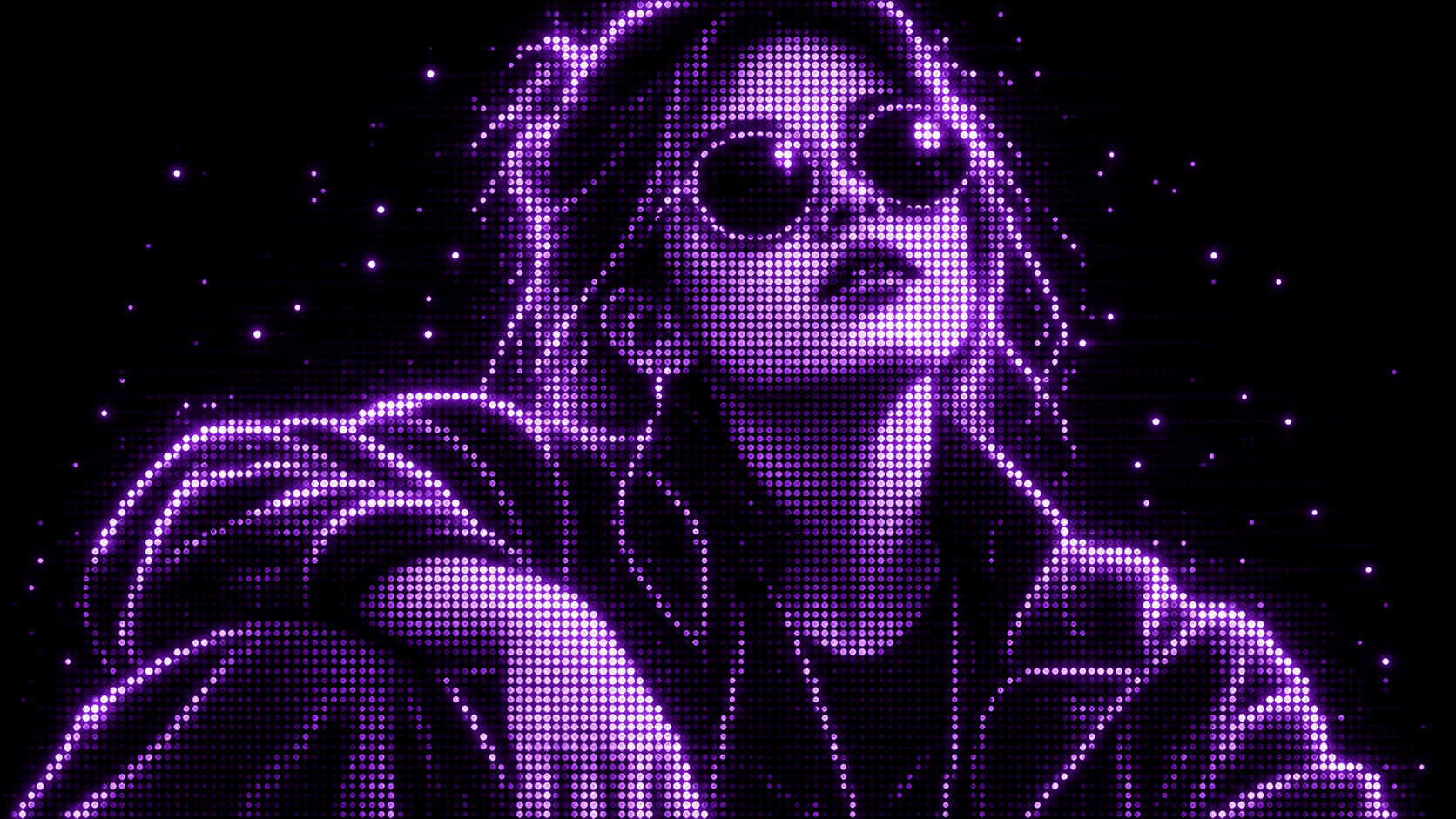
Purple Phosphor
Reimagine your photo as a glowing purple dot display.
Reference-image style transformation · GPT Image 2