
Reference-image style transformation
Purple Phosphor
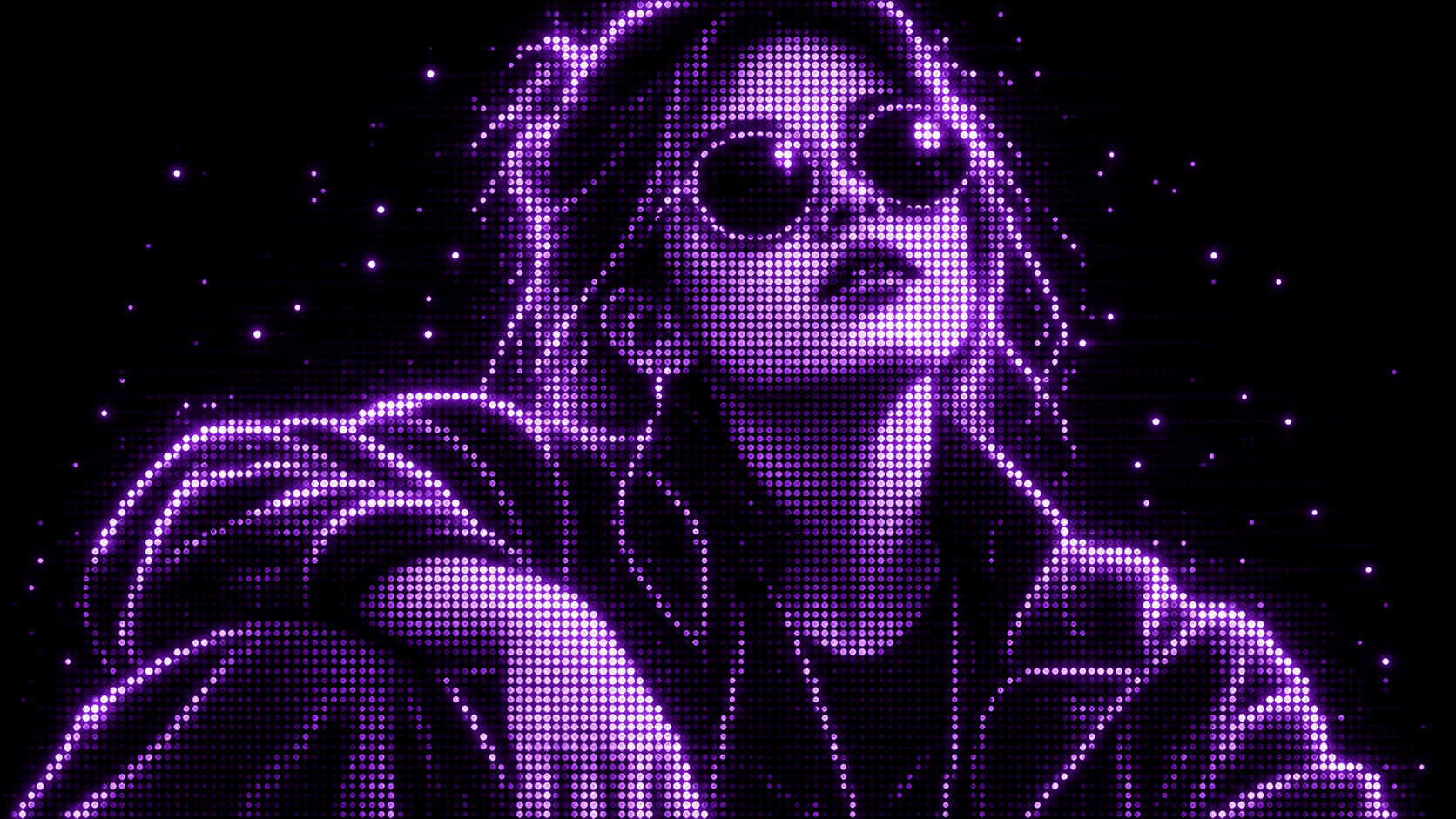
Reimagine your photo as a glowing purple dot display. The result is a new graphic rendering, not a color tint applied to the original pixels.
Use This Template →Opens the existing KiwiMotion Studio workflow with this template selected.
What this template does
Purple Phosphor converts the subject and tonal structure of a photo into glowing purple dots against black. The original silhouette and crop guide the reconstruction, while dot density carries highlights and shadows.
How to use it
- Upload a photo with a distinct silhouette or face.
- Launch the template; its phosphor treatment is prefilled in the image workflow.
- Generate and compare the readability of the subject with the source.
What to expect
The result is a new graphic rendering, not a color tint applied to the original pixels.
Tips for better results
- High-contrast source lighting helps dots describe the subject.
- A simple background prevents the purple display texture from becoming noisy.
- Use a close crop when facial recognition matters.
Workflow and model
Reference-image style transformation · GPT Image 2
Will other colors stay in the result?
The template asks for a one-color purple display on black; inspect the generated result if strict palette control matters.
Related Templates
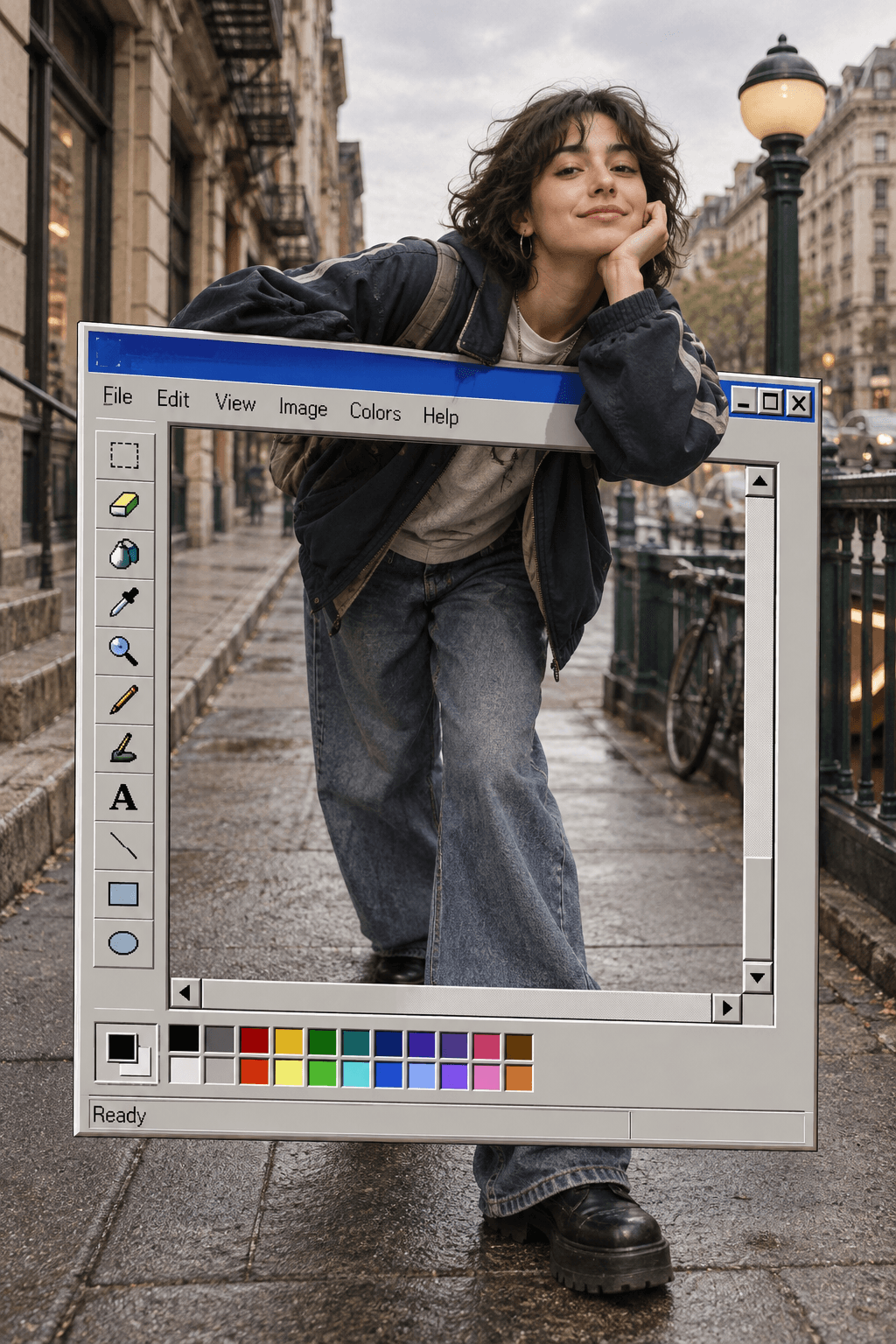
MS Paint
Turn your portrait into a retro Paint-window pop-out scene.
Reference-image graphic composition · GPT Image 2

Upscale
Enhance your photo with natural, lifelike detail.
Reference-image enhancement · GPT Image 2

Camera Roll
Turn one photo into a day of casual camera-roll moments.
Reference-image multi-scene creation · GPT Image 2

Press Blue
Transform your image into a bold blue halftone poster.
Reference-image poster design · GPT Image 2