
Reference-image multi-scene creation
Camera Roll
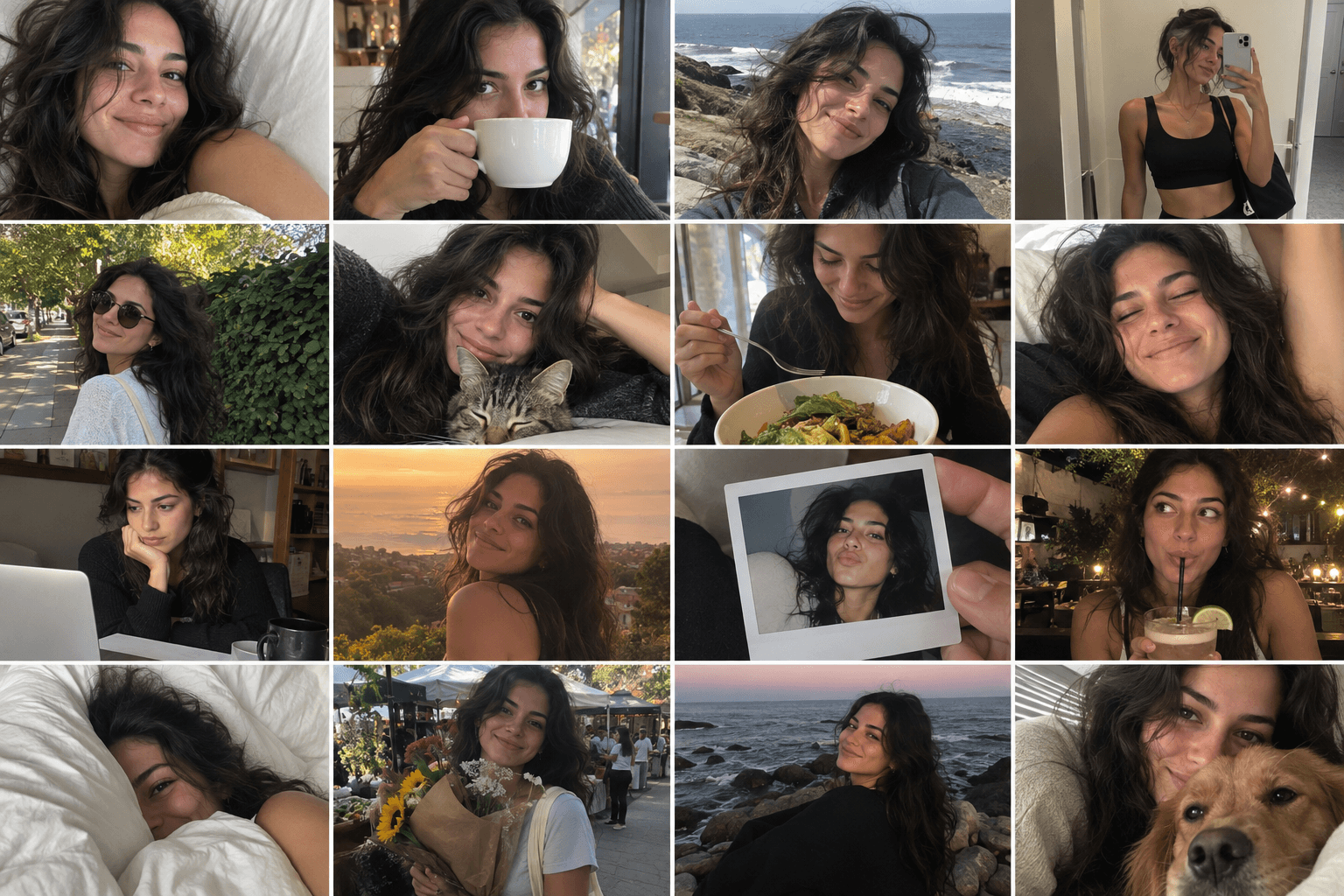
Turn one photo into a day of casual camera-roll moments. The output is a single generated camera-roll grid, not a collection of separately captured real photos.
Use This Template →Opens the existing KiwiMotion Studio workflow with this template selected.
What this template does
Camera Roll creates one composite image of everyday snapshots. It uses the uploaded subject as an identity reference and varies location, framing, lighting and expression so the grid feels like a day of informal phone photos.
How to use it
- Upload a clear image of the person or character to anchor the grid.
- Open the prefilled Camera Roll workflow in Studio.
- Generate the composite and check identity consistency across the individual snapshots.
What to expect
The output is a single generated camera-roll grid, not a collection of separately captured real photos.
Tips for better results
- A clean view of the face improves cross-frame consistency.
- Choose a source with recognizable hairstyle and clothing cues.
- Review each small tile for duplicated features or unexpected text.
Workflow and model
Reference-image multi-scene creation · GPT Image 2
Can I download each snapshot separately?
The template produces a single grid image; separate tiles would need to be cropped afterward.
Related Templates
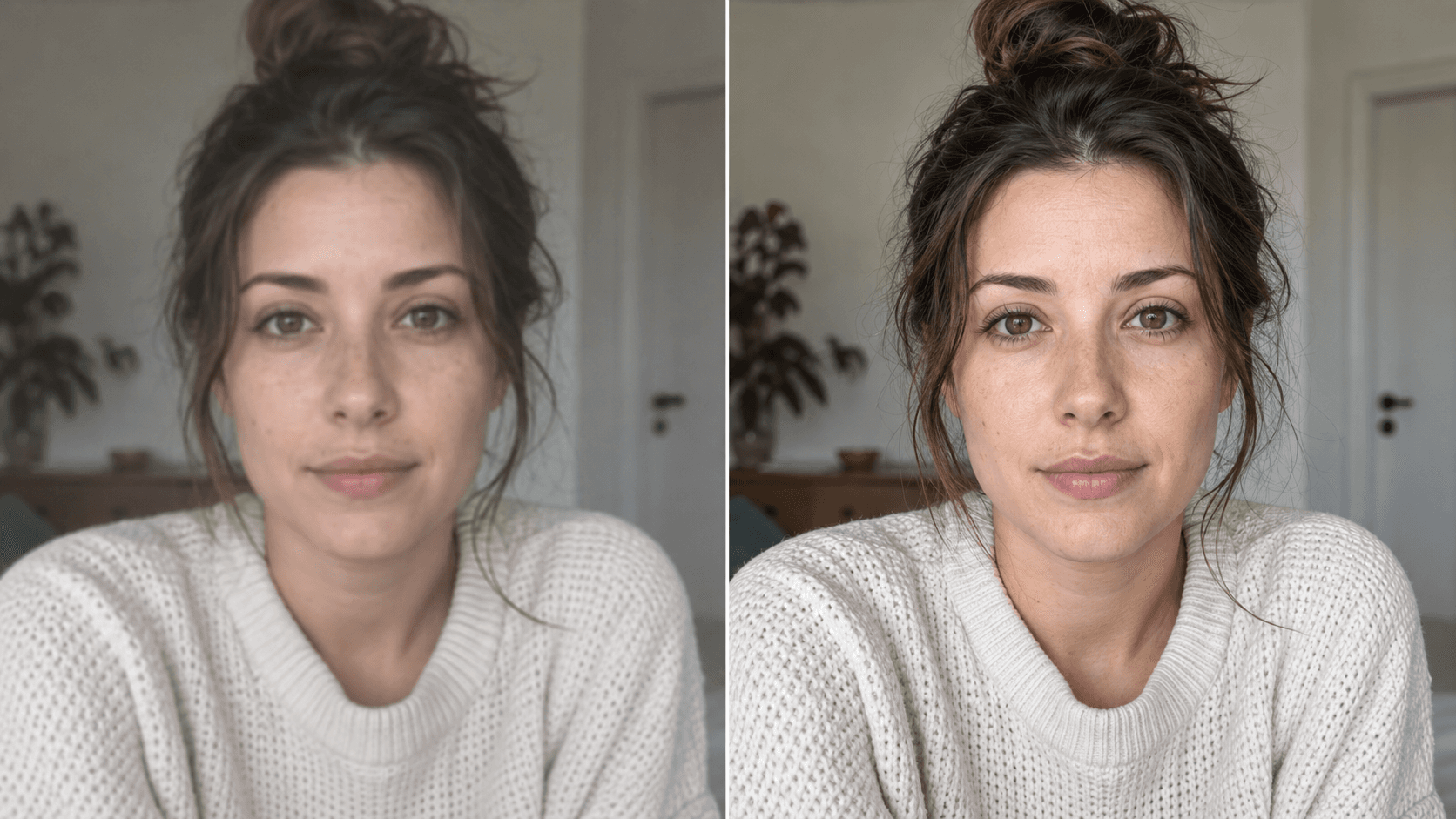
Upscale
Enhance your photo with natural, lifelike detail.
Reference-image enhancement · GPT Image 2
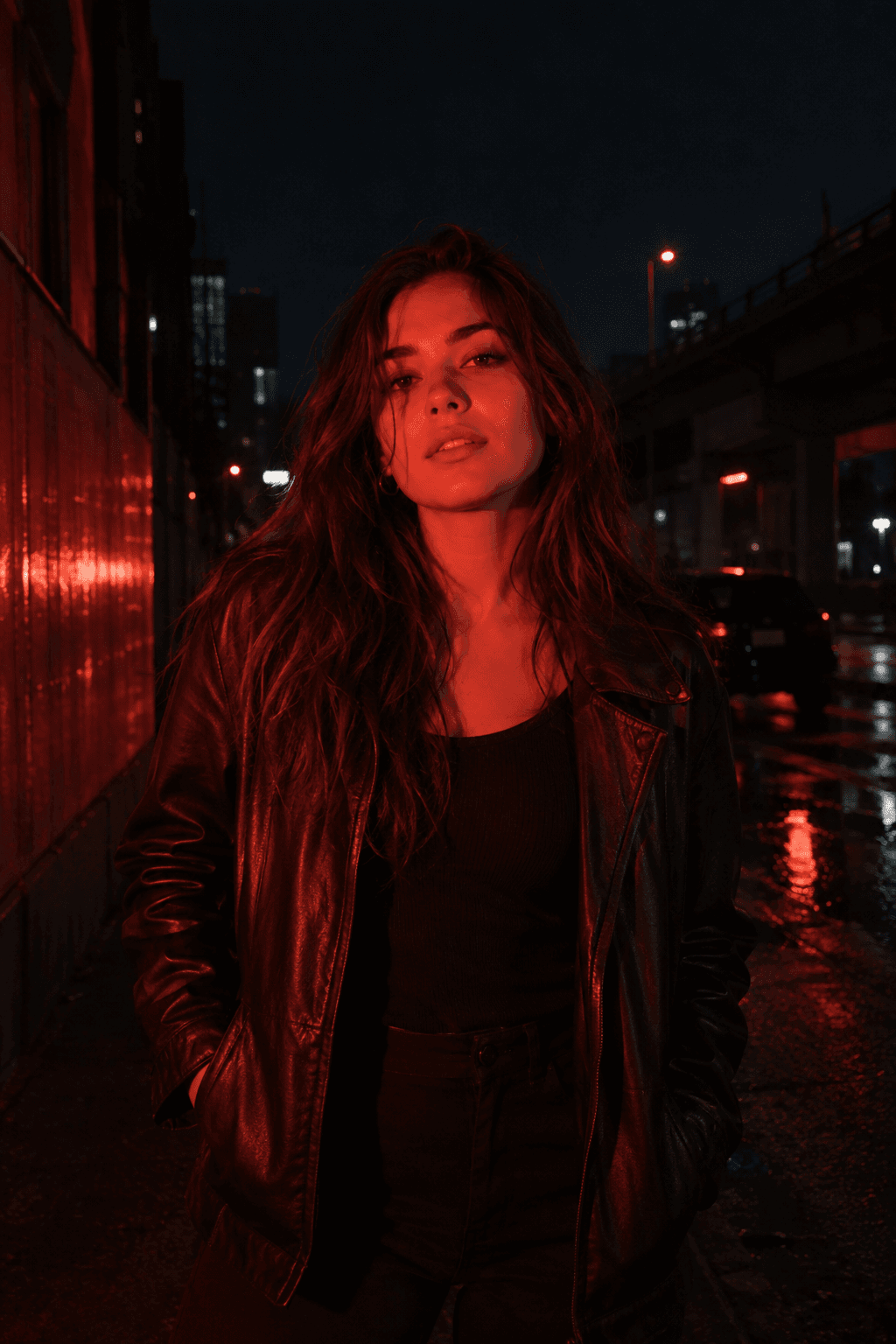
Red Flash
Relight your photo with intense cinematic red flash.
Reference-image relighting · GPT Image 2
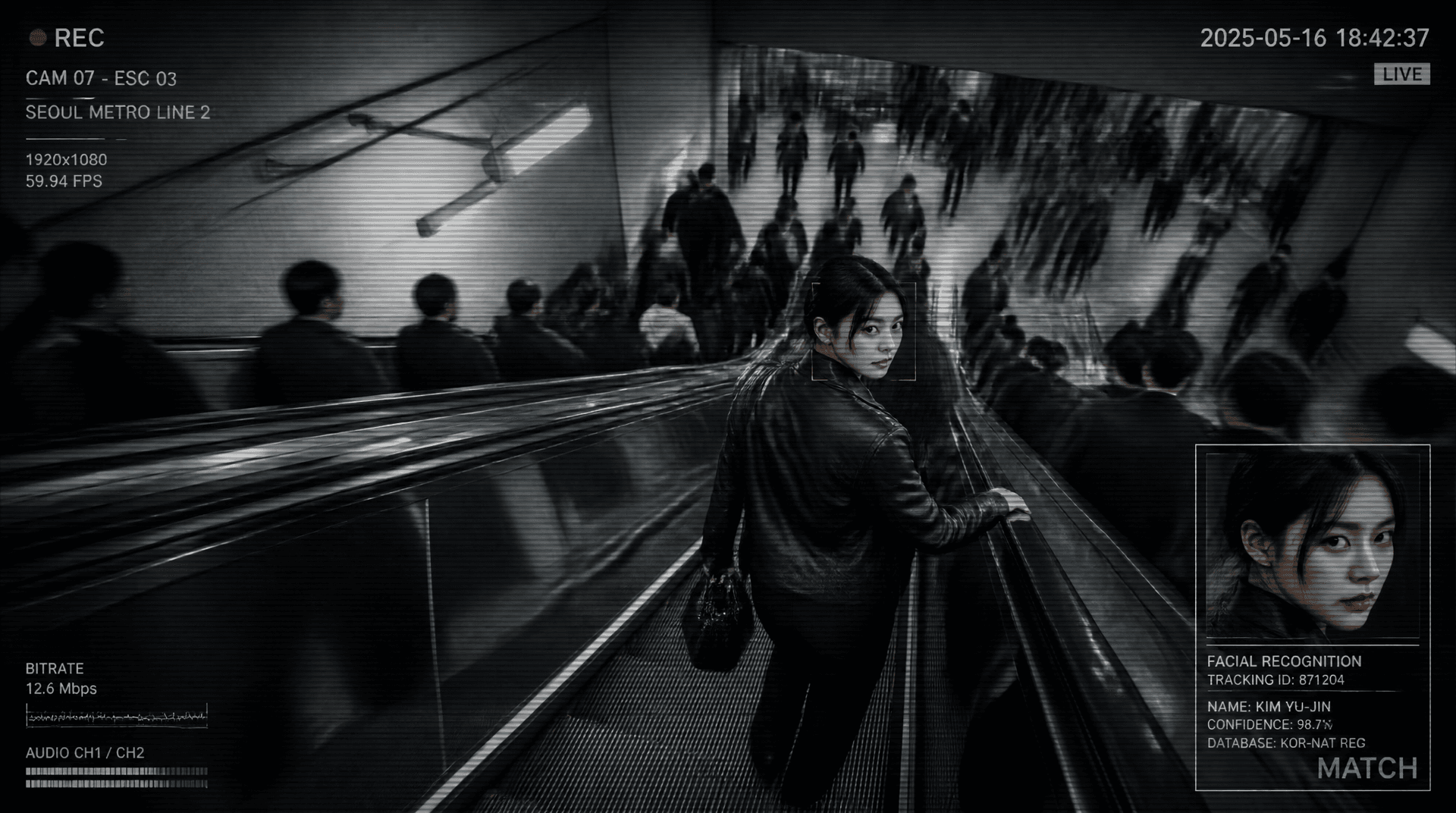
Metro Surveillance
Turn your photo into a cinematic CCTV thriller.
Reference-image scene transformation · GPT Image 2
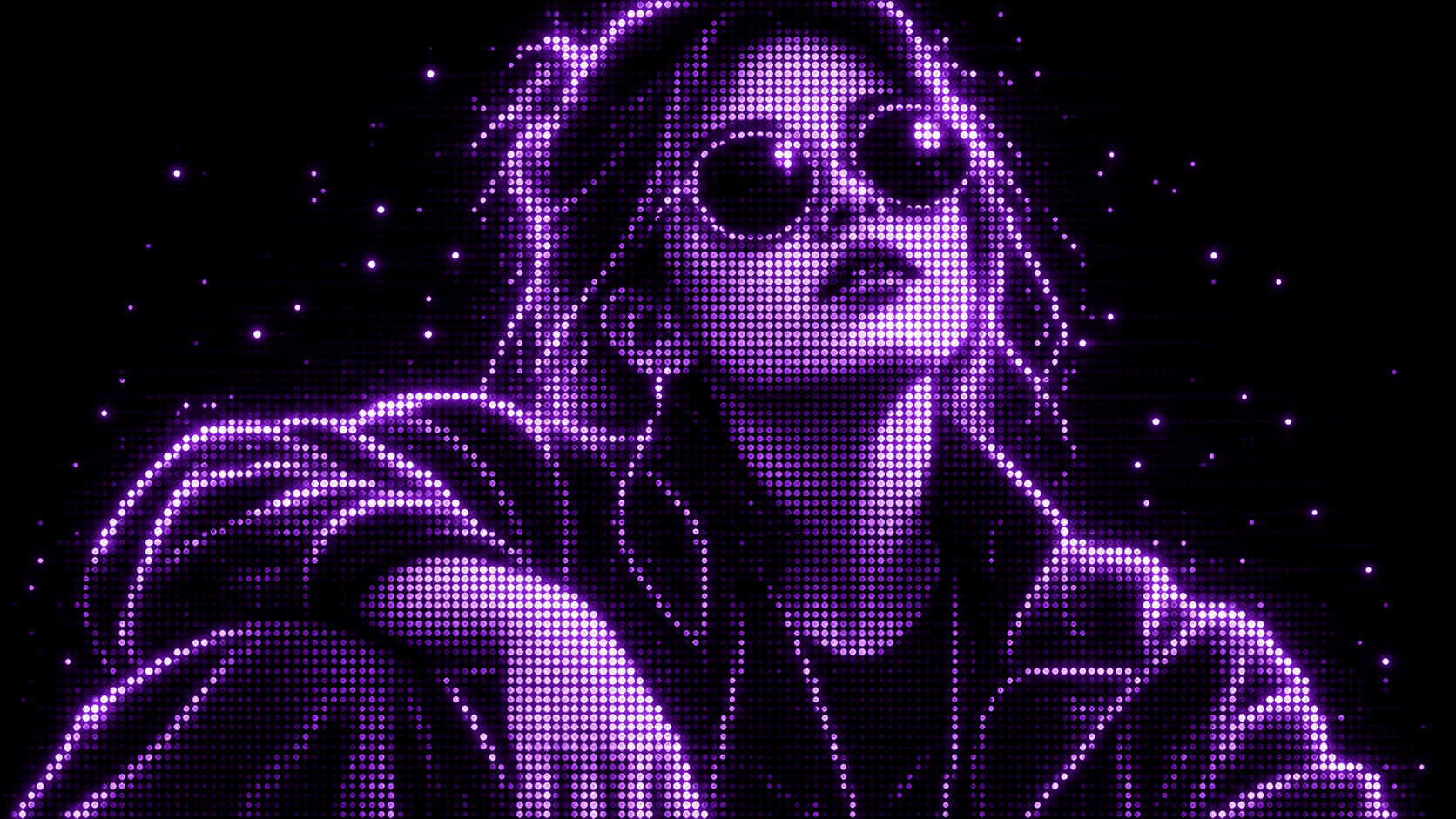
Purple Phosphor
Reimagine your photo as a glowing purple dot display.
Reference-image style transformation · GPT Image 2