
Model guide
Seedream 5 Pro AI image generator and prompts
Seedream 5 Pro is an image model built for detailed scenes, structured visual layouts and reference-guided edits. In KiwiMotion, you can generate from a written prompt or edit an uploaded image in the Studio above. Below, explore real KiwiMotion results, see approved references where they were used, and learn how to write clearer prompts for portraits, fashion, posters and more.
Real Seedream 5 Pro prompt examples
These selected results show both text-led images and reference-guided edits. Open a card for its full prompt and, where approved, the reference image alongside the result.
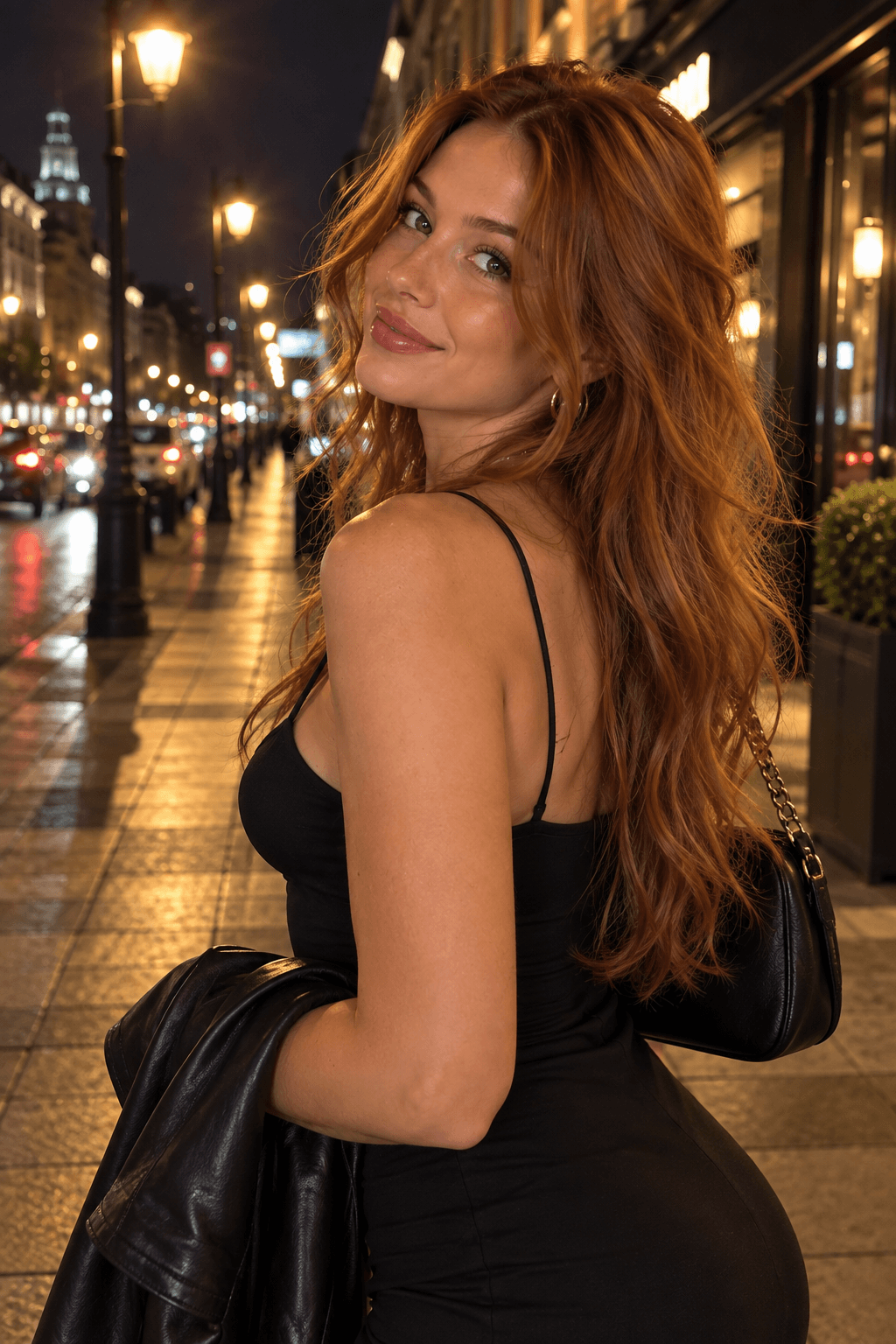 Before
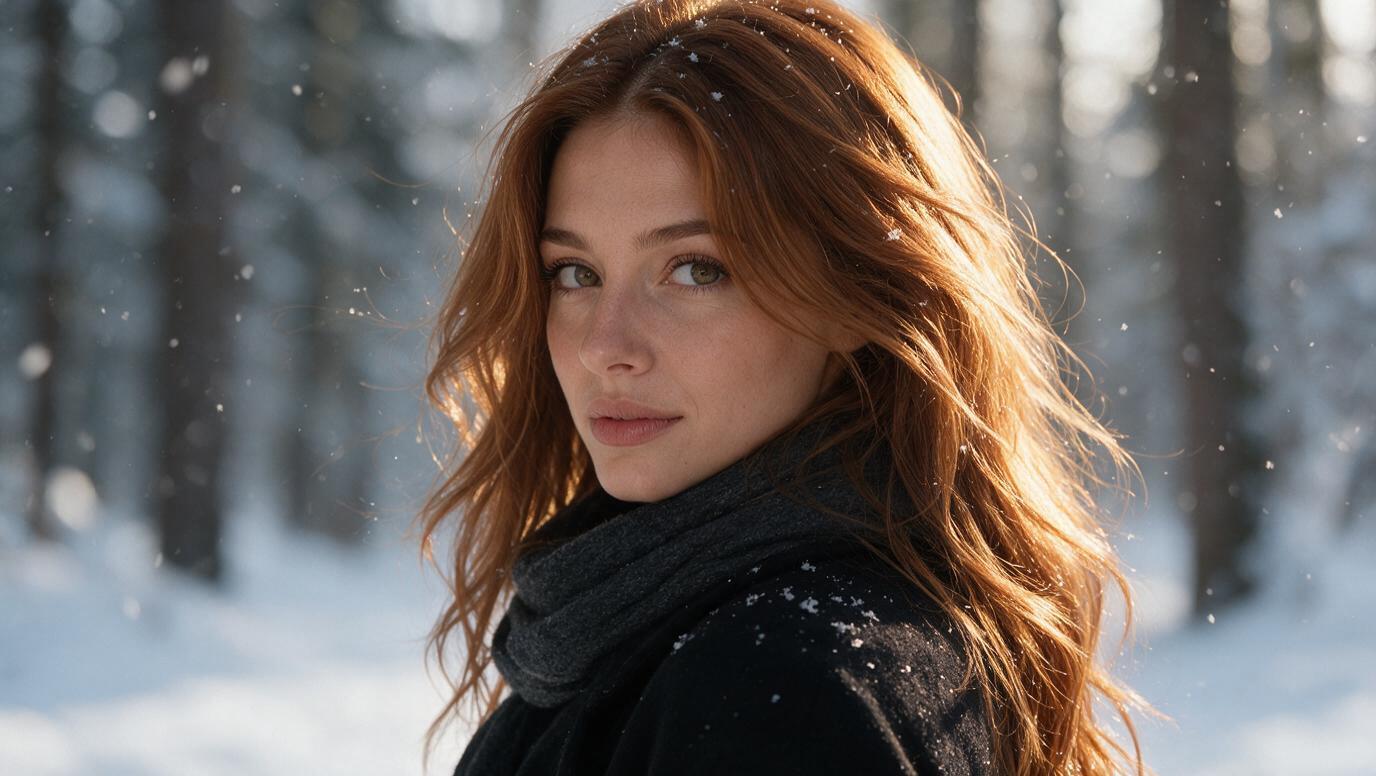 After
Portrait
Snowfall Winter PortraitA close-up winter portrait that retains the reference subject's identity amid gentle snowfall.
 Before
 After
Fashion
Skatepark Streetwear EditA wardrobe-focused reference edit that moves the same person into a bright outdoor skatepark.
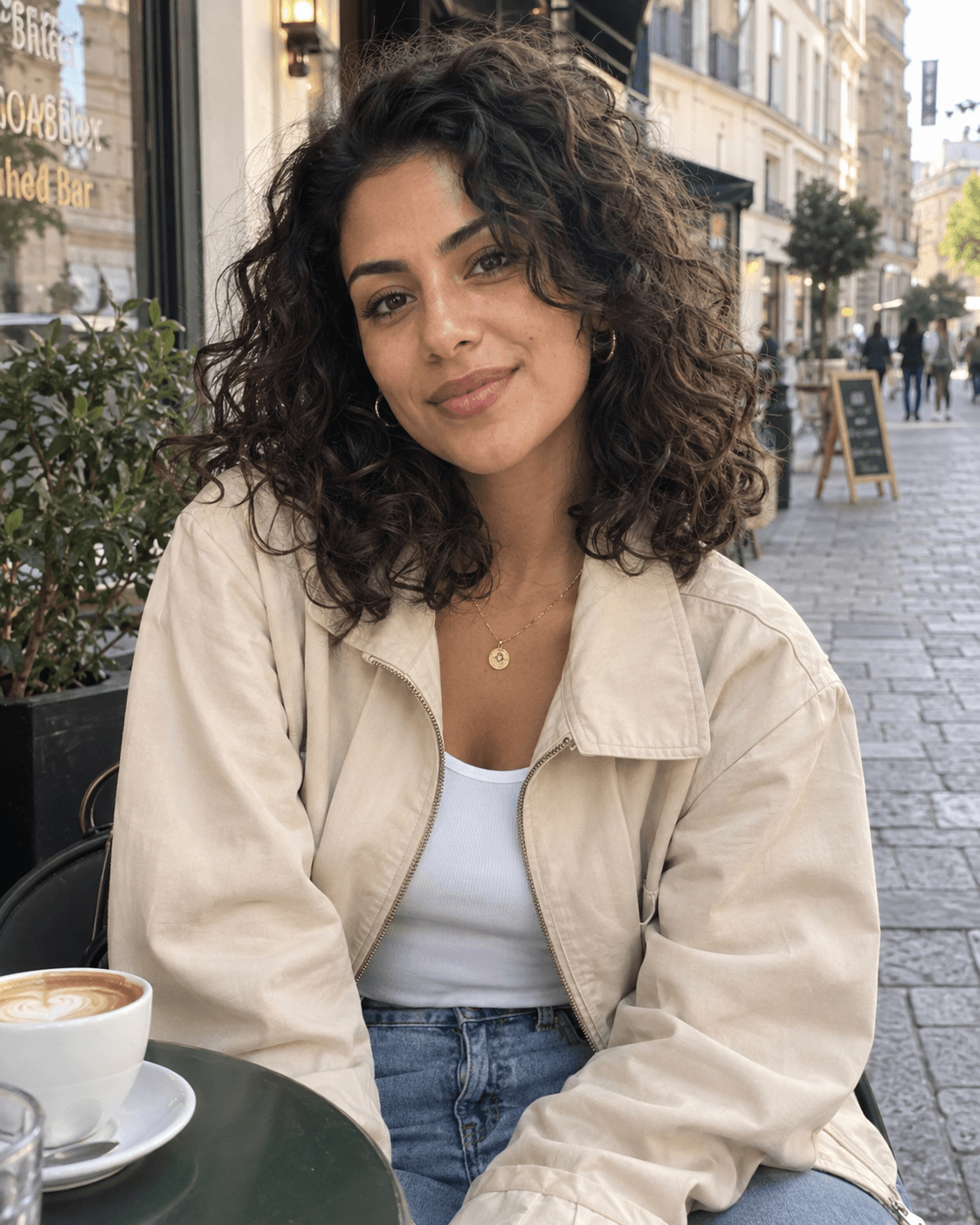 Before
 After
Travel
Mediterranean Vespa EditorialA sunny Mediterranean scooter scene that keeps the reference subject and changes the outfit and setting.
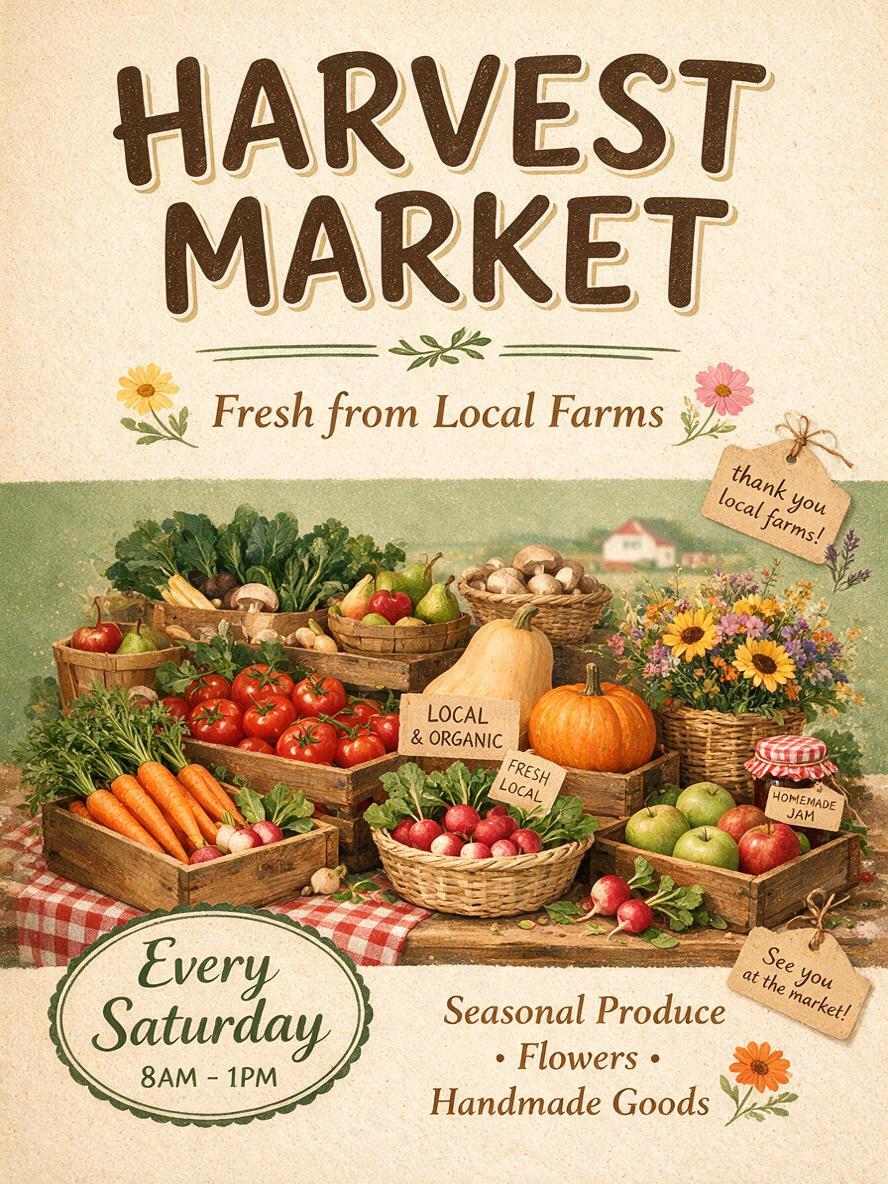
Poster
Harvest Fair Illustrated PosterA warm, handmade-feeling poster for a neighborhood harvest fair and local produce celebration.
Seedream 5 Pro · by KiwiMotion
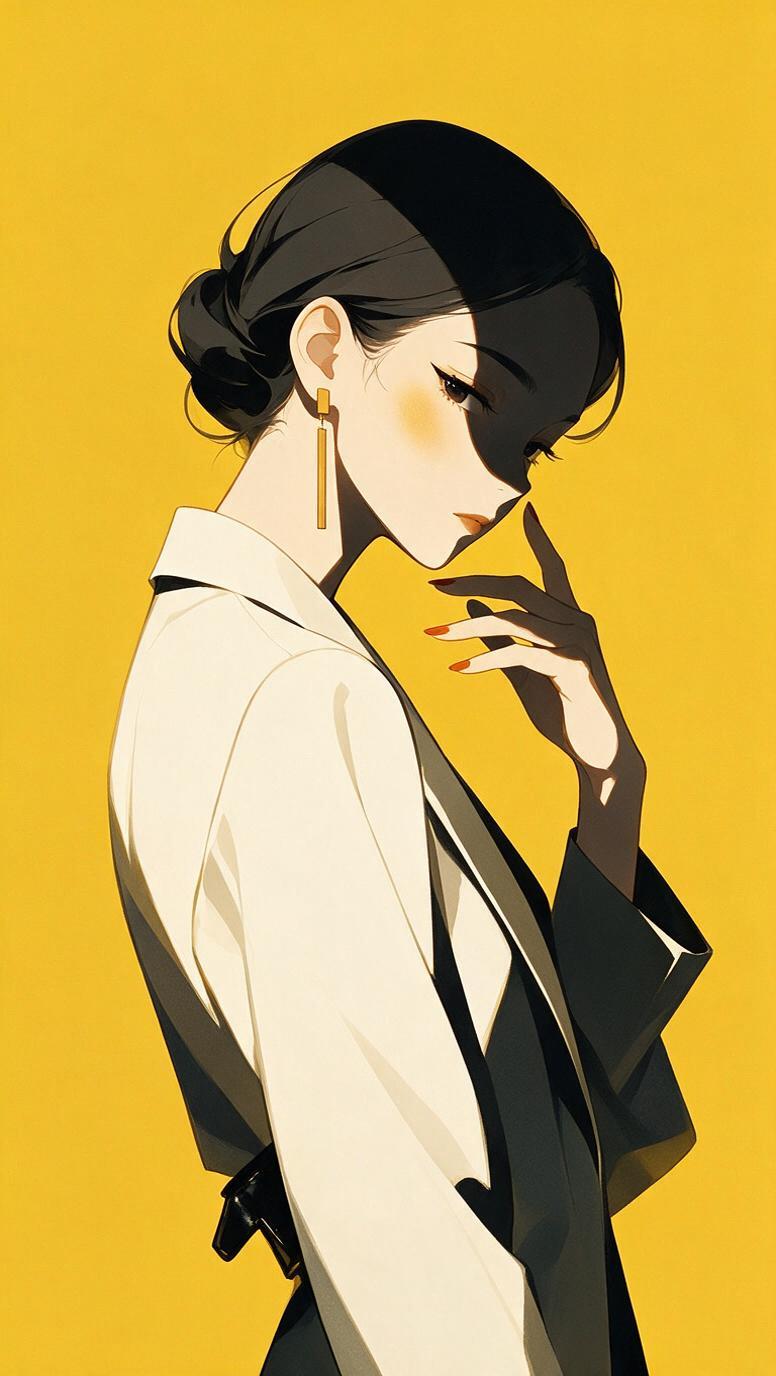
Illustration
Japanese Fashion-Cover IllustrationA vertical fashion-magazine-cover concept with minimal modern anime styling and refined color blocks.
Seedream 5 Pro · by KiwiMotion
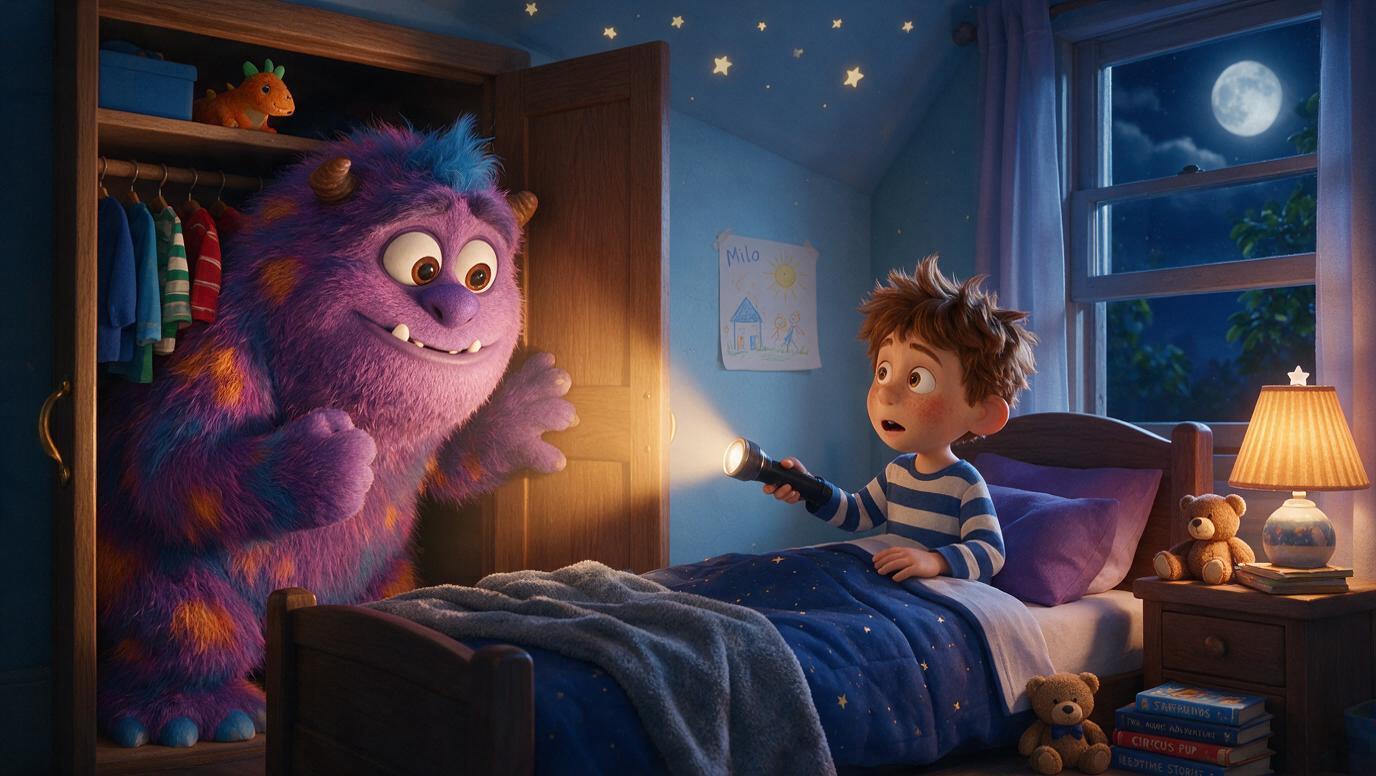
Cinematic
Closet Monster Animated-Film SceneA cozy nighttime children's-bedroom scene with an oversized nervous monster hiding in a closet.
Seedream 5 Pro · by KiwiMotion
How to Write Better Seedream 5 Pro Prompts
Start with the result you want, then add the details that affect its composition. A complete visual brief is more useful than a stack of style adjectives.
Describe the whole scene
Name the subject, setting, action, viewpoint and mood. For an editorial portrait, say where the person stands and what surrounds them—not just what they wear.
Set the lighting
Choose a direction and quality, such as soft window light, golden-hour sun, hard direct flash or overcast daylight. This helps define texture and atmosphere.
Name materials and textures
Specify fabric, glass, metal, paper or skin detail when it matters. Fashion, interiors and product scenes benefit from concrete surface descriptions.
Organize the composition
Ask for a close-up, medium or wide shot; a low or top-down angle; and a clear foreground/background relationship. For layouts, identify the main focal point.
Quote text for posters
Put the exact words in quotation marks, name the intended language and describe headline placement. Review the final lettering carefully before using the image.
Separate changes from constants
For a reference edit, state what to change and what should stay recognizable—such as a face, garment, product shape or overall composition.
Using Reference Images with Seedream 5 Pro
A reference image can guide the subject, clothing, product details or composition while your prompt describes a new environment, camera view or lighting. Say both what should change and what should remain consistent. This is useful for portrait transformations, fashion edits, lifestyle scenes and travel or editorial settings. A reference is guidance, not a guarantee of exact identity or every fine detail.
What Can You Create with Seedream 5 Pro?
The KiwiMotion collection spans realistic portraits and photography, fashion, lifestyle, travel, posters, illustration and cinematic scenes. These are examples of what people have made—not promises of a particular result.
Portraits and photography
Direct skin texture, light and camera distance for a believable portrait.
See Snowfall Winter Portrait →Fashion and editorial
Describe the outfit, pose and architecture as one composed scene.
See Low-Angle City Editorial →Lifestyle and travel
Move a familiar subject into a specific place without losing the story of the image.
See Mediterranean Vespa Editorial →Posters and layouts
Give the headline, visual hierarchy and placement instead of asking only for a style.
See Harvest Fair Illustrated Poster →Illustration and cinematic scenes
Set the characters, environment and mood before adding decorative detail.
See Closet Monster Animated-Film Scene →How to use Seedream 5 Pro in KiwiMotion
- 01
Choose the workflow
Start from a text description, or upload a reference image for an edit.
- 02
Direct the image
Specify subject, framing, environment, light and material. For an edit, state what must stay unchanged.
- 03
Review and refine
Check the result for composition, readable text and fidelity to your reference before publishing.
The Studio controls and live credit estimate above show the settings available for the workflow you select.
Seedream 5 Pro FAQ
What is Seedream 5 Pro?
It is an image model for creating detailed visuals from text and editing images with a reference. KiwiMotion provides these generation and edit workflows in the Studio above.
How do I write a good Seedream 5 Pro prompt?
Describe the entire scene: subject, action, setting, viewpoint, light and the details that should stand out. For posters, specify text and layout; for edits, distinguish changes from details to preserve.
Can Seedream 5 Pro edit an existing image?
Yes. Choose the image-edit workflow, upload an image and describe the changes you want. Review the result rather than assuming every detail will be retained.
Can I use a reference image with Seedream 5 Pro?
Yes. A reference can guide a portrait, outfit, object or composition. The prompt should explain how to use that reference in the new scene.
How do I keep a person or object consistent when editing?
Identify what must remain recognizable, such as facial features or product shape, and separate that from requested changes to the background, lighting or pose. Check the output for accuracy.
Can Seedream 5 Pro create text inside images?
The model can attempt text-rich layouts. Quote the exact wording, name the language and describe placement, then verify spelling and legibility in the result.
What kinds of images is Seedream 5 Pro good for?
Our published examples include portraits, photography, fashion, travel scenes, illustrations, posters and cinematic concepts. Browse them to see the prompts behind actual results.