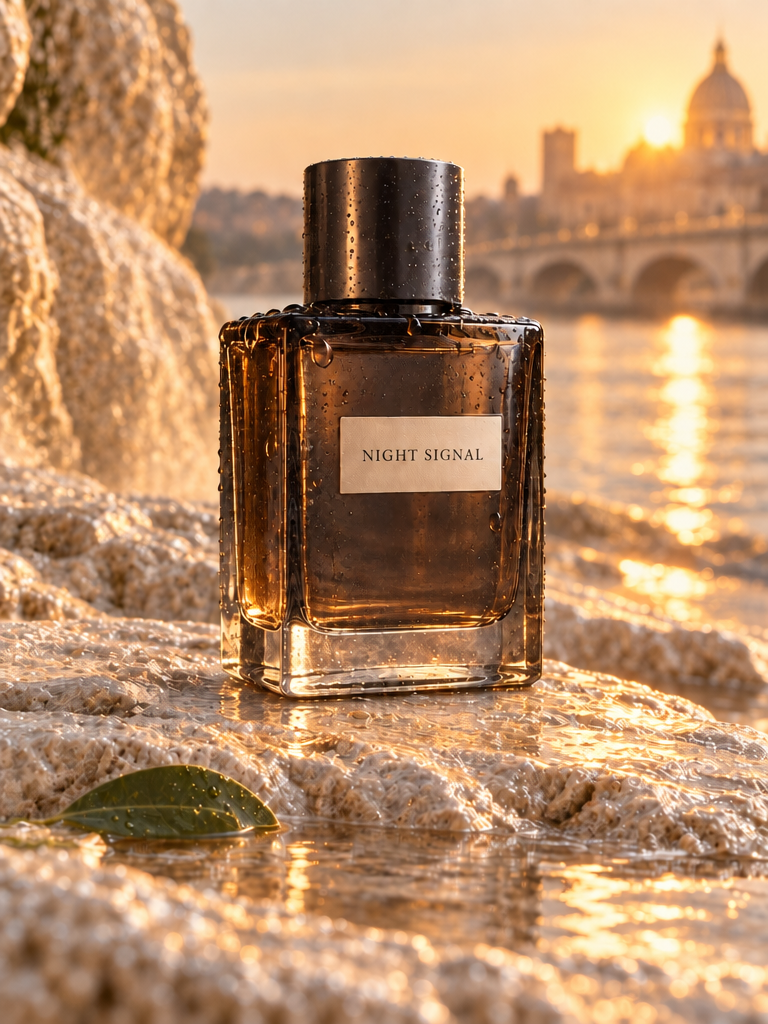
Model guide
GPT Image 2.5: Flare & Sunburst
Create original images, edit with ordered references, and compare two GPT Image 2.5 variants without leaving KiwiMotion. The Studio above is the real Create Image workspace; the examples below are actual KiwiMotion results with reusable prompts.
Made with GPT Image 2.5
Published KiwiMotion outputs, not stock imagery or mock provider examples. Open an image to inspect its full prompt.
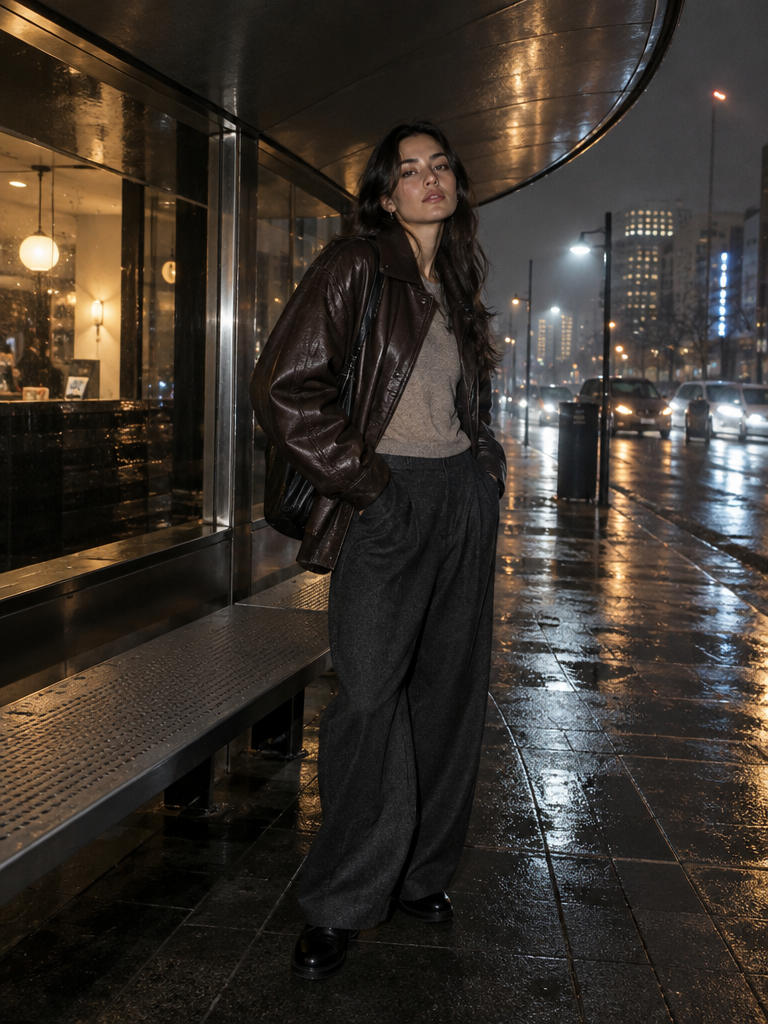
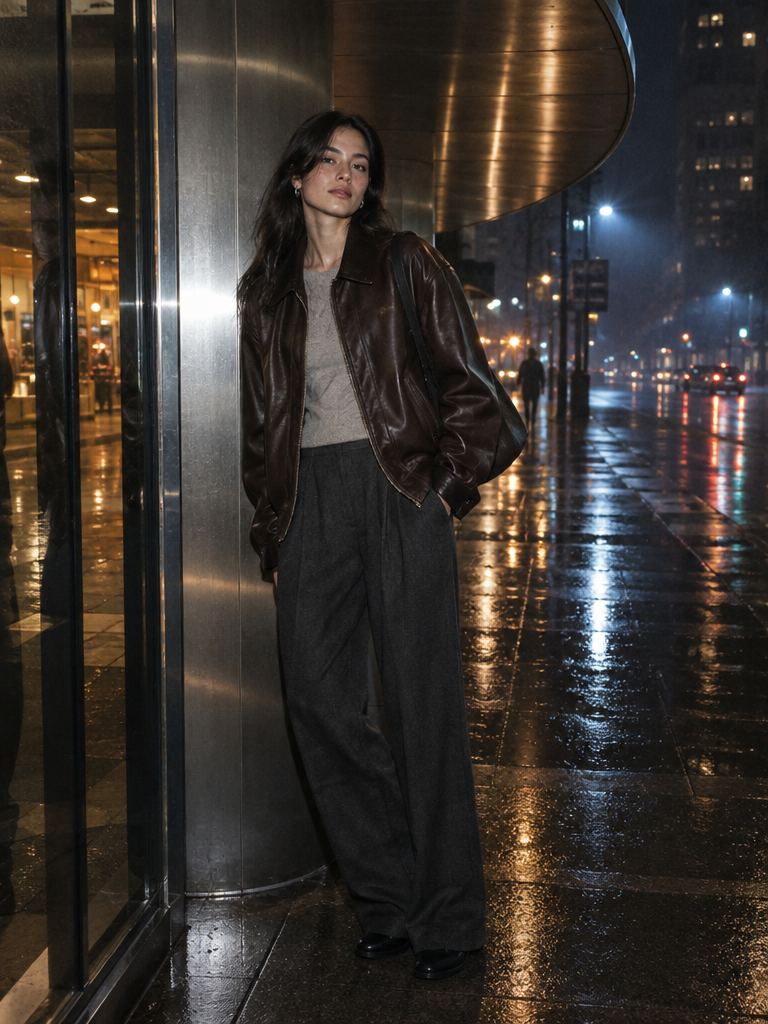
GPT Image 2.5 · Sunburst · Fashion
After-Rain Fashion Campaign — Sunburst
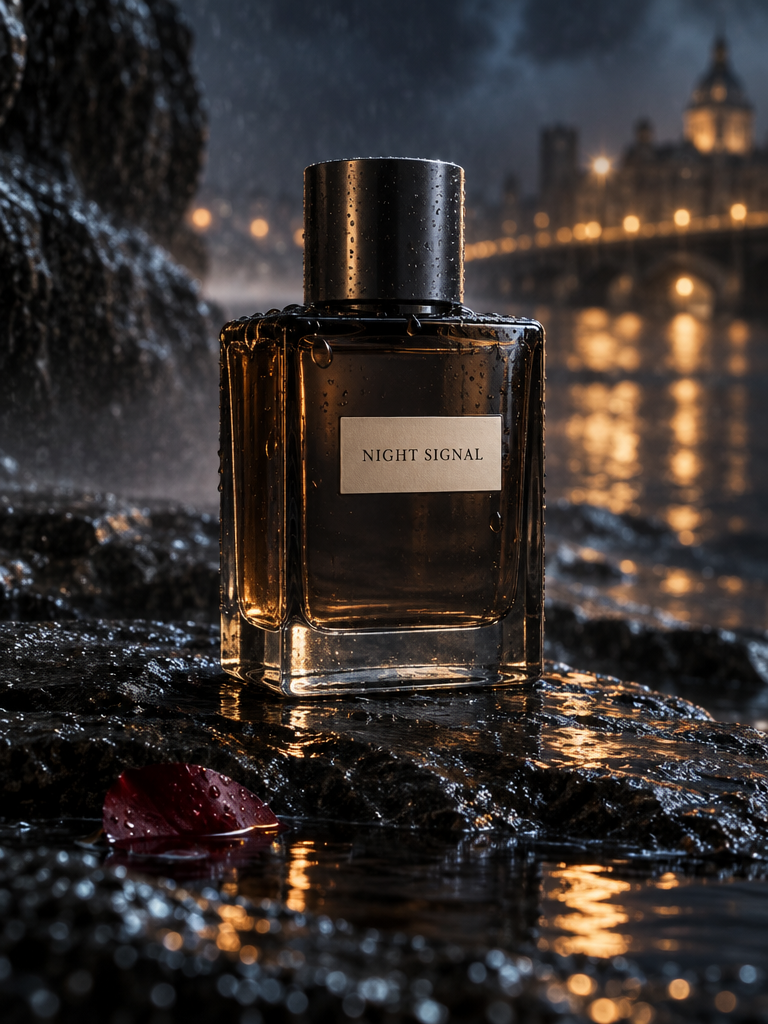
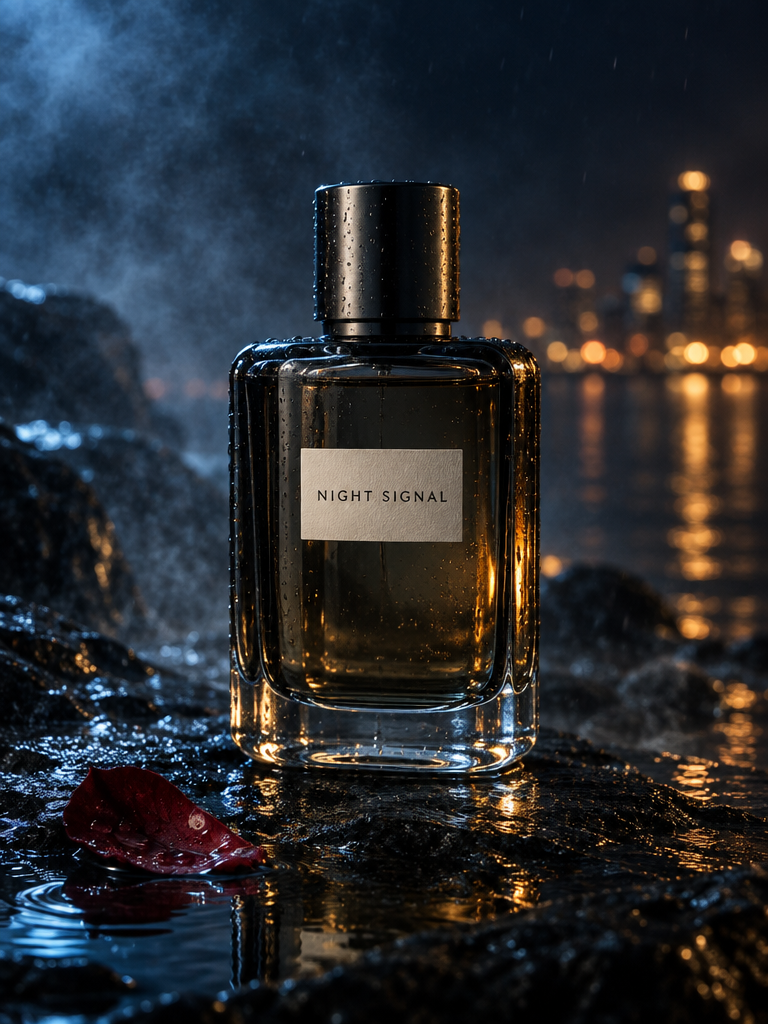
GPT Image 2.5 · Sunburst · Product
Night Signal Fragrance Campaign — Sunburst
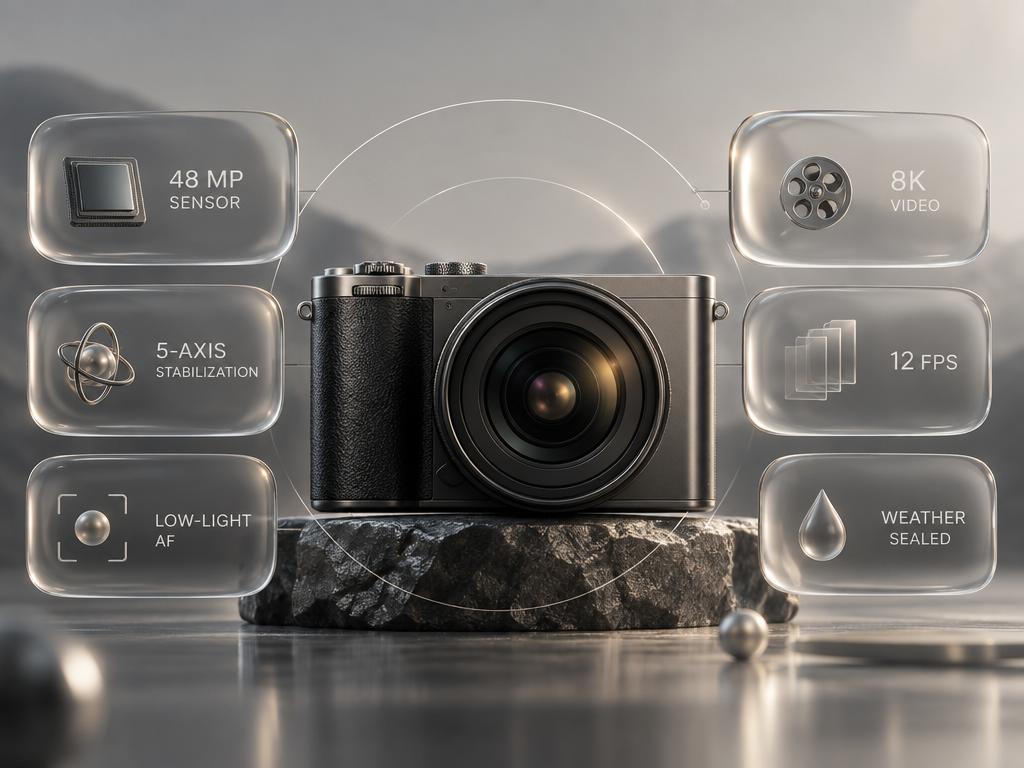
GPT Image 2.5 · Sunburst · Product
Orbit Camera Liquid-Glass Bento
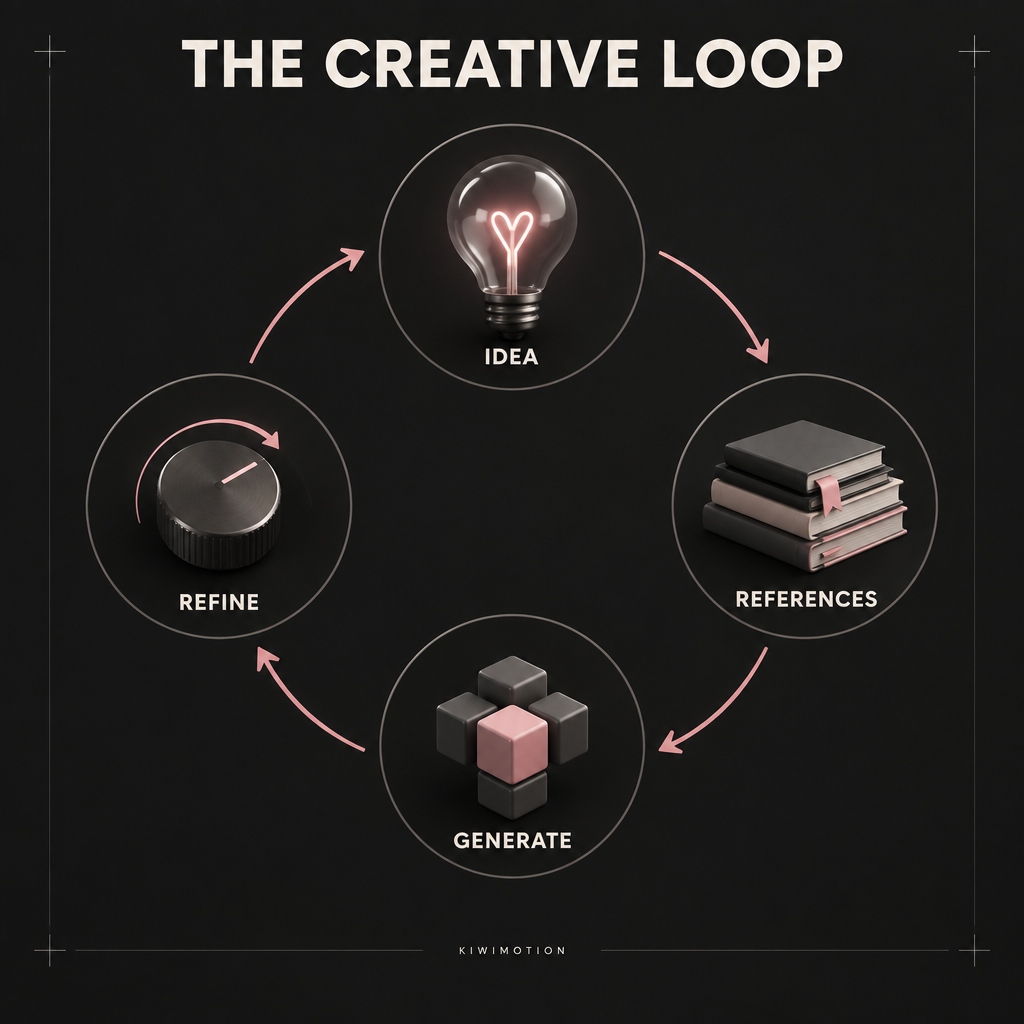
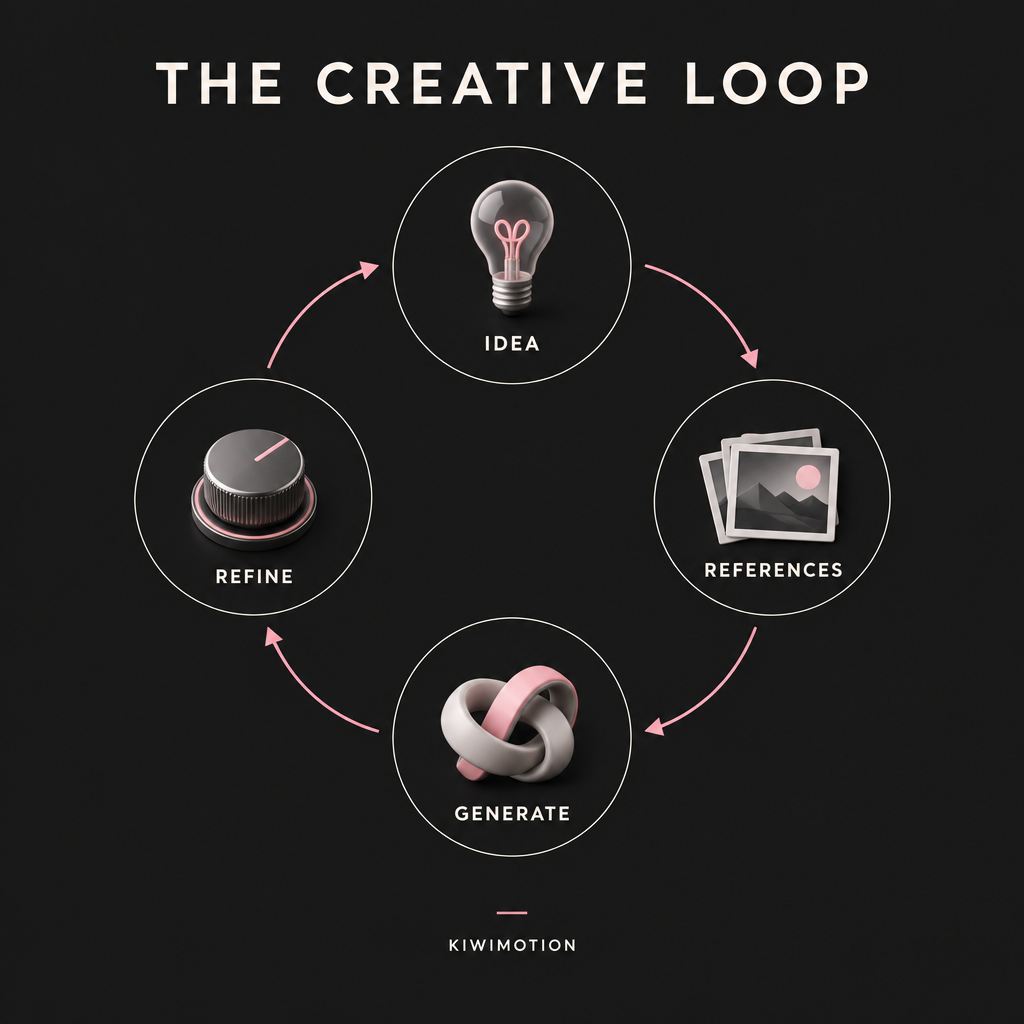
GPT Image 2.5 · Sunburst · Editorial
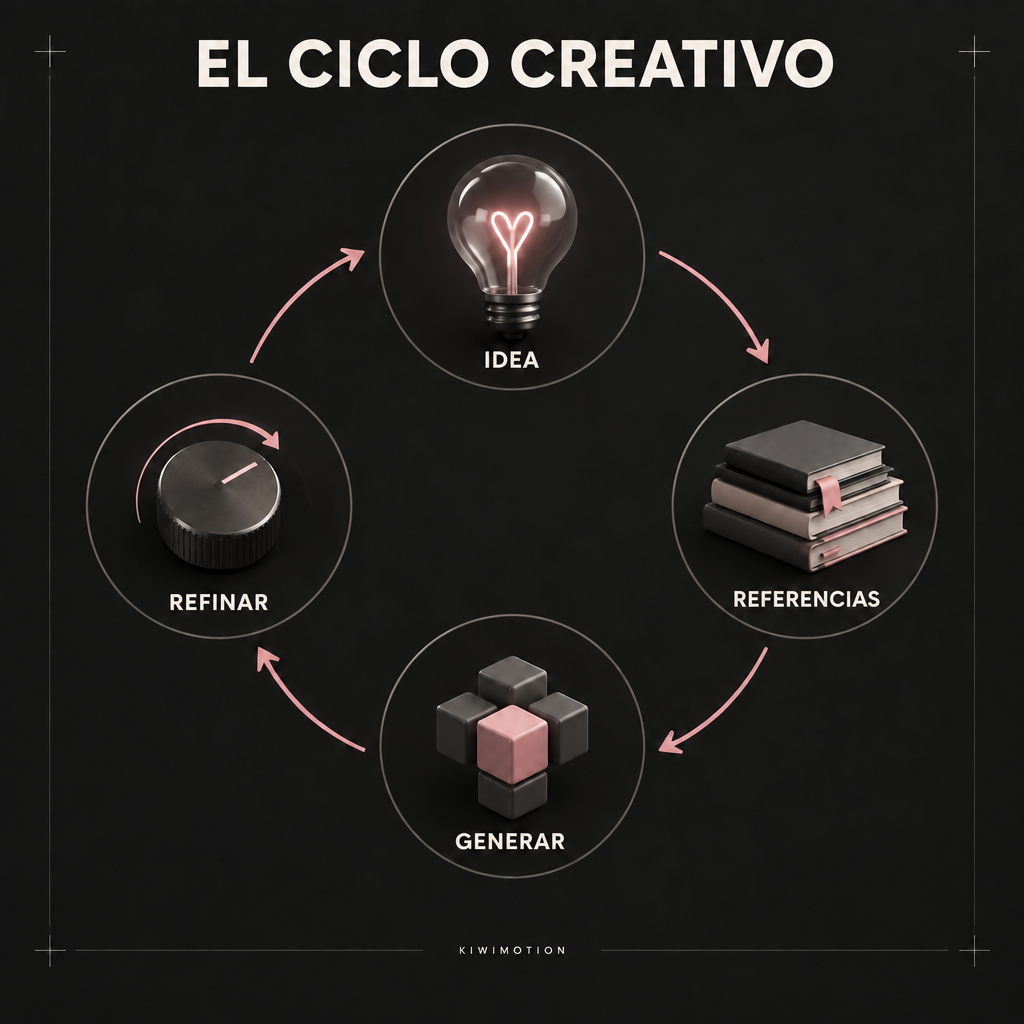
The Creative Loop Infographic — Sunburst
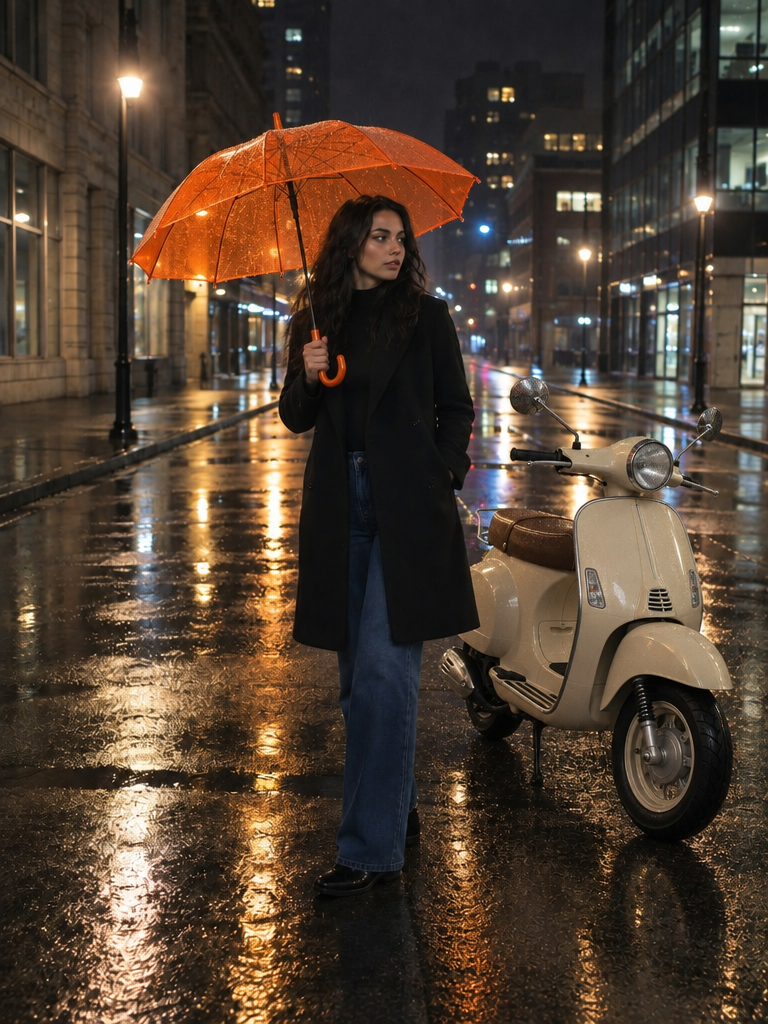
GPT Image 2.5 · Sunburst · Cinematic
Multi-Reference Rainy Street Composite
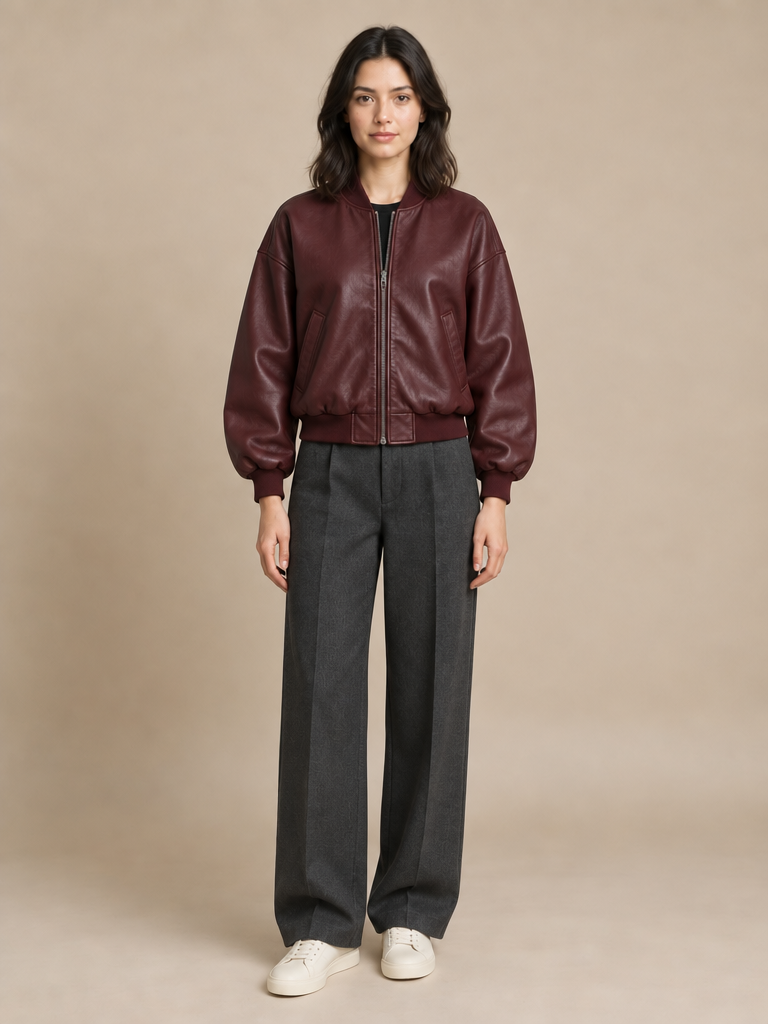
GPT Image 2.5 · Sunburst · Fashion
Identity-Preserved Fashion Restyle
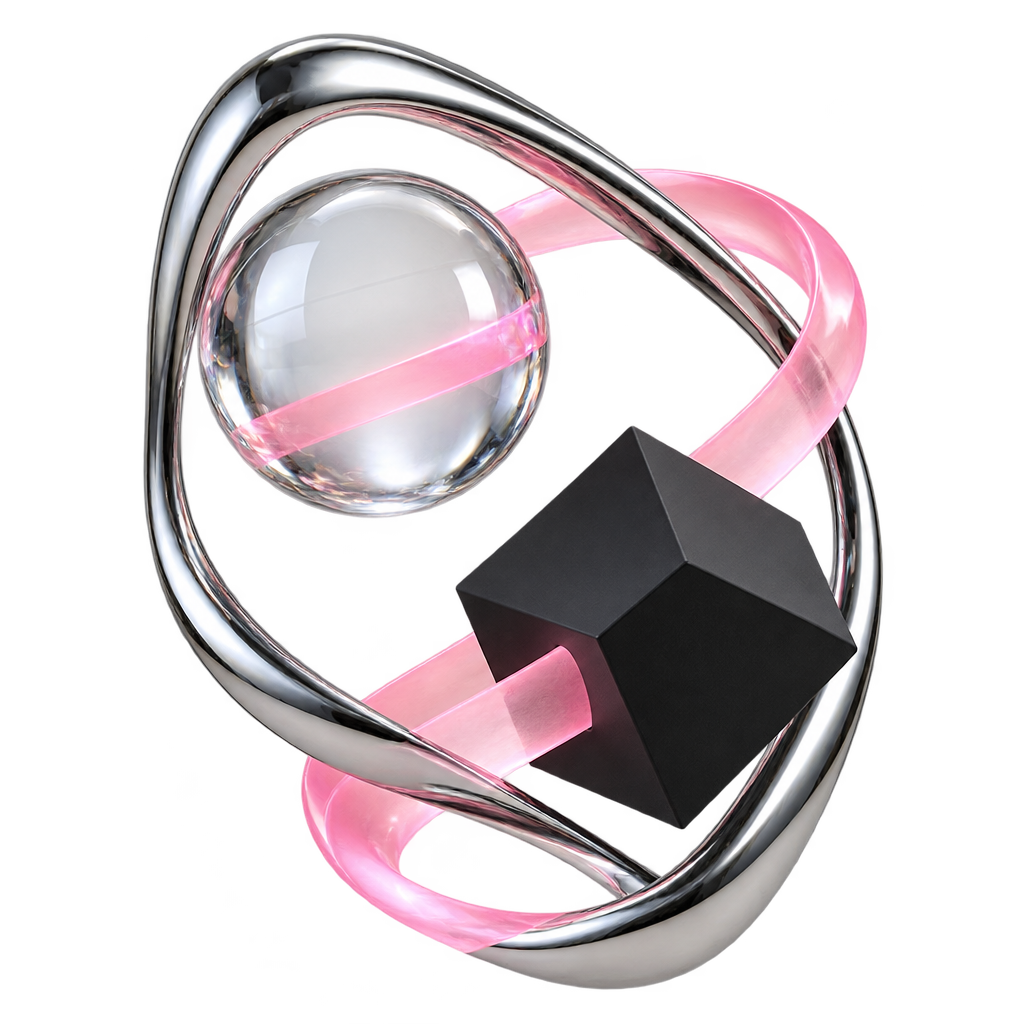
GPT Image 2.5 · Flare · Illustration
Transparent Creative Transformation Object
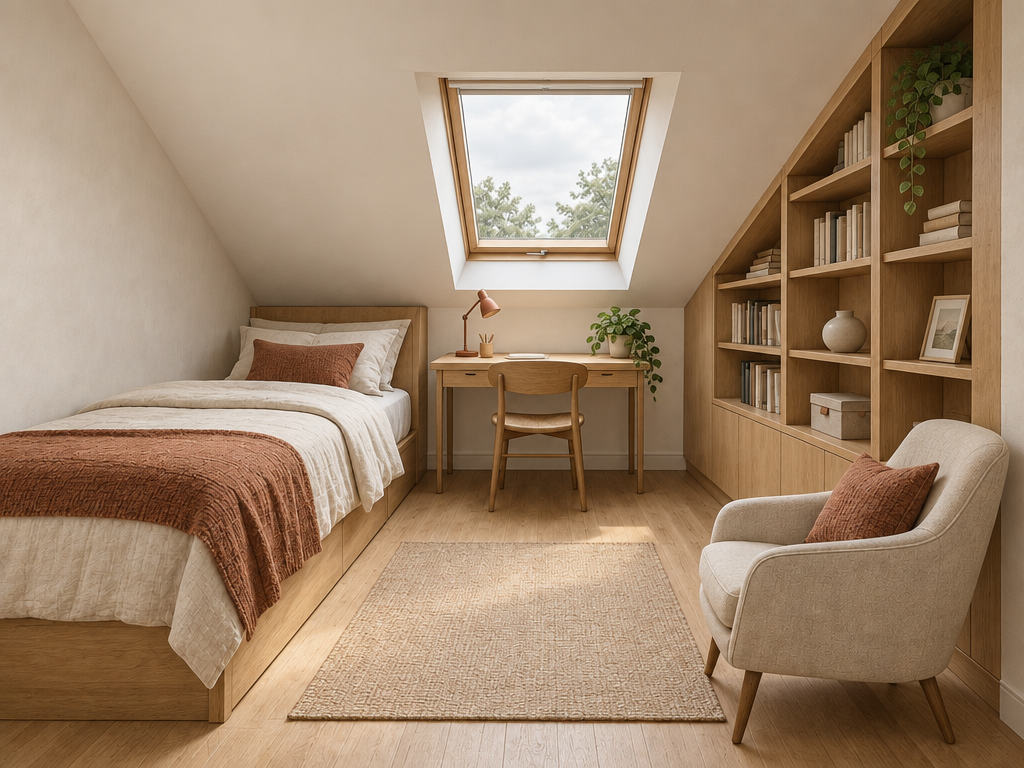
GPT Image 2.5 · Sunburst · Lifestyle
Sketch to Photorealistic Attic Interior
What is GPT Image 2.5?
GPT Image 2.5 is an image-generation and editing family available in KiwiMotion as Flare and Sunburst. Flare prioritizes speed; Sunburst targets demanding quality and precision. Both can create from a text prompt, work from uploaded images, and produce transparent assets.
Choose the variant for the job, then describe the subject, composition, visual treatment, and hard constraints. For edits, say what changes and what remains fixed. Generated text, identity, and geometry still deserve human review; a strong prompt helps but does not guarantee a flawless result.
Learn more in the official GPT Image 2.5 prompting guide.
Flare vs Sunburst: matched-prompt comparisons
Each pair uses the same prompt, Medium quality, dimensions, and background. The pictures show one run of each variant, not a universal quality or speed ranking.
After-rain fashion
The same night-street direction tests skin, leather, wet reflections, and ambient light.
Create from a prompt
Start with the intended image, not a list of disconnected adjectives. Give the model a subject, setting, composition, lighting, and what to avoid.
GPT Image 2.5 · Sunburst · Product
Orbit Camera Liquid-Glass Bento
Create a futuristic editorial bento-board showing a fictional creative device called the ORBIT CAMERA. Place a photorealistic compact mirrorless camer…
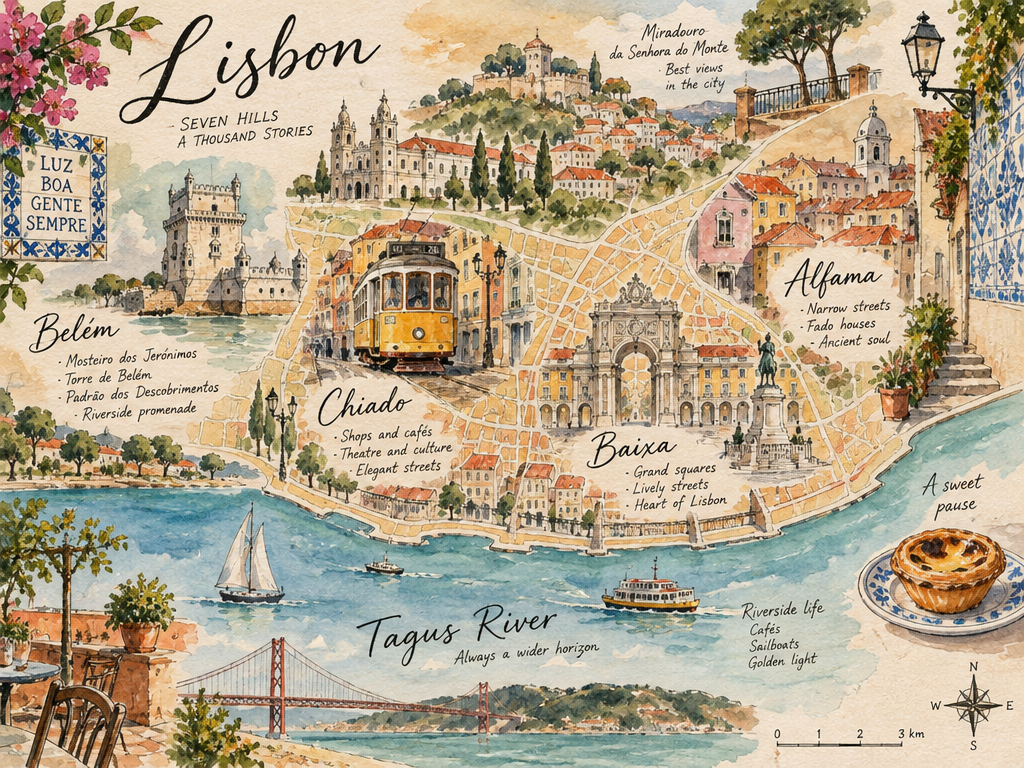
GPT Image 2.5 · Sunburst · Travel
Lisbon Watercolor Knowledge Map
Create an elegant hand-painted travel knowledge map of Lisbon. Combine loose watercolor washes with precise ink annotation. Show recognizable geograph…
Reference-guided edits and compositing
Upload your own images in Create Image; public example references are for inspection, never silently submitted as your generation inputs.
01 / Real KiwiMotion workflow
Keep the person, change the wardrobe
A person photo and three separate clothing references give each image a clear role. The edit asks for only the outfit to change while protecting face, pose, lighting, and background.
See the result and exact prompt →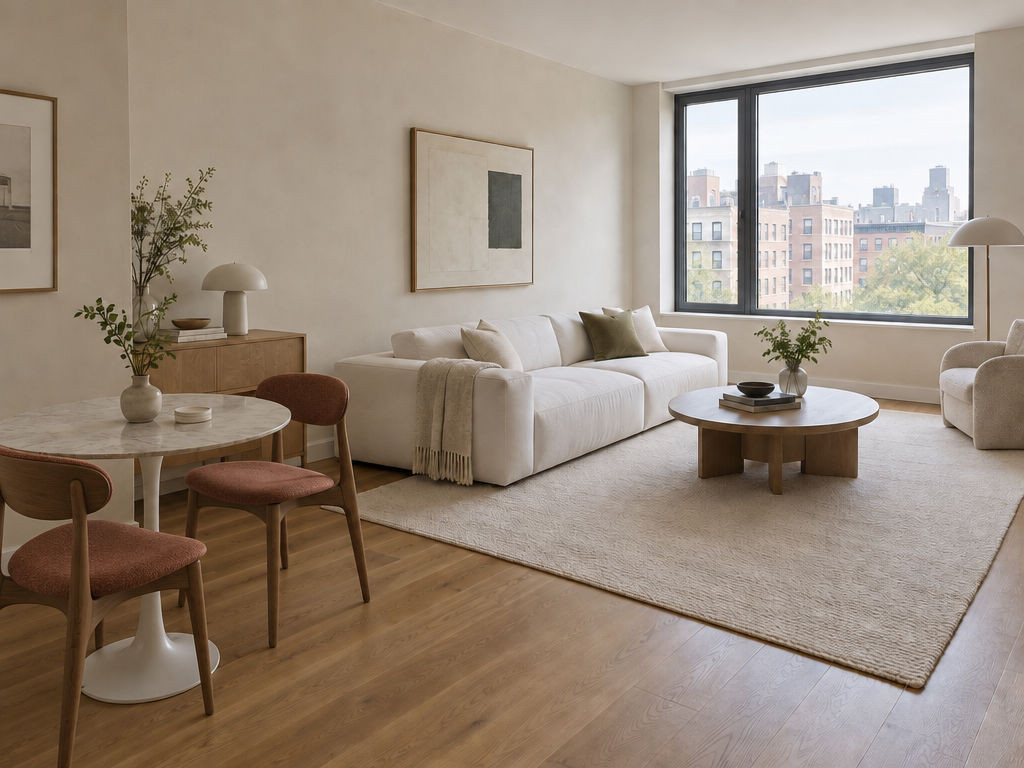
02 / Real KiwiMotion workflow
Replace just one part of a room
Specify the exact chairs to replace and list everything else to retain. This is a narrow edit, not a request to redesign the apartment.
Precise copy, style, and multi-turn refinement
For a poster correction, quote the old and new headline and protect the layout. For style transfer, identify one image as the composition source and another as the style source. For a sequence of edits, use the preceding result as the next reference and repeat the product details that must survive.
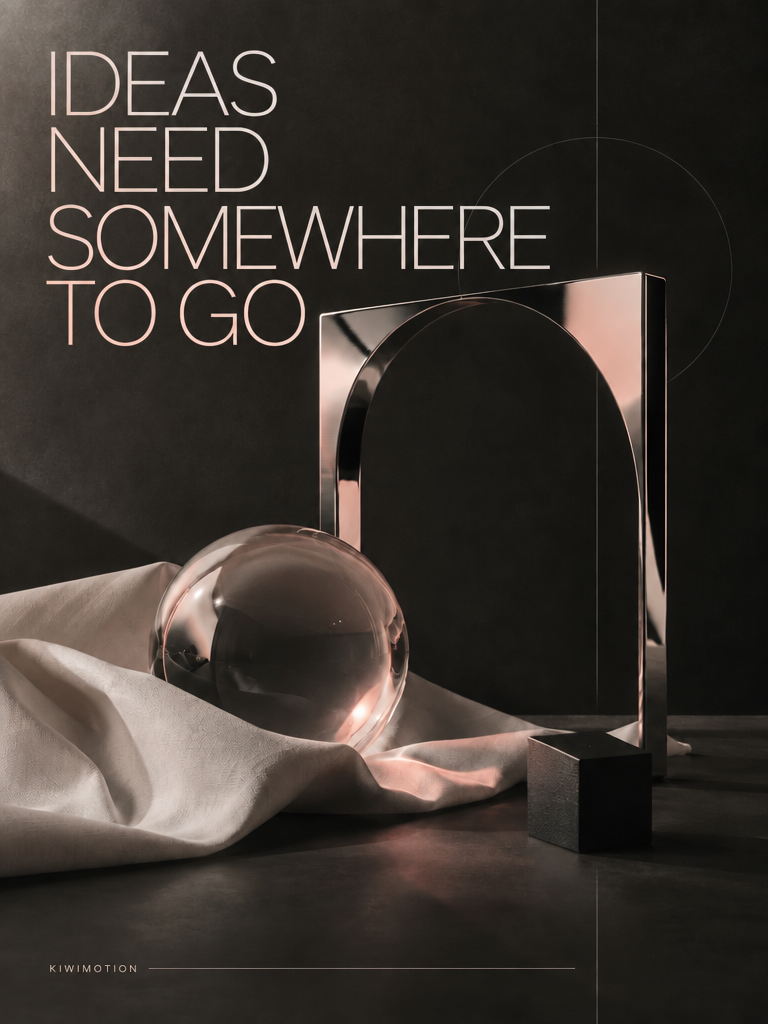
GPT Image 2.5 · Sunburst · Poster
Precision Poster Copy Change
Edit the provided poster. KEEP UNCHANGED: all object positions background chrome object glass sphere fabric lighting grid typographic style headline p…
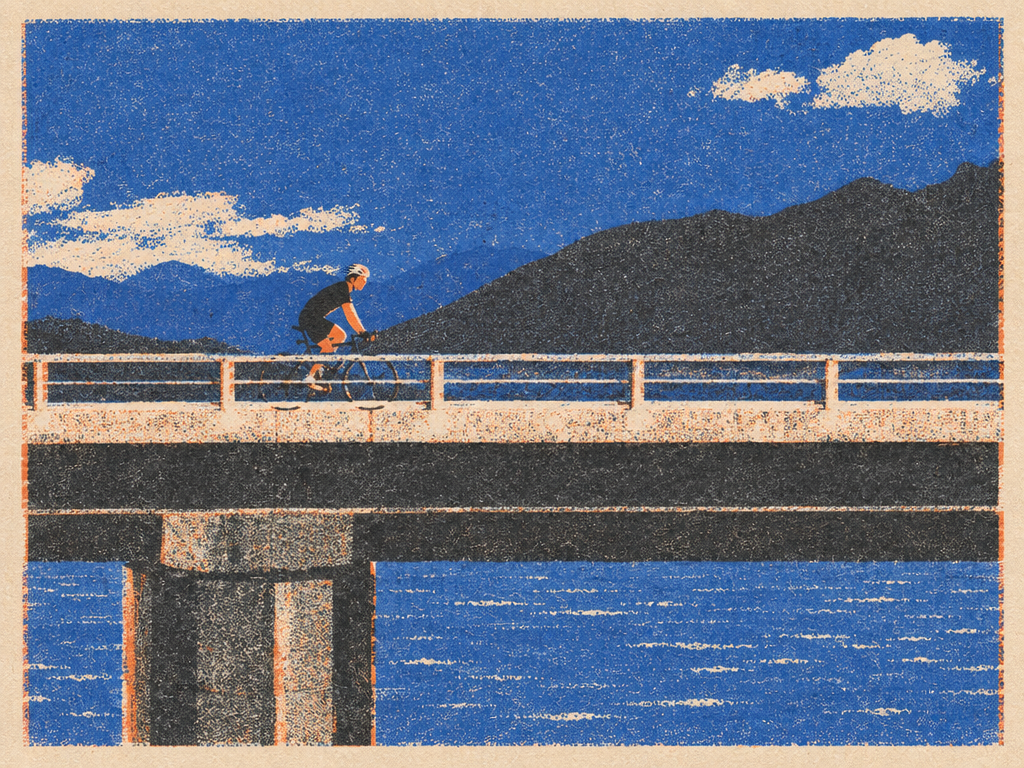
GPT Image 2.5 · Flare · Illustration
Risograph Style Transfer
Use Image 1 as the subject/composition reference. Use Image 2 only as the visual-style reference. Transform the cyclist scene into the same risograph …
Transparent assets are more than a checkerboard
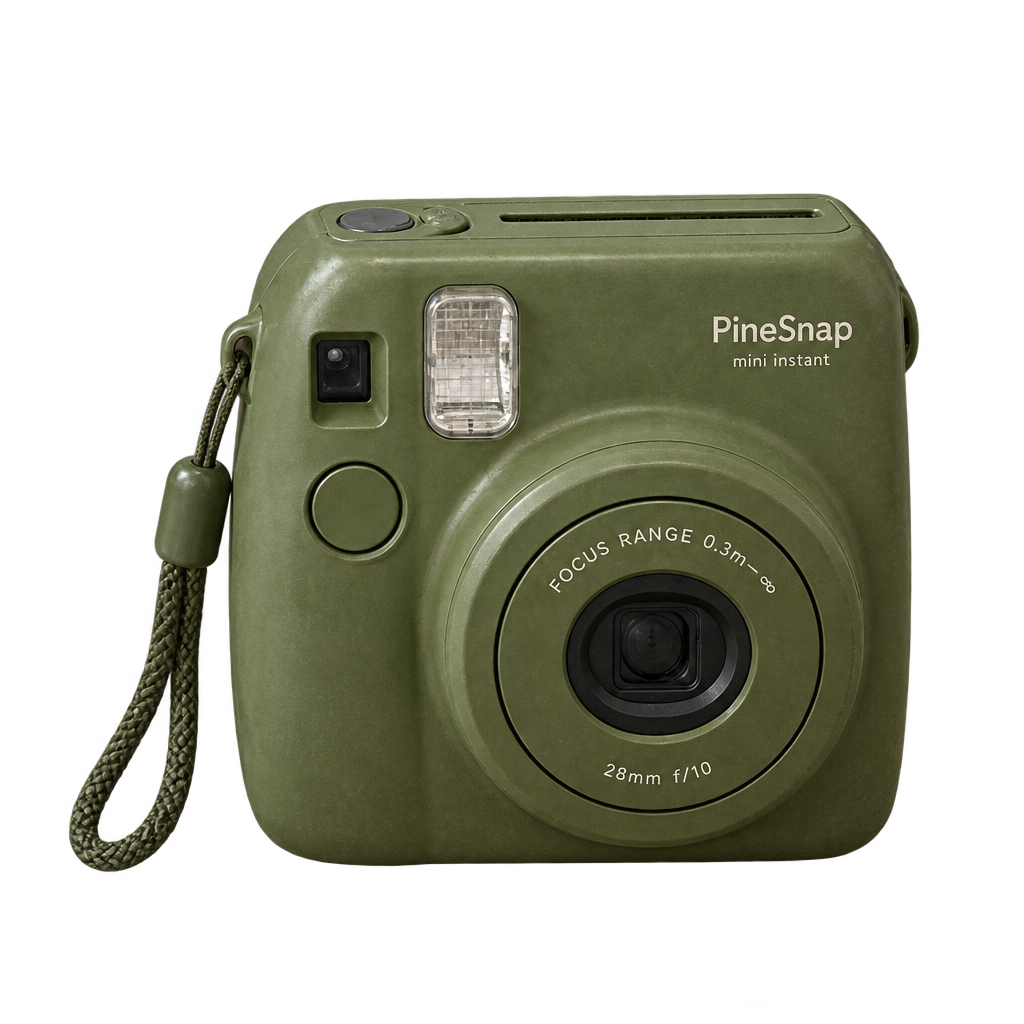
GPT Image 2.5 · Flare · Product
Transparent Camera Product Cutout
Select a transparent background and request a single isolated object with clean edges. Save as PNG and check its decoded alpha channel—including glass, hair, and soft edges—before using it over another background. A visible checkerboard pattern baked into opaque pixels is not transparency.
Prompt examples you can reuse
Each card opens a published result, exact generation prompt, and Create Image handoff.
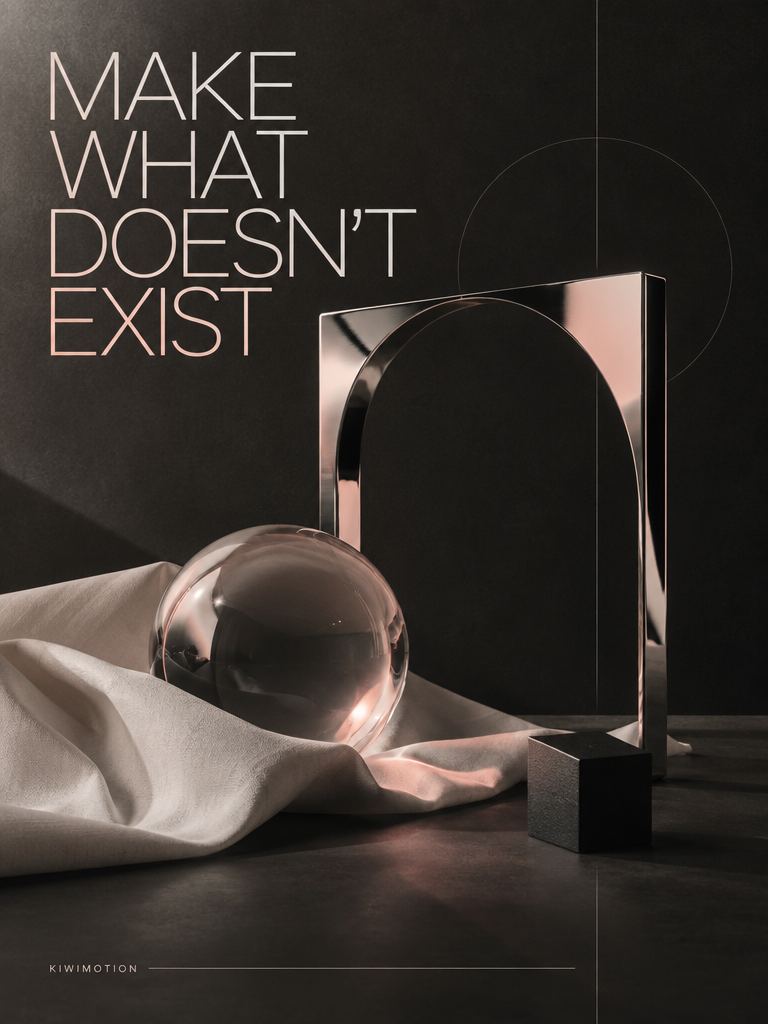
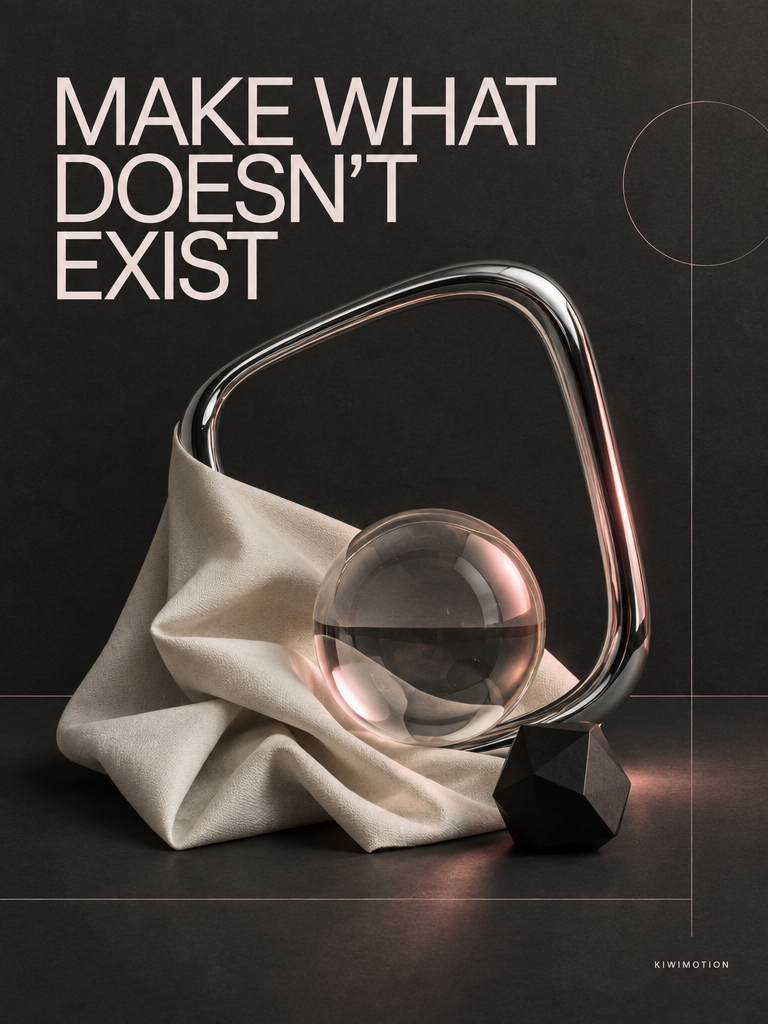
GPT Image 2.5 · Sunburst · Poster
Make What Doesn't Exist Poster — Sunburst
Create a premium editorial campaign poster for a fictional independent creative studio. Dark charcoal background with a tactile matte-paper finish. Bu…
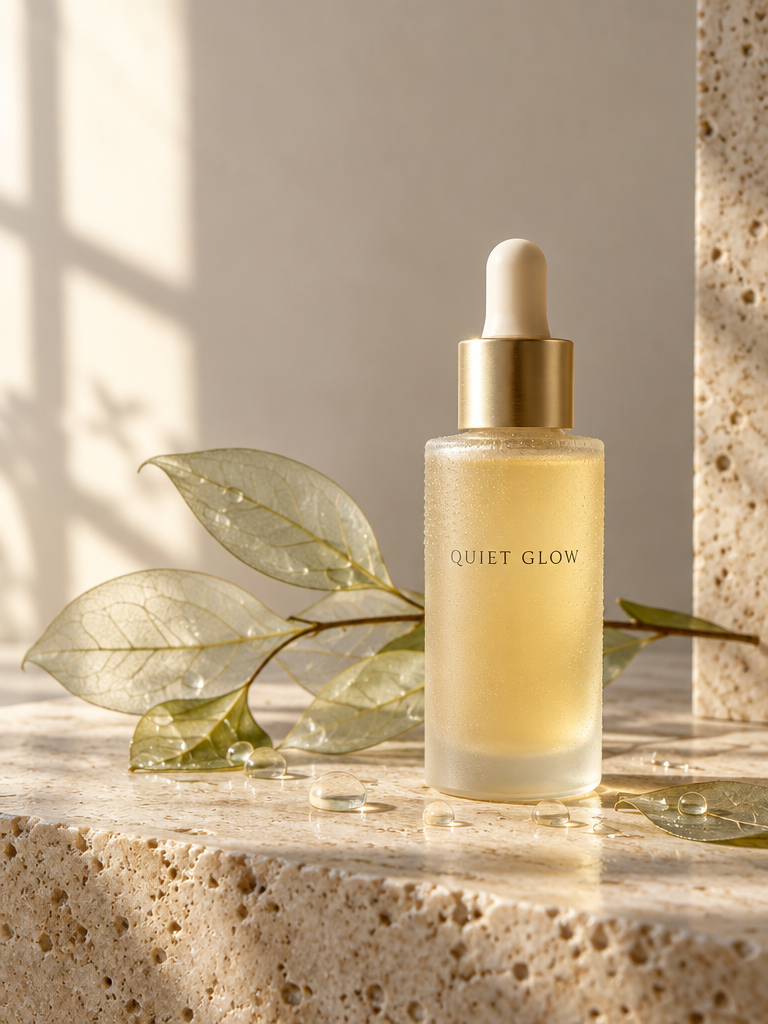
GPT Image 2.5 · Flare · Commercial
Quiet Glow Serum Campaign
Create a premium fictional skincare advertising image. A frosted pale-amber glass serum bottle labeled exactly: "QUIET GLOW" stands on light travertin…
How to prompt and review the result
- 01
Define the target
Name the subject, purpose, framing, light, material, and finish.
- 02
Give references roles
Identify which image supplies identity, layout, object, or style.
- 03
Protect what matters
For an edit, separate the requested change from details to preserve.
- 04
Inspect before sharing
Check text, fingers, identity, product geometry, and actual alpha.
Choose settings in the Studio
VariantsFlare and Sunburst, for generation or editing.
Aspect ratios16:9, 9:16, 1:1, 4:3, 3:4.
Output sizesStandard, HD, QHD, 4K presets are available; choose the size needed for the job.
References and backgroundUp to 16 ordered images; auto, opaque, or transparent background.
The active controls and credit estimate above are authoritative for the settings you select. Generation cost and duration vary by settings and input count.
GPT Image 2.5 FAQ
What is the difference between GPT Image 2.5 Flare and Sunburst?
Flare is the speed-oriented option; Sunburst is the quality-oriented option. Both support text-to-image, reference-guided editing, and transparent output. Compare them with the same prompt, inputs, dimensions, and quality to judge your own use case.
Can I edit an existing image instead of generating from text?
Yes. Add a reference image in Create Image and select Flare or Sunburst. State exactly what should change and what must remain untouched. You can use multiple ordered references when the task needs separate subject, object, or style sources.
Can GPT Image 2.5 preserve a subject across edits?
Reference images and explicit preservation instructions help keep a subject, product, or layout consistent, but output fidelity varies. Inspect each result, especially faces, small labels, and object geometry, before using it publicly.
How do I request a transparent PNG?
Choose Transparent in the background control and describe the isolated subject. The output is PNG. Check the actual alpha channel and edge quality rather than trusting a checkerboard-looking preview.
Does a comparison prove one variant is always better?
No. Each comparison here uses matched settings for one prompt. Results may differ on a repeat run or another workflow; pick the variant that meets your quality and latency needs.
Which image settings can I choose in KiwiMotion?
Create Image exposes the supported aspect ratios, output-size presets, quality levels, background modes, and reference-image controls. The active Studio shows the current credit estimate before submission.
Guides based on real results
Explore matched comparisons, prompting techniques, and reference-guided edits in more depth.