
Guide · KiwiMotion
How to Prompt GPT Image 2.5: 10 Techniques with Real Examples
Learn how to write GPT Image 2.5 prompts for text, layouts, references, editing, style transfer, transparency and more using real KiwiMotion generations.
By KiwiMotion ·
A practical prompt structure
Start with the deliverable, then define the subject, composition, visual treatment and hard constraints. Longer keyword lists are not automatically better. The official OpenAI image prompting guide recommends specifying what should change and what stays fixed for edits; our published KiwiMotion images below show how we applied that principle. They are examples, not guarantees that every prompt will reproduce the same result.
01 / Prompt technique
Start with the deliverable
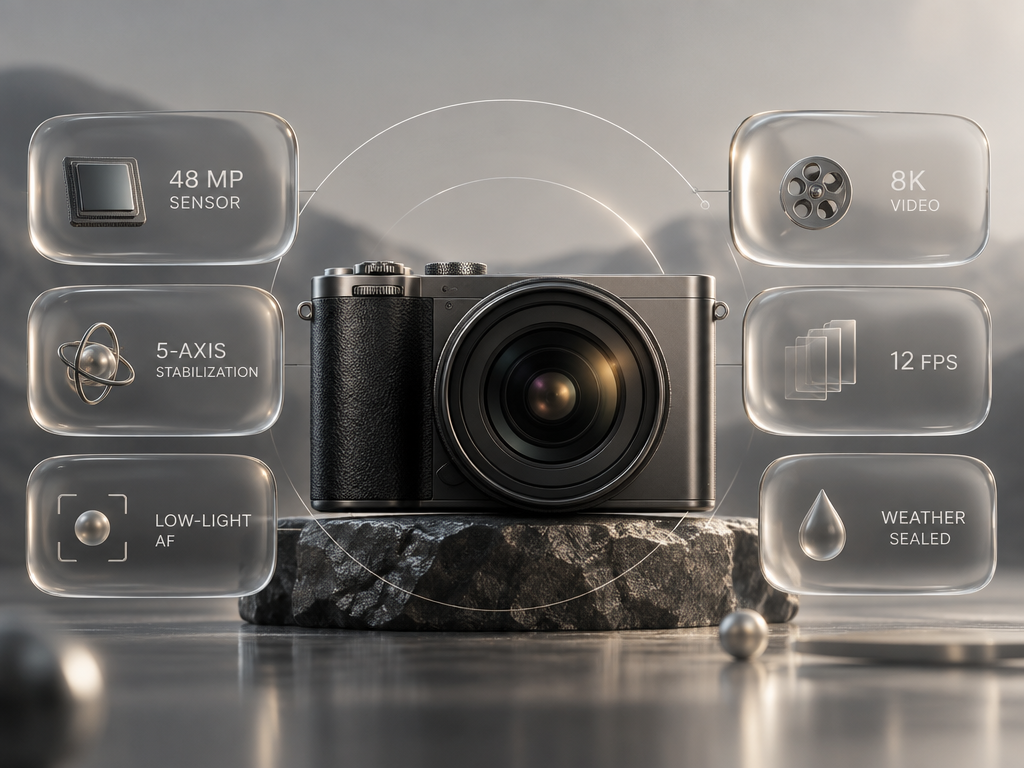
Name the artifact first: an editorial bento-board for a fictional camera. Then describe the panels, hierarchy and device.
The result reads as one product board rather than a loose collection of camera-themed objects. The deliverable gives every detail a place.
Preview prompt
Create a futuristic editorial bento-board showing a fictional creative device called the ORBIT CAMERA.

Place a photorealistic compact mirrorless camera in the center.

Surround it with translucent liquid-glass information modules containing ONLY these short labels:

48 MP SENSOR
5-AXIS STABILIZATION
LOW-LIGHT AF
8K VIDEO
12 FPS
WEATHER SEALED

Use restrained translucent panels with real refraction, subtle blur, clean technical typography, premium product photography, soft metallic surfaces, thin layout lines and generous negative space.

The result should feel like a high-end technology launc…
02 / Prompt technique
Define the subject clearly
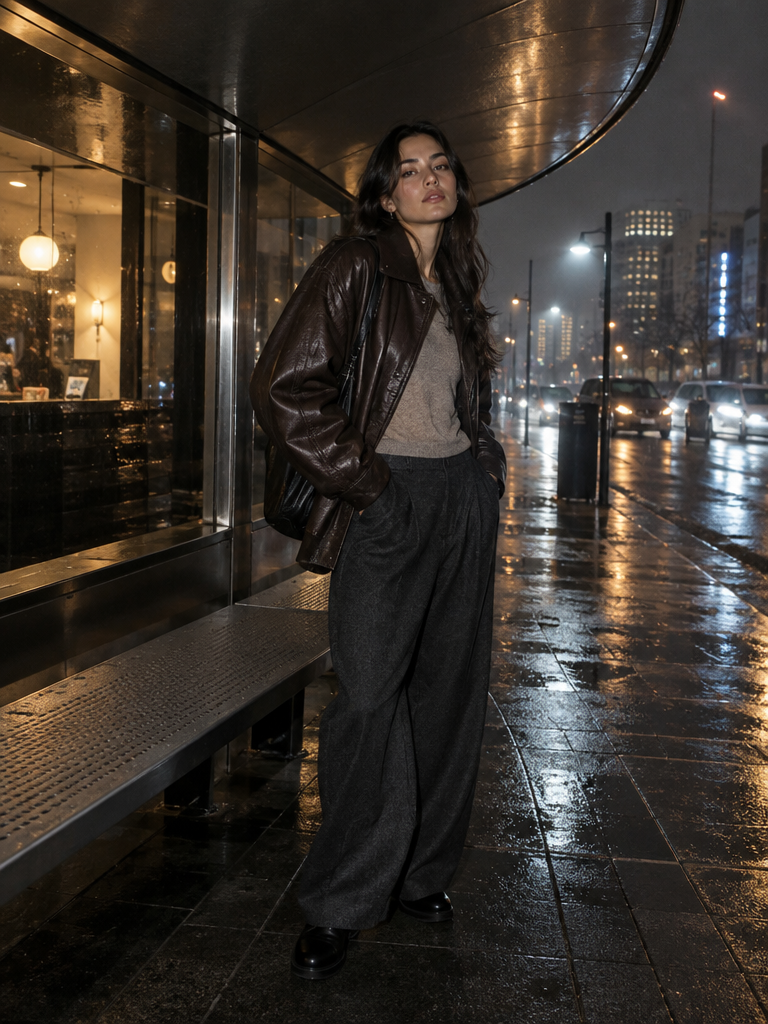
Specify who is in frame, the clothing, the setting and the intended campaign mood before piling on style words.
The model, leather jacket and rainy city remain the visual anchor; light and reflections support the subject instead of replacing her.
Preview prompt
Create a premium nighttime fashion campaign featuring a fictional young woman standing beneath a curved brushed-steel shelter after rain.

She wears an oversized deep espresso leather jacket, a muted stone knit top, wide charcoal trousers, minimal silver jewelry, and understated black shoes. Her pose is relaxed and slightly asymmetric, one shoulder turned toward camera, with natural confident expression and realistic body proportions.

The surrounding city should feel contemporary but anonymous: wet pavement, soft amber shop-light reflections, distant cool-blue street illumination, subtle mist…
03 / Prompt technique
Specify composition and relationships
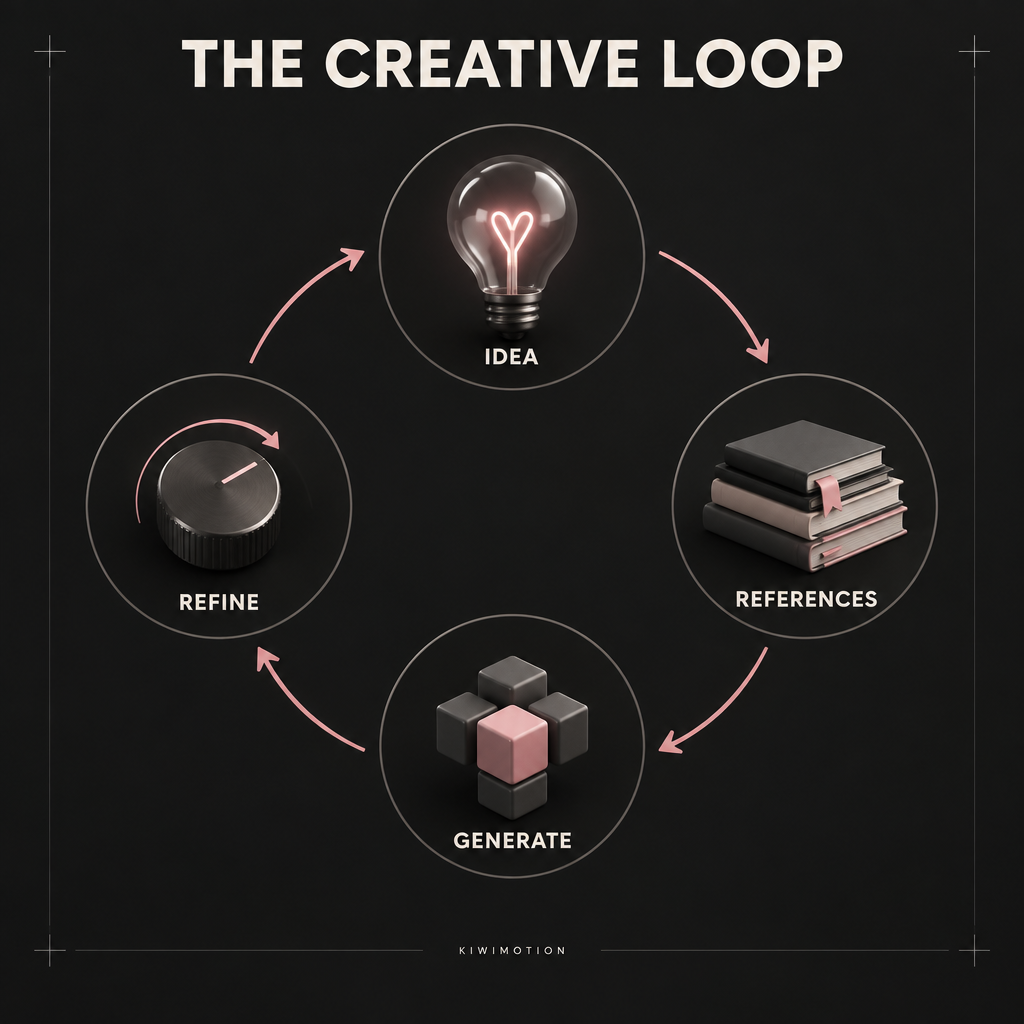
For a process diagram, name all stages, their order and how arrows connect them. A style adjective alone cannot define the logic.
The four labeled stages form a readable cycle. We still checked each label and arrow after generation.
Preview prompt
Create a premium information-design poster titled exactly:

"THE CREATIVE LOOP"

Show four connected stages:

1. IDEA
2. REFERENCES
3. GENERATE
4. REFINE

Arrange the four stages in a clear circular workflow.

Each stage should contain:
one simple visual symbol
one exact label
one short directional arrow connecting to the next stage

Visual system:
dark charcoal background
warm off-white typography
restrained pink accent
thin technical lines
small polished 3D objects
clean modern grid
excellent spacing
clear hierarchy

All text must be perfectly readable.

Render each stage label exactly once.…
04 / Prompt technique
Describe materials and light
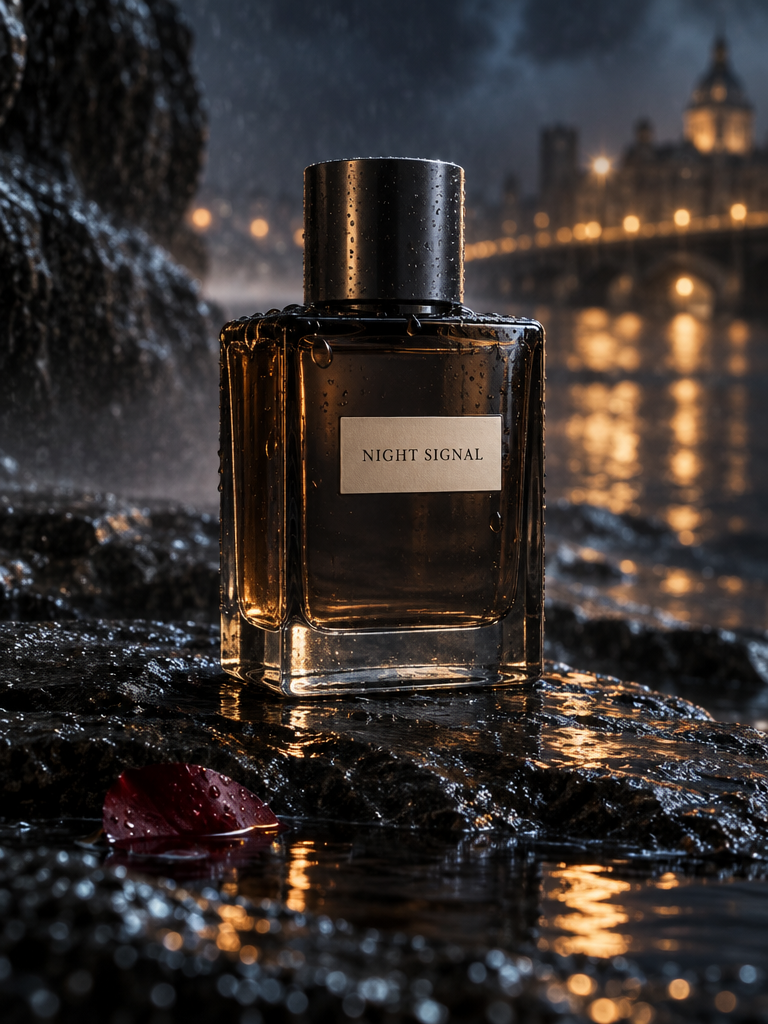
Call out glass, condensation, wet stone, warm highlights and distant city lights as separate, compatible cues.
The bottle remains the focal object while the reflected light establishes the atmosphere. Fine label text still needs inspection.
Preview prompt
Create a premium advertising photograph for a fictional fragrance called NIGHT SIGNAL.

The bottle is rectangular smoked glass with rounded edges, a heavy transparent base, subtle dark-metal cap, and a small clean cream label reading exactly:

"NIGHT SIGNAL"

Place it on wet black stone at night.

Surround it with controlled atmospheric elements:
fine mist
small rain droplets
one partially submerged dark-red petal
soft reflected amber city light
subtle blue ambient light

The bottle geometry and label must remain clear and believable.

Luxury fragrance photography with:
real glass refraction
a…
05 / Prompt technique
Quote exact text and limit extras
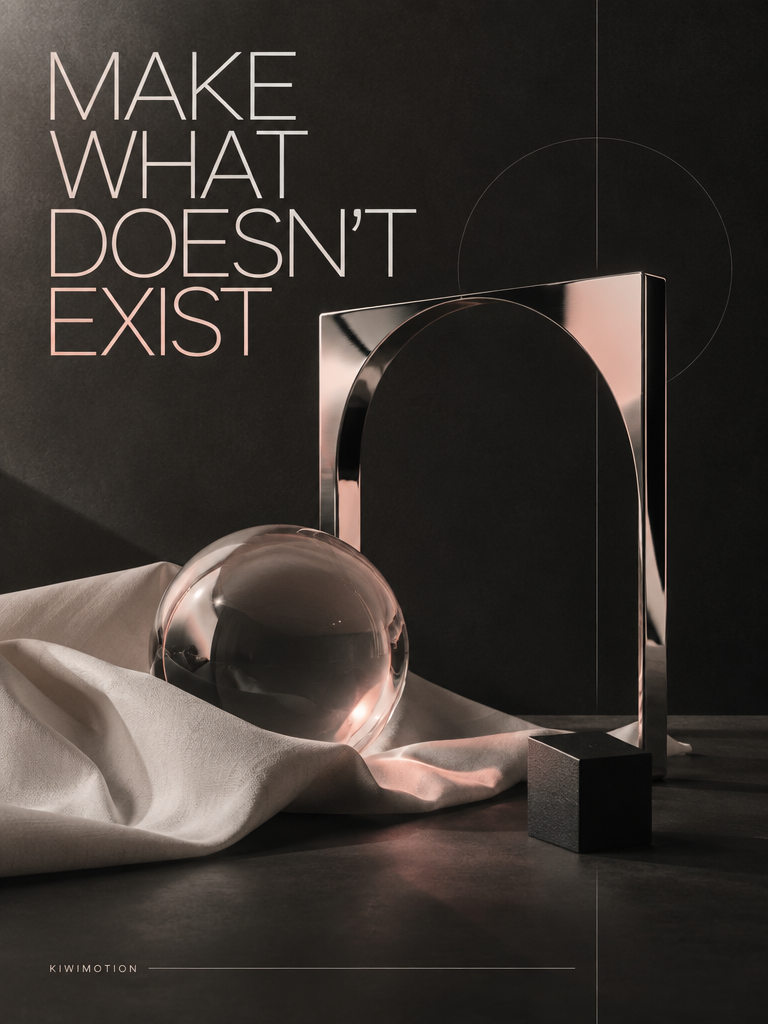
Put the requested headline in quotes and state whether other copy is allowed. Check the rendered image, not just the prompt.
Our poster shows the requested headline with a deliberate line break. The paired Flare result uses a different arrangement.
Preview prompt
Create a premium editorial campaign poster for a fictional independent creative studio.

Dark charcoal background with a tactile matte-paper finish. Build the composition around one sculptural chrome frame, a translucent glass orb, folded off-white fabric, and one small black geometric object.

Use strict editorial spacing, subtle warm-pink light, thin structural lines, strong negative space, realistic materials, glass refraction and restrained studio shadows.

Render this headline EXACTLY ONCE:

"MAKE WHAT DOESN'T EXIST"

Render this small signature EXACTLY ONCE:

"KIWIMOTION"

The headline m…
06 / Prompt technique
For edits, name the change
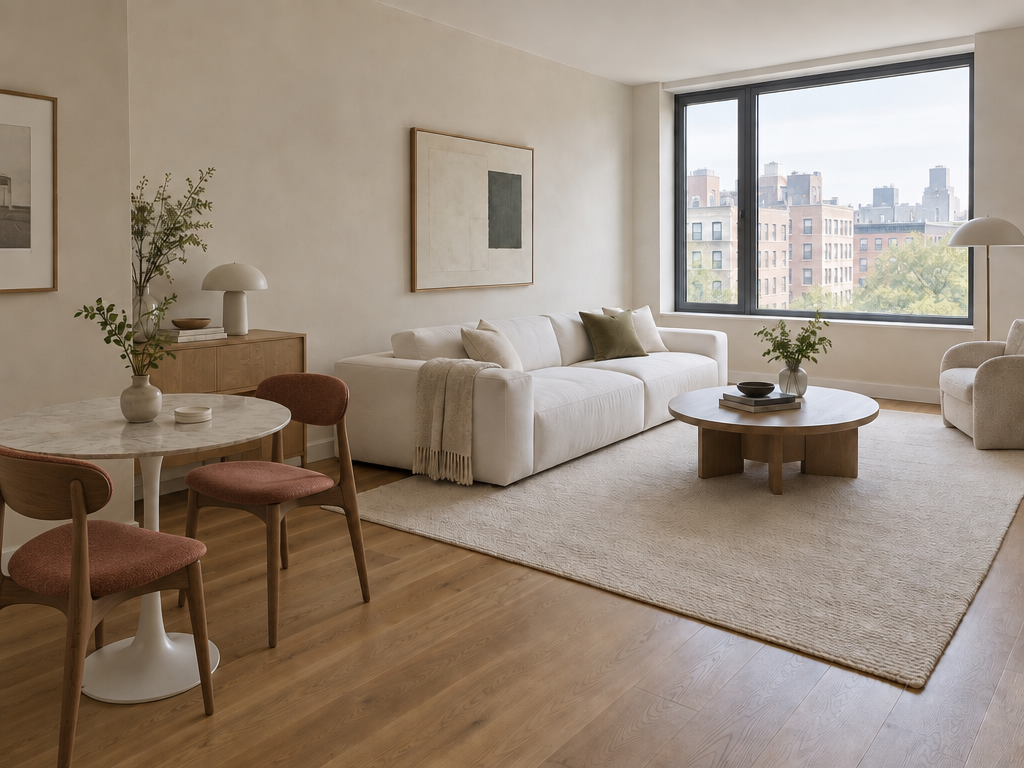
Point to the two chairs, give the replacement material and make the scope of the edit explicit.
The walnut chairs change while the sofa, window, floor and room perspective remain recognizable.
Preview prompt
Edit the room photograph.

Replace ONLY the two white dining chairs with sculptural walnut chairs upholstered in muted rust fabric.

KEEP UNCHANGED:
camera angle
room dimensions
window
walls
floor
rug
sofa
table
lighting
shadows
all other objects

Match realistic perspective, scale, contact shadows and natural lighting.

Do not redesign the room.
Do not move furniture except the two replaced chairs.
Do not add decoration.
07 / Prompt technique
List what stays fixed
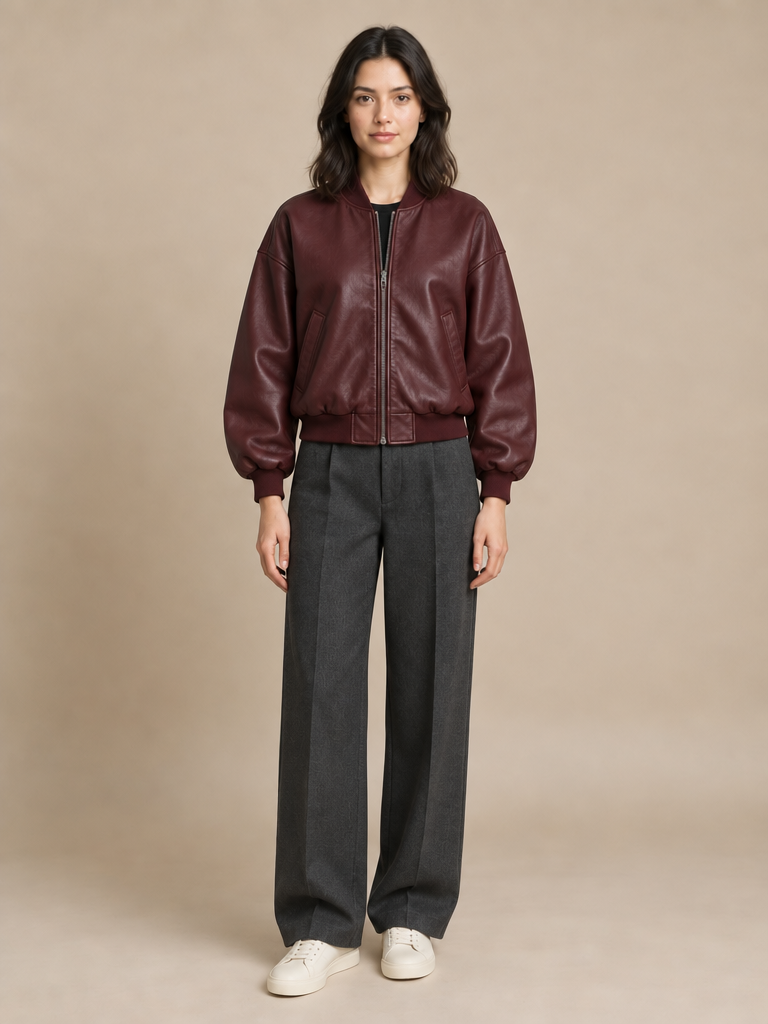
Separate the editable clothing from fixed identity, face, pose, camera and studio background.
The result changes the outfit without moving the model out of the centered full-body studio composition.
Preview prompt
Edit Image 1.

Use:
Image 2 as the jacket reference.
Image 3 as the trousers reference.
Image 4 as the footwear reference.

CHANGE ONLY THE CLOTHING.

Dress the woman naturally in the referenced burgundy bomber jacket, charcoal trousers and cream sneakers.

KEEP UNCHANGED:
her exact face
facial features
skin tone
hairstyle
body shape
body proportions
pose
hands
expression
camera angle
framing
background
lighting

Fit the garments naturally to her body and existing pose with realistic folds, material behavior, shadows and contact.

Do not add jewelry, bags, hats, logos or text.

Result must loo…
08 / Prompt technique
Assign each reference a role
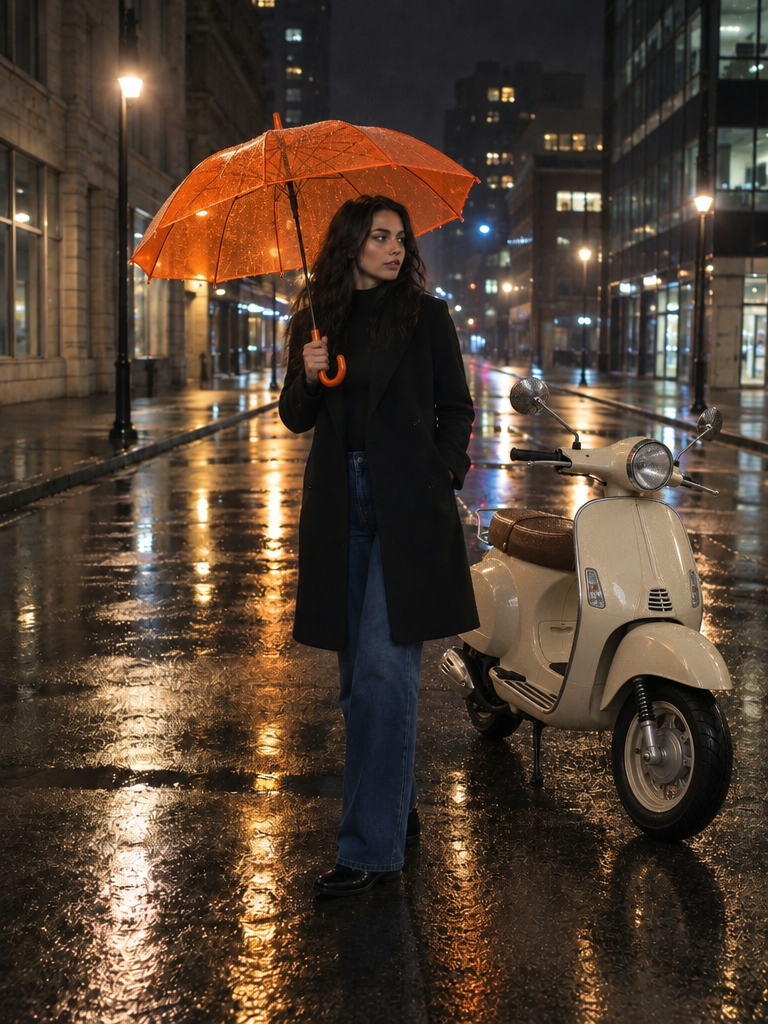
Give the base scene, scooter and umbrella distinct jobs. Do not leave the model to infer which image should supply which element.
The new objects enter the rainy street; the original person and city setting remain the compositional base.
Preview prompt
Edit Image 1 using the other references.

Add the scooter from Image 2 parked naturally beside the woman.

Place the umbrella from Image 3 in the woman's right hand.

KEEP UNCHANGED:
woman's identity
face
body
clothing
pose as much as physically possible
street
camera perspective
nighttime lighting
overall composition

Integrate both added objects with correct scale, perspective, wet-surface reflections, shadows and environmental lighting.

Do not redesign the scooter or umbrella.
Do not add other objects or people.
09 / Prompt technique
Request real transparency
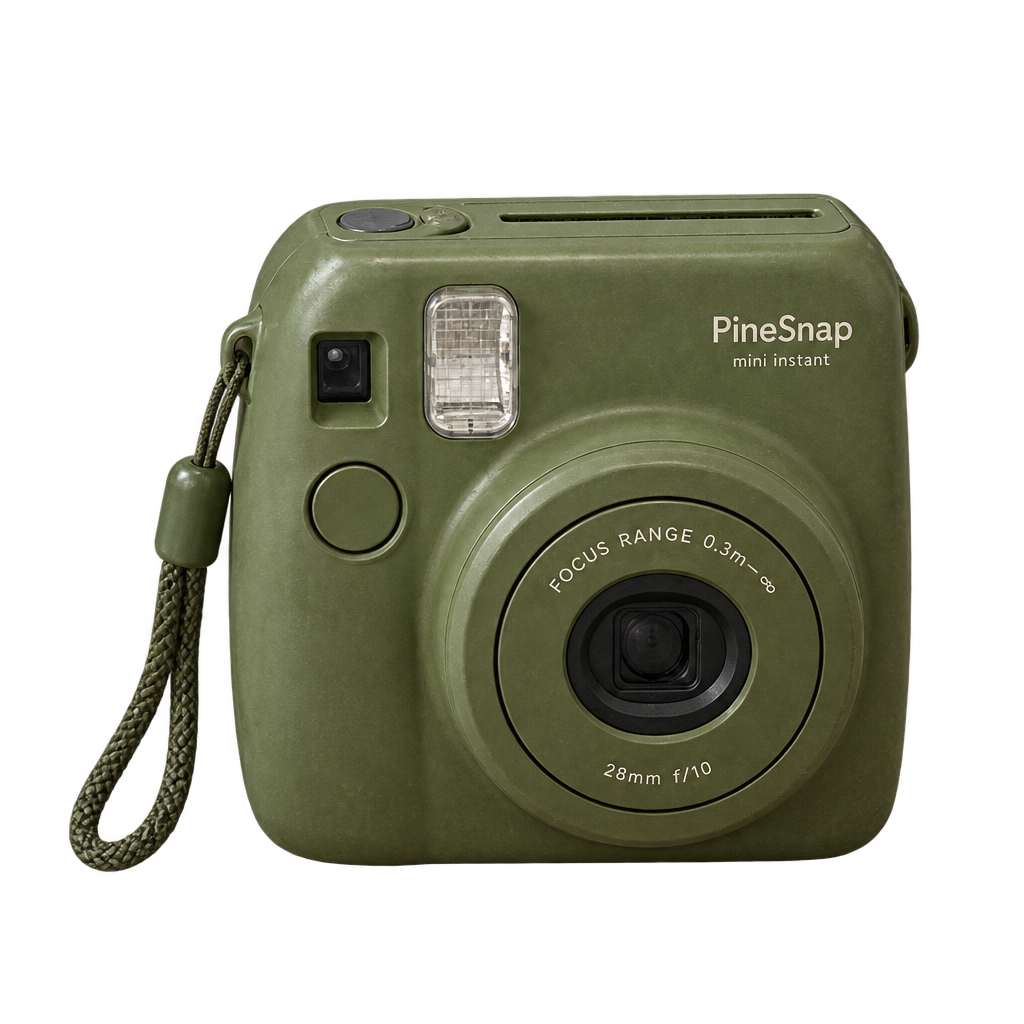
Ask for an isolated camera and choose Transparent in the background setting. A checkerboard-looking picture is not an alpha channel.
The published cutout is a PNG; inspect its edges and decoded alpha before using it in a design.
Preview prompt
Edit the input photograph.

Extract ONLY the olive-green instant camera.

Remove the desk, mug, paper, background and all surrounding objects.

Preserve:
exact camera geometry
lens
buttons
material
surface wear
colors
small printed details

Output a centered isolated camera with a fully transparent background and clean alpha edges.

No halo.
No checkerboard.
No floor.
No added shadow backdrop.
No redesign.
10 / Prompt technique
Refine one thing at a time
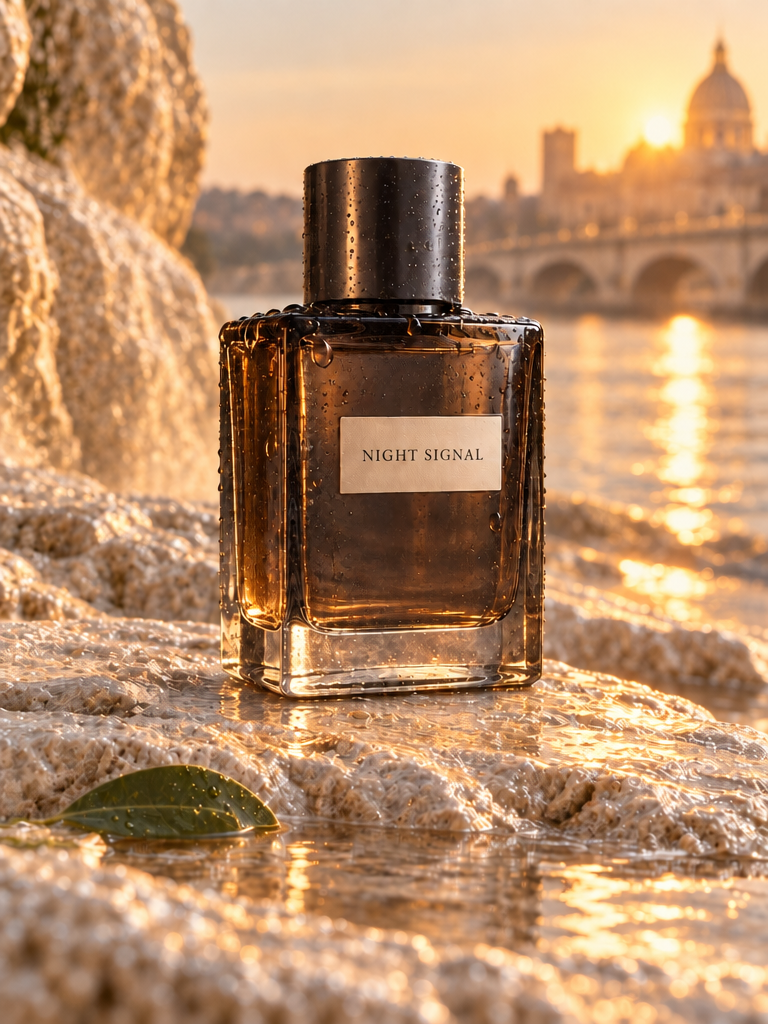
Carry forward the same bottle and composition, then ask only for the new condensation detail.
The final Night Signal stage adds droplets after the earlier sunrise-setting edit, making the sequence easier to evaluate than a wholesale rewrite.
Preview prompt
Keep everything else unchanged.

Add subtle condensation droplets only to the outside of the bottle.

Do not alter label legibility or glass geometry.

Preserve both stages.
Use the output as feedback
Inspect text letter by letter, count requested objects, review identity and perspective, and check transparency in the file itself. When something misses, change one instruction and preserve the constraints that worked. KiwiMotion keeps the full prompt with each linked example so you can examine the exact wording before adapting it.