
Reference-image relighting
Red Flash
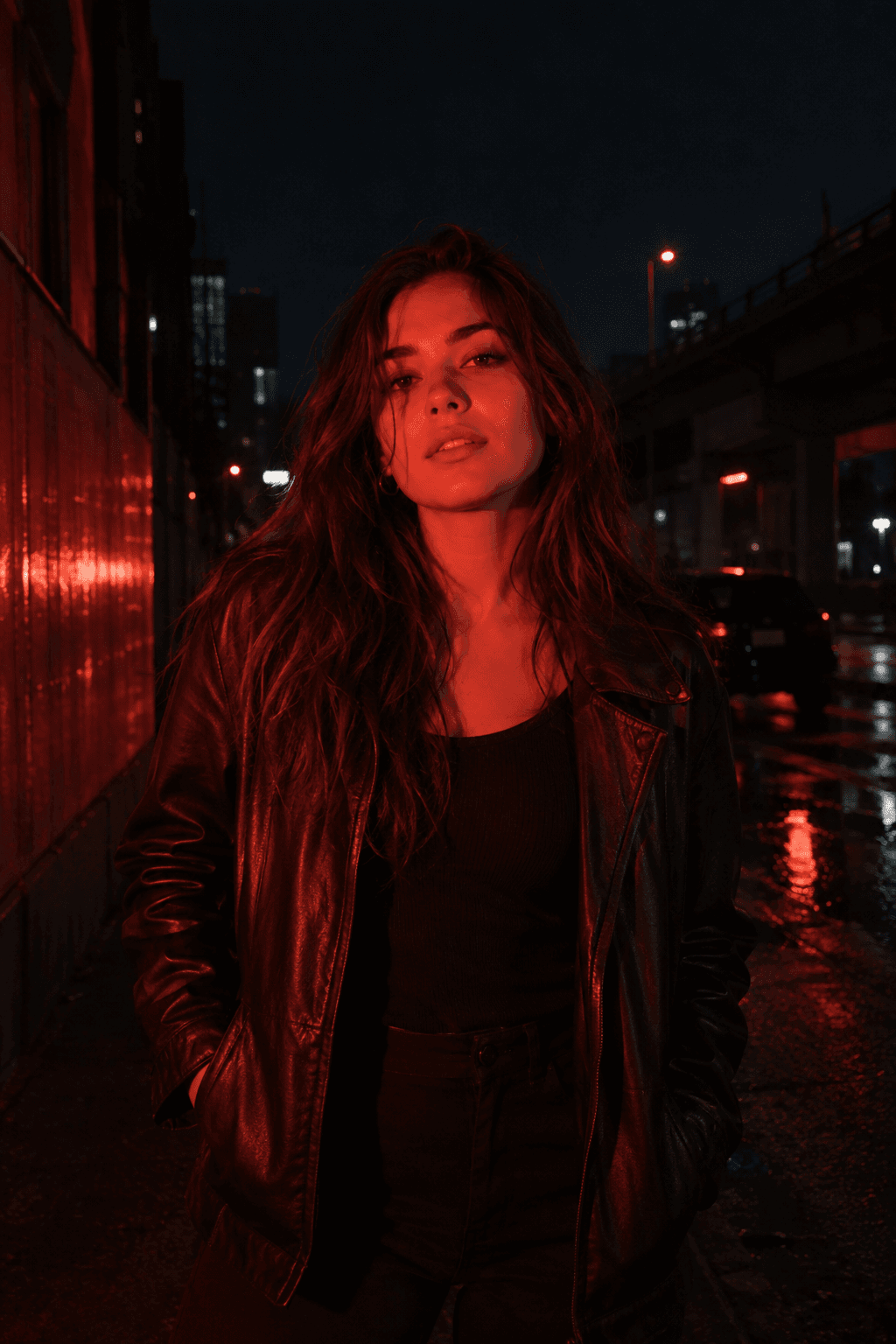
Relight your photo with intense cinematic red flash. The generated image should feel like the same moment under different lighting, although small reconstructed details can vary.
Use This Template →Opens the existing KiwiMotion Studio workflow with this template selected.
What this template does
Red Flash concentrates crimson light on the existing subject while pushing the surroundings toward a near-black night atmosphere. It aims to preserve pose, clothing and scene placement, then change only the lighting language.
How to use it
- Upload a photo with a visible subject and some nearby surfaces.
- Open the template's prefilled image workflow.
- Generate and compare the original composition with the red-lit output.
What to expect
The generated image should feel like the same moment under different lighting, although small reconstructed details can vary.
Tips for better results
- A source with shadow detail gives the model room to create believable falloff.
- Keep important facial features visible in the input if likeness matters.
- Check that red spill lands on nearby existing objects instead of creating new ones.
Workflow and model
Reference-image relighting · GPT Image 2
Does it replace the background?
The prompt asks the model to keep the existing scene and darken it rather than introducing an unrelated background.
Related Templates
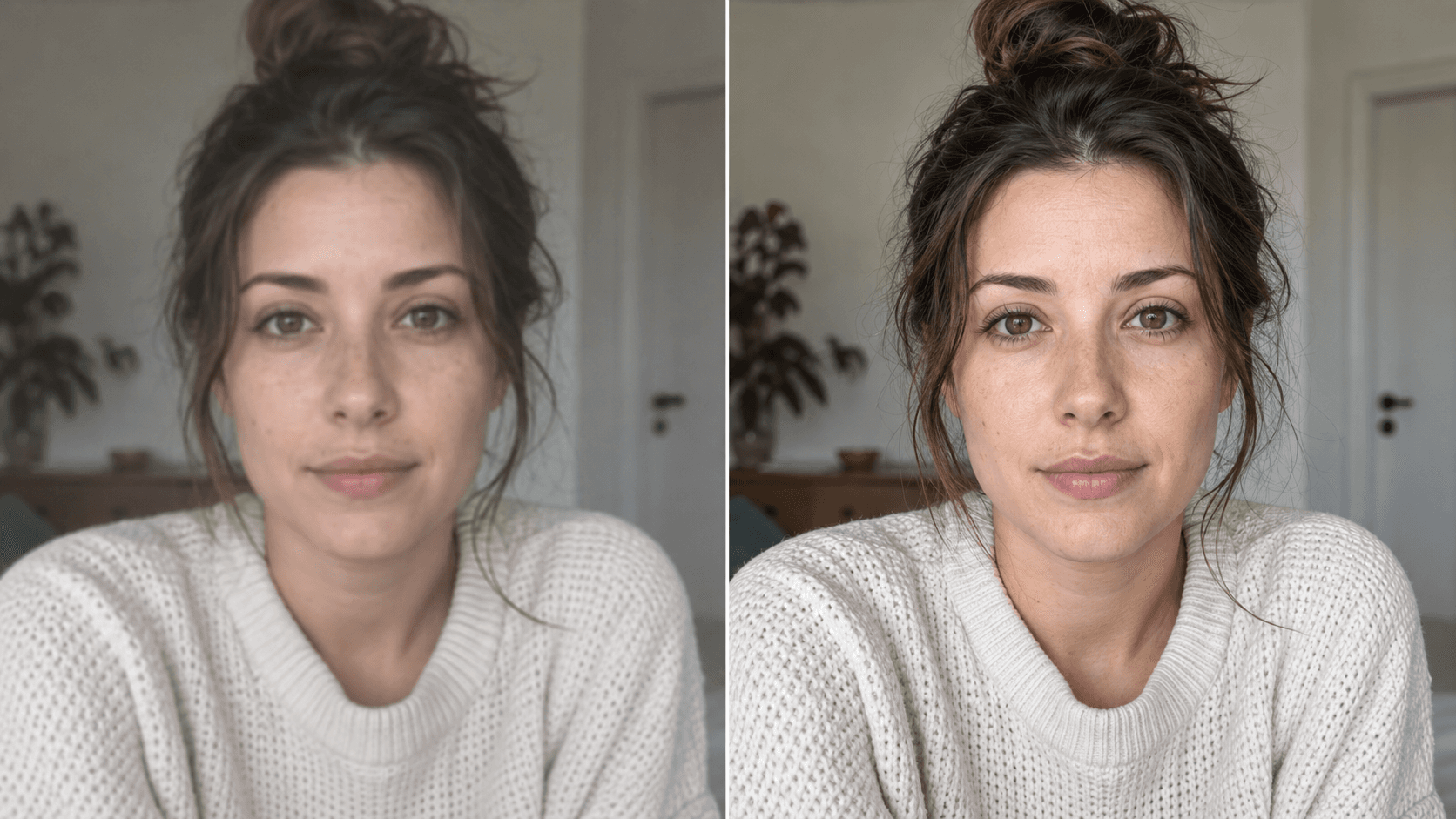
Upscale
Enhance your photo with natural, lifelike detail.
Reference-image enhancement · GPT Image 2
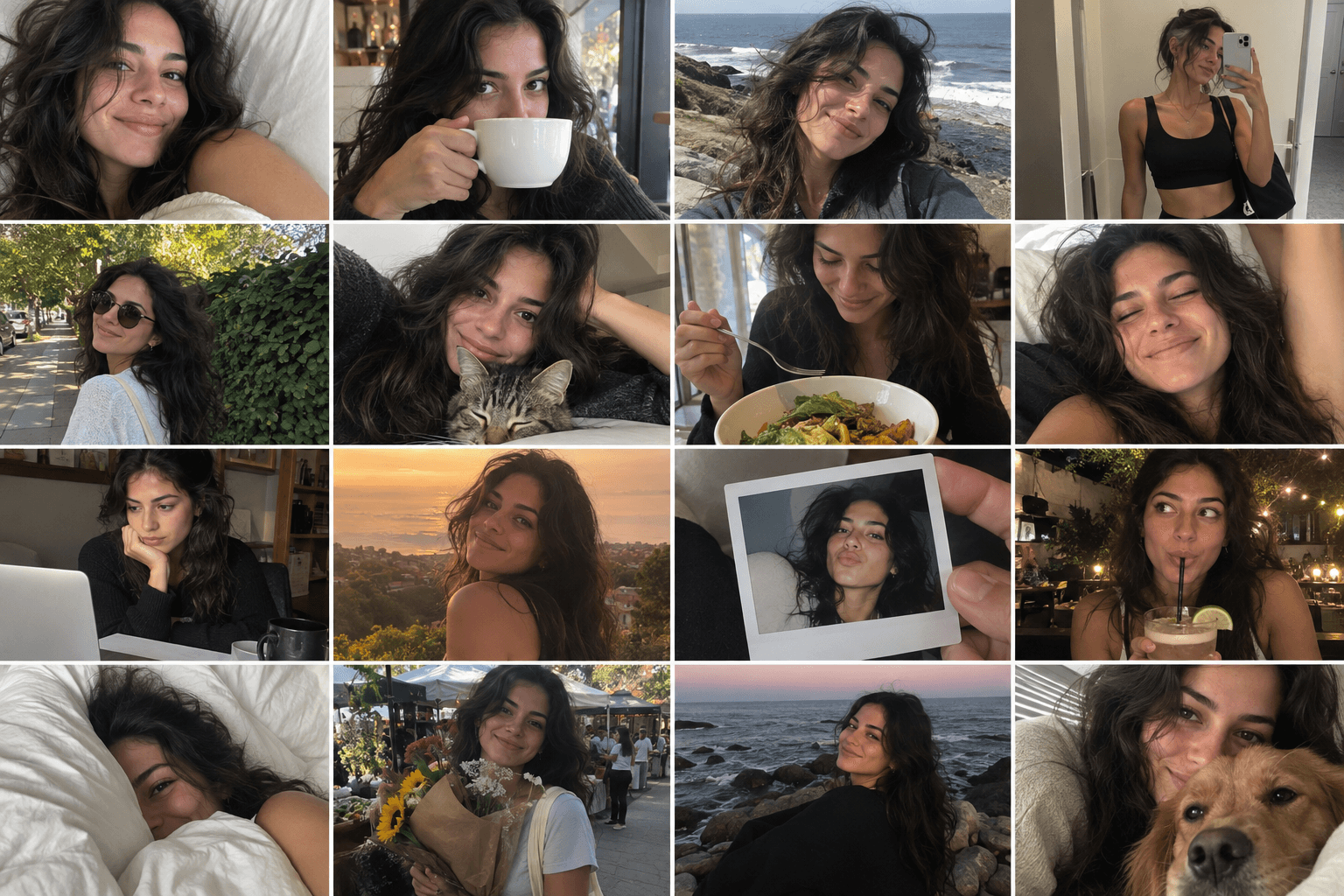
Camera Roll
Turn one photo into a day of casual camera-roll moments.
Reference-image multi-scene creation · GPT Image 2
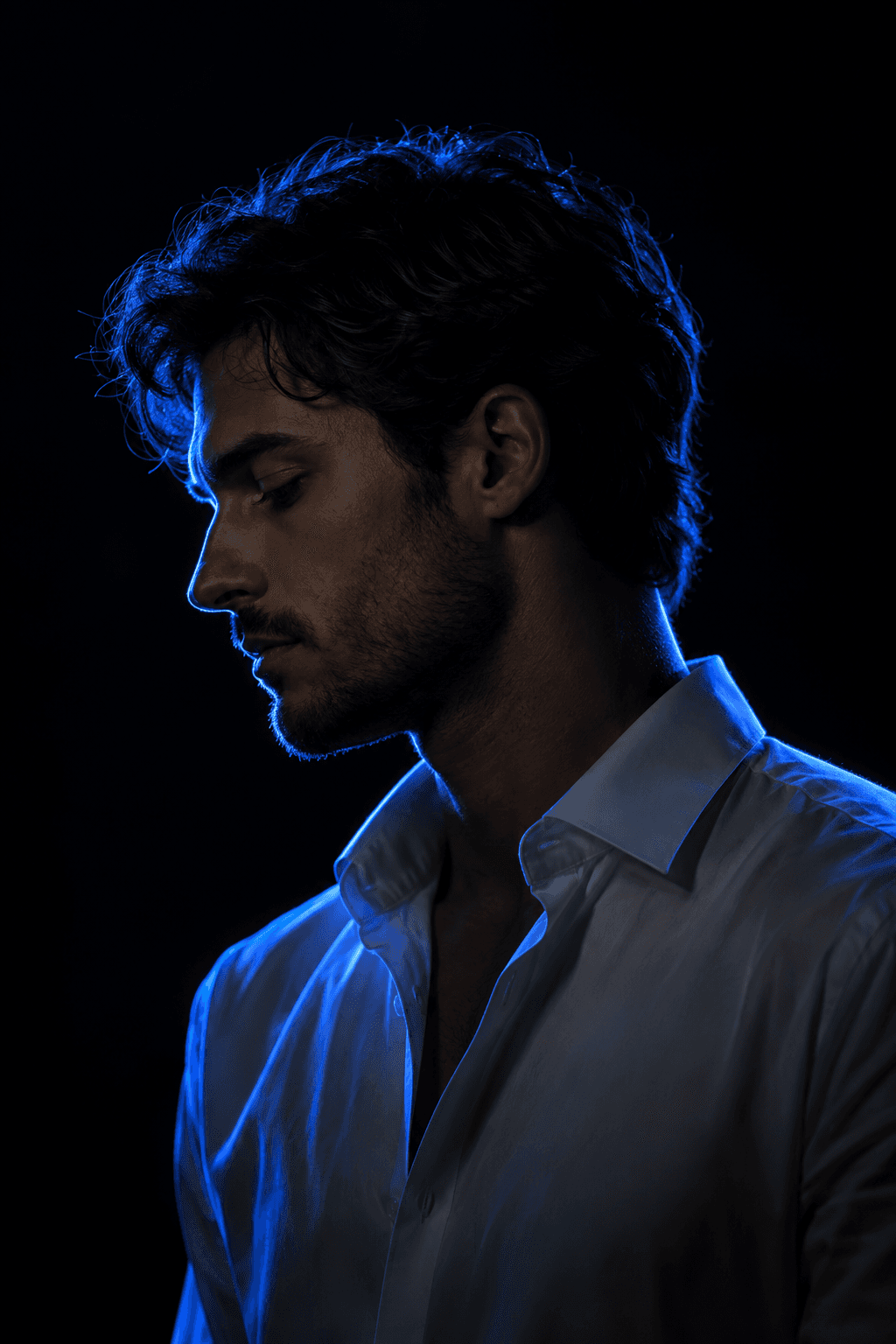
Blue Rim Light Portrait
Turn your photo into a cinematic neon-lit portrait.
Reference-image portrait relighting · Nano Banana
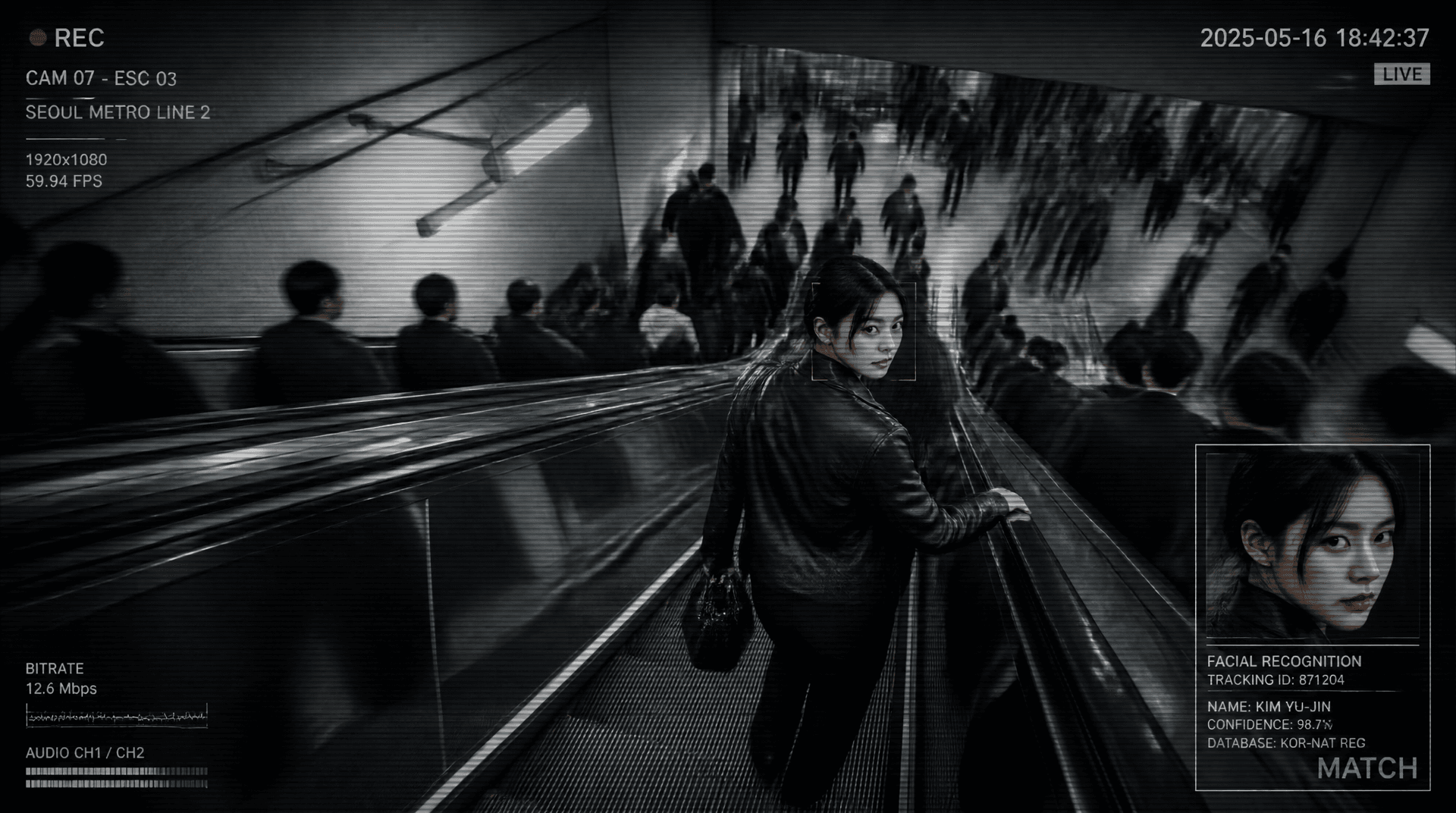
Metro Surveillance
Turn your photo into a cinematic CCTV thriller.
Reference-image scene transformation · GPT Image 2