
Reference-image portrait relighting
Blue Rim Light Portrait
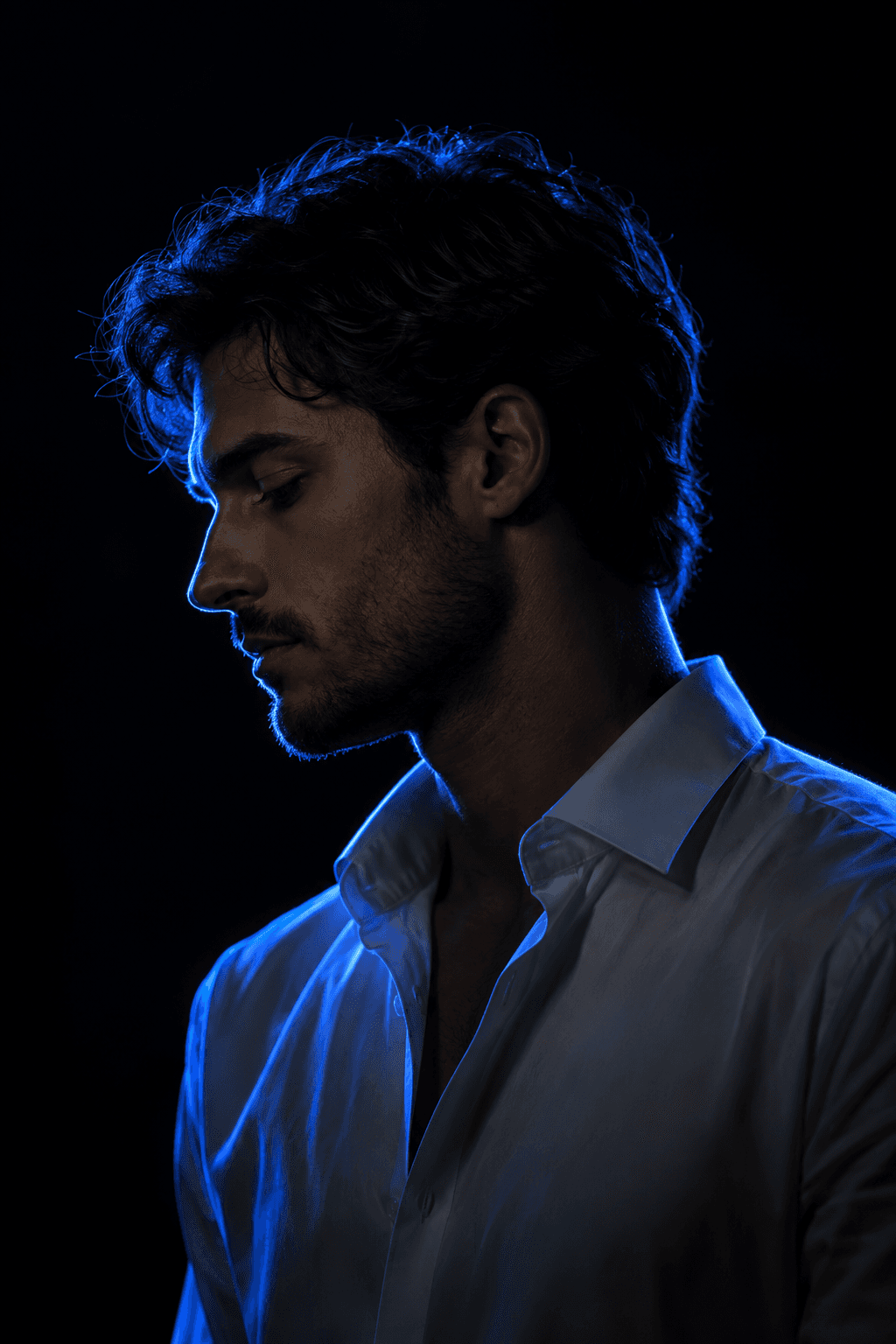
Turn your photo into a cinematic neon-lit portrait. The image is a generated editorial portrait, not a simple lighting overlay on the exact uploaded pixels.
Use This Template →Opens the existing KiwiMotion Studio workflow with this template selected.
What this template does
Blue Rim Light Portrait uses a person photo to make a low-key side-profile image. A cobalt-blue backlight traces the hair, face and shoulders against a nearly black background while the source photo guides identity.
How to use it
- Choose a source portrait with a clear face and hairstyle.
- Launch the template and provide the photo as the single reference.
- Generate and check the facial resemblance and light separation around the silhouette.
What to expect
The image is a generated editorial portrait, not a simple lighting overlay on the exact uploaded pixels.
Tips for better results
- A three-quarter or side-facing source can make a profile treatment easier.
- Avoid strong foreground clutter around the head.
- Review whether the blue edge light outlines hair naturally rather than turning the whole face blue.
Workflow and model
Reference-image portrait relighting · Nano Banana
Is the face meant to be brightly lit?
No. The look keeps most facial detail in shadow and uses blue rim light to define the silhouette.
Related Templates
Red Flash
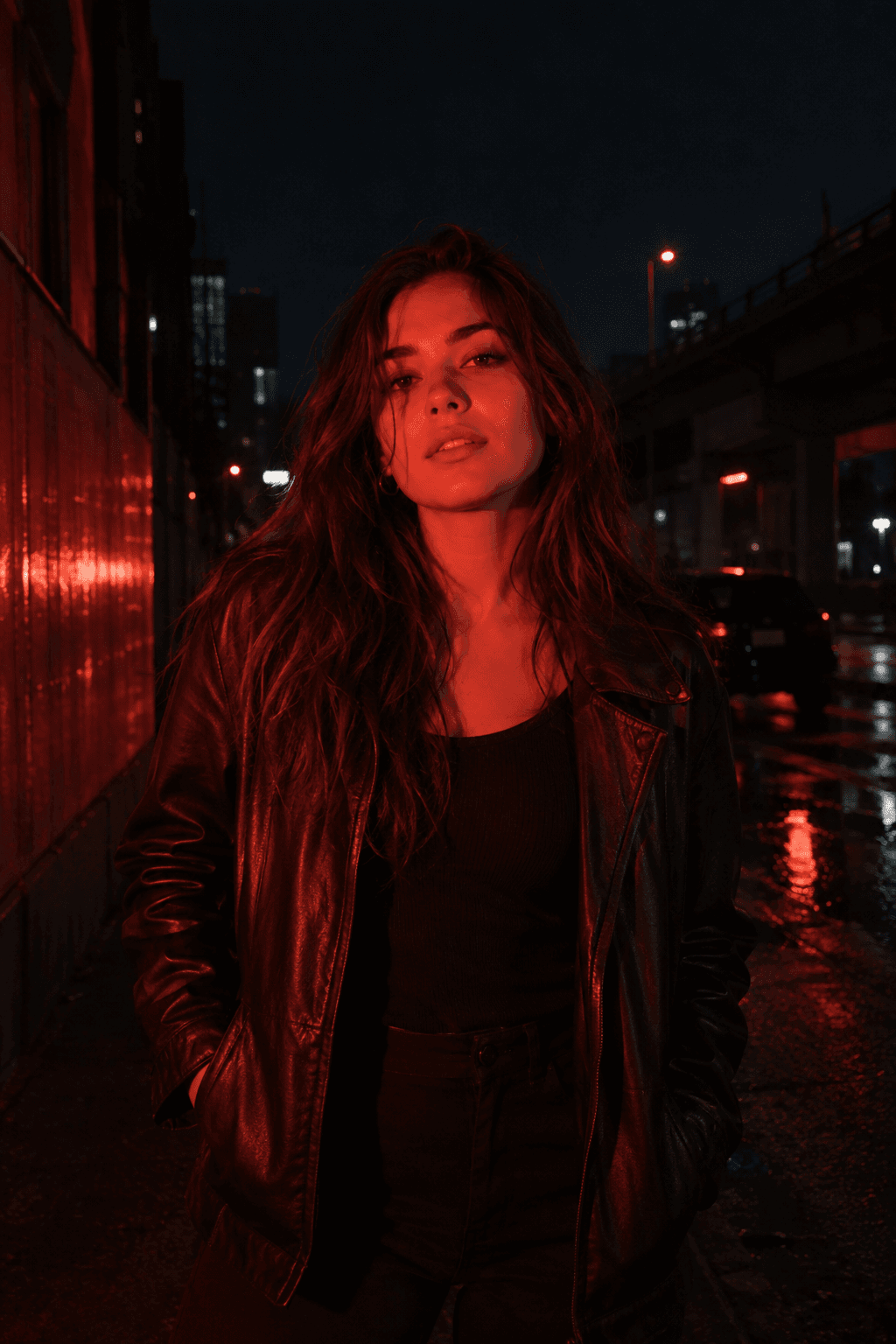
Relight your photo with intense cinematic red flash.
Reference-image relighting · GPT Image 2
Upscale
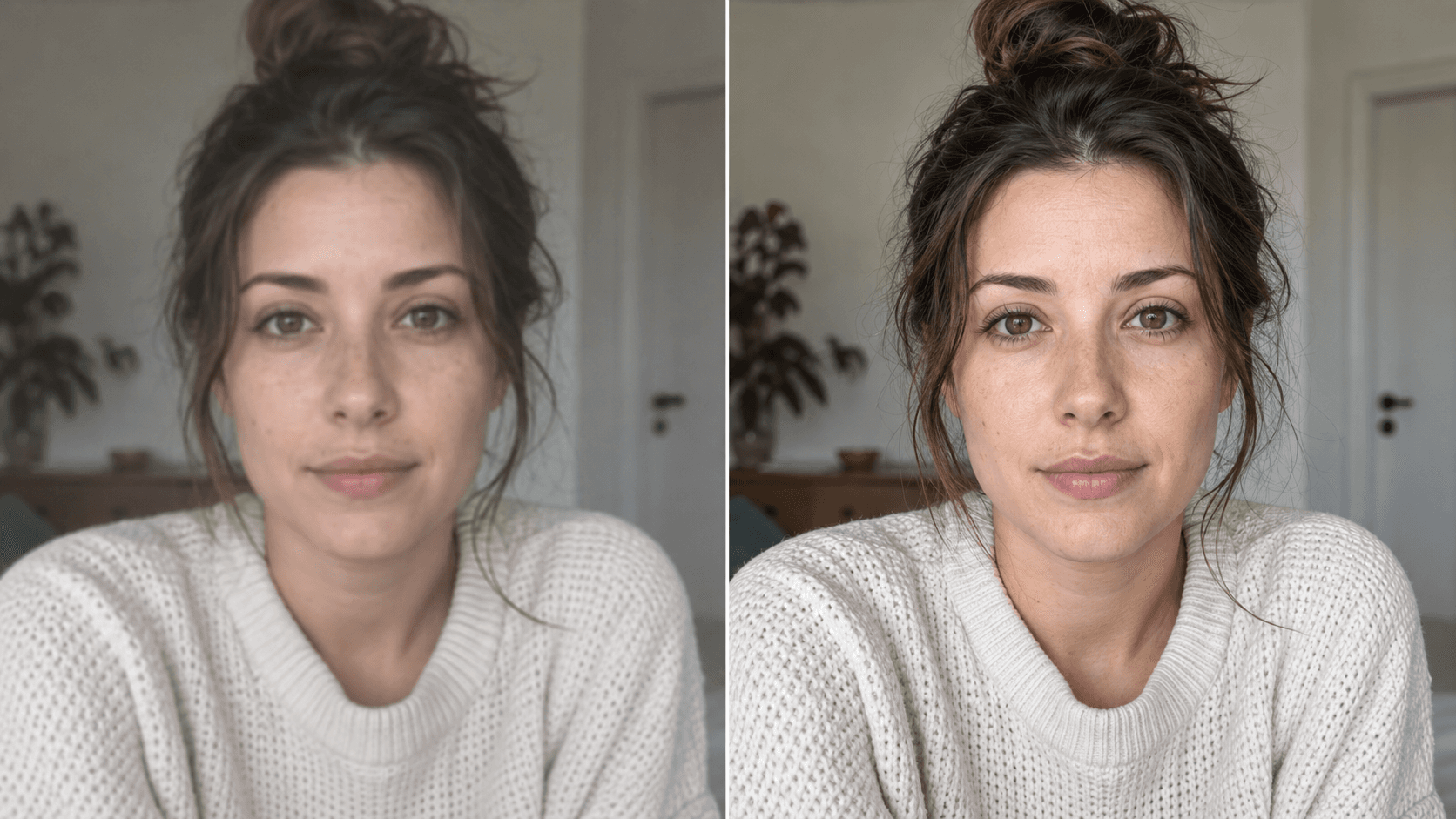
Enhance your photo with natural, lifelike detail.
Reference-image enhancement · GPT Image 2
Camera Roll
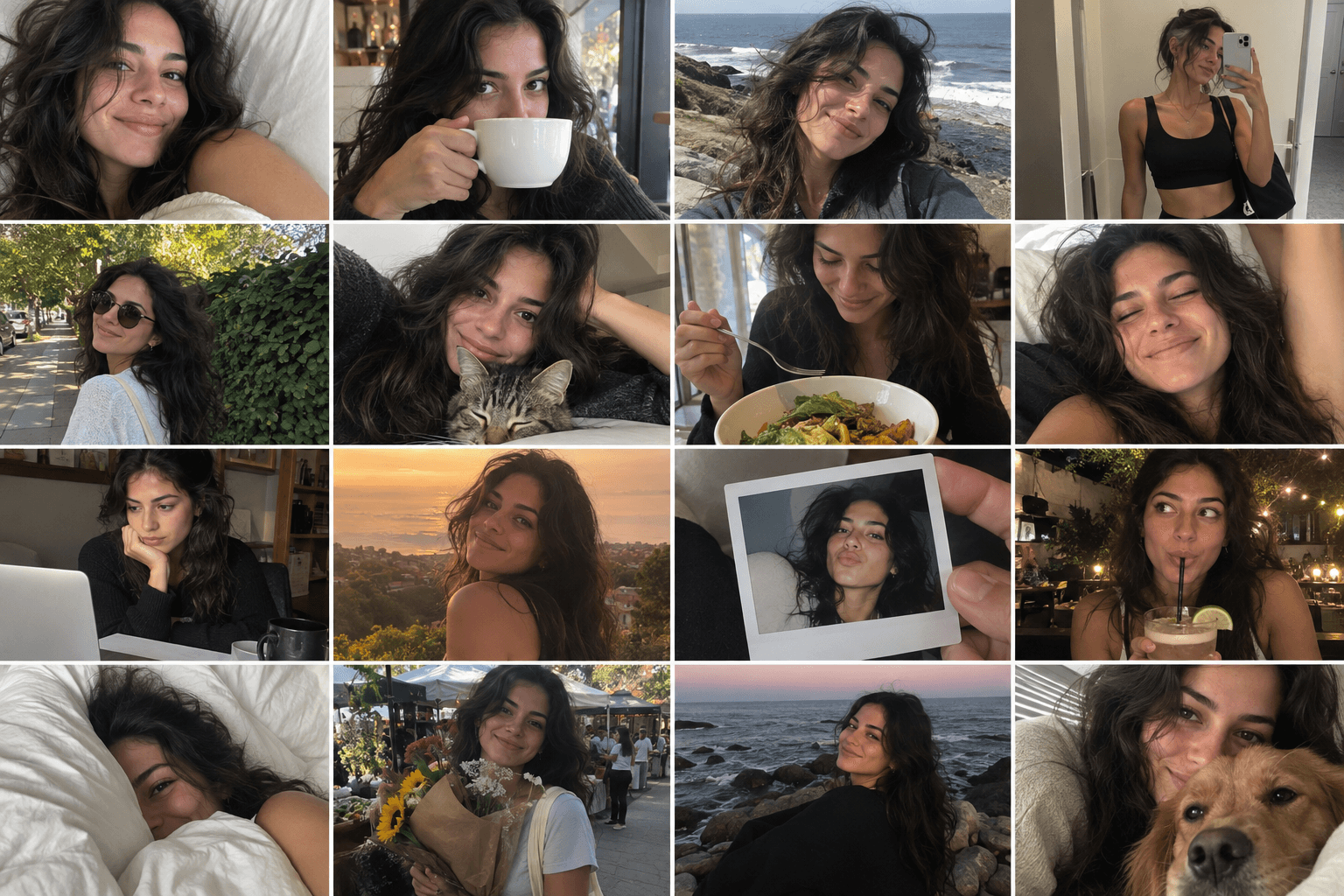
Turn one photo into a day of casual camera-roll moments.
Reference-image multi-scene creation · GPT Image 2
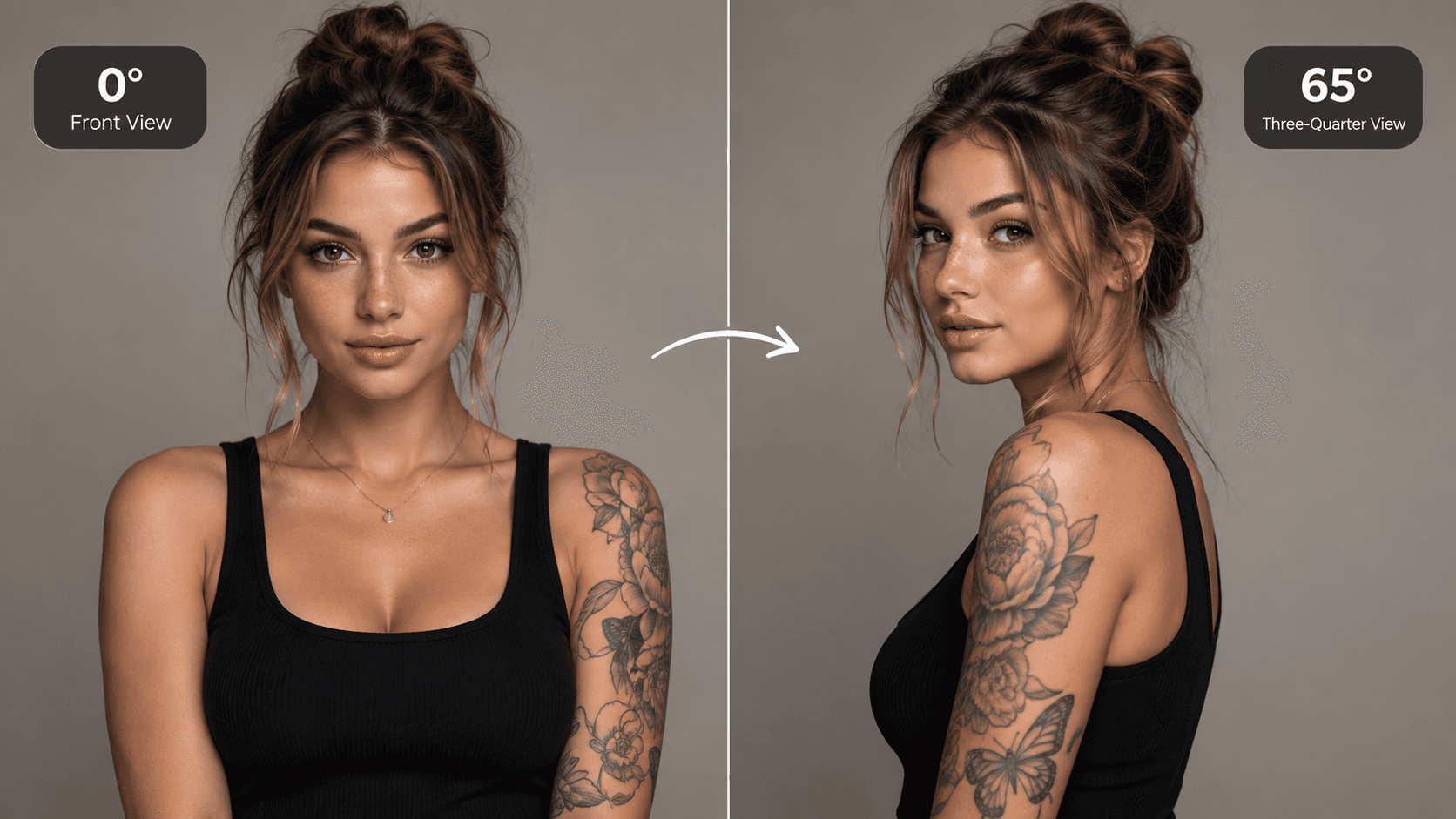
AI Camera Angle
See your image from a new perspective.
Image-to-image · viewpoint edit · Qwen Image Edit