
Reference-image graphic composition
MS Paint
Turn your portrait into a retro Paint-window pop-out scene. The output is one newly generated retro scene, not an actual interactive Paint application.
Use This Template →Opens the existing KiwiMotion Studio workflow with this template selected.
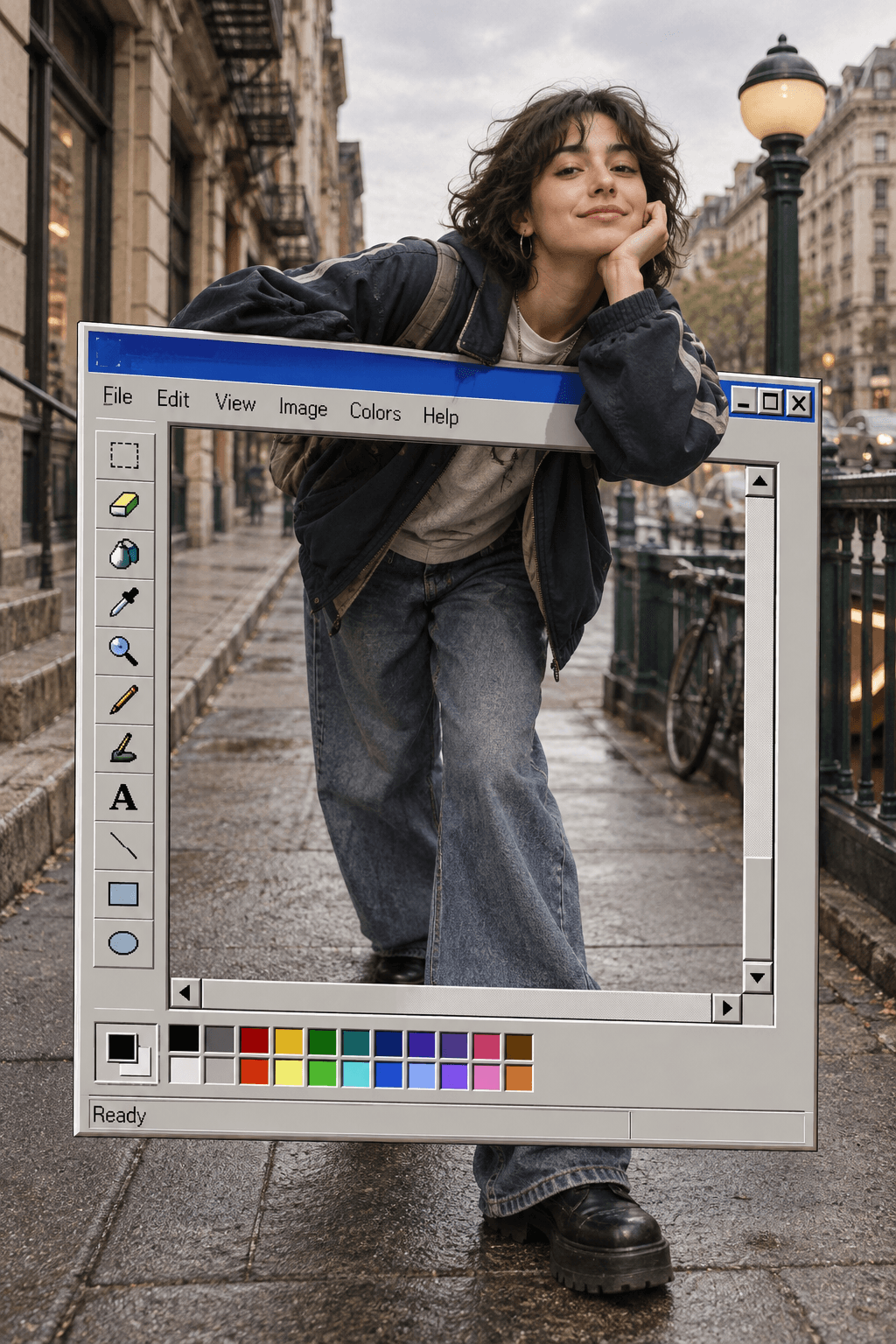
What this template does
MS Paint places the reference subject inside a late-1990s desktop drawing-window composition, then makes part of the subject appear to break past the canvas frame. The template combines a nostalgic interface motif with a depth illusion.
How to use it
- Choose a portrait with a clear upper body or expressive pose.
- Launch the prefilled template and upload the reference.
- Generate and inspect the window frame where the subject crosses in front of it.
What to expect
The output is one newly generated retro scene, not an actual interactive Paint application.
Tips for better results
- A clean silhouette helps the pop-out edge read convincingly.
- Allow breathing room around the subject so the interface remains visible.
- Review hands and overlapping frame edges for awkward geometry.
Workflow and model
Reference-image graphic composition · GPT Image 2
Is the desktop window functional?
No. It is part of the generated image's visual composition.
Related Templates
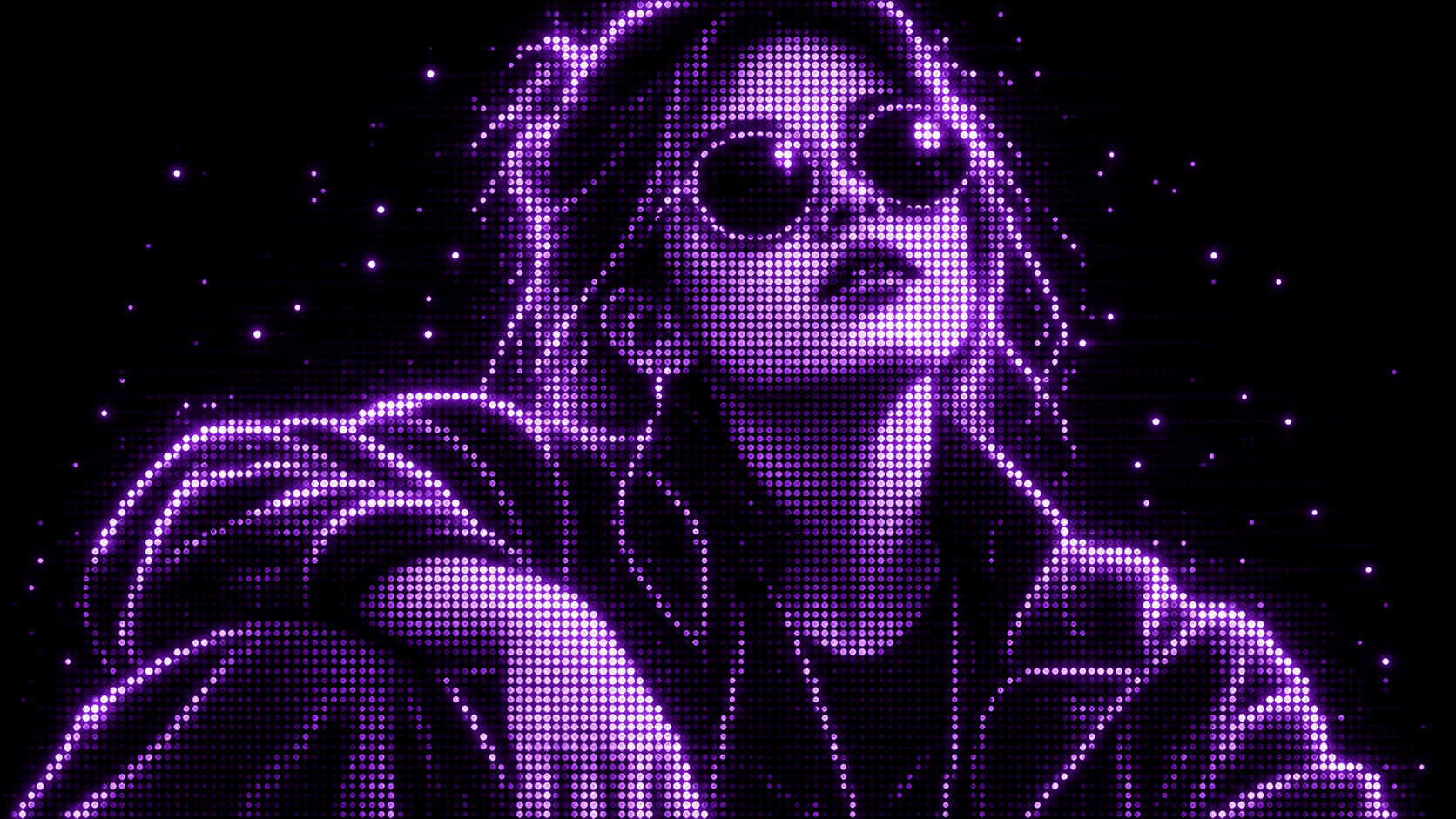
Purple Phosphor
Reimagine your photo as a glowing purple dot display.
Reference-image style transformation · GPT Image 2
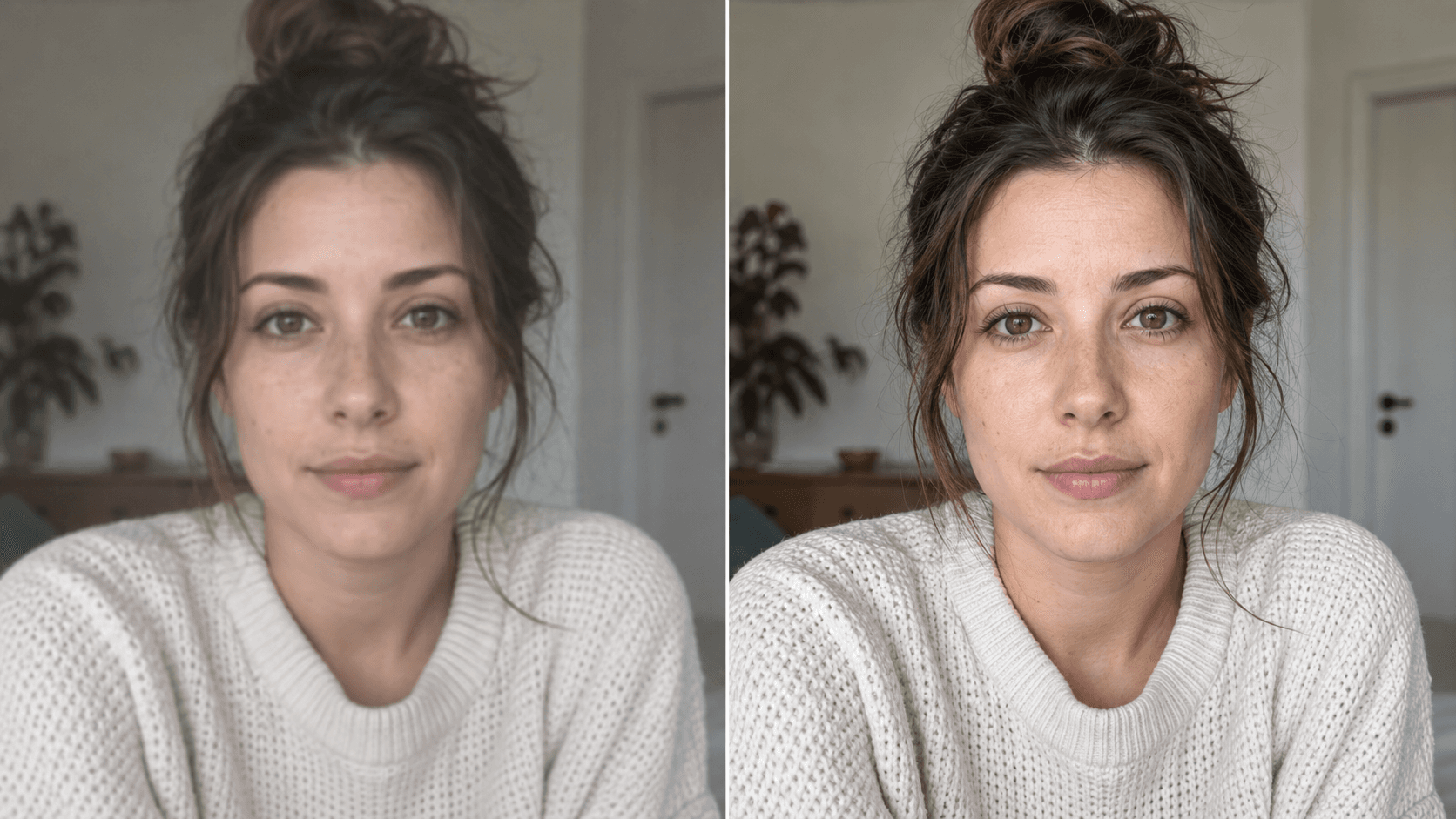
Upscale
Enhance your photo with natural, lifelike detail.
Reference-image enhancement · GPT Image 2
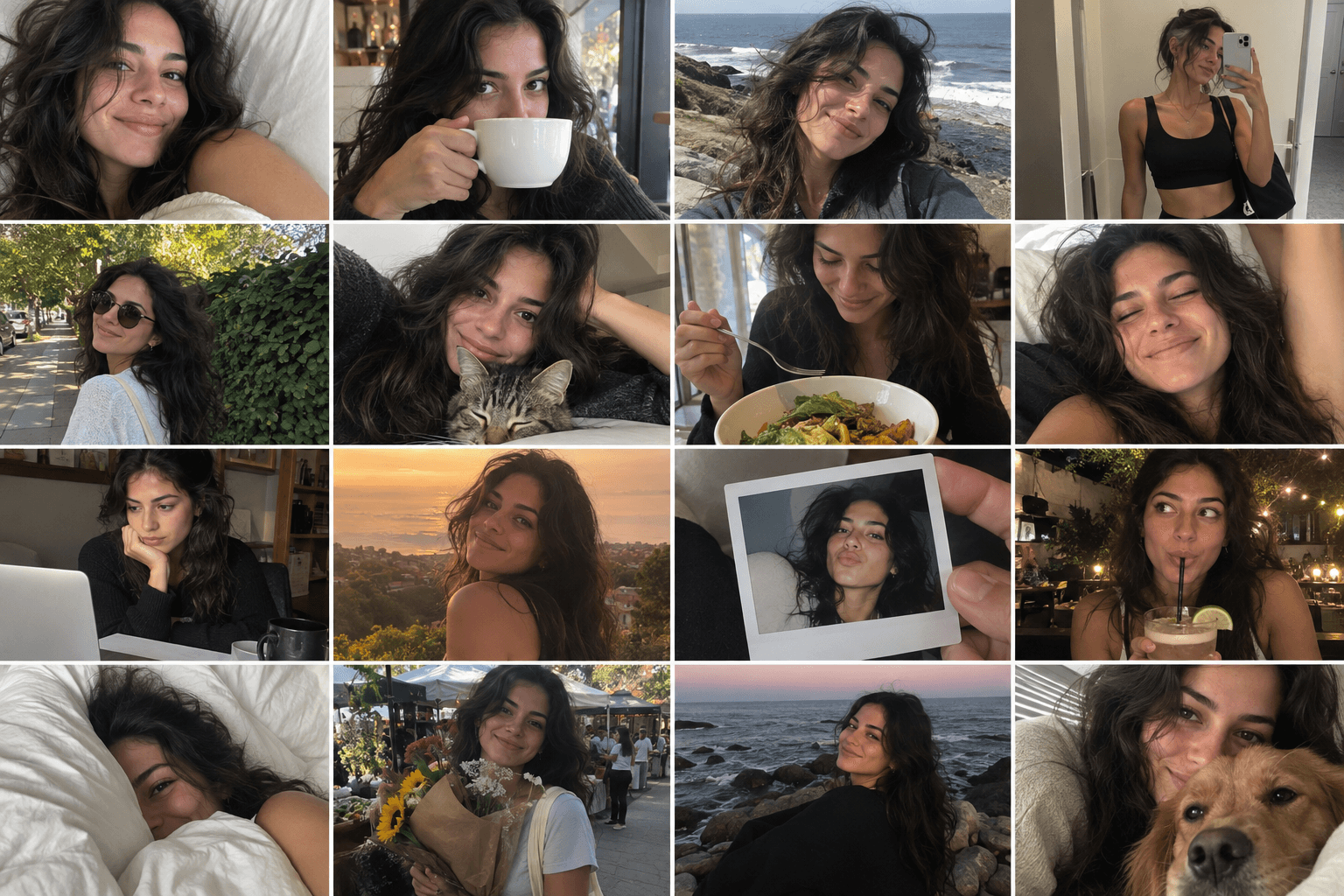
Camera Roll
Turn one photo into a day of casual camera-roll moments.
Reference-image multi-scene creation · GPT Image 2

Press Blue
Transform your image into a bold blue halftone poster.
Reference-image poster design · GPT Image 2