
Reference-image poster design
Press Blue
Transform your image into a bold blue halftone poster. The result is an original poster-style image without branding or added captions.
Use This Template →Opens the existing KiwiMotion Studio workflow with this template selected.

What this template does
Press Blue translates a source image into a navy-to-electric-blue poster with visible circular halftone texture. It preserves the main silhouette and composition while changing the print language and contrast.
How to use it
- Pick a reference with a clear foreground subject.
- Launch the template and upload that image in Studio.
- Generate the poster and assess the dot pattern, subject likeness and visual hierarchy.
What to expect
The result is an original poster-style image without branding or added captions.
Tips for better results
- Simple silhouettes survive strong halftone treatment well.
- Leave some negative space if you intend to add typography later in another editor.
- Review fine facial details at full size because dot texture can simplify them.
Workflow and model
Reference-image poster design · GPT Image 2
Will the template add my brand name?
No. Its prefilled direction excludes logos and captions; add approved branding separately after generation.
Related Templates
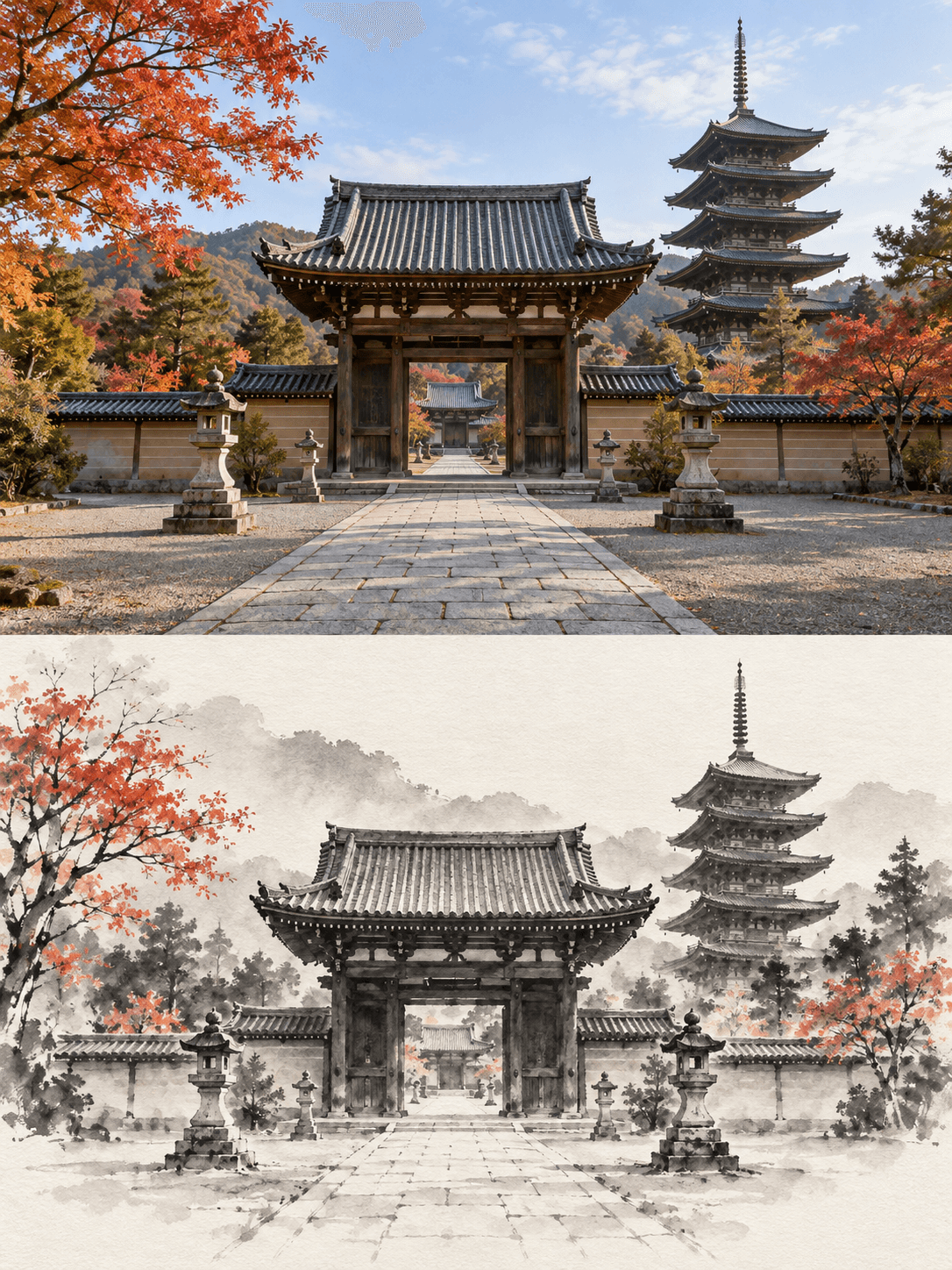
Ink Wash Reconstruction
Turn your image into an original + minimalist ink-wash comparison.
Reference-image art comparison · GPT Image 2
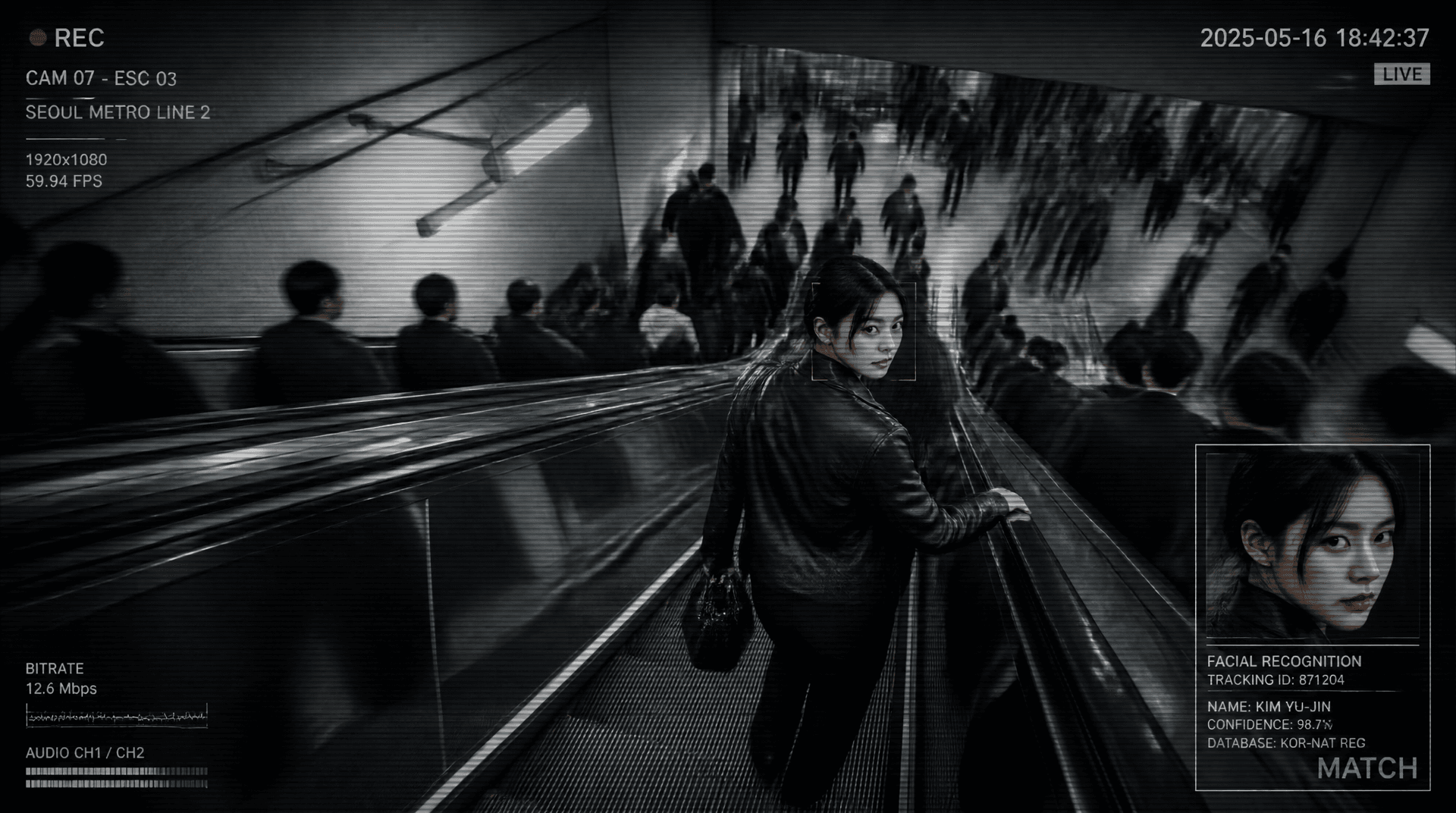
Metro Surveillance
Turn your photo into a cinematic CCTV thriller.
Reference-image scene transformation · GPT Image 2
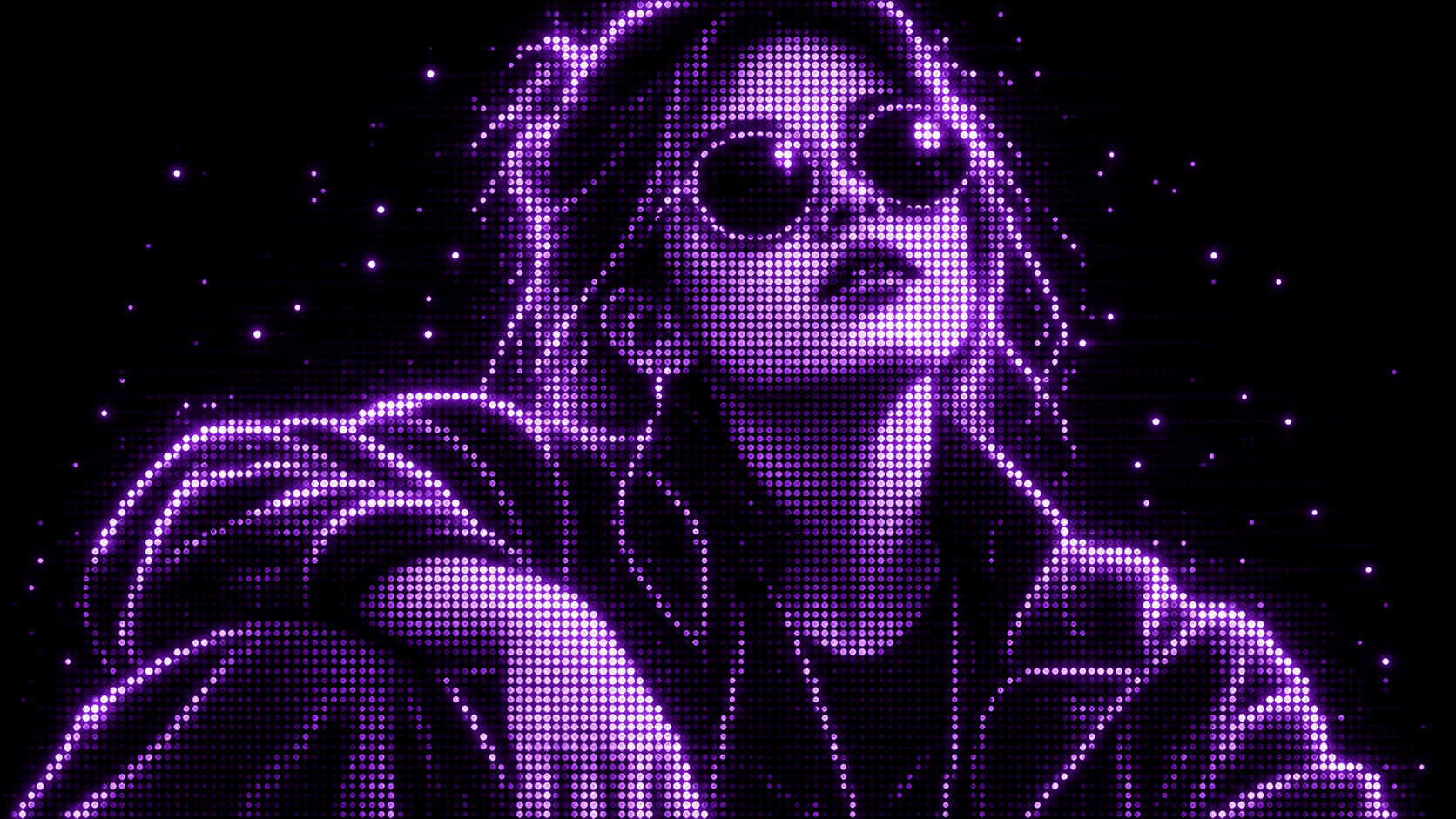
Purple Phosphor
Reimagine your photo as a glowing purple dot display.
Reference-image style transformation · GPT Image 2

Upscale
Enhance your photo with natural, lifelike detail.
Reference-image enhancement · GPT Image 2