
Reference-image art comparison
Ink Wash Reconstruction
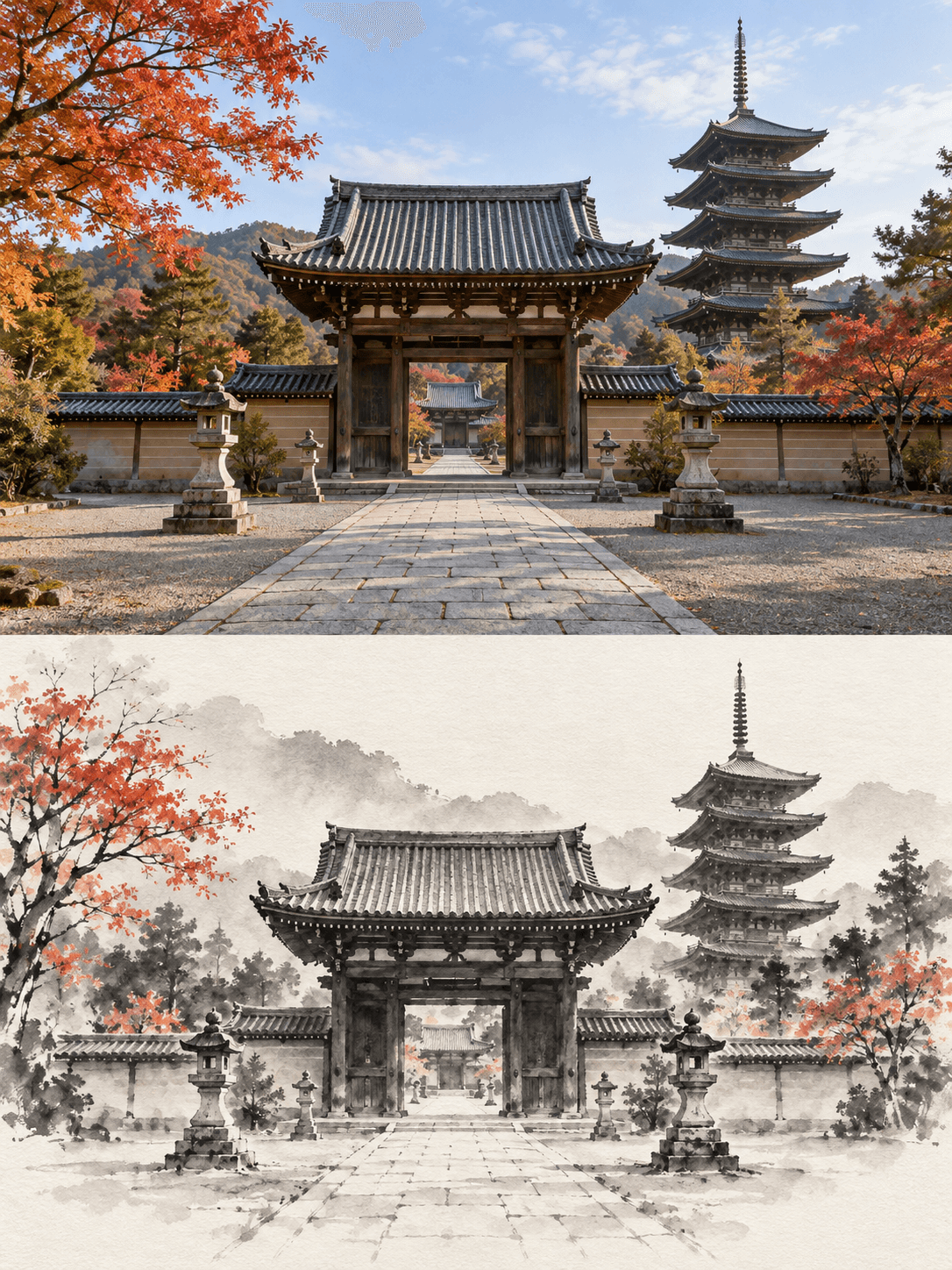
Turn your image into an original + minimalist ink-wash comparison. The ink-wash half intentionally omits secondary detail; it is a reinterpretation, not a traced copy.
Use This Template →Opens the existing KiwiMotion Studio workflow with this template selected.
What this template does
Ink Wash Reconstruction makes one two-part image: a refined photographic interpretation above and a simplified ink-wash interpretation below. The two regions are intended to share perspective and recognizable forms, as the temple-gate preview demonstrates.
How to use it
- Upload an image with a recognizable structure or strong silhouette.
- Open the prefilled template in Studio and generate the two-region composition.
- Check that the lower artwork still maps clearly to the upper scene.
What to expect
The ink-wash half intentionally omits secondary detail; it is a reinterpretation, not a traced copy.
Tips for better results
- Architecture, landscapes and objects with strong outlines make the comparison easy to read.
- Avoid scenes where the important subject occupies only a tiny part of the frame.
- Look for consistent horizon and structural proportions between the two halves.
Workflow and model
Reference-image art comparison · GPT Image 2
Is this a before-and-after file pair?
No. The workflow creates both interpretations within one generated comparison image.
Related Templates

Press Blue
Transform your image into a bold blue halftone poster.
Reference-image poster design · GPT Image 2
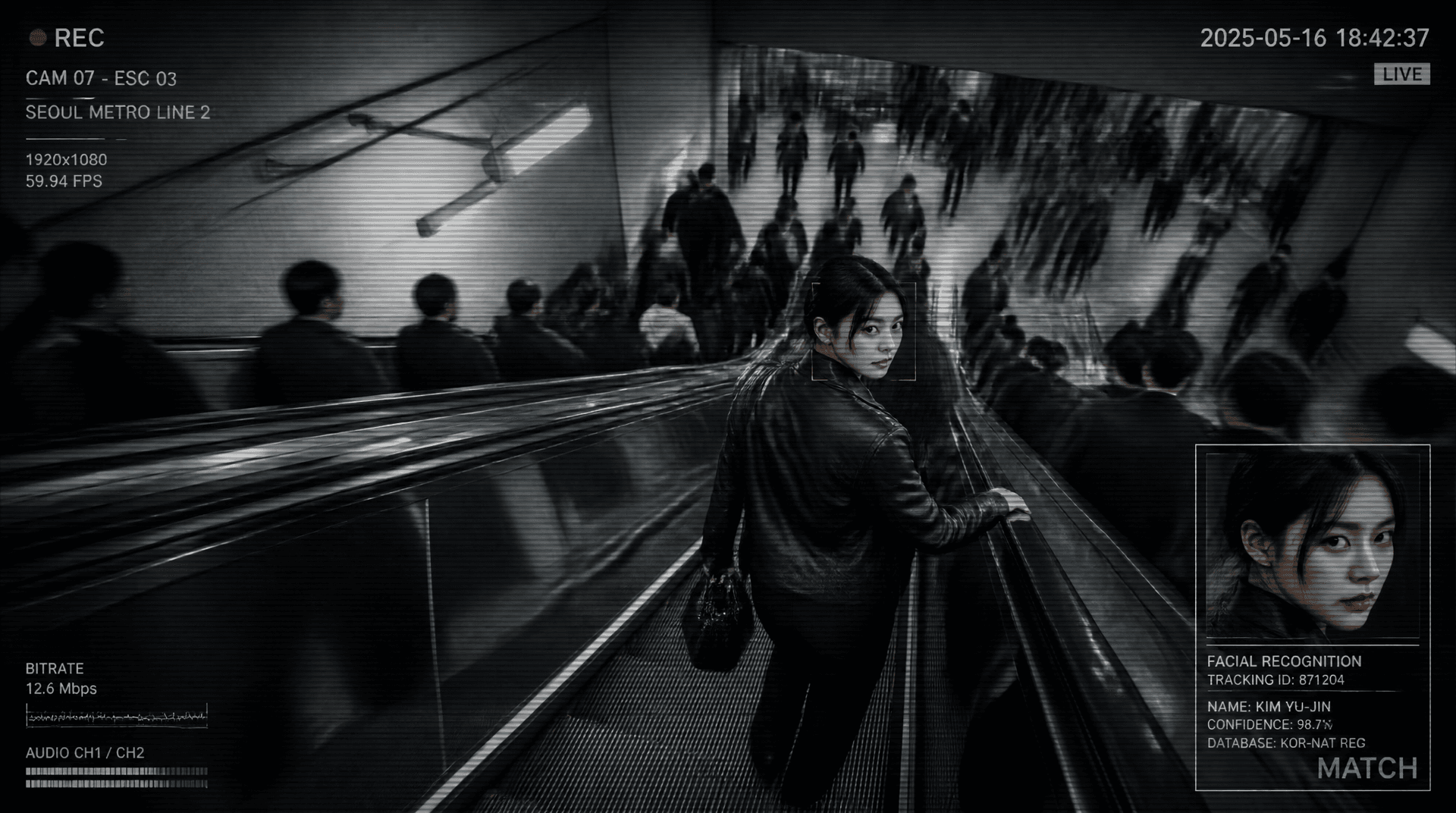
Metro Surveillance
Turn your photo into a cinematic CCTV thriller.
Reference-image scene transformation · GPT Image 2
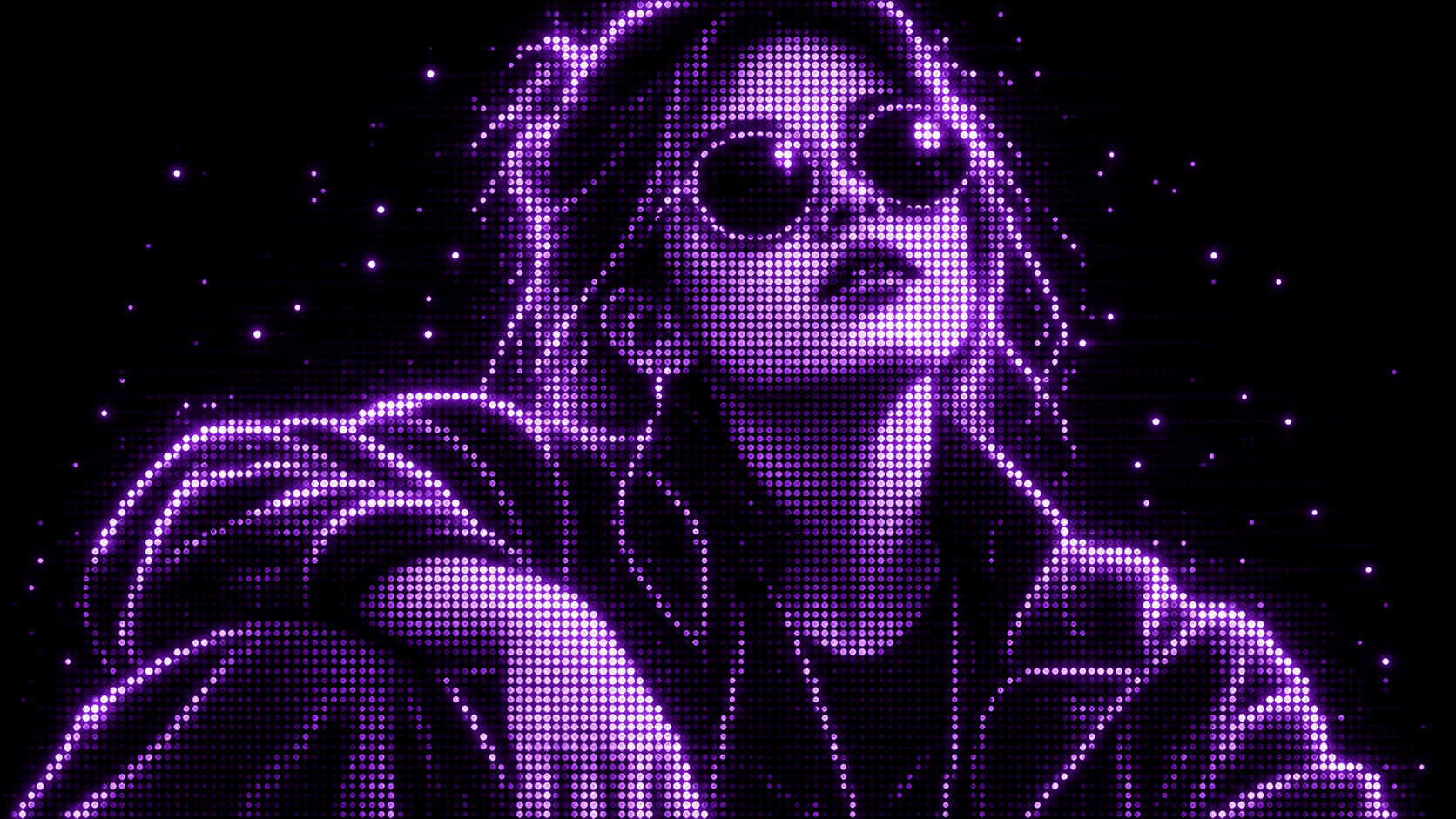
Purple Phosphor
Reimagine your photo as a glowing purple dot display.
Reference-image style transformation · GPT Image 2
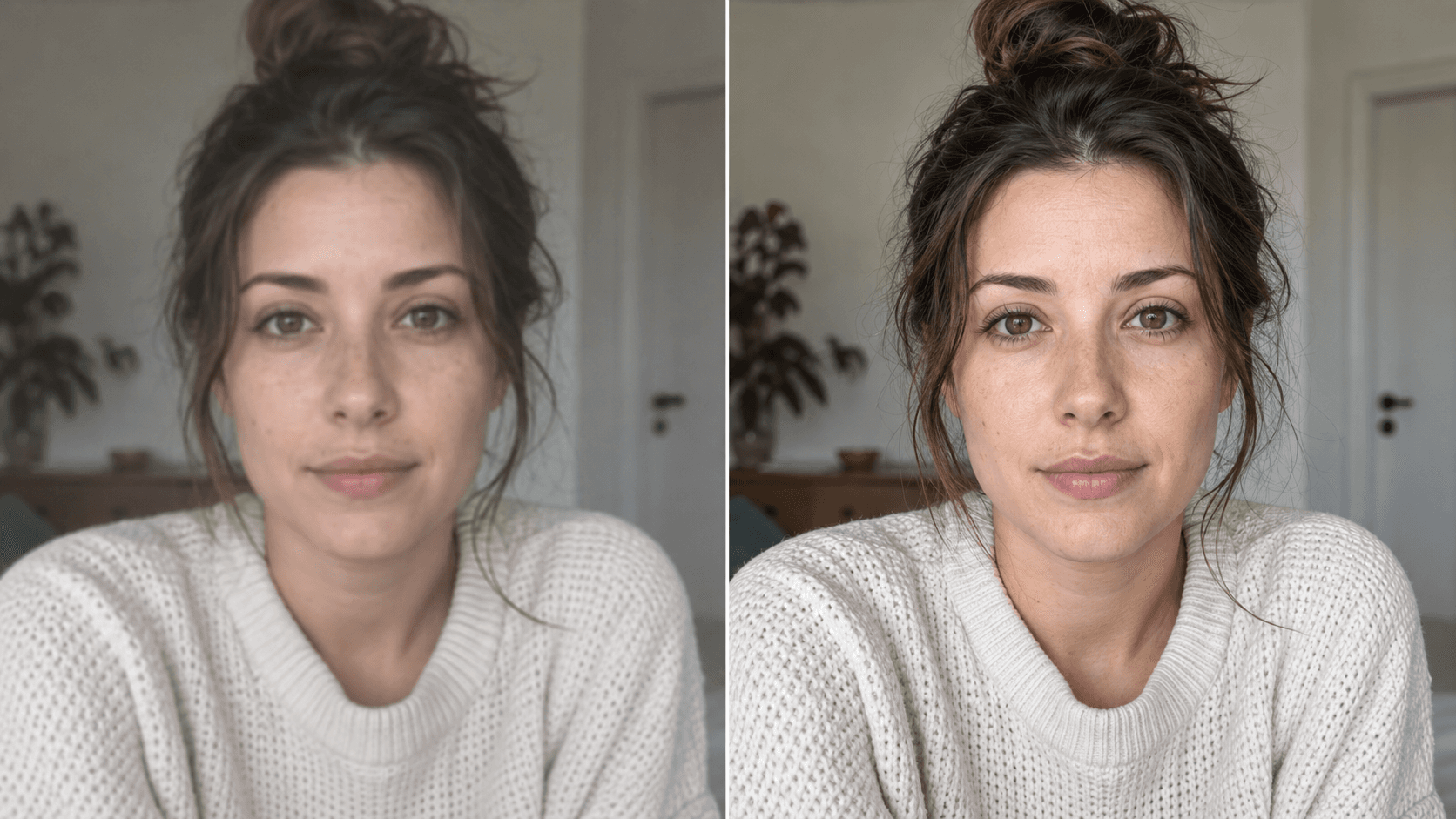
Upscale
Enhance your photo with natural, lifelike detail.
Reference-image enhancement · GPT Image 2