
Multi-person reference image creation
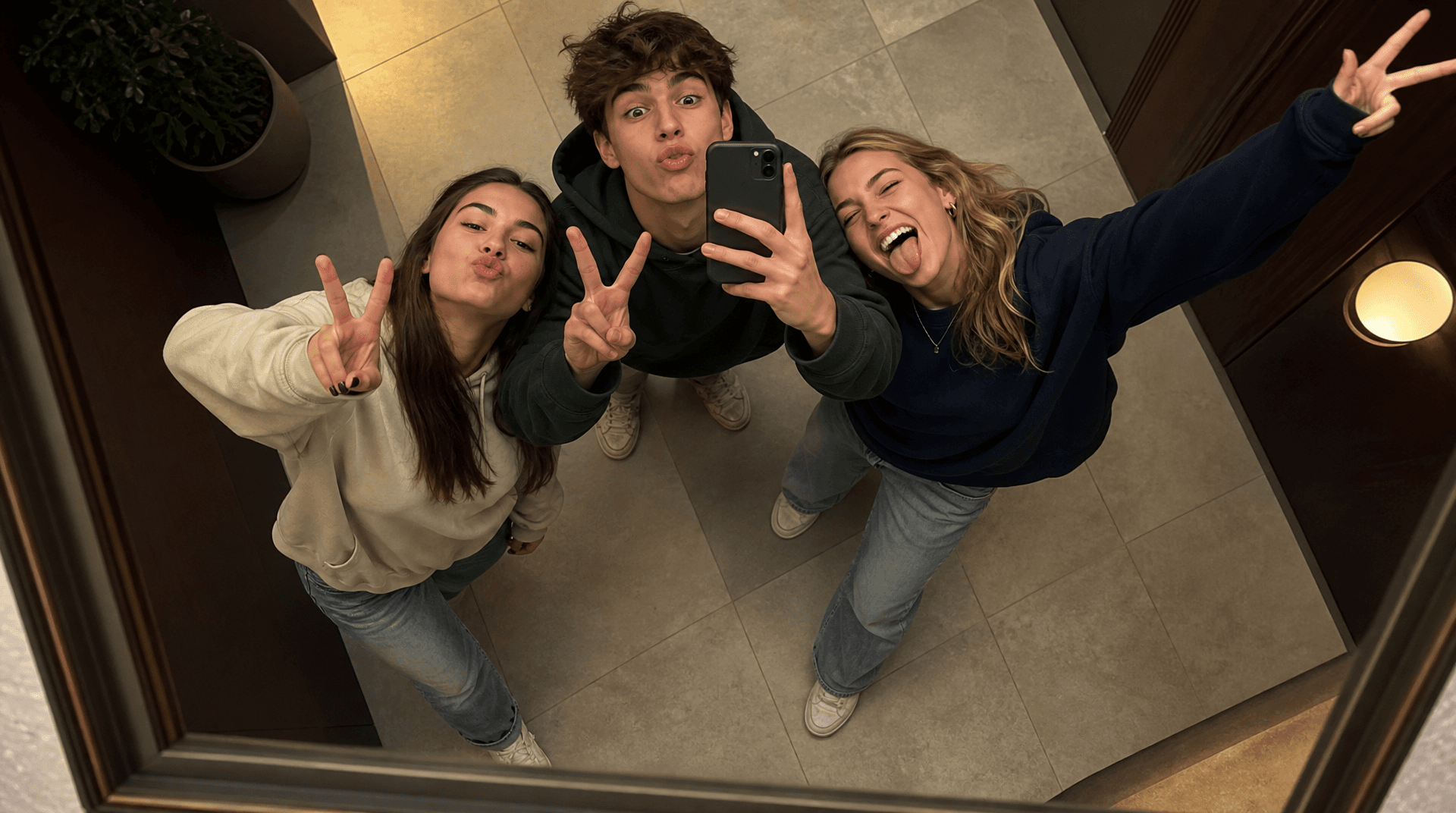
Group Mirror Selfie
Create together in one guided workflow. The result is a generated group image. With references, identities are guided by the provided photos rather than guaranteed as exact photographic copies.
Use This Template →Opens the existing KiwiMotion Studio workflow with this template selected.
What this template does
Group Mirror Selfie builds one shared mirror-photo composition. The guided workflow can make two original fictional people without references or map each uploaded person to a distinct subject, helping avoid accidental duplicates and identity swapping.
How to use it
- Choose whether to start without photos or upload clear references for the people who should appear.
- Open the template in Studio and confirm the selected people count and reference order.
- Generate the selfie and inspect each person's face, clothing and reflection.
What to expect
The result is a generated group image. With references, identities are guided by the provided photos rather than guaranteed as exact photographic copies.
Tips for better results
- Use one distinct photo per real person.
- Match reference order to the intended person order in the composition.
- Check that mirror reflections are not mistaken for extra people.
Workflow and model
Multi-person reference image creation · GPT Image 2
Do I have to upload photos?
No. The template can start with original fictional people; uploaded references are for preserving specific people.
Related Templates
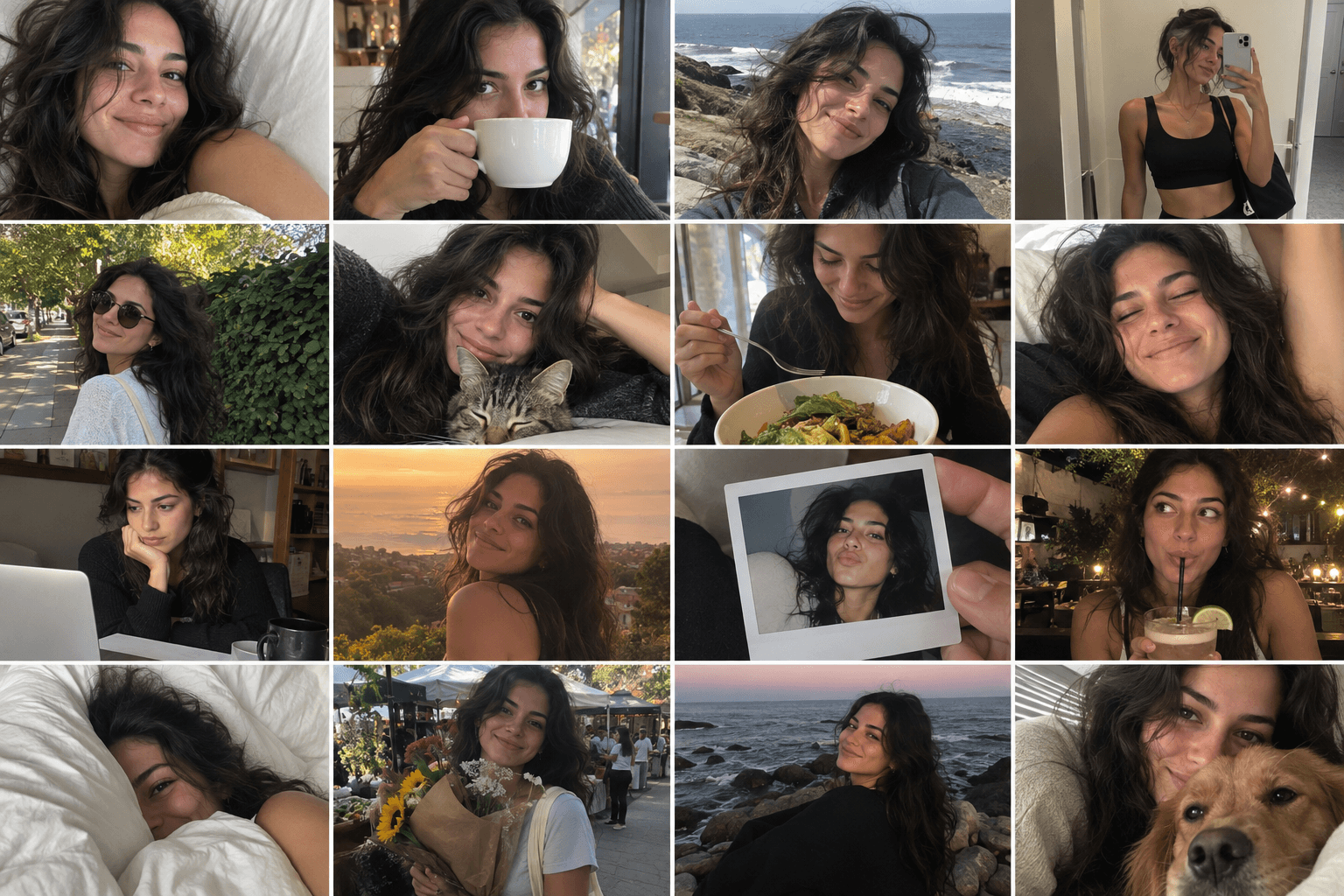
Camera Roll
Turn one photo into a day of casual camera-roll moments.
Reference-image multi-scene creation · GPT Image 2
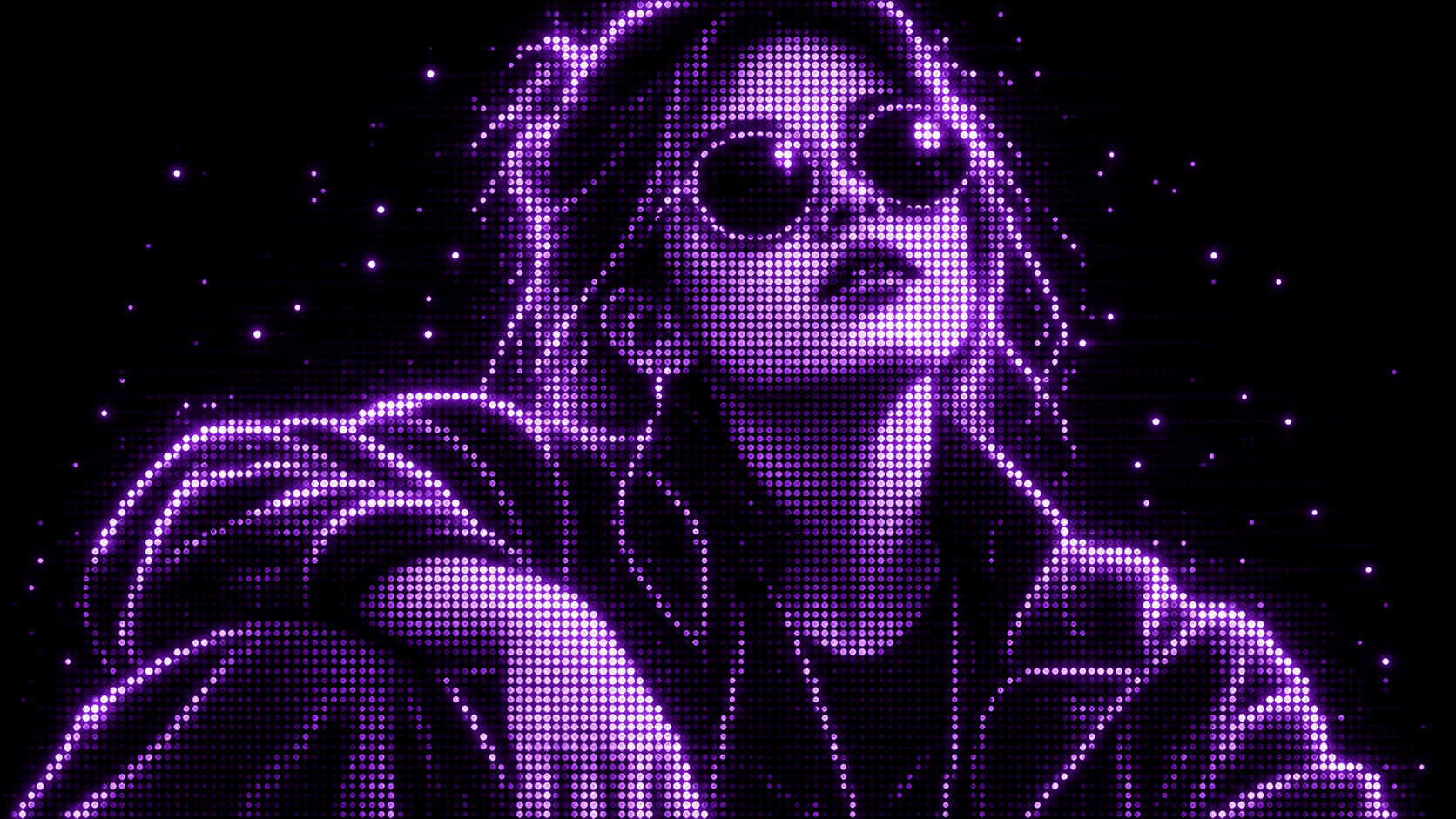
Purple Phosphor
Reimagine your photo as a glowing purple dot display.
Reference-image style transformation · GPT Image 2
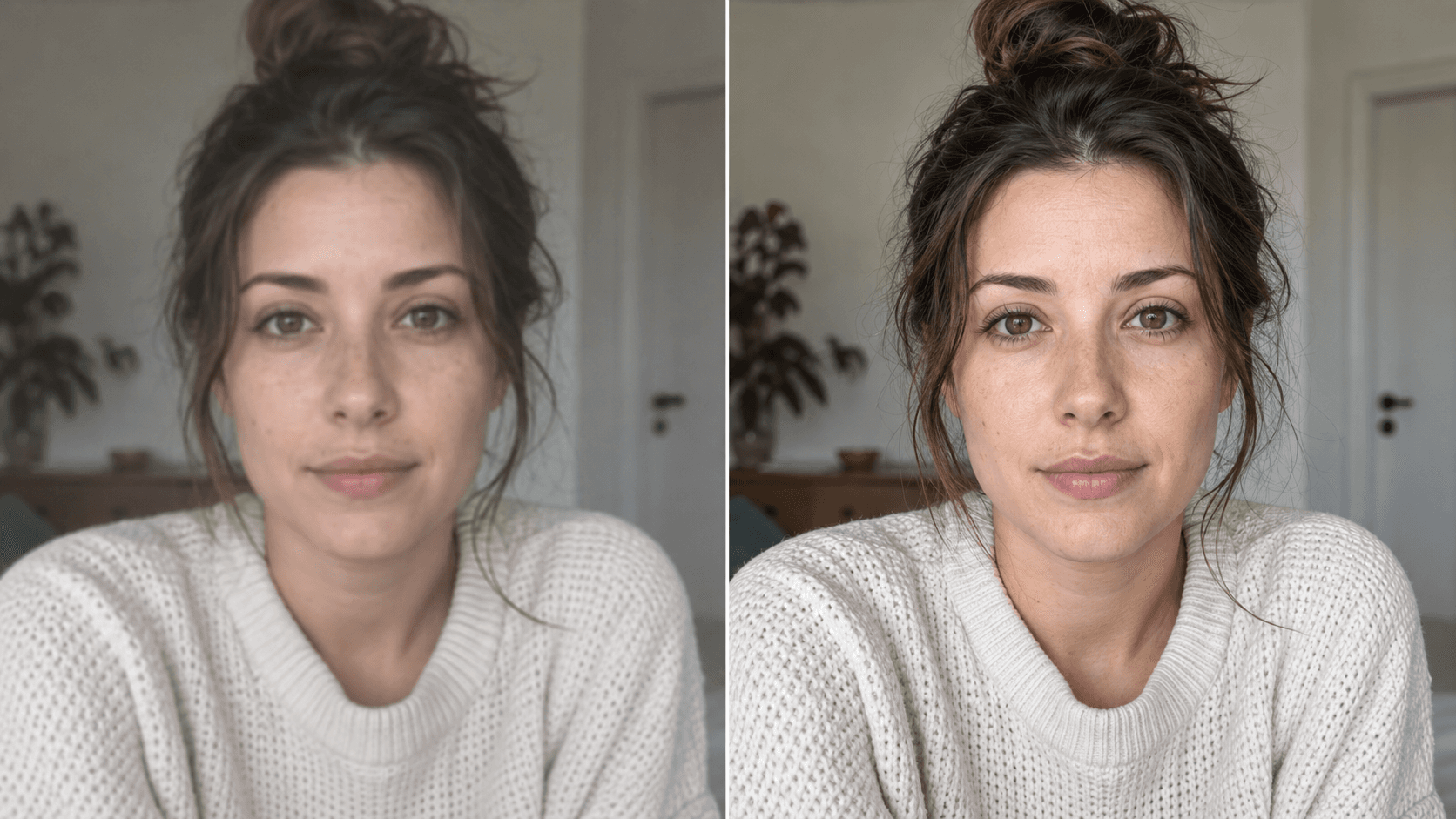
Upscale
Enhance your photo with natural, lifelike detail.
Reference-image enhancement · GPT Image 2

Red Flash
Relight your photo with intense cinematic red flash.
Reference-image relighting · GPT Image 2