
Reference-image pet transformation
Minecraft Pet
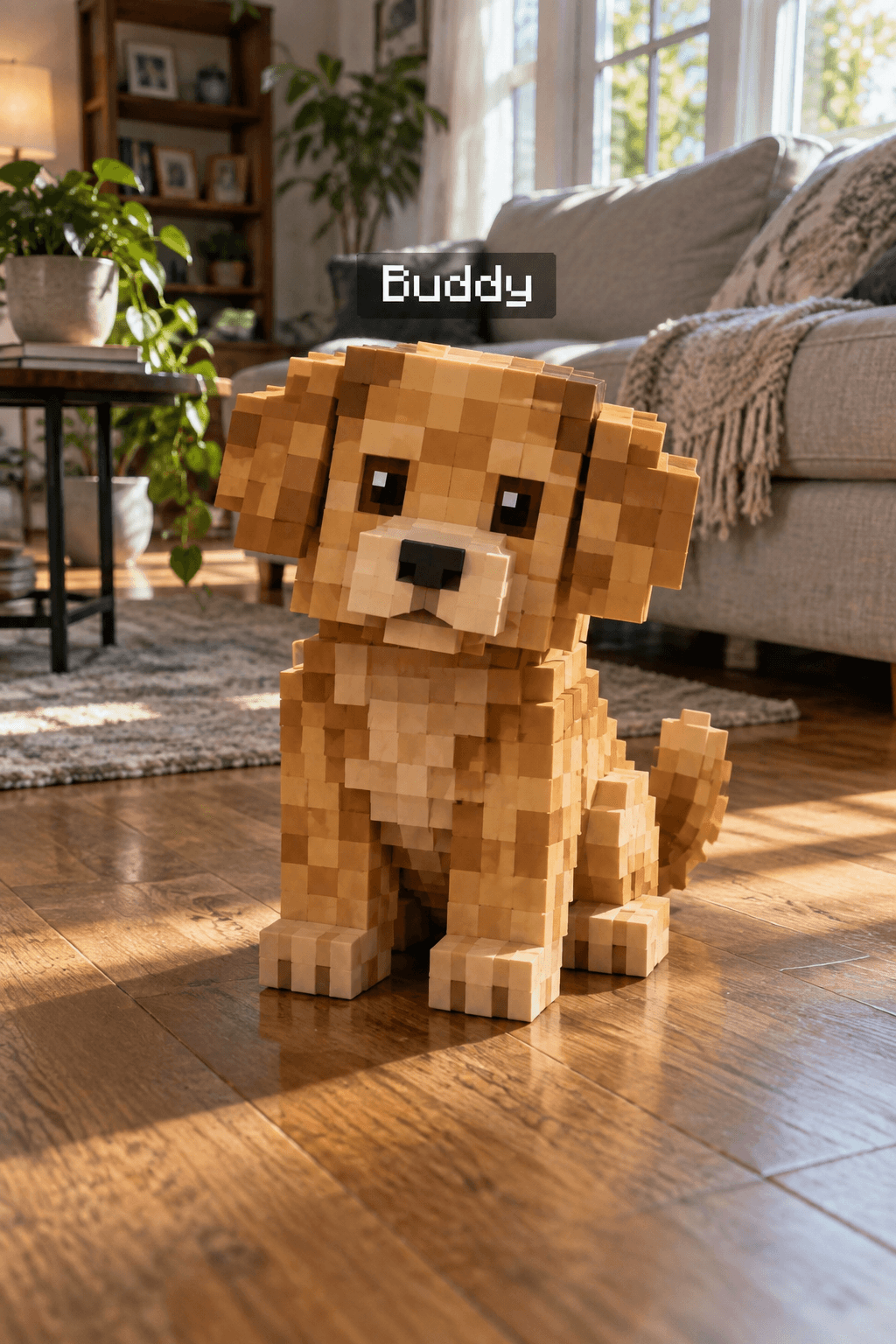
Turn your pet into a Minecraft-style voxel version while keeping the real photo. The template should replace the existing pet in place, not insert a second animal or transform nearby people.
Use This Template →Opens the existing KiwiMotion Studio workflow with this template selected.
What this template does
Minecraft Pet targets a real pet already present in the uploaded photo. It asks for that animal to become a blocky voxel counterpart in the same position, with recognizable markings, while people and the rest of the room remain photographic.
How to use it
- Use a photo containing one clearly visible real pet.
- Open the template and upload that photo in Studio; you can adjust the pet name in the guided controls.
- Generate and compare the animal's pose, markings and position with the original.
What to expect
The template should replace the existing pet in place, not insert a second animal or transform nearby people.
Tips for better results
- A fully visible pet is easier to transform than one hidden behind furniture.
- Avoid multiple similar animals if you want an unambiguous target.
- Inspect the floor shadow so the voxel pet feels grounded in the room.
Workflow and model
Reference-image pet transformation · GPT Image 2
What if my image has no pet?
The guided prompt asks the model not to invent one; upload a photo with a clearly visible pet for the intended effect.
Related Templates
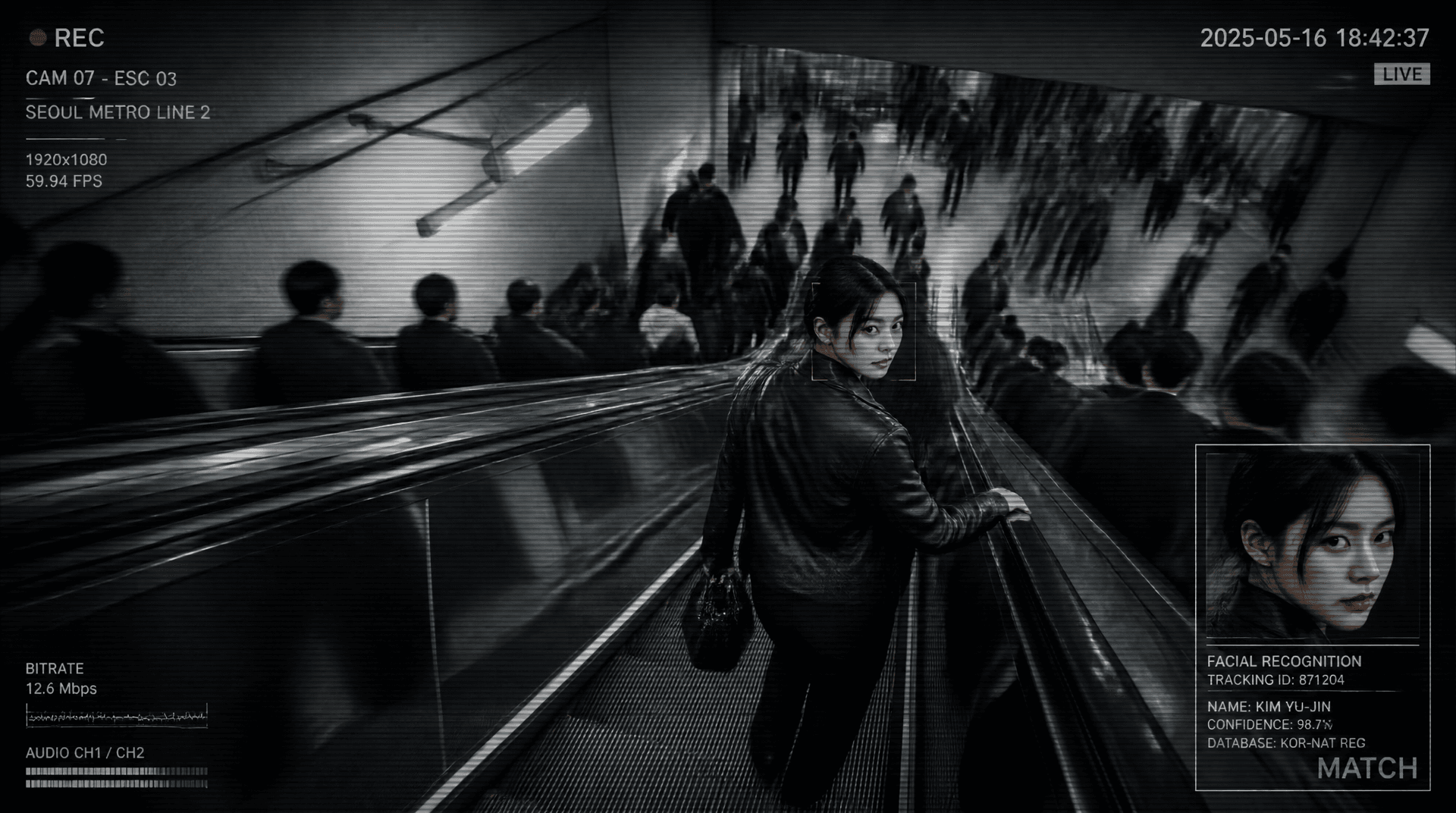
Metro Surveillance
Turn your photo into a cinematic CCTV thriller.
Reference-image scene transformation · GPT Image 2
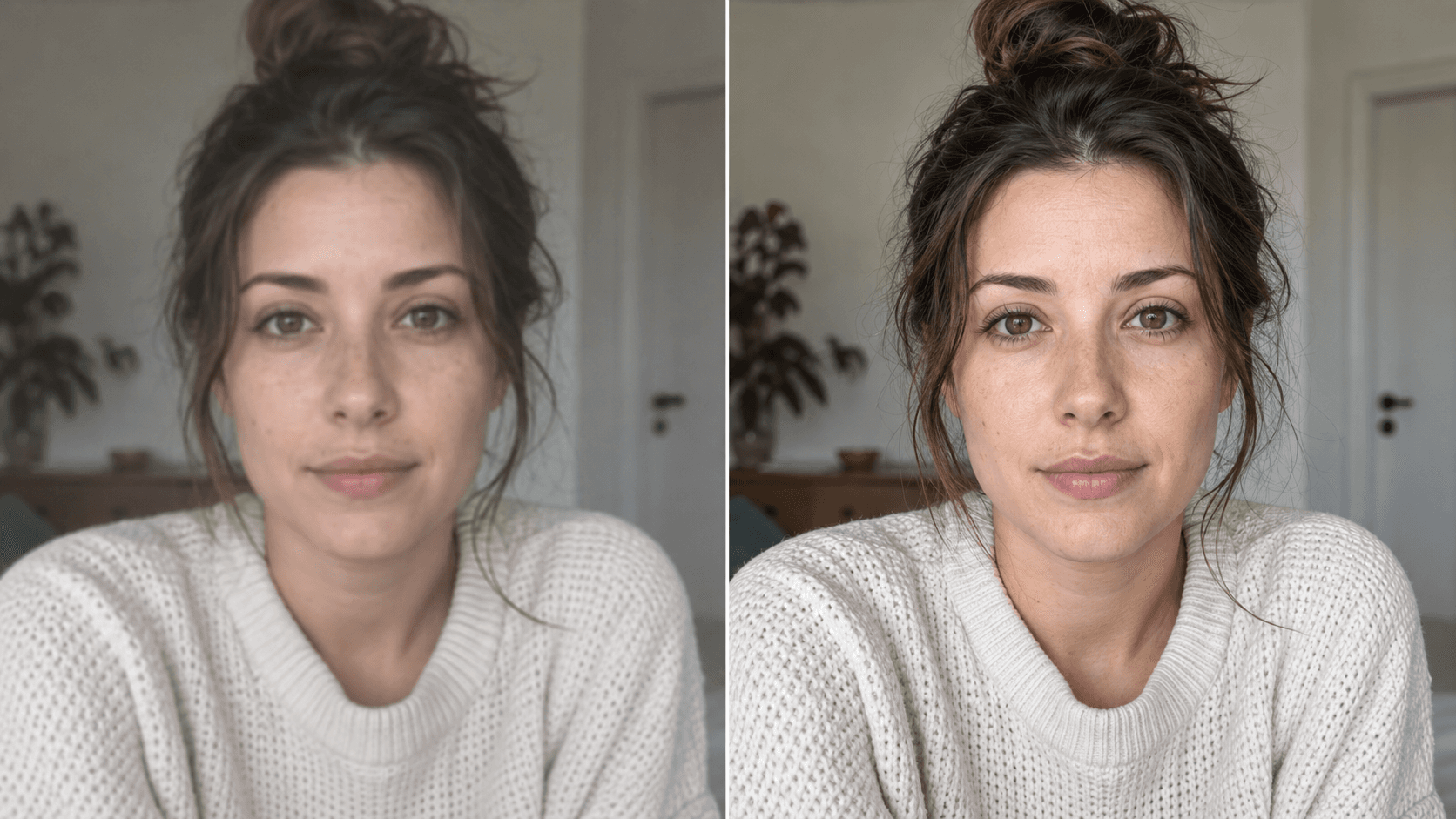
Upscale
Enhance your photo with natural, lifelike detail.
Reference-image enhancement · GPT Image 2
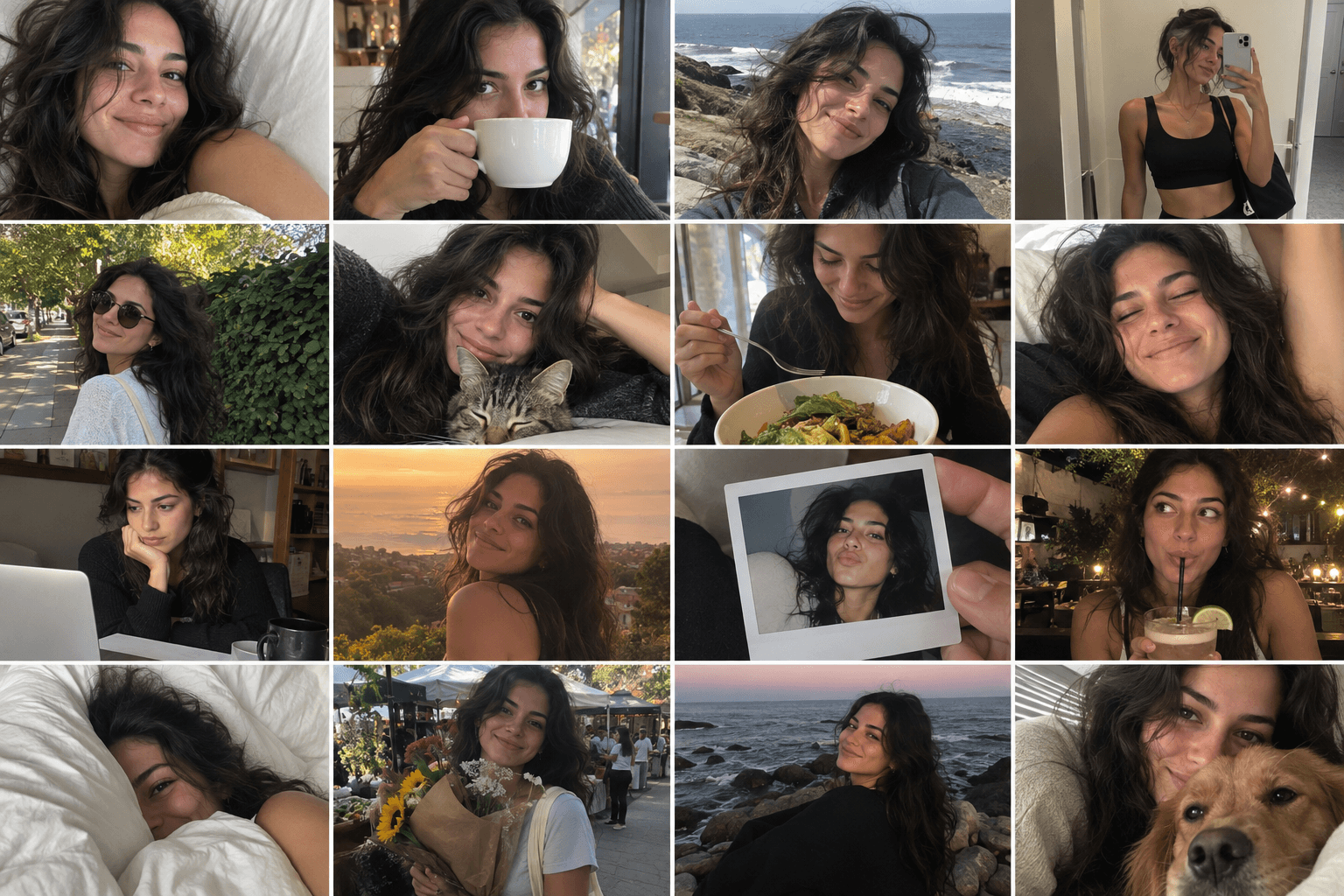
Camera Roll
Turn one photo into a day of casual camera-roll moments.
Reference-image multi-scene creation · GPT Image 2
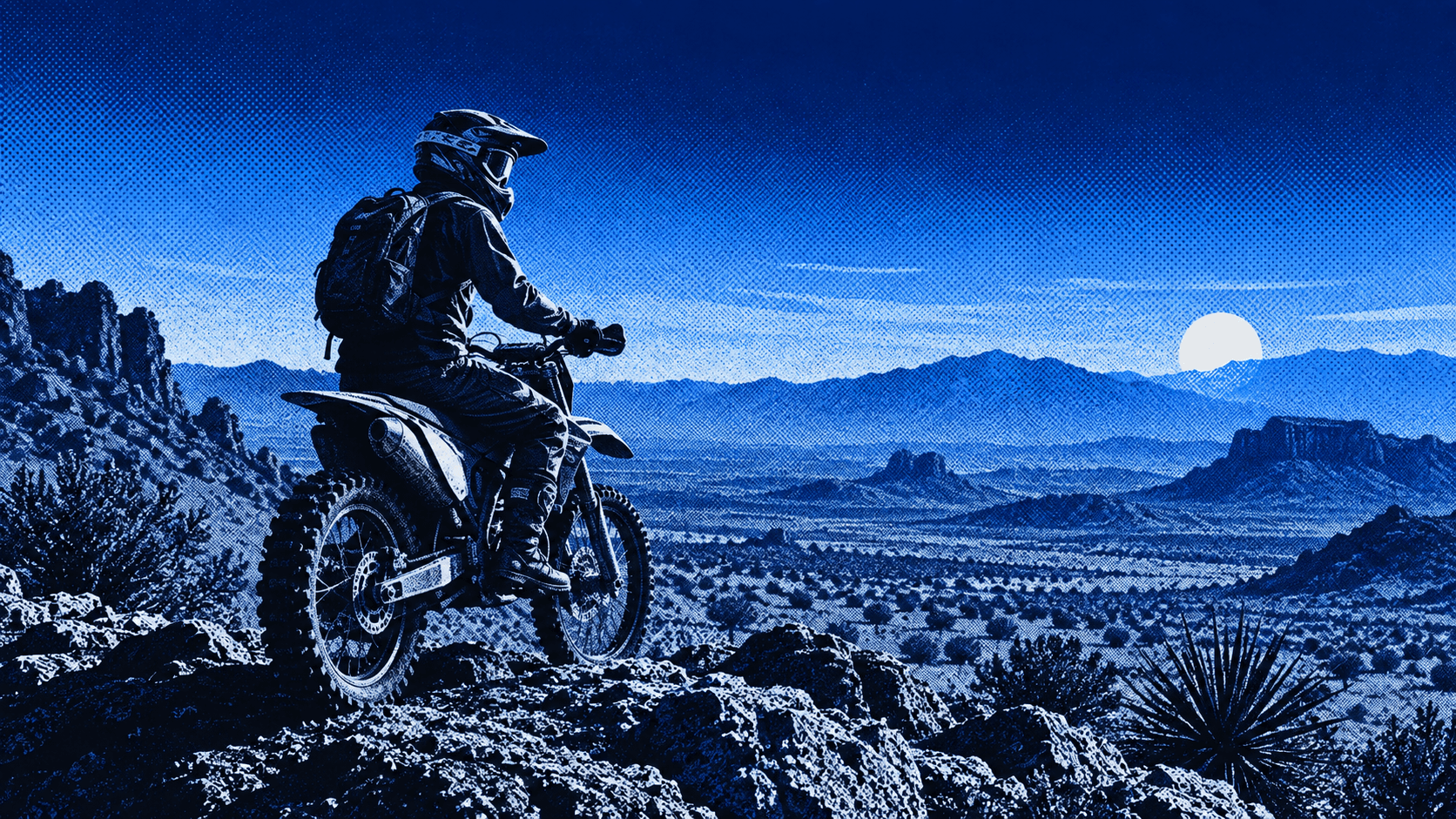
Press Blue
Transform your image into a bold blue halftone poster.
Reference-image poster design · GPT Image 2