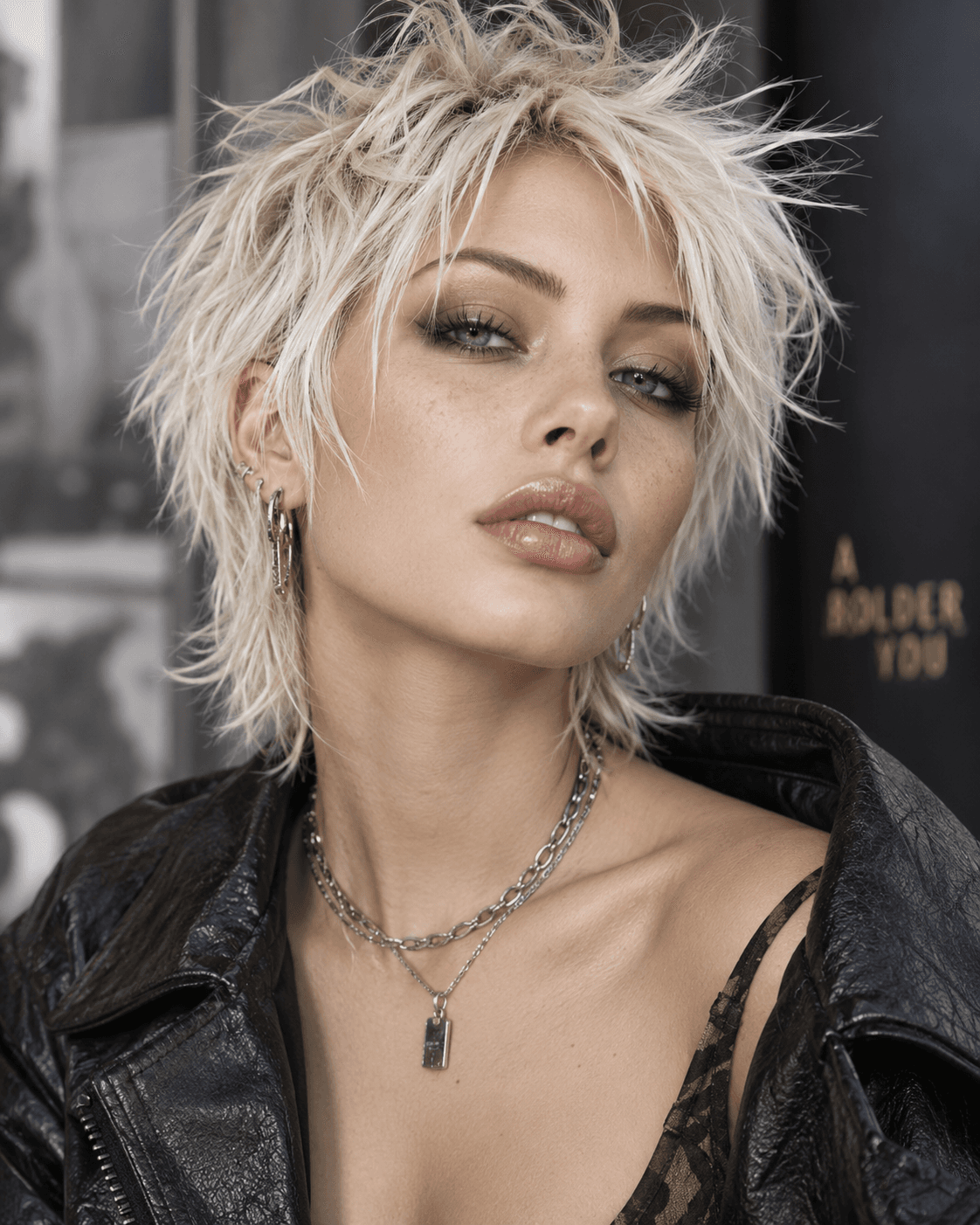
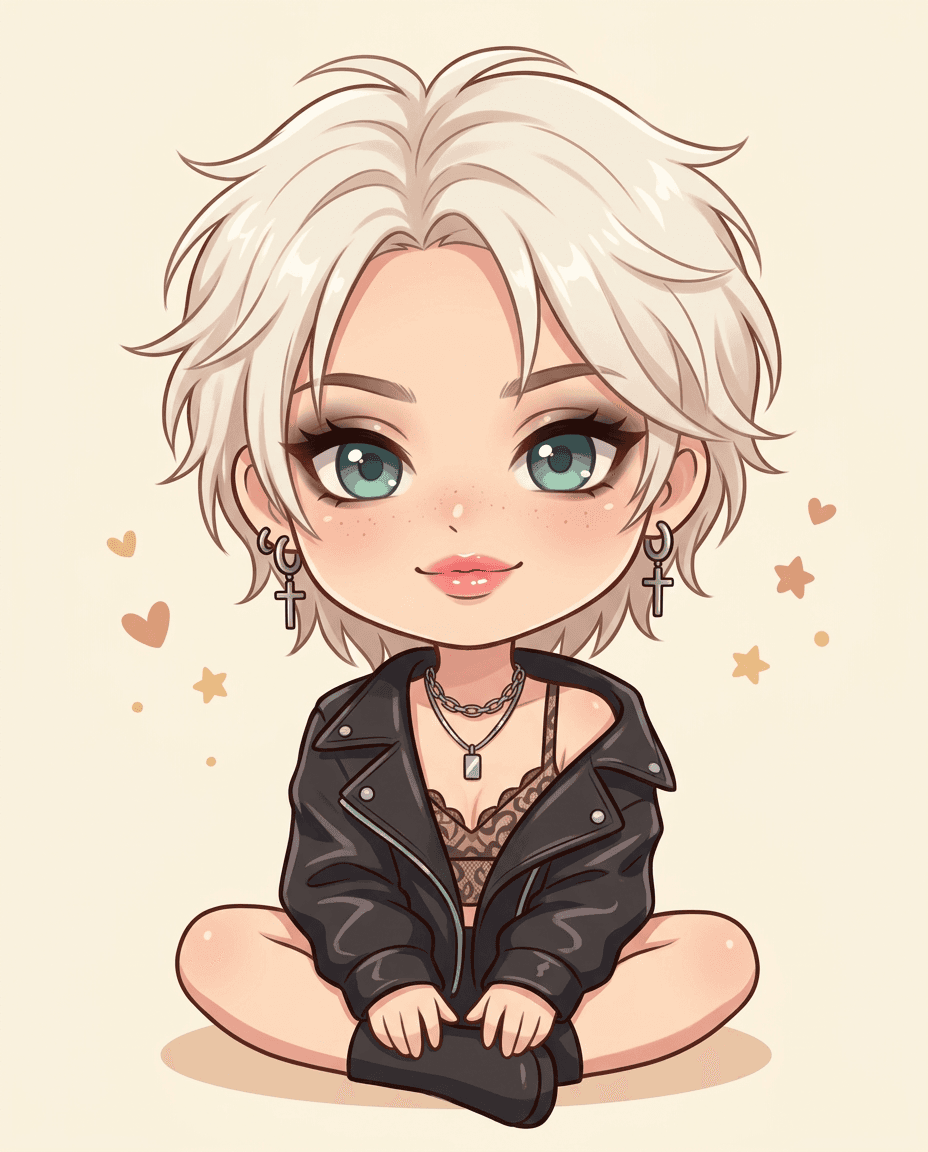
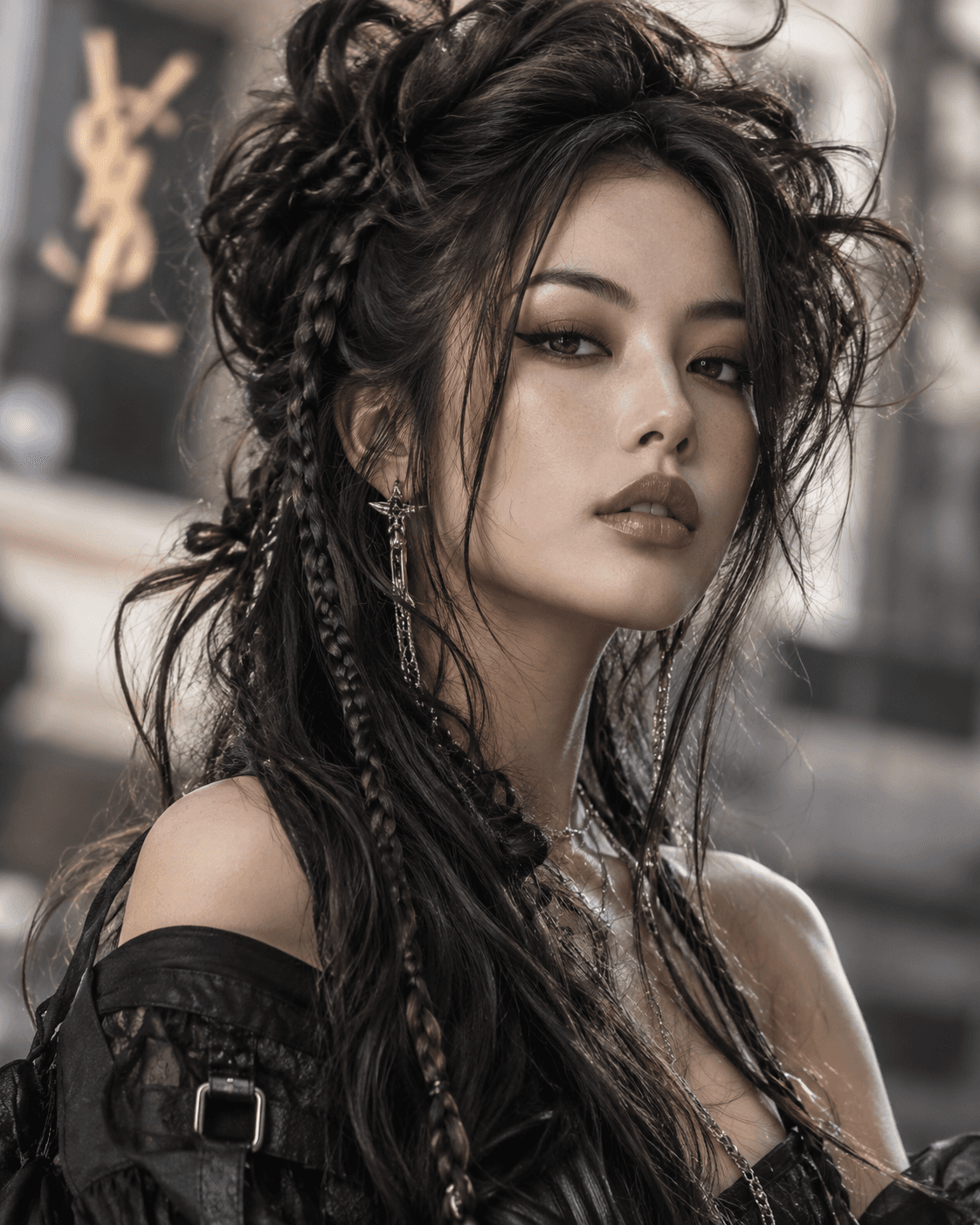
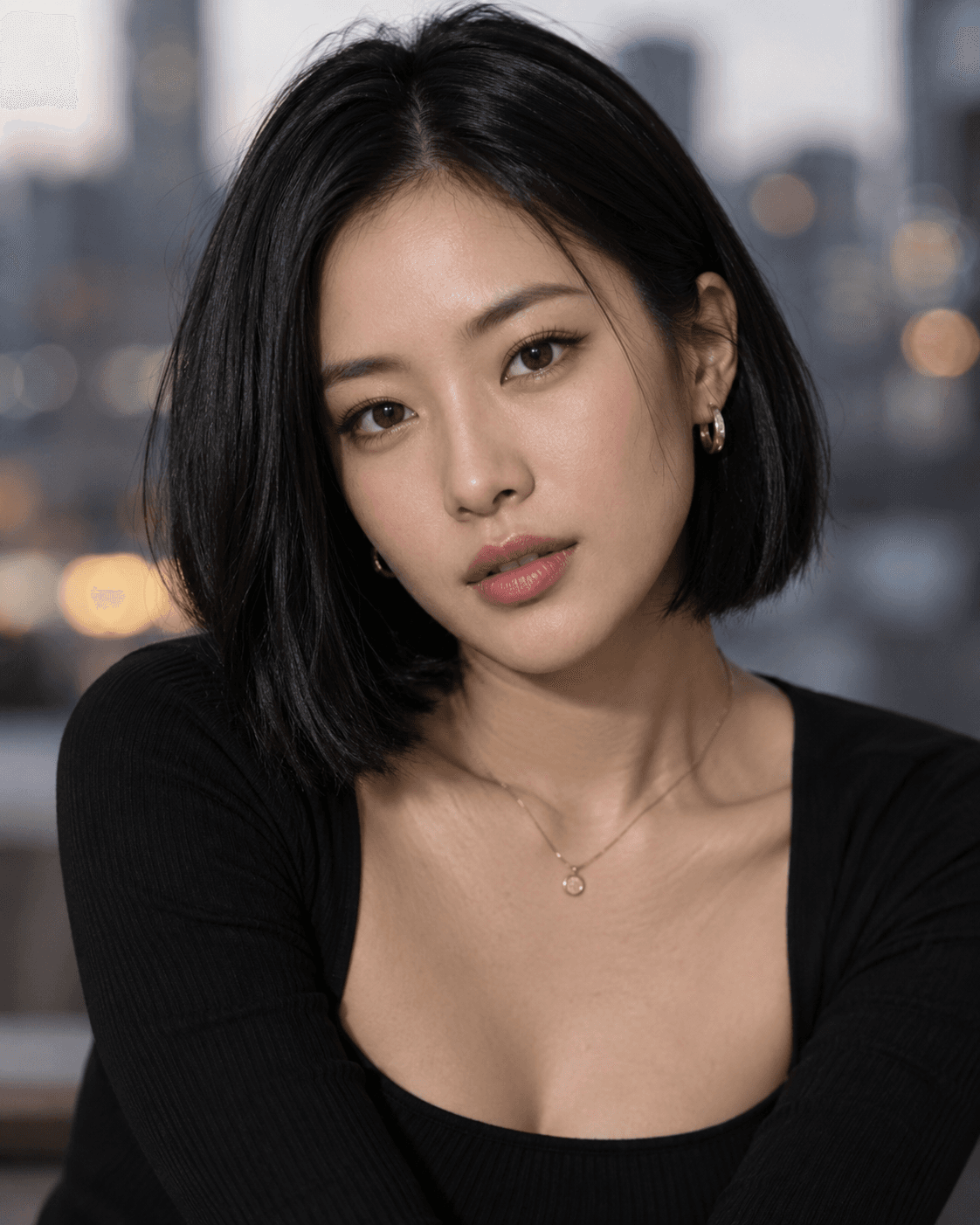
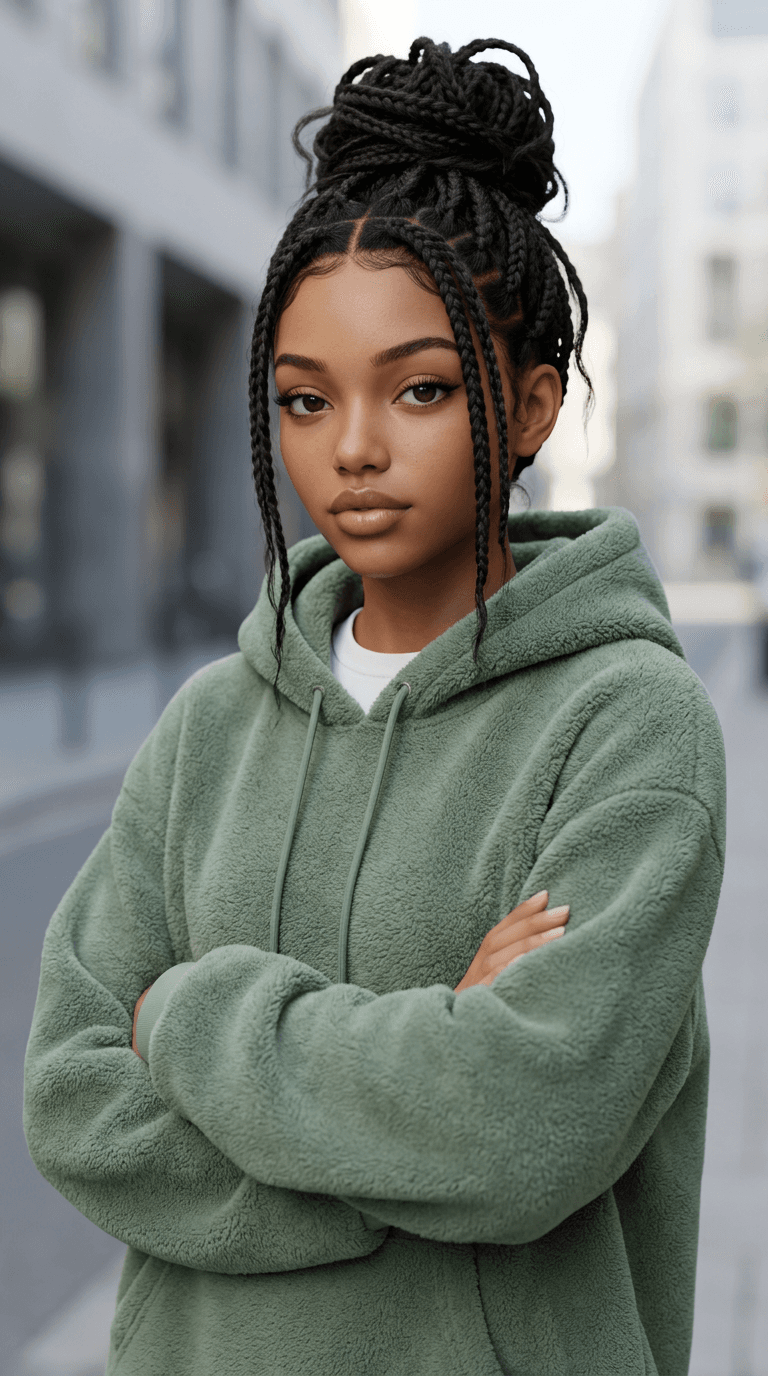
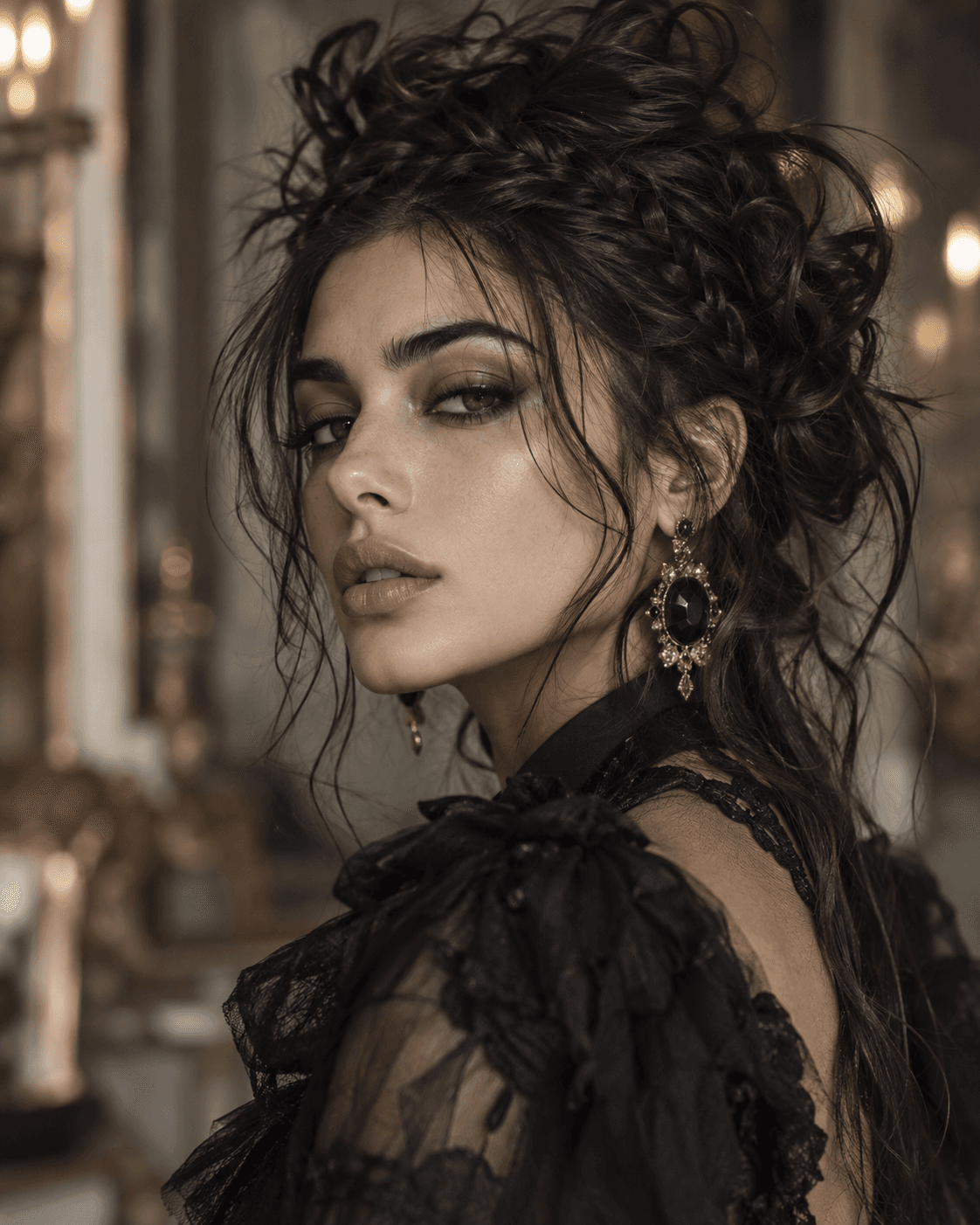
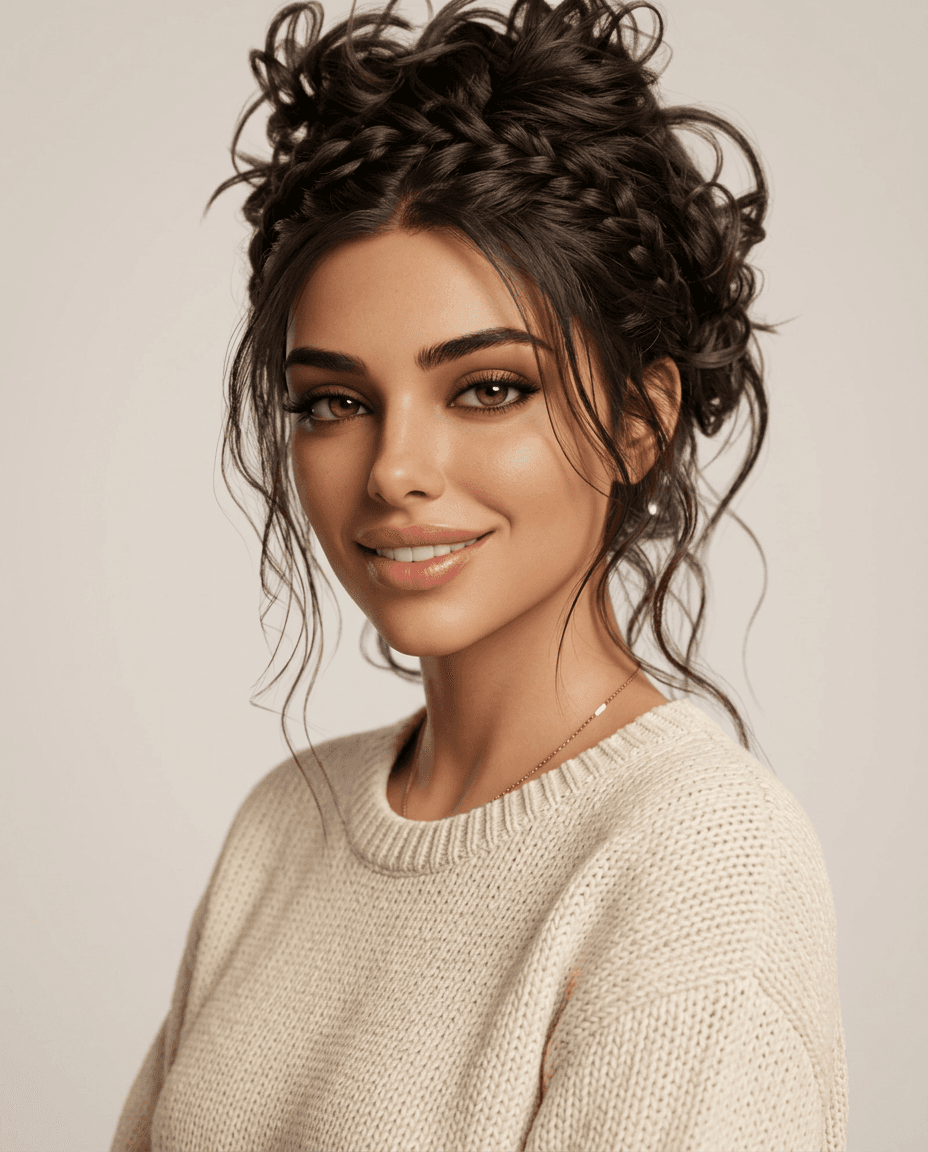
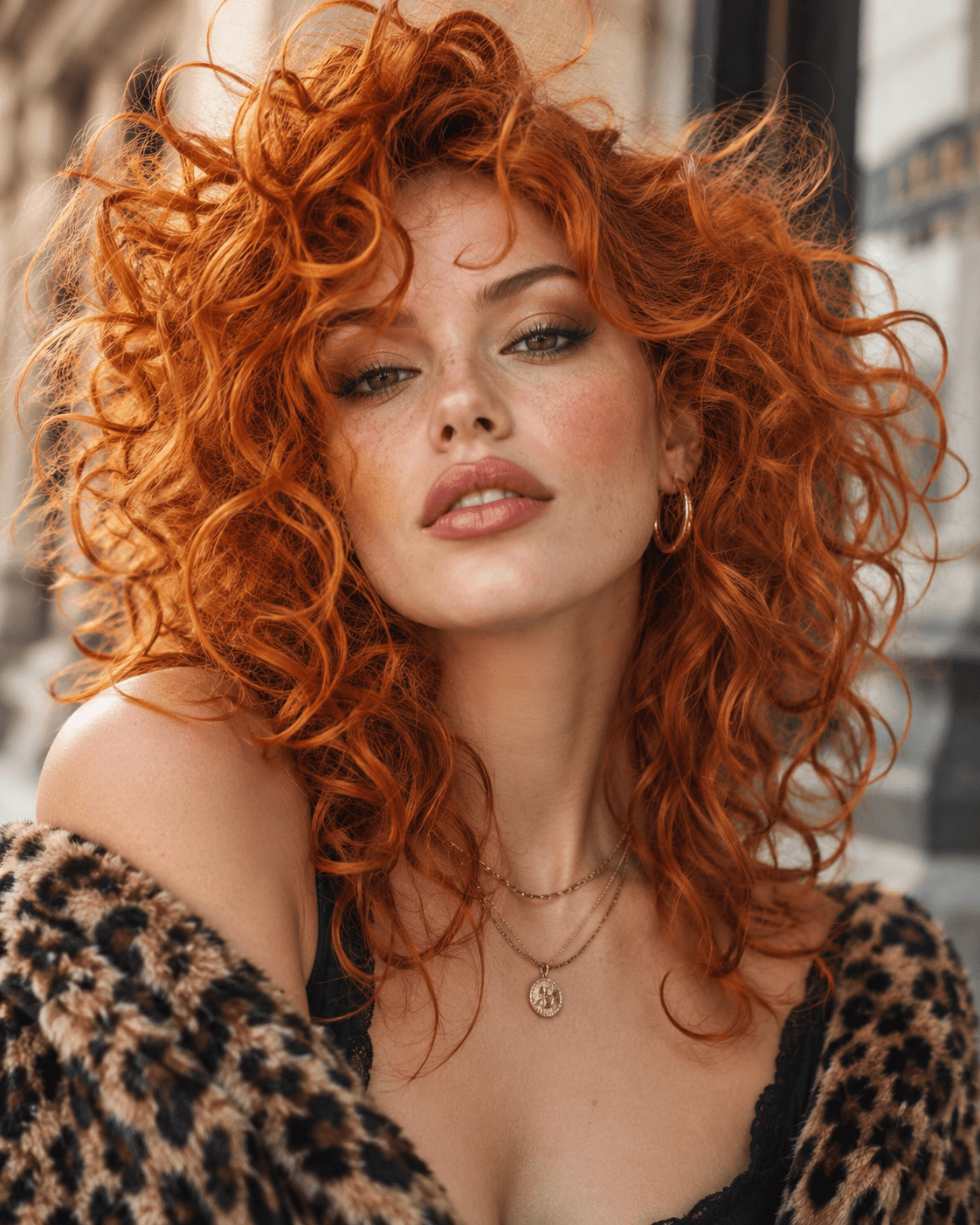
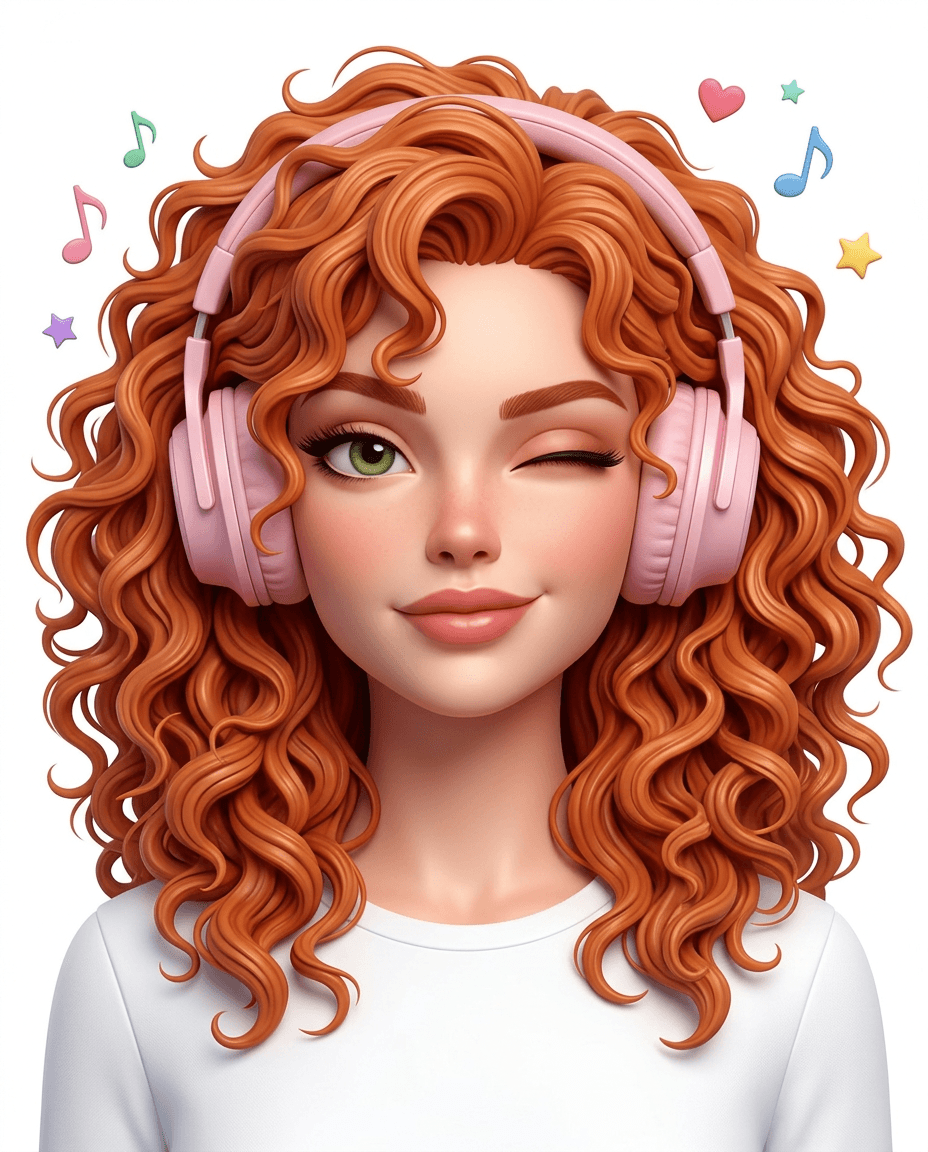
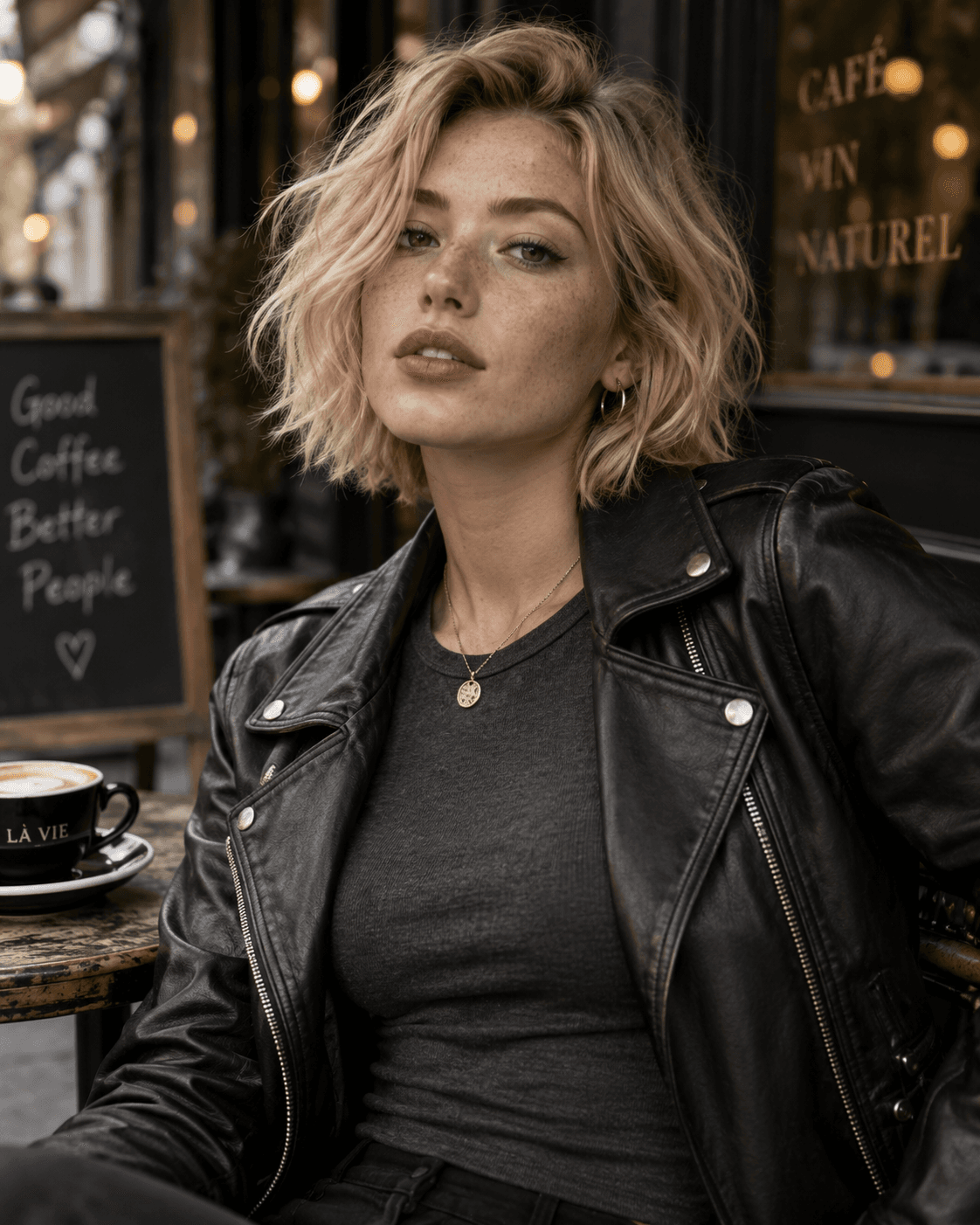
Real KiwiMotion transformations
30 Trending Nano Banana 2 Portrait Prompts with Real Transformations
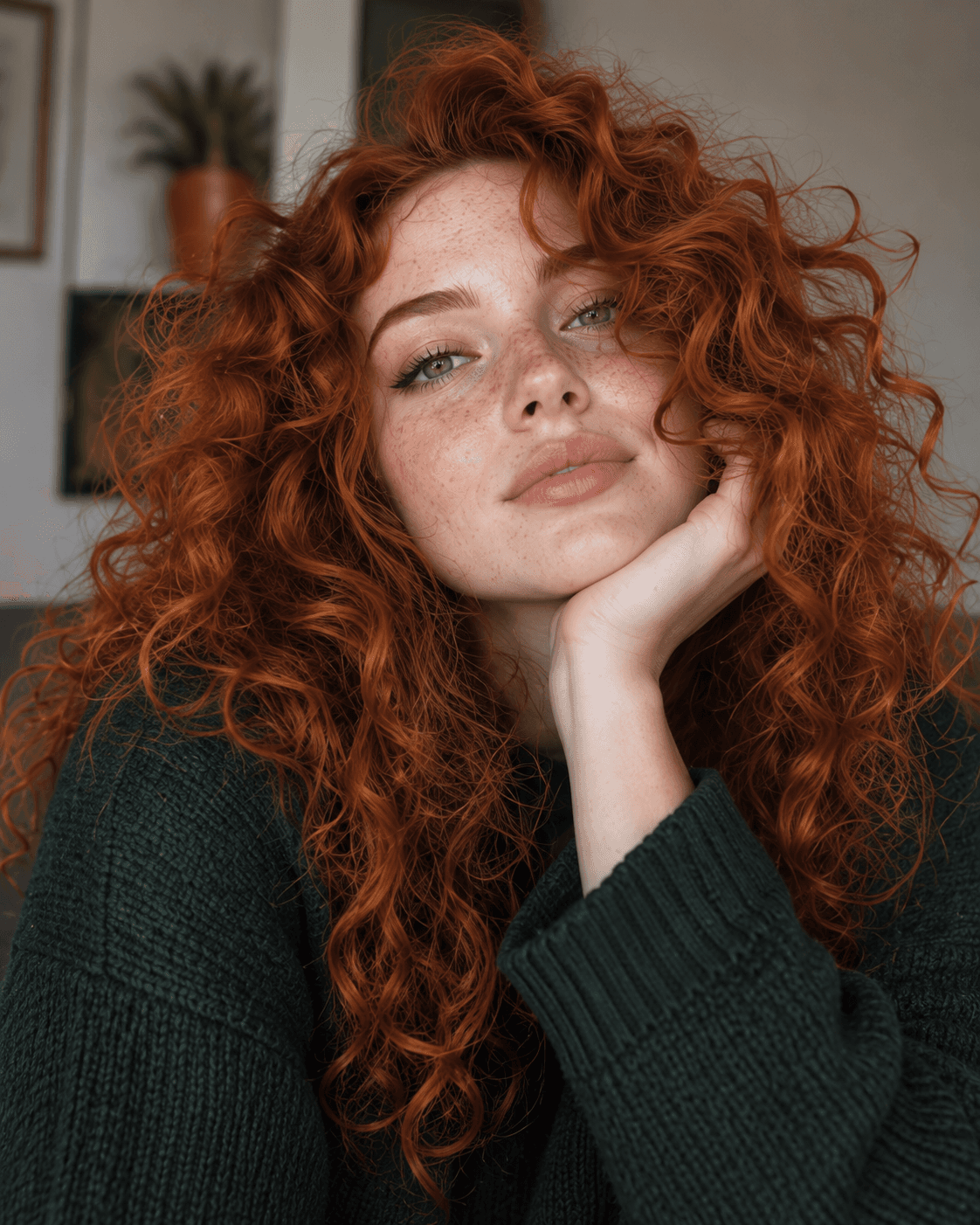
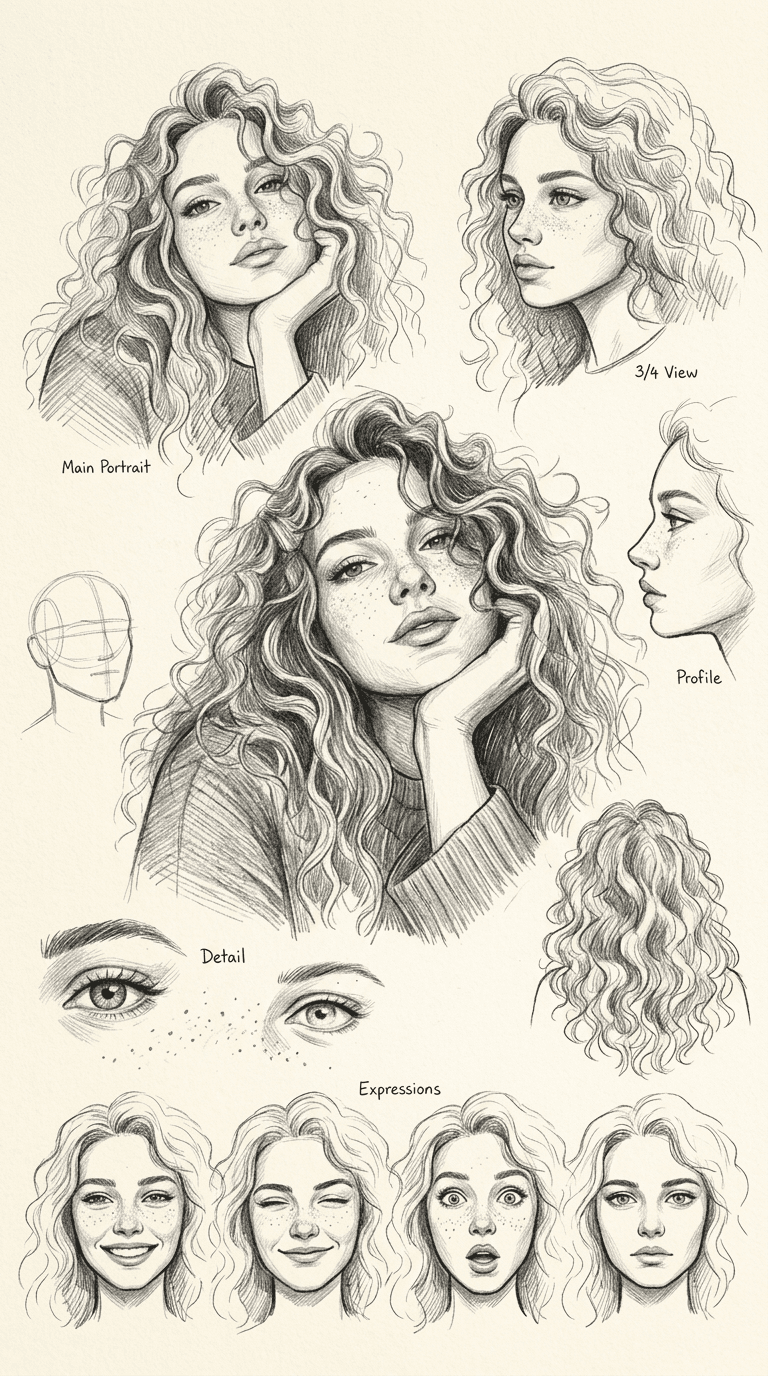
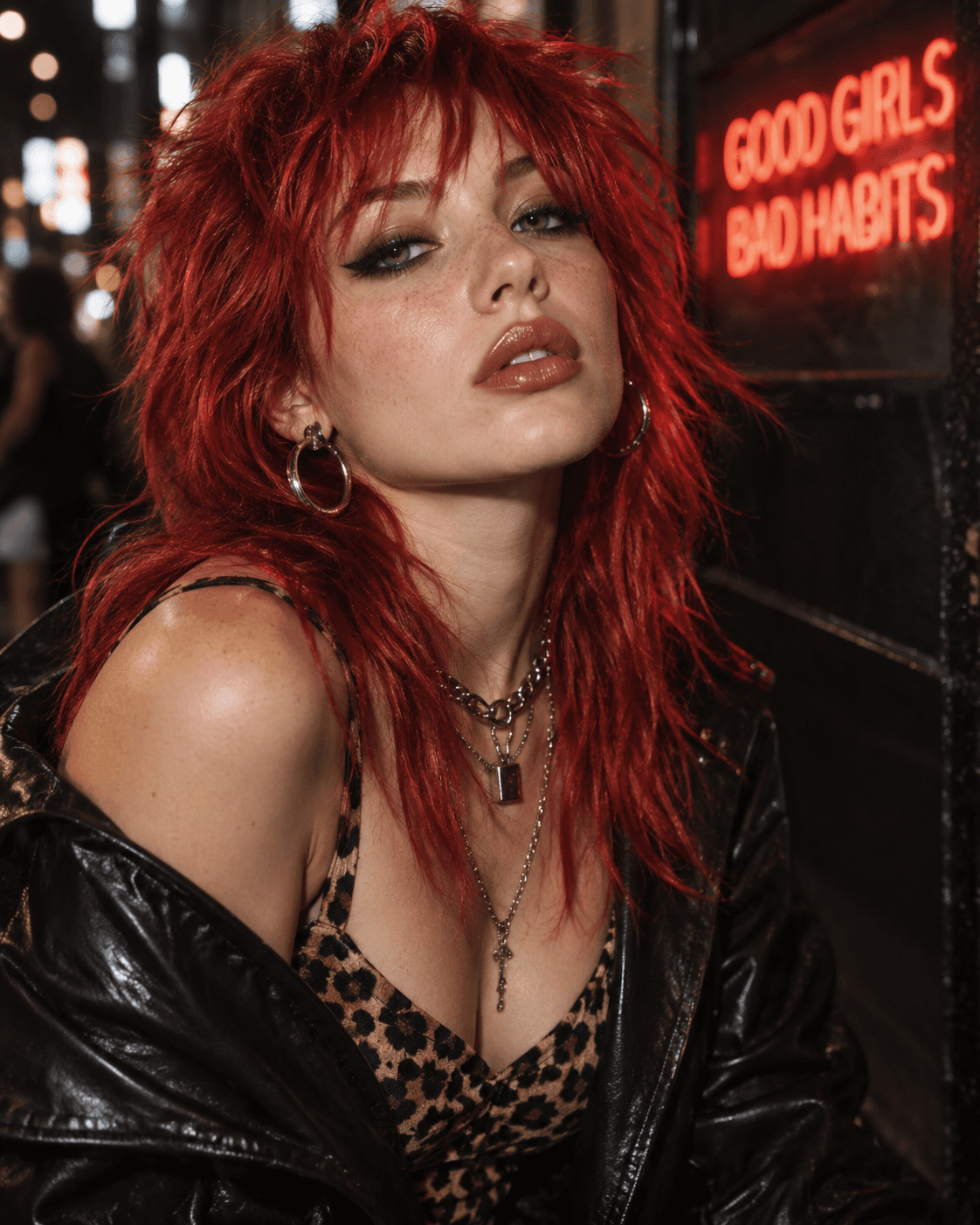
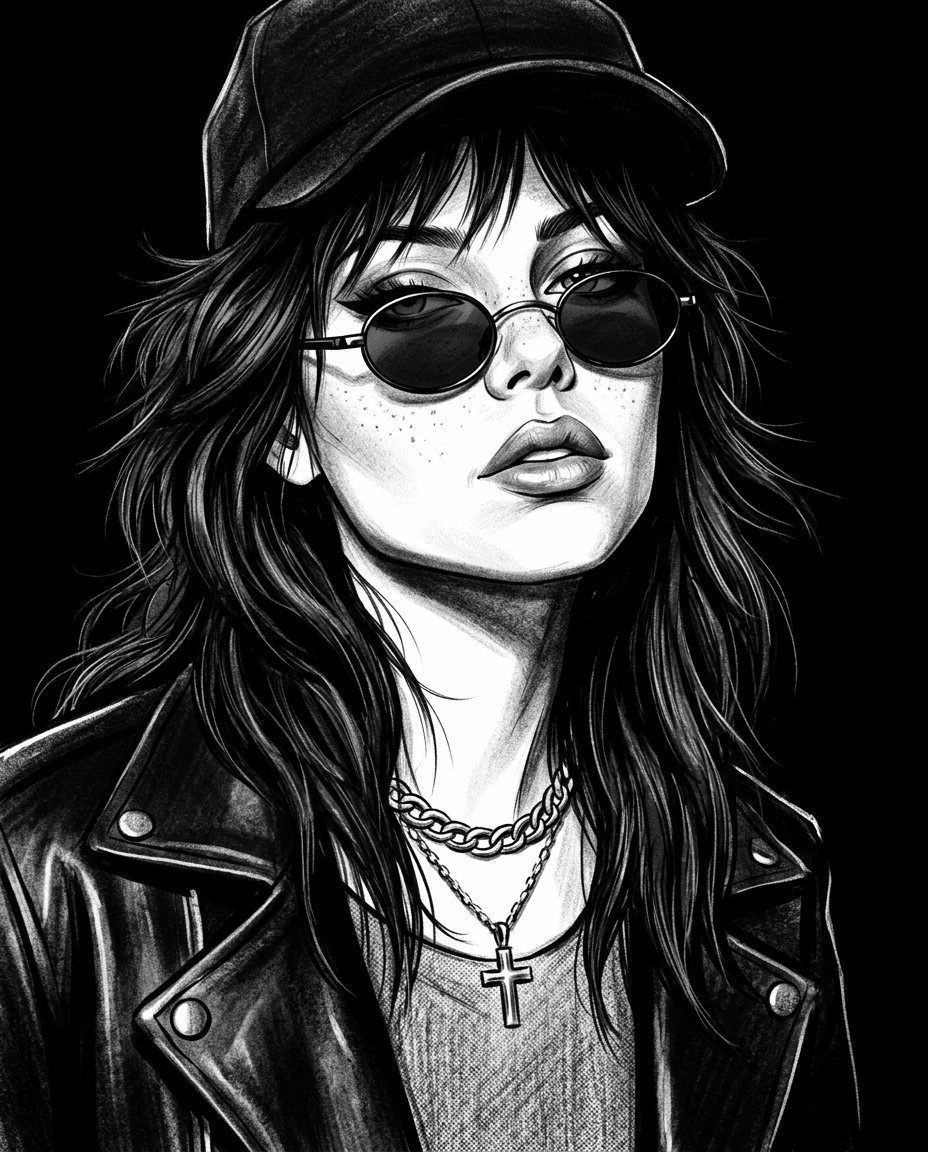
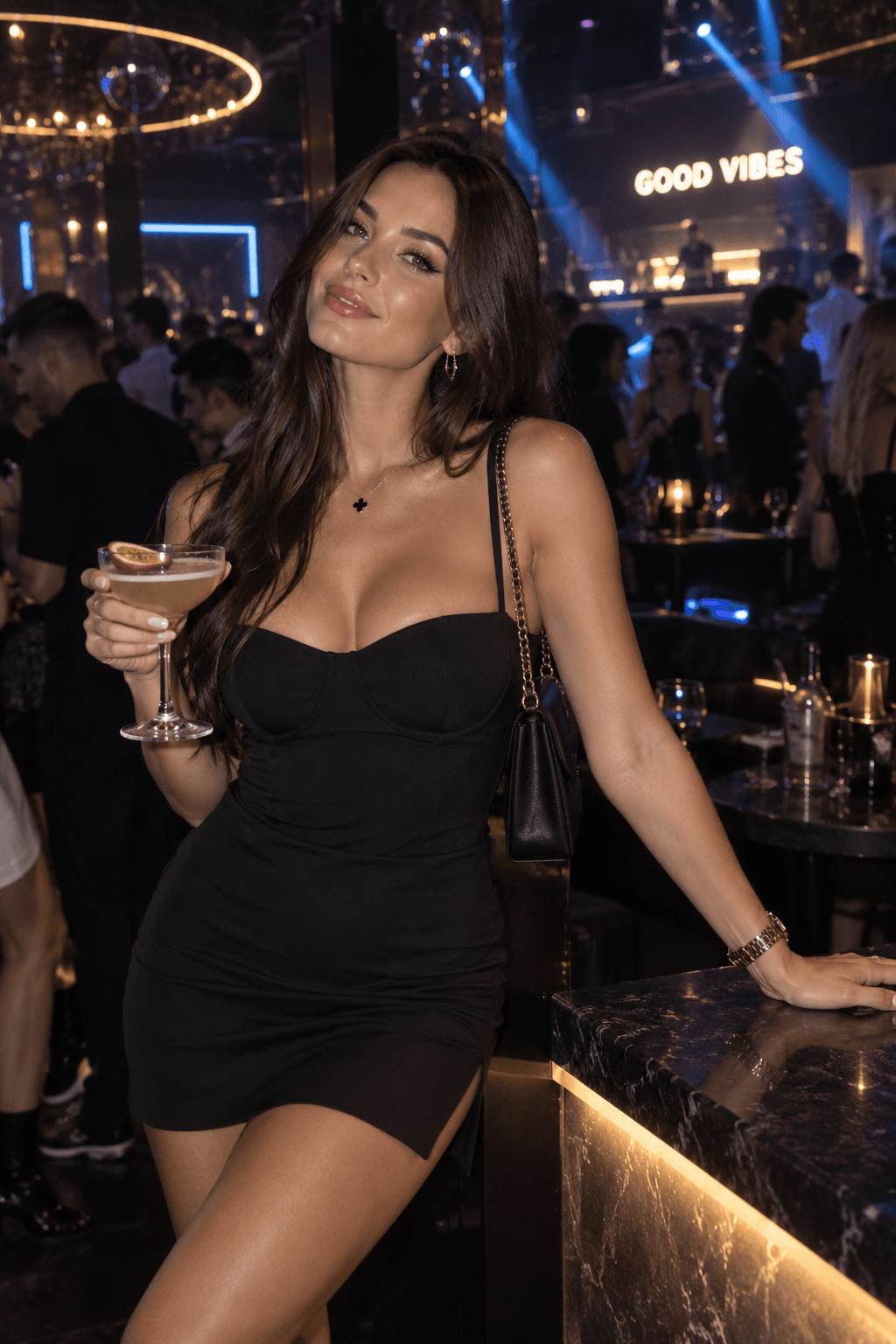
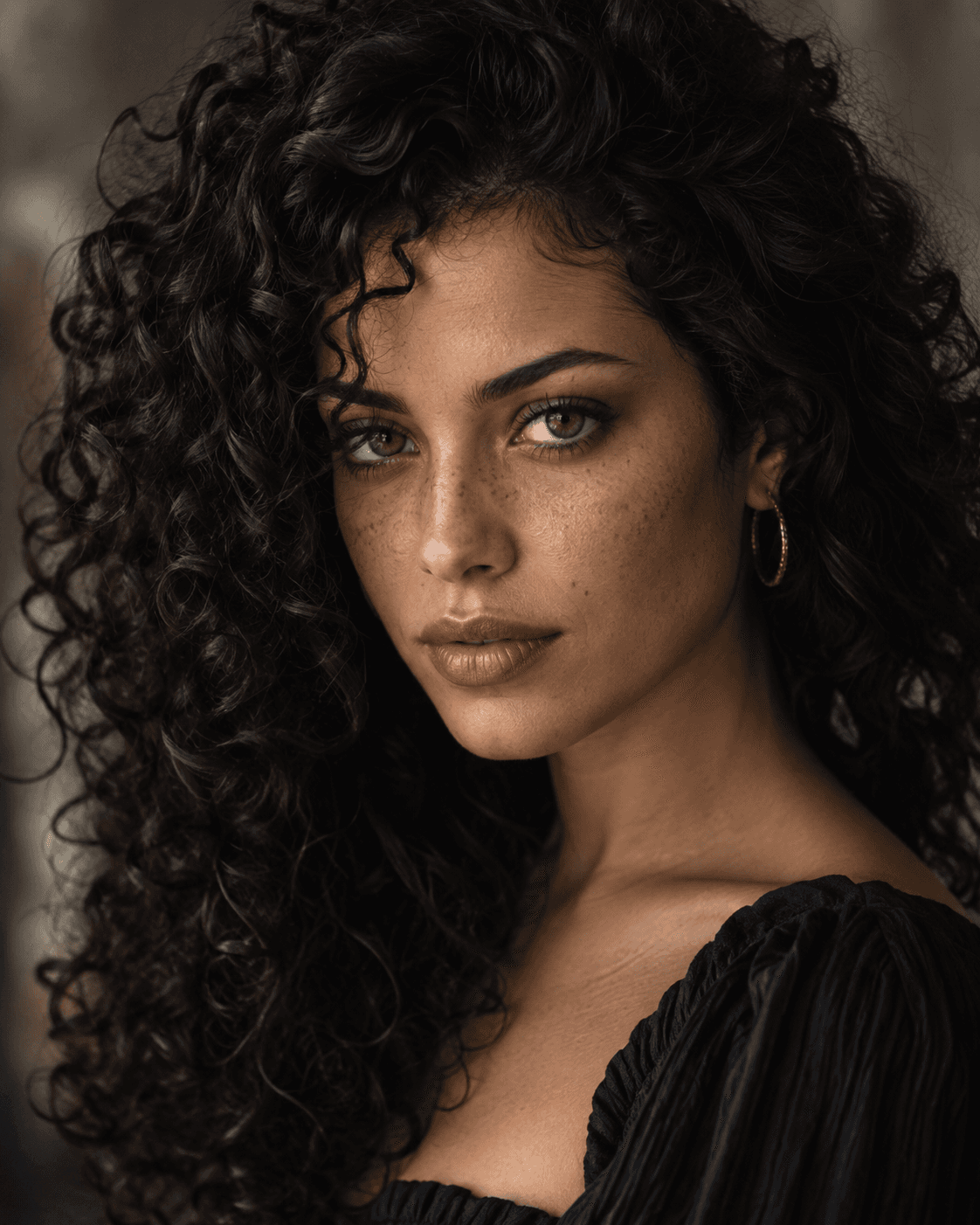
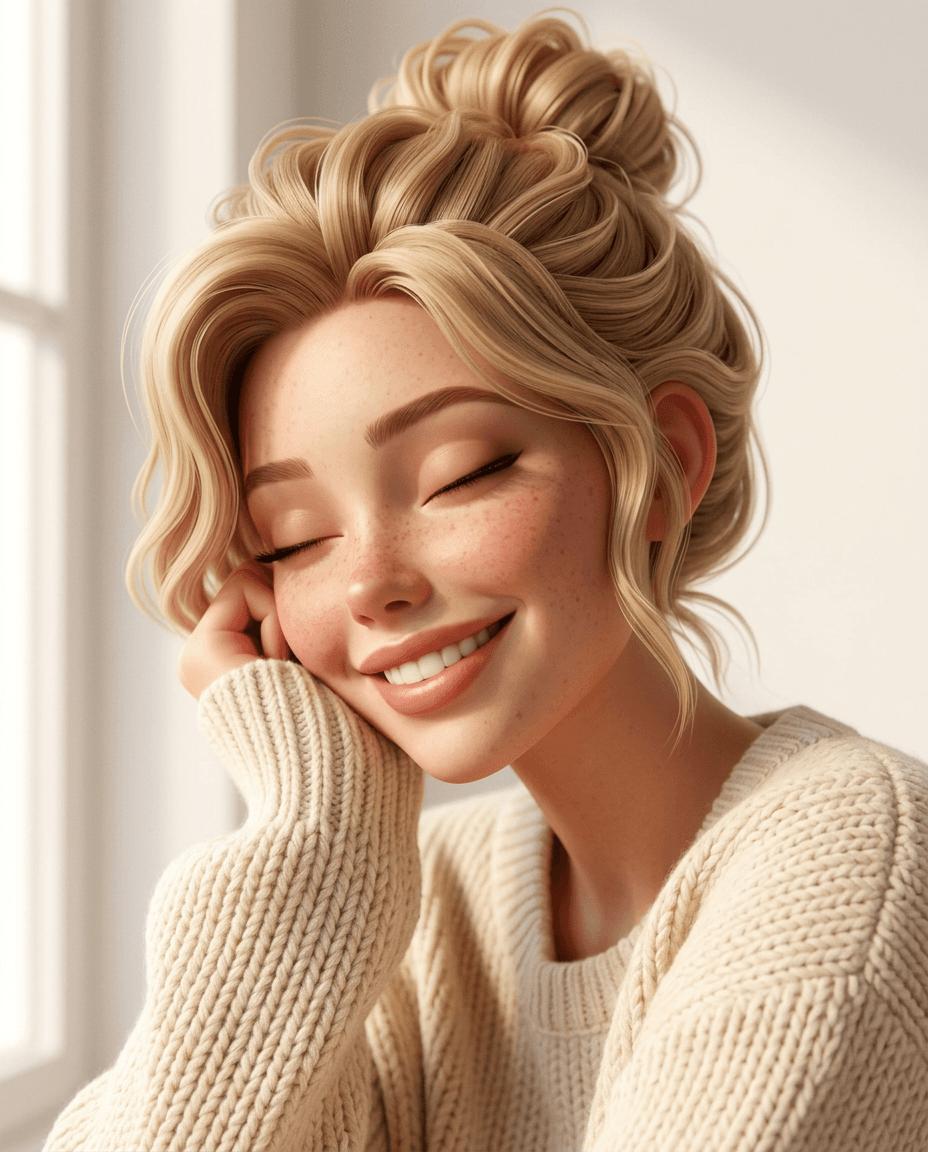
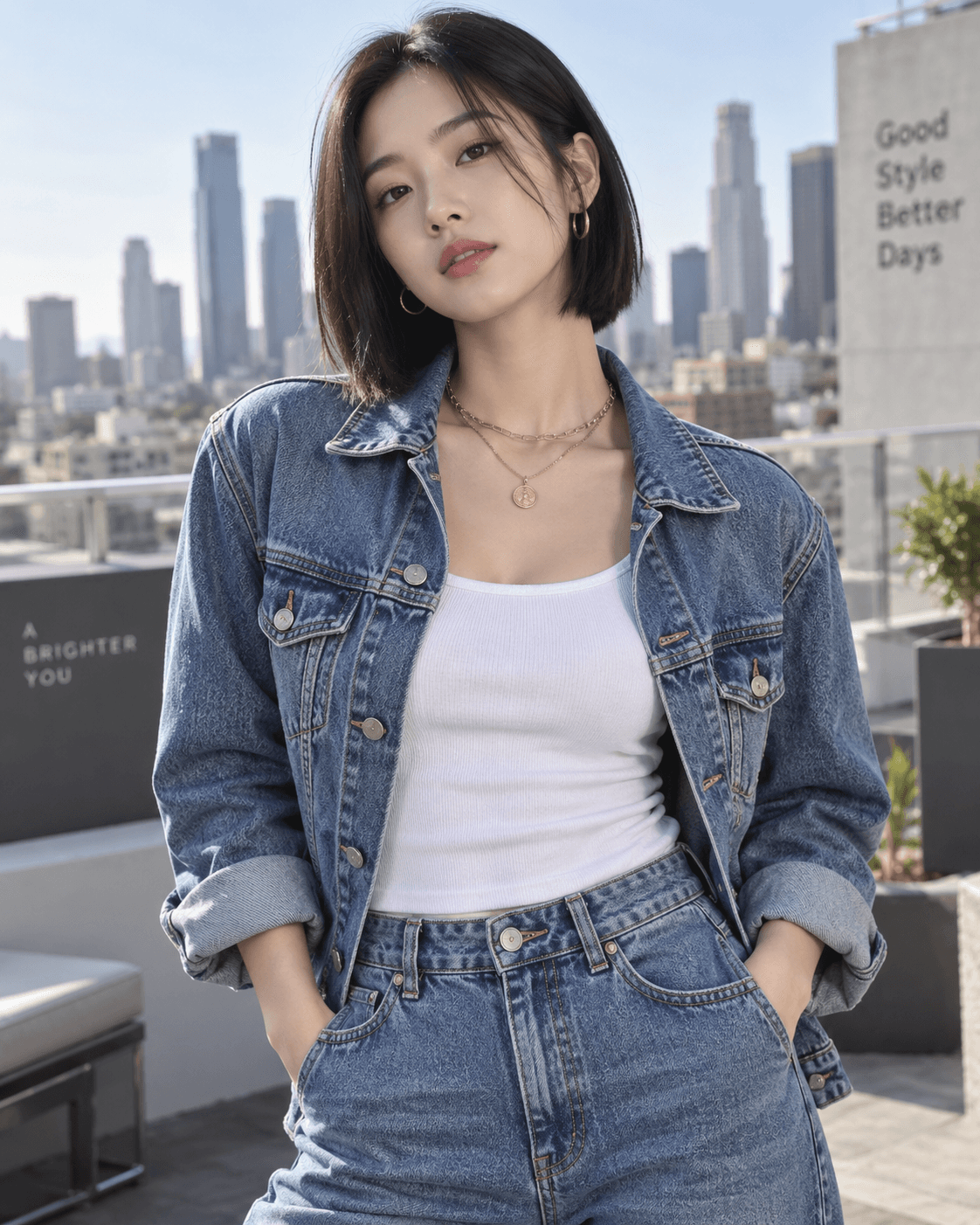
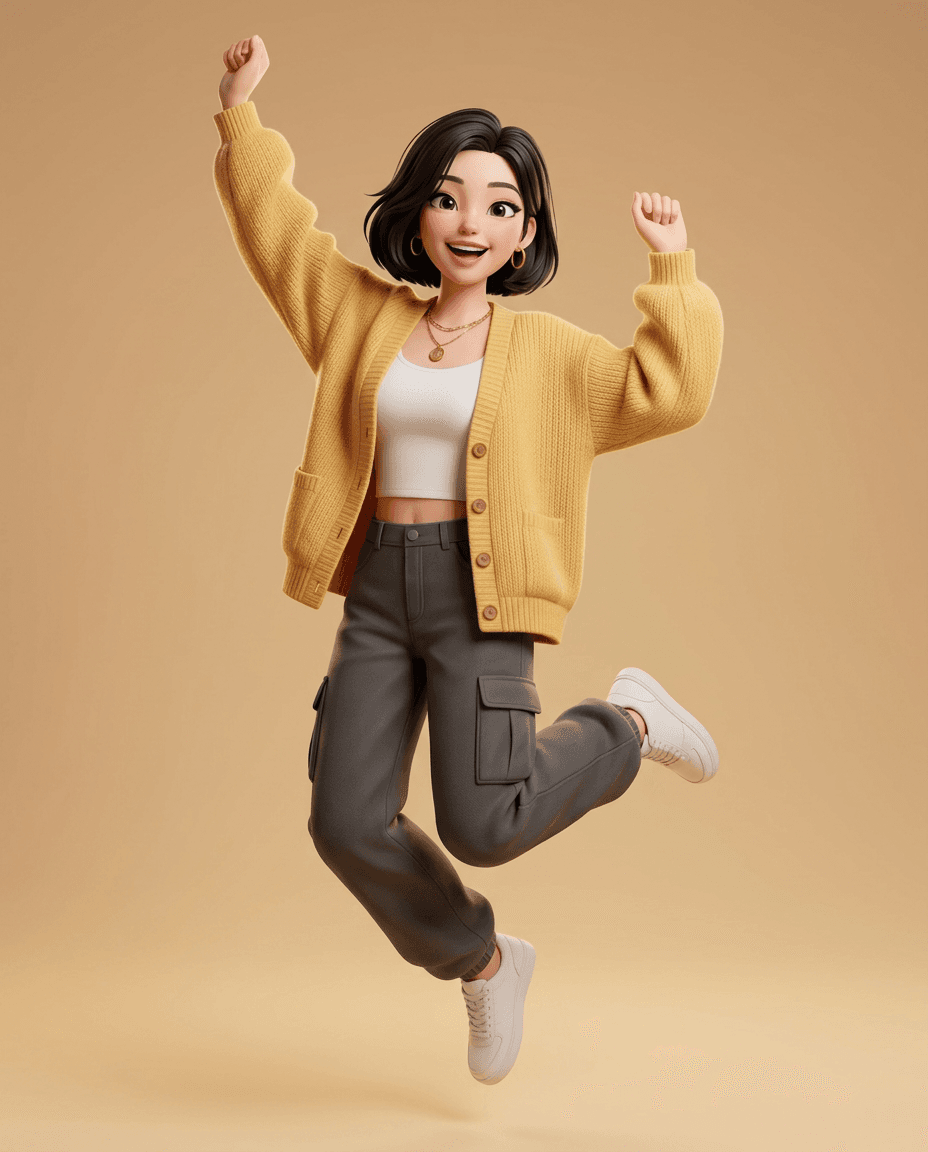
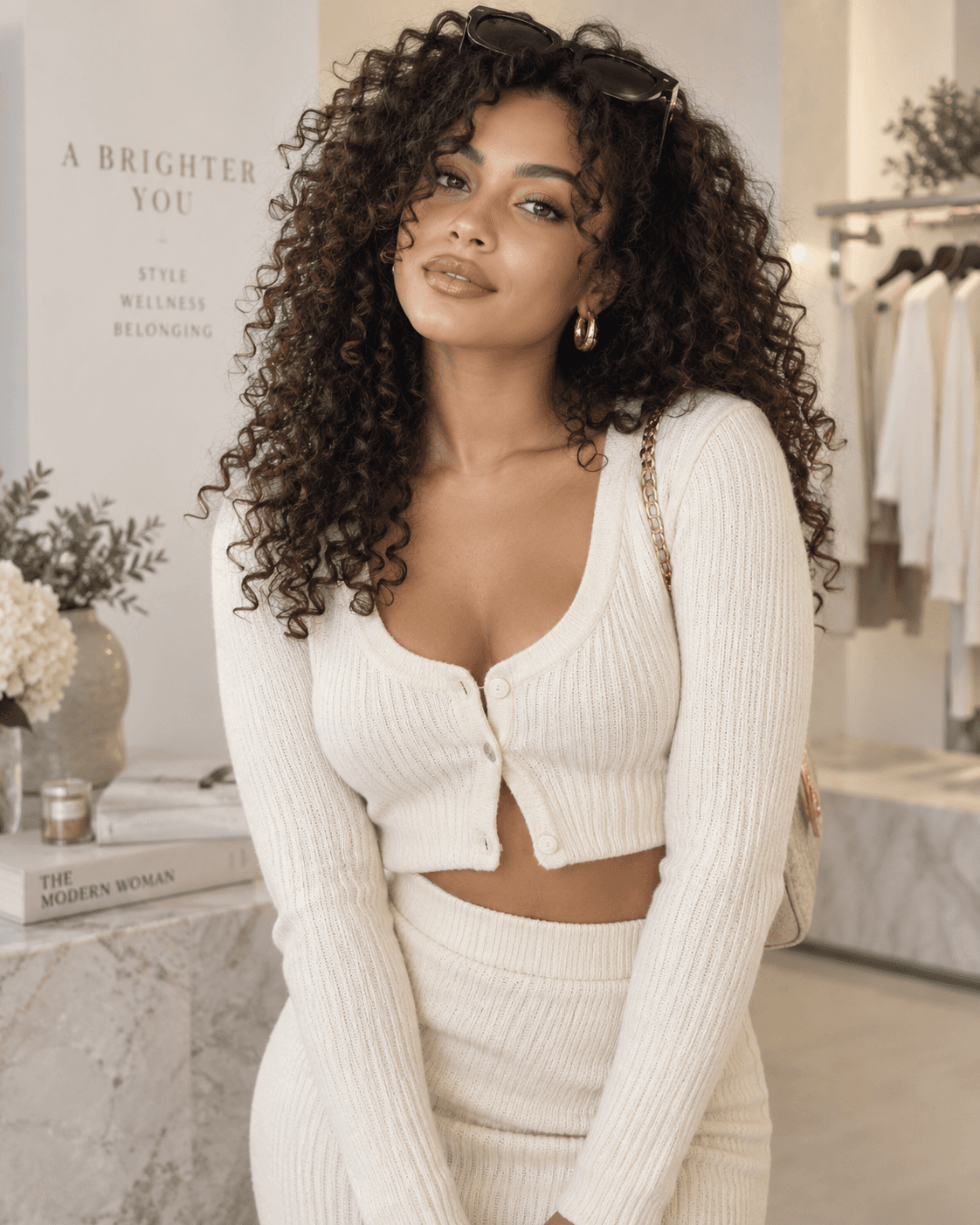
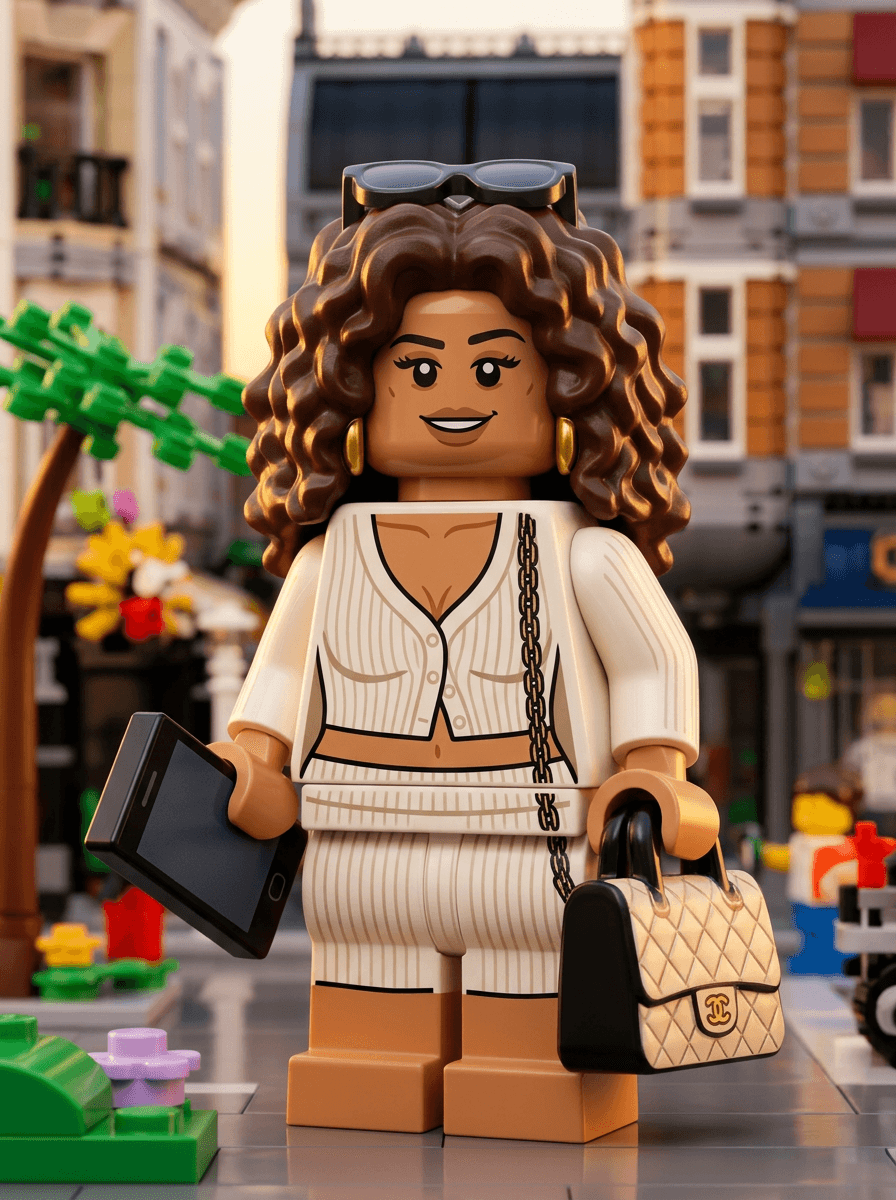
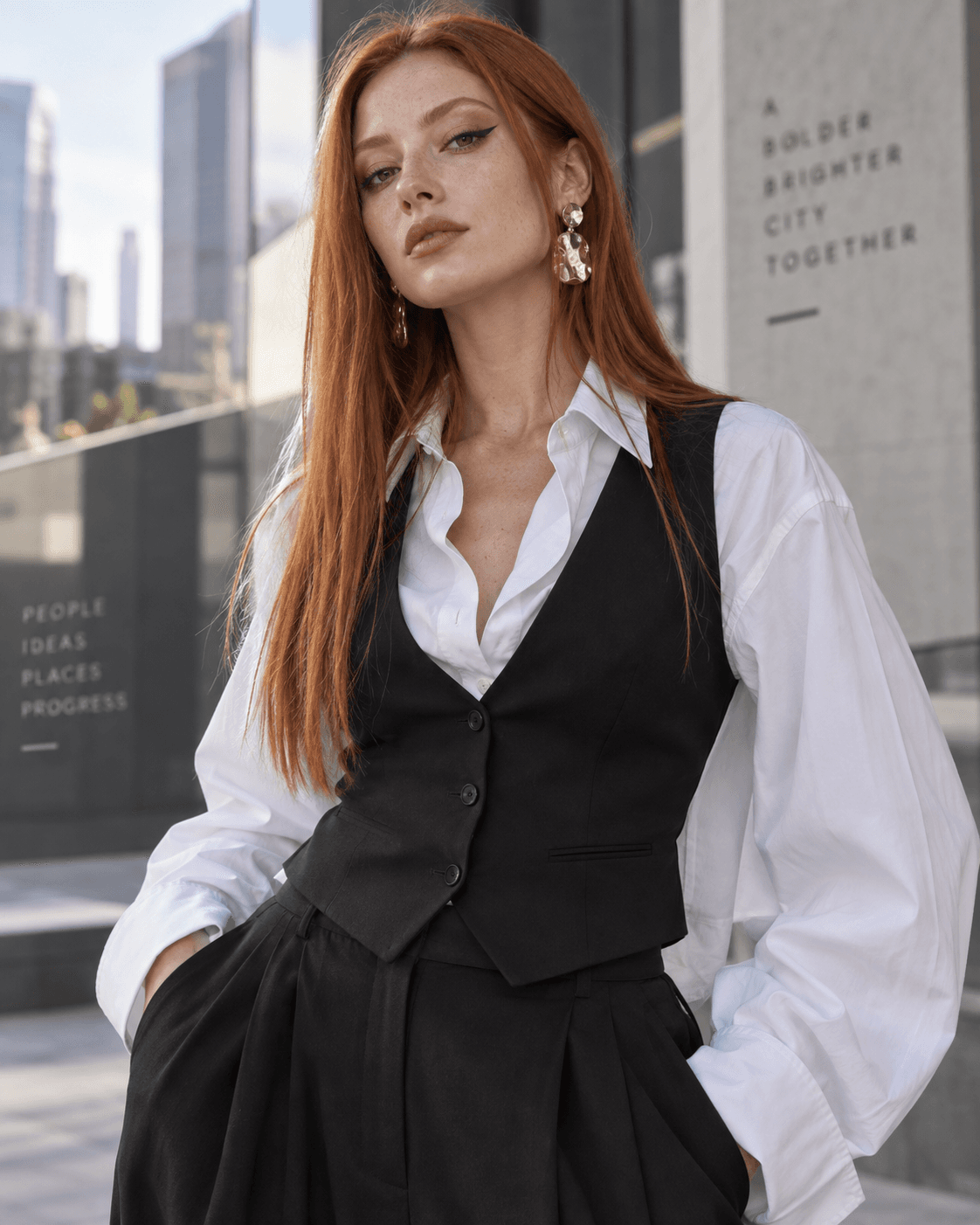
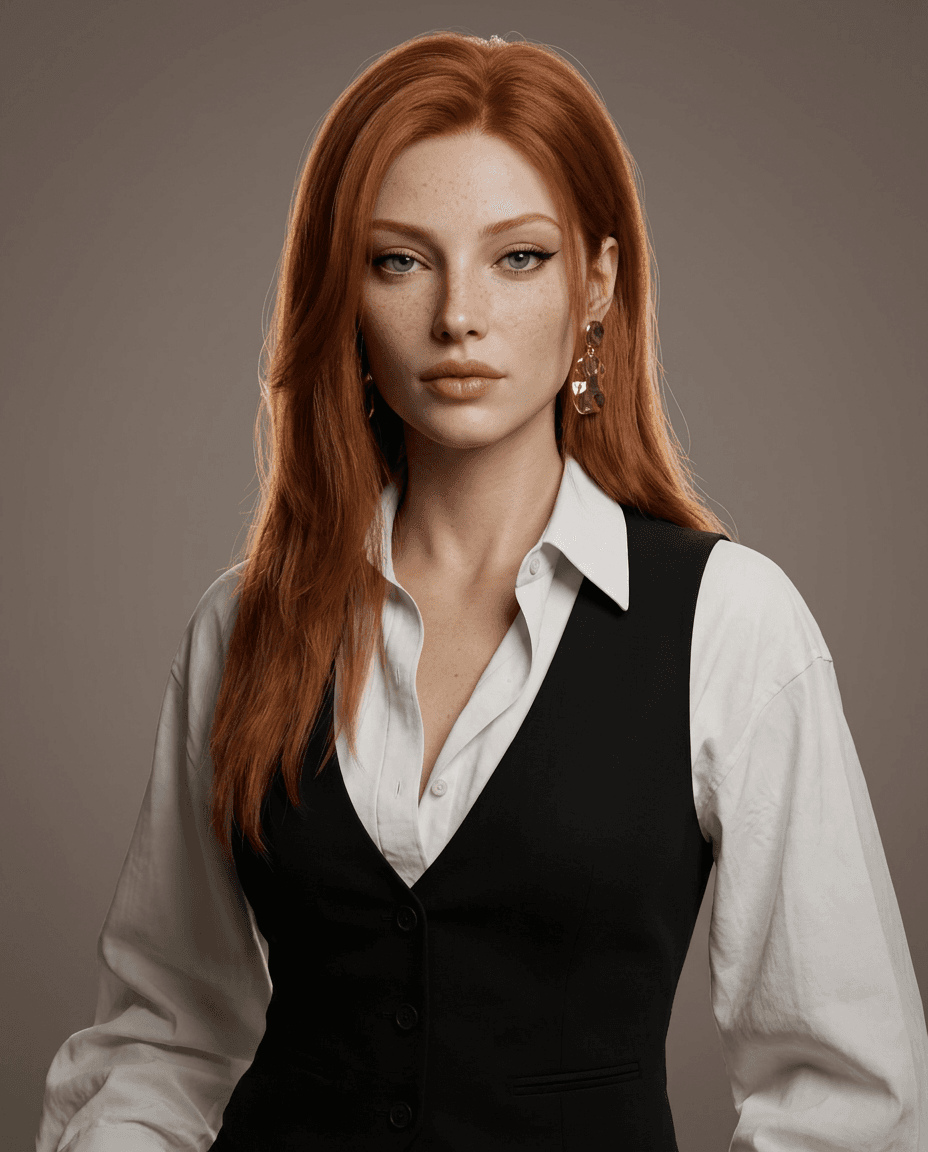
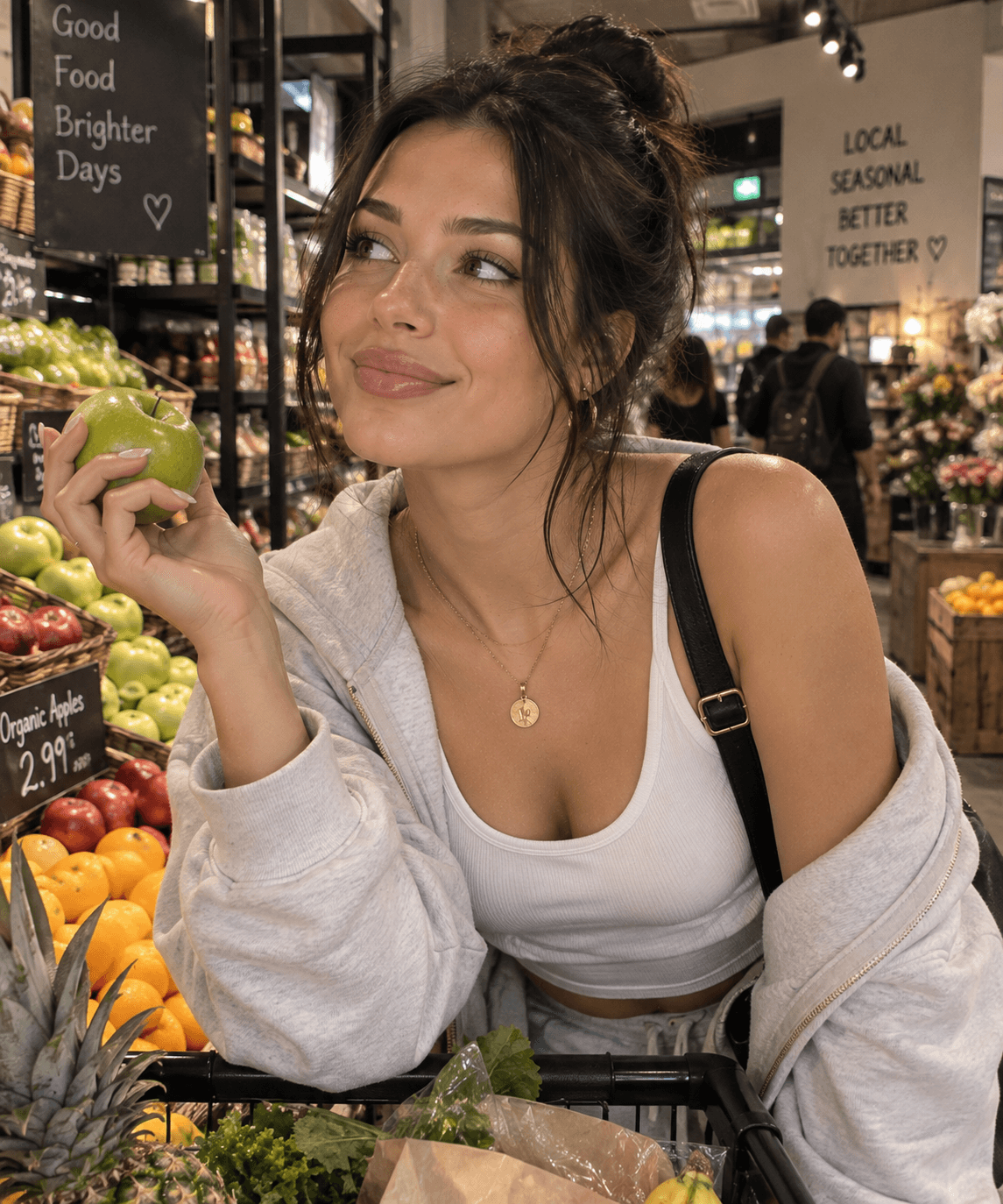
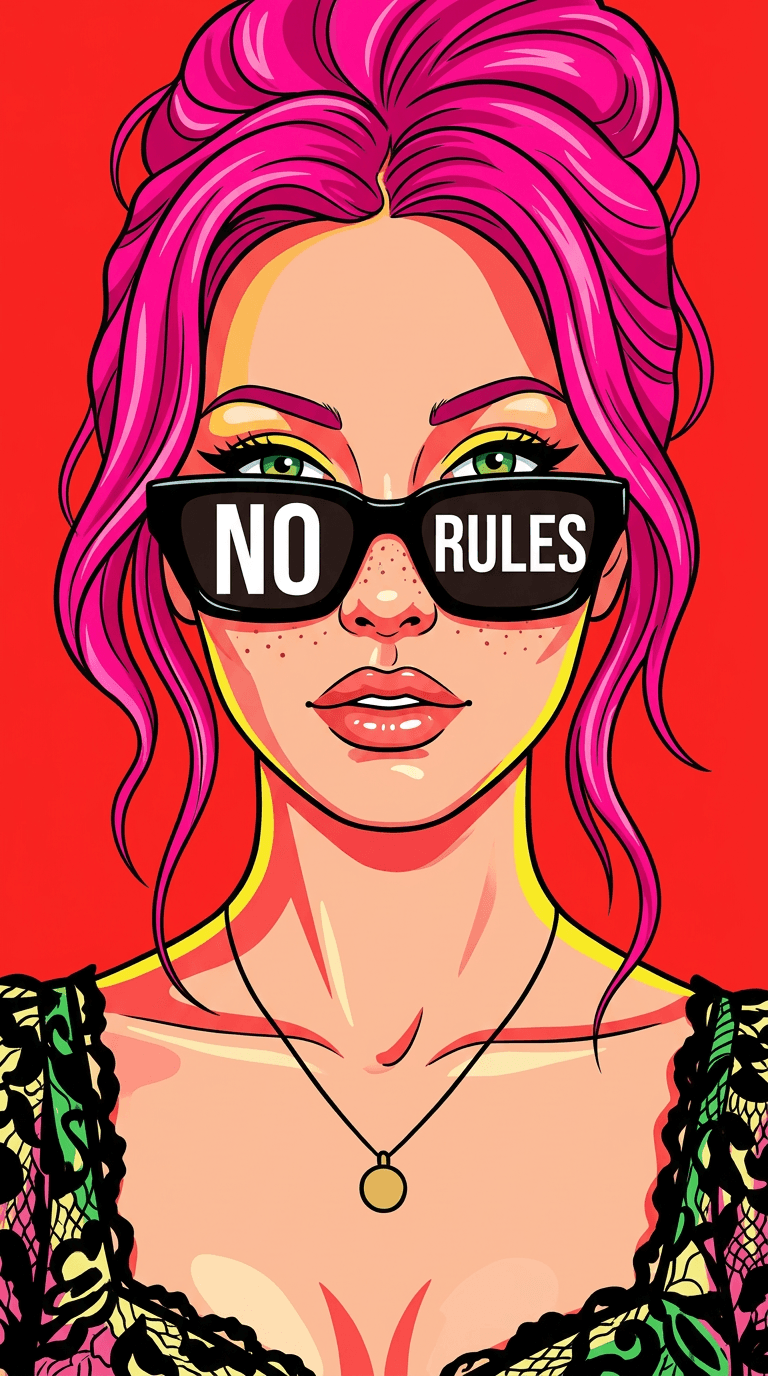
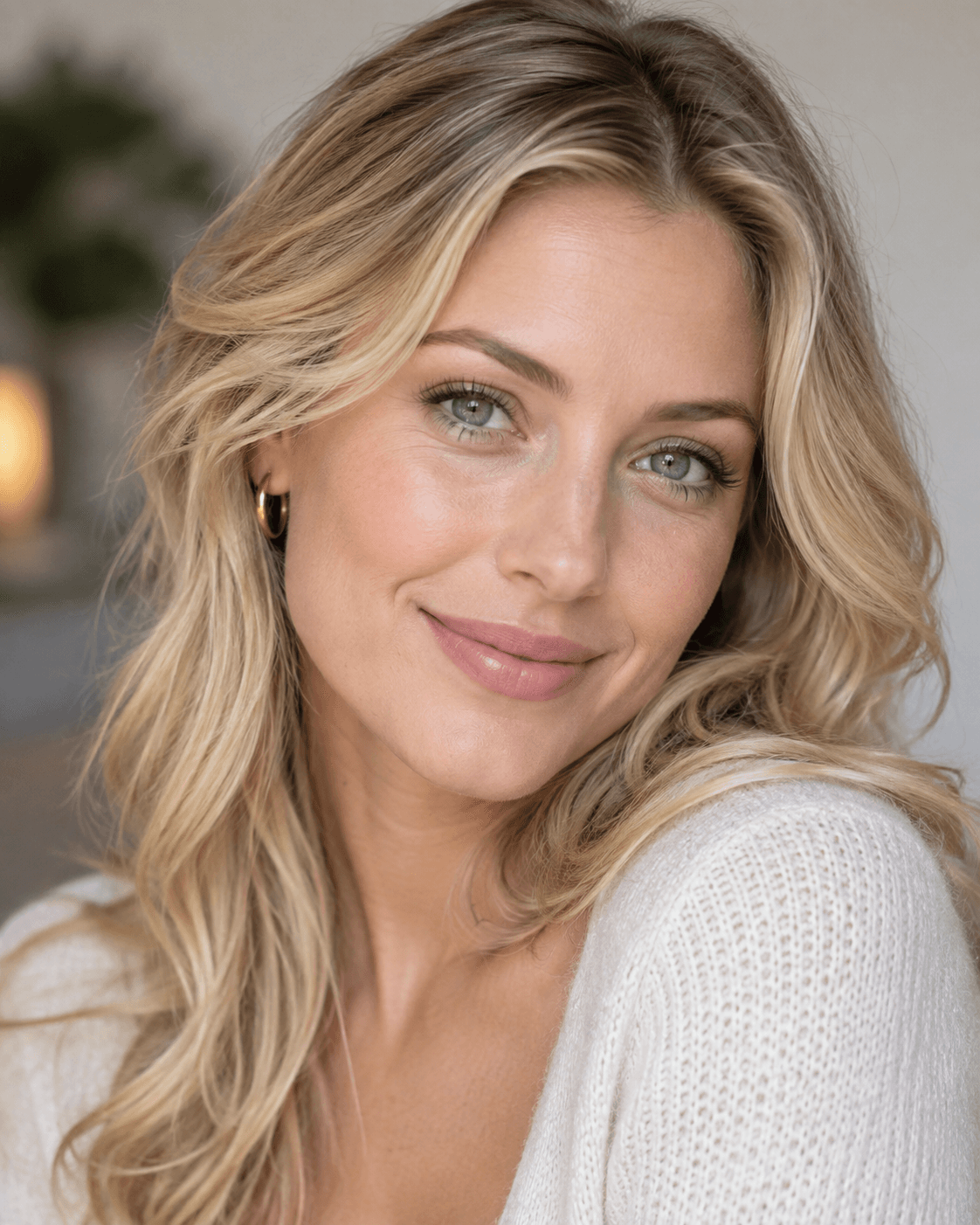
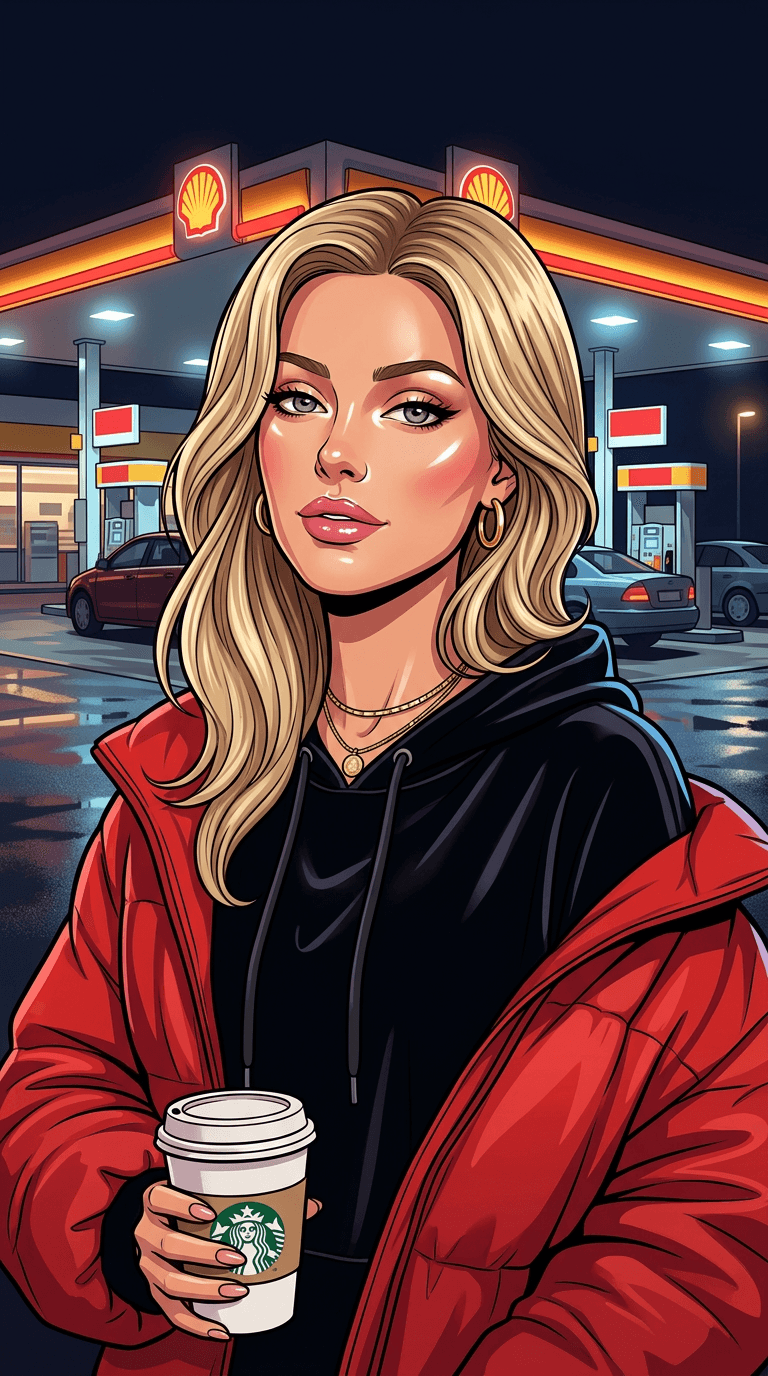
These 30 portrait edits were created and reviewed in KiwiMotion with Nano Banana 2. Open any example to compare its approved source portrait with the result and copy the exact prompt. The collection covers pencil illustration, animated looks, dimensional characters, collectibles and graphic portrait styles.
By KiwiMotion ·
Nano Banana 2 Portrait Prompts with Real Before and After Examples
Looking for Nano Banana 2 portrait prompts? This collection includes 30 tested portrait transformations with real Before and After examples, covering illustration, anime, 3D characters, fashion, editorial, pop art and cinematic styles.
Strong portrait transformation prompts clearly separate what should stay the same from what should change. Start with the reference person and preserve identity, facial features and proportions when needed. Then describe the new visual style, clothing, hairstyle, expression, background, lighting, camera framing and level of realism. Specific instructions usually give the model a clearer transformation target than broad requests such as “make this look better” or “turn this into art.”
Illustrated & Sketched Portraits
Paper texture, pencil marks and vector simplification can change the medium without losing the person behind the image.
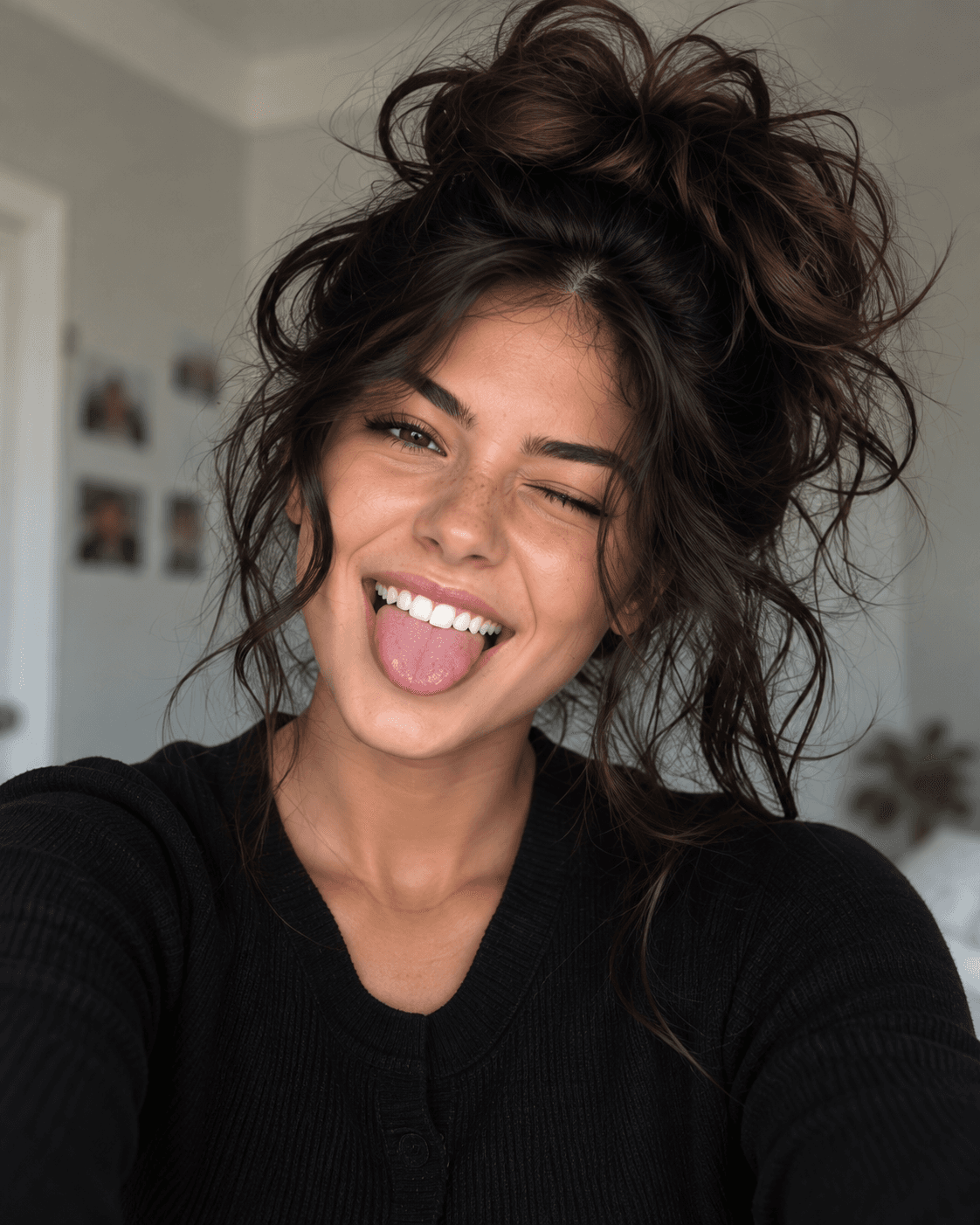
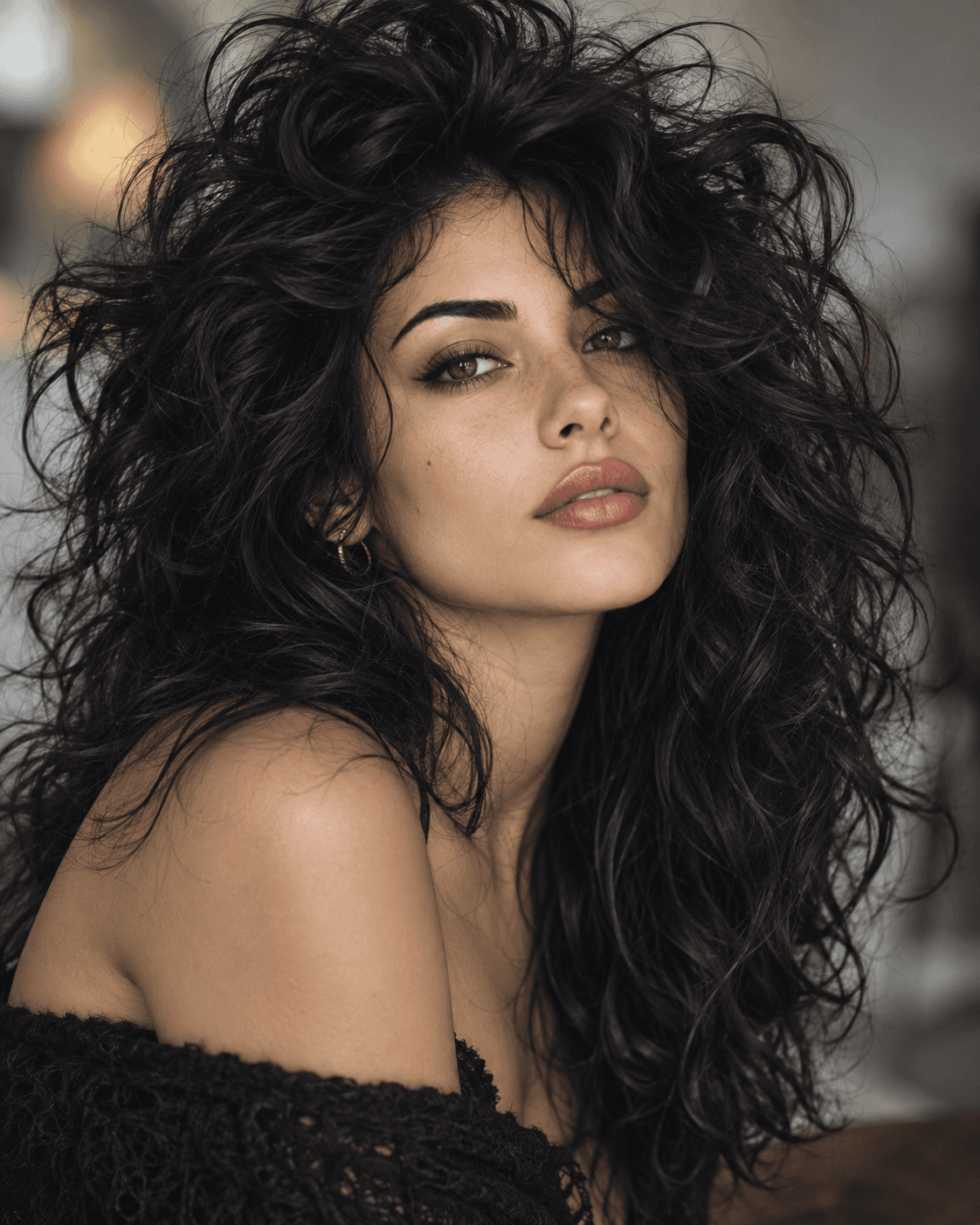
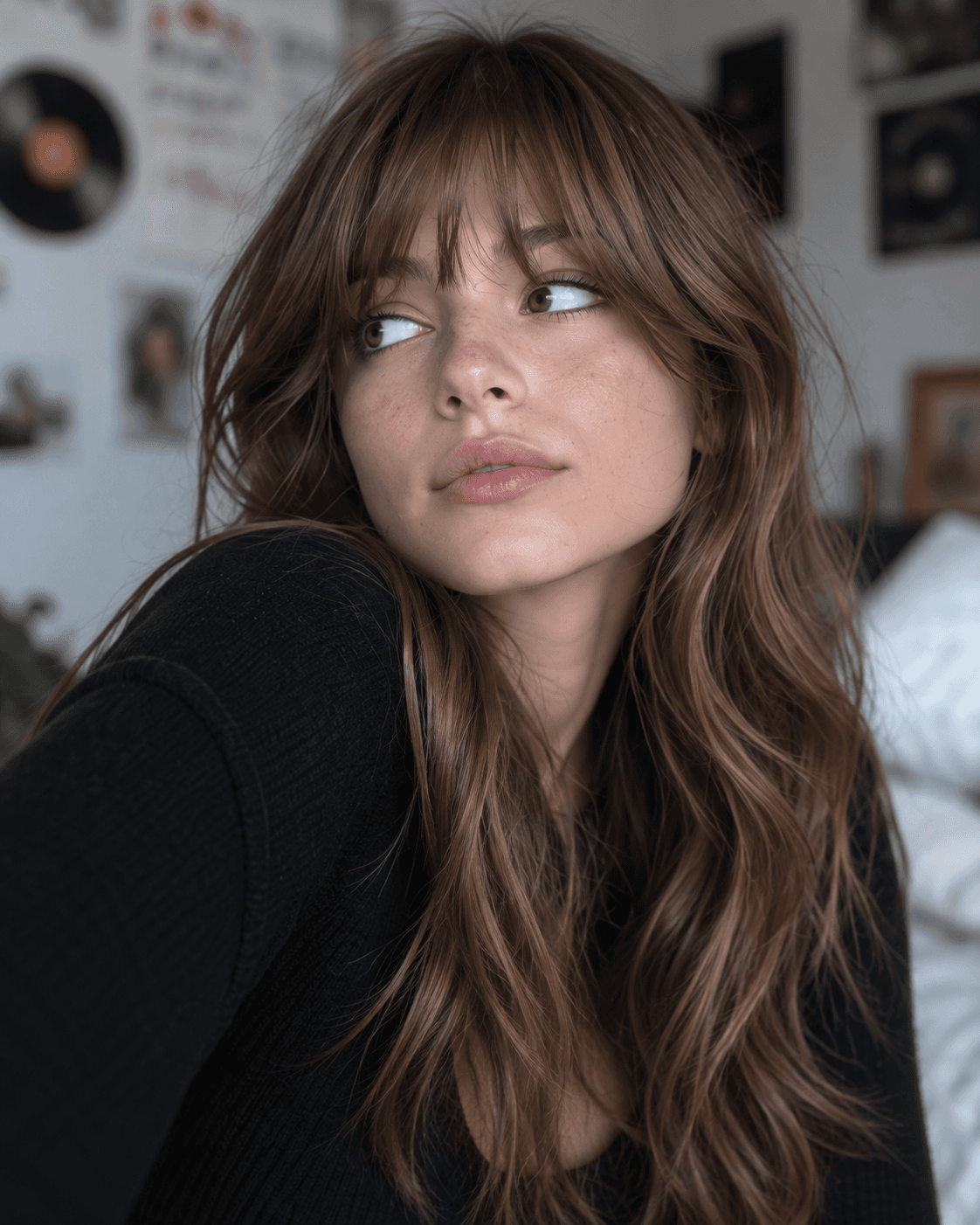
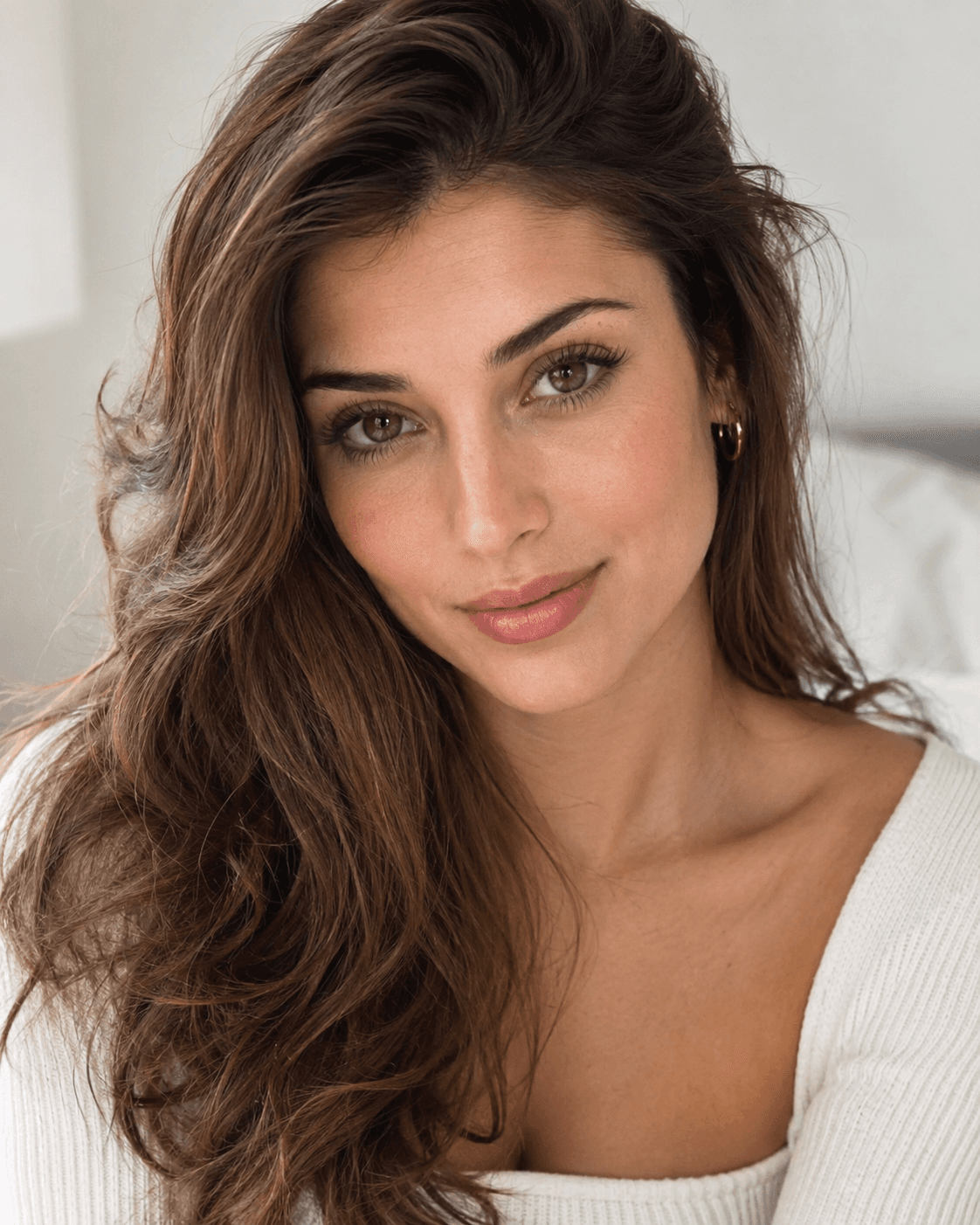
 Before
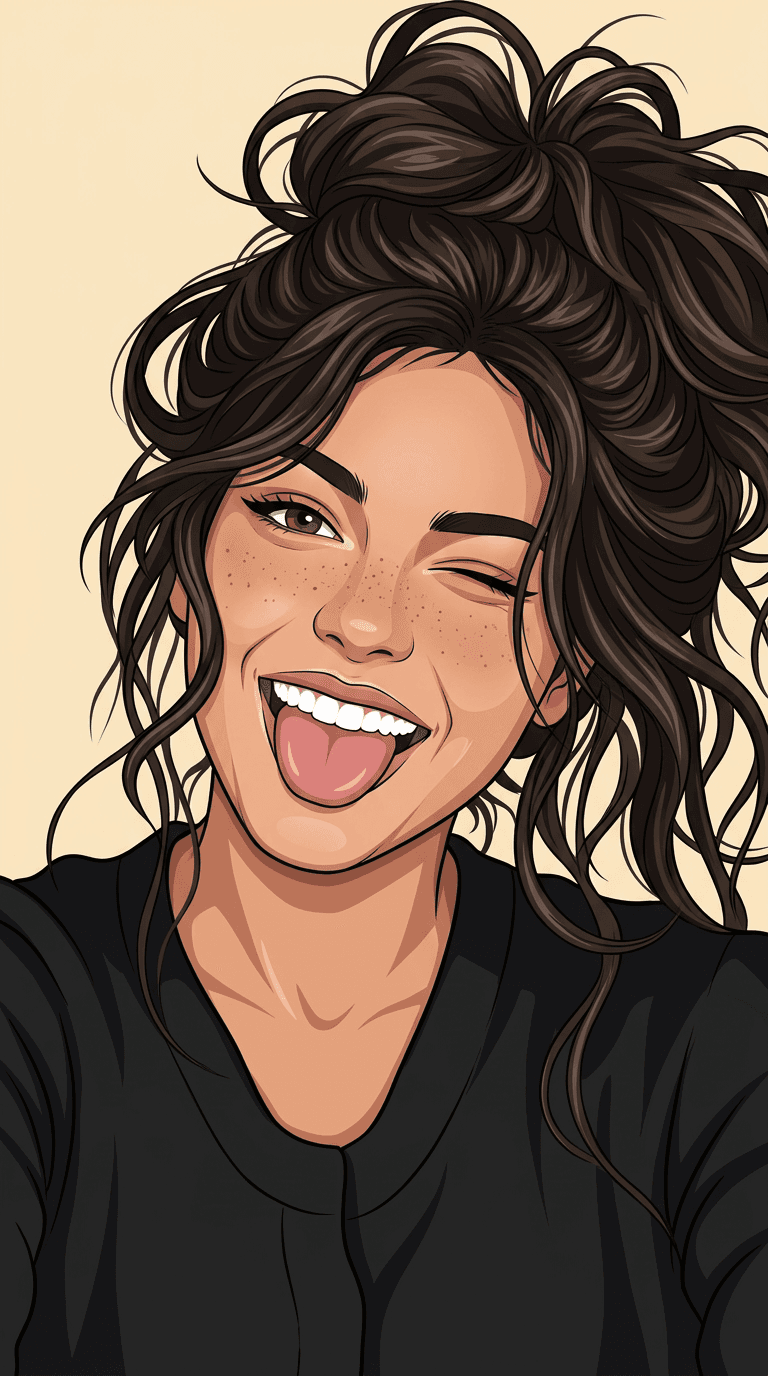
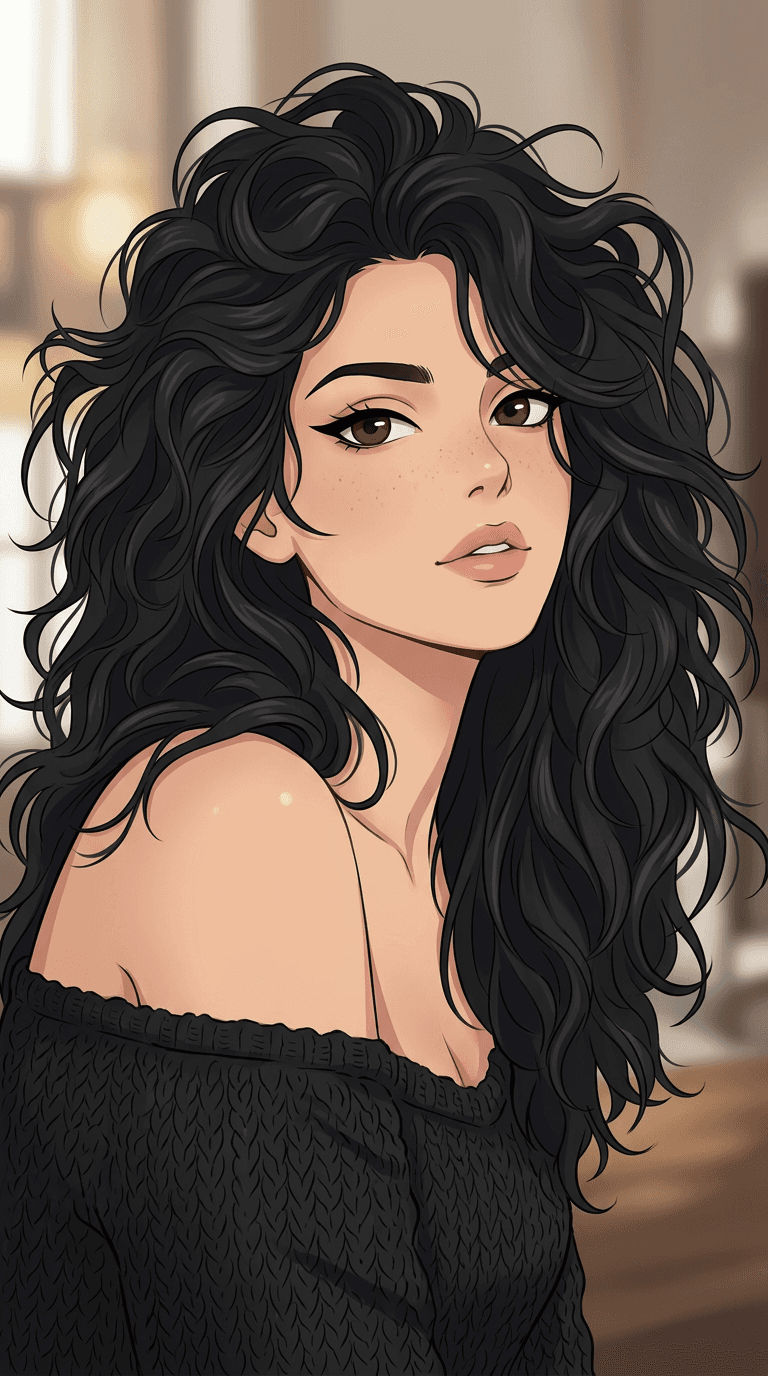
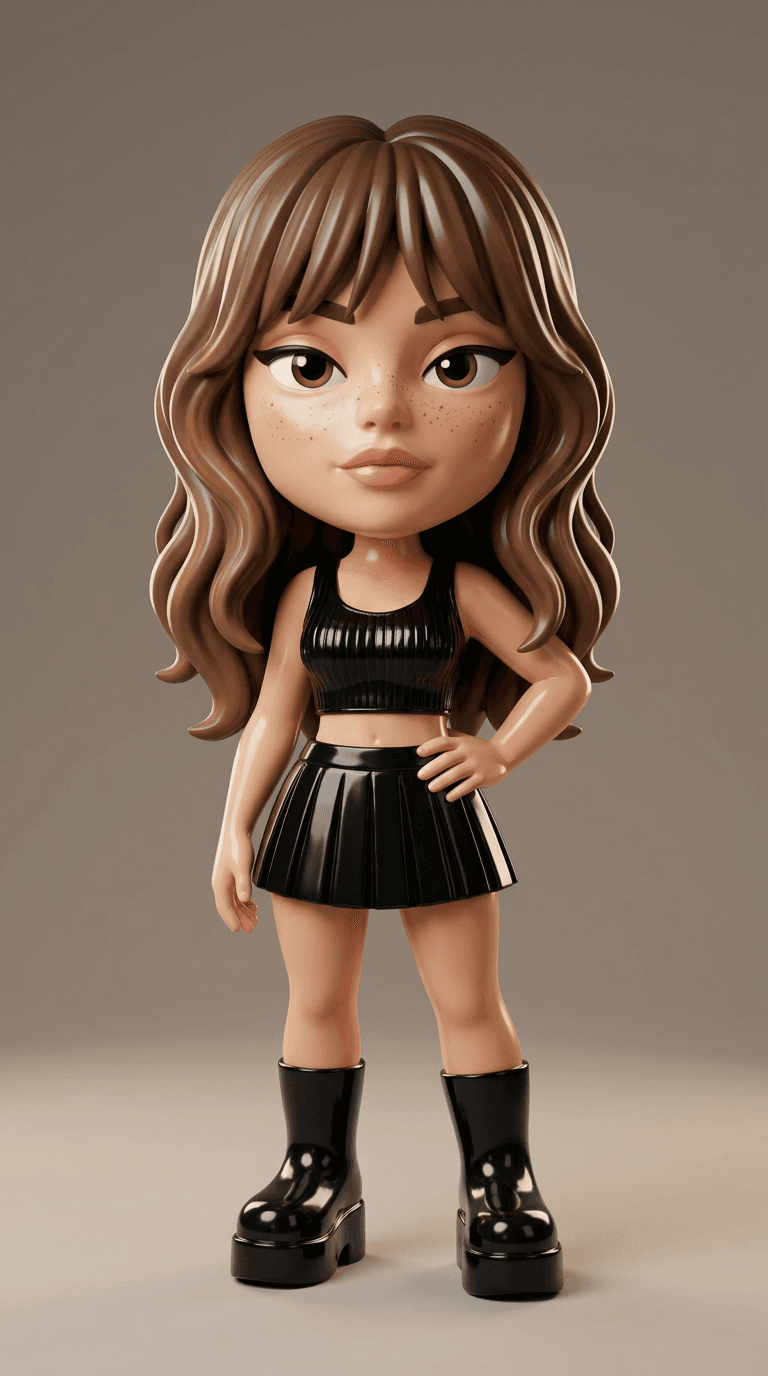
 After
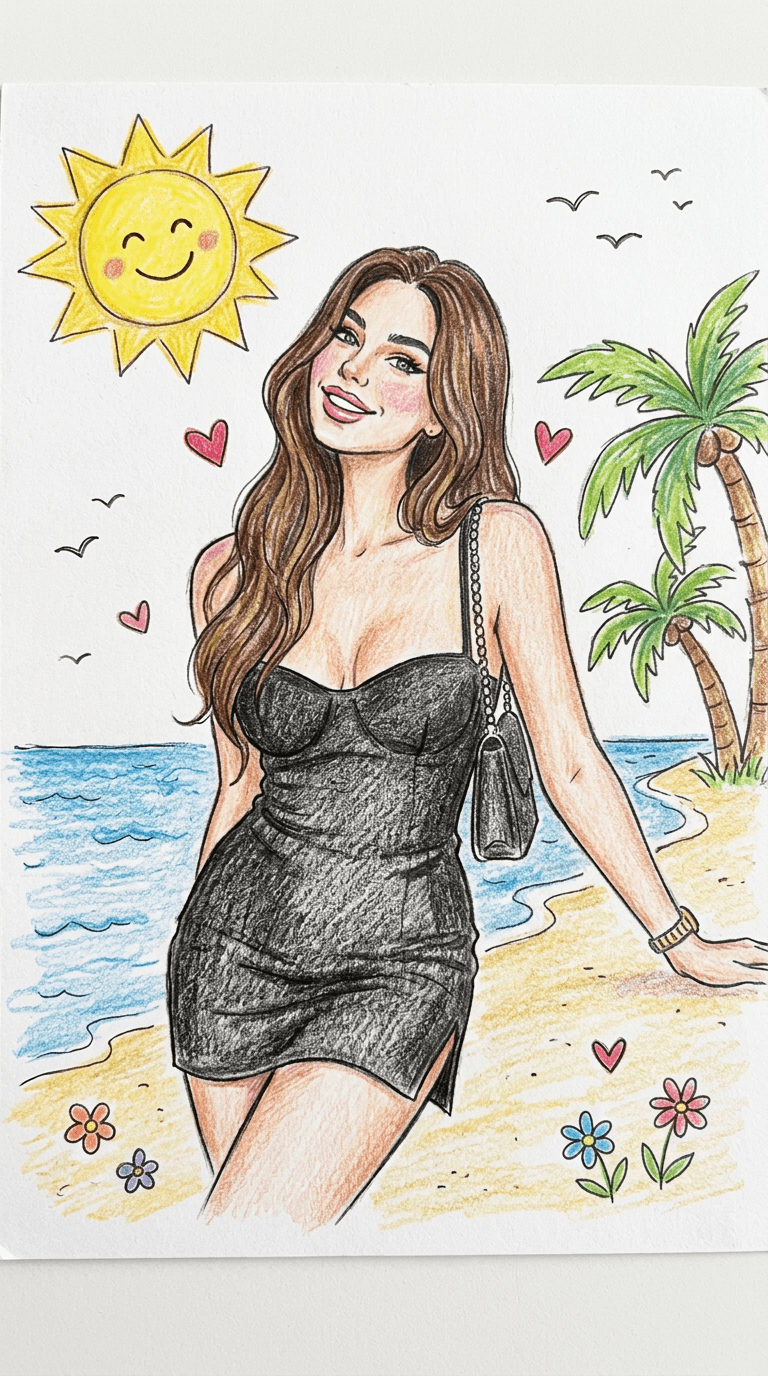
AfterIllustration · Nano Banana 2 edit
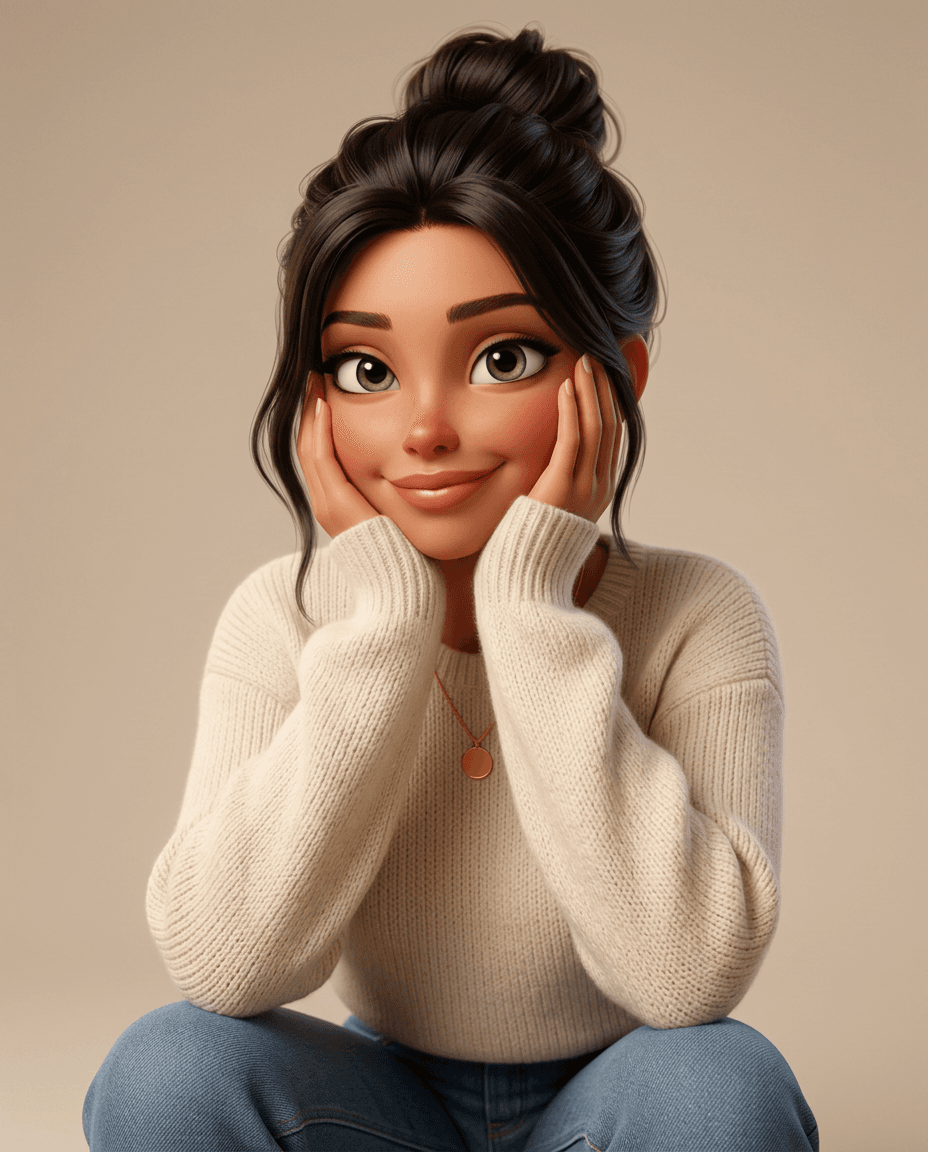
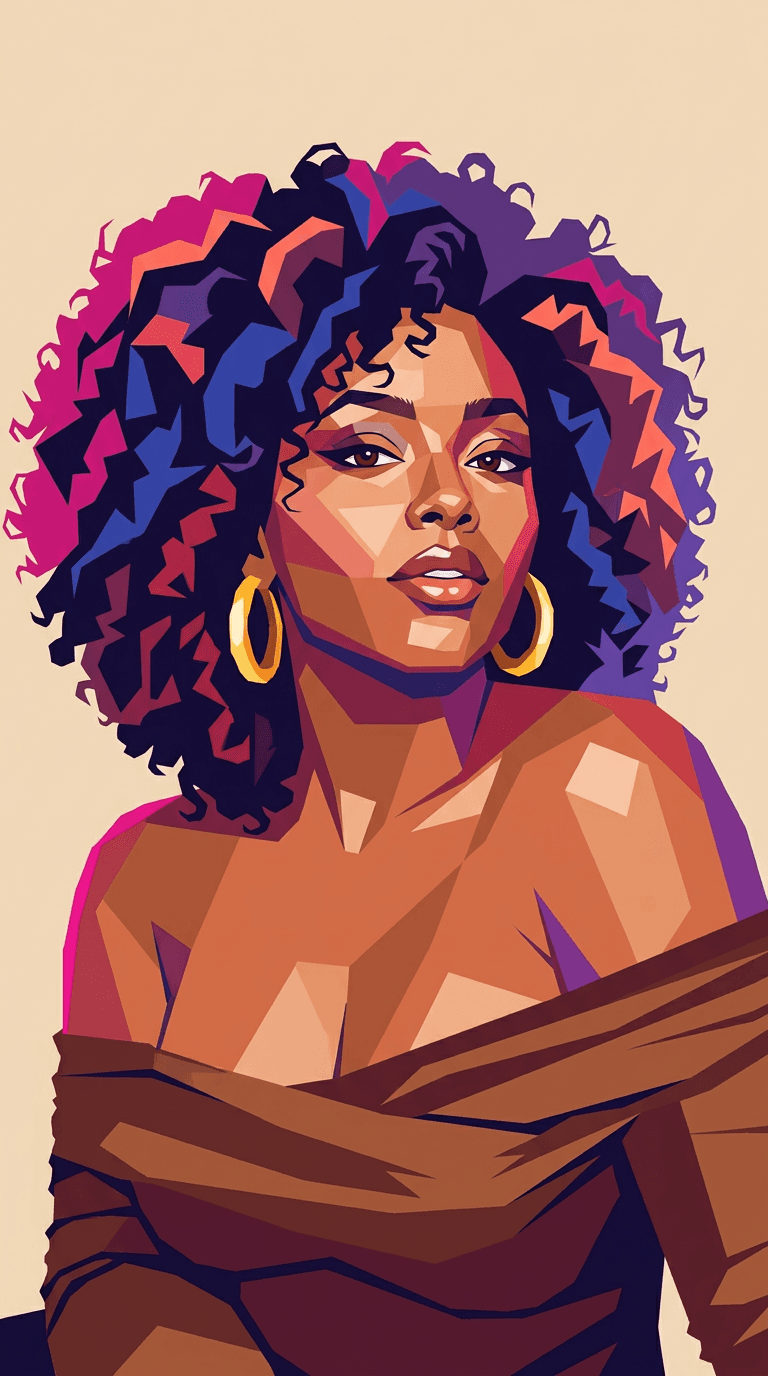
Soft Colored-Pencil Portrait
Turn a real portrait into a delicate colored-pencil illustration with visible grain, layered strokes and recognizable facial features.
Read the exact prompt
Use the uploaded portrait as the identity and styling reference. Transform the same person into a soft digital colored-pencil portrait while keeping them clearly recognizable. Preserve: - recognizable facial identity and face shape - skin tone - eye color - hairstyle length, color, parting, and overall silhouette - apparent age - main clothing style and visible accessories Create a refined colored-pencil illustration with soft realistic shading, visible pencil texture, delicate linework, and polished editorial detail. Face: Keep the person’s likeness strong. Preserve the eyes, brows, nose, lips, jawline, and overall facial proportions. Render the skin with layered colored-pencil strokes, subtle blush, light freckles if appropriate, and natural tonal variation. Hair: Preserve the reference hairstyle closely, including length, volume, and facial framing. Render individual strands with layered pencil strokes and soft highlights. Add subtle blue, violet, or purple accent strands if they fit the look, while keeping the base hair color recognizable. Wardrobe: Keep the outfit inspired by the reference, but reinterpret it with soft colored-pencil texture. A simple floral or patterned top may be used while preserving the overall garment type and styling direction. Style: - soft digital colored-pencil portrait - visible pencil grain - layered hand-drawn strokes - delicate outlines - smooth tonal blending - realistic facial proportions - polished fashion-illustration finish - subtle purple, blue, cream, and natural skin-tone accents Background: Use a clean white, warm off-white, or very light neutral paper-like background with subtle texture. Composition: Centered head-and-shoulders portrait, direct or slight three-quarter gaze, with the face large in frame. Avoid identity drift, generic anime features, random hairstyle changes, excessive eye enlargement, plastic skin, heavy digital-painting look, clutter, text, logos, watermarks, or obvious AI artifacts. Final result: A polished soft colored-pencil portrait based directly on the uploaded person, with strong identity retention, refined hand-drawn texture, and a premium modern illustration look.
Anime & Animated Looks
These edits use expressive linework and animation-inspired color while asking the model to carry identity through the style change.
 Before
 After
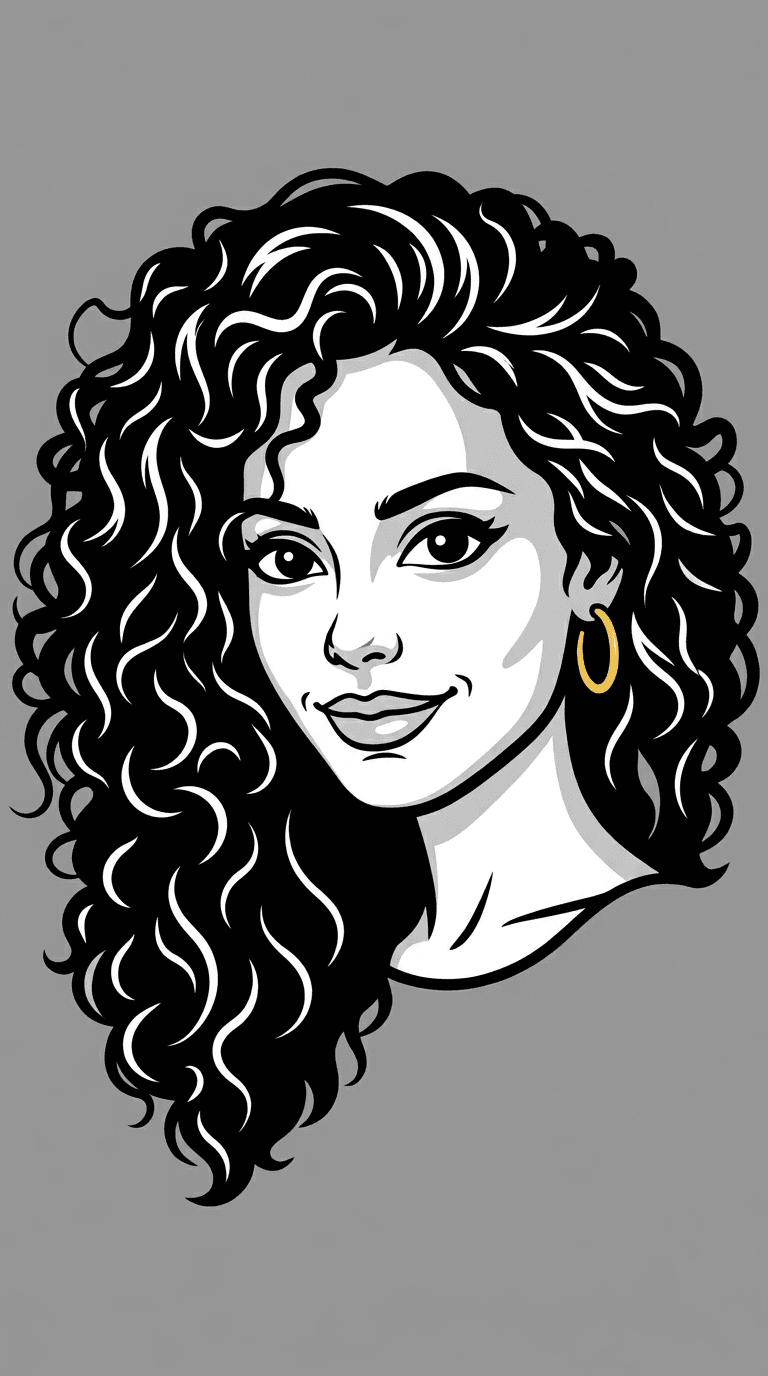
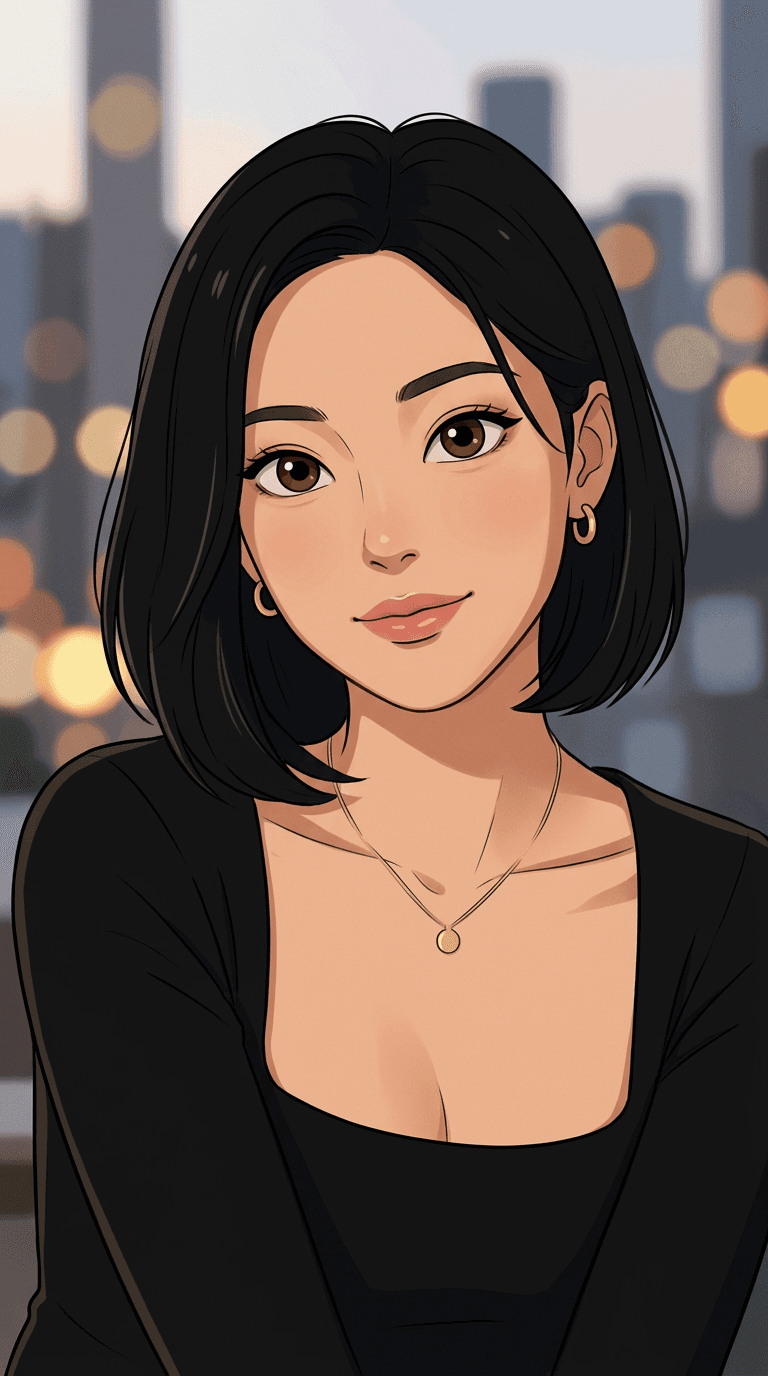
AfterIllustration · Nano Banana 2 edit
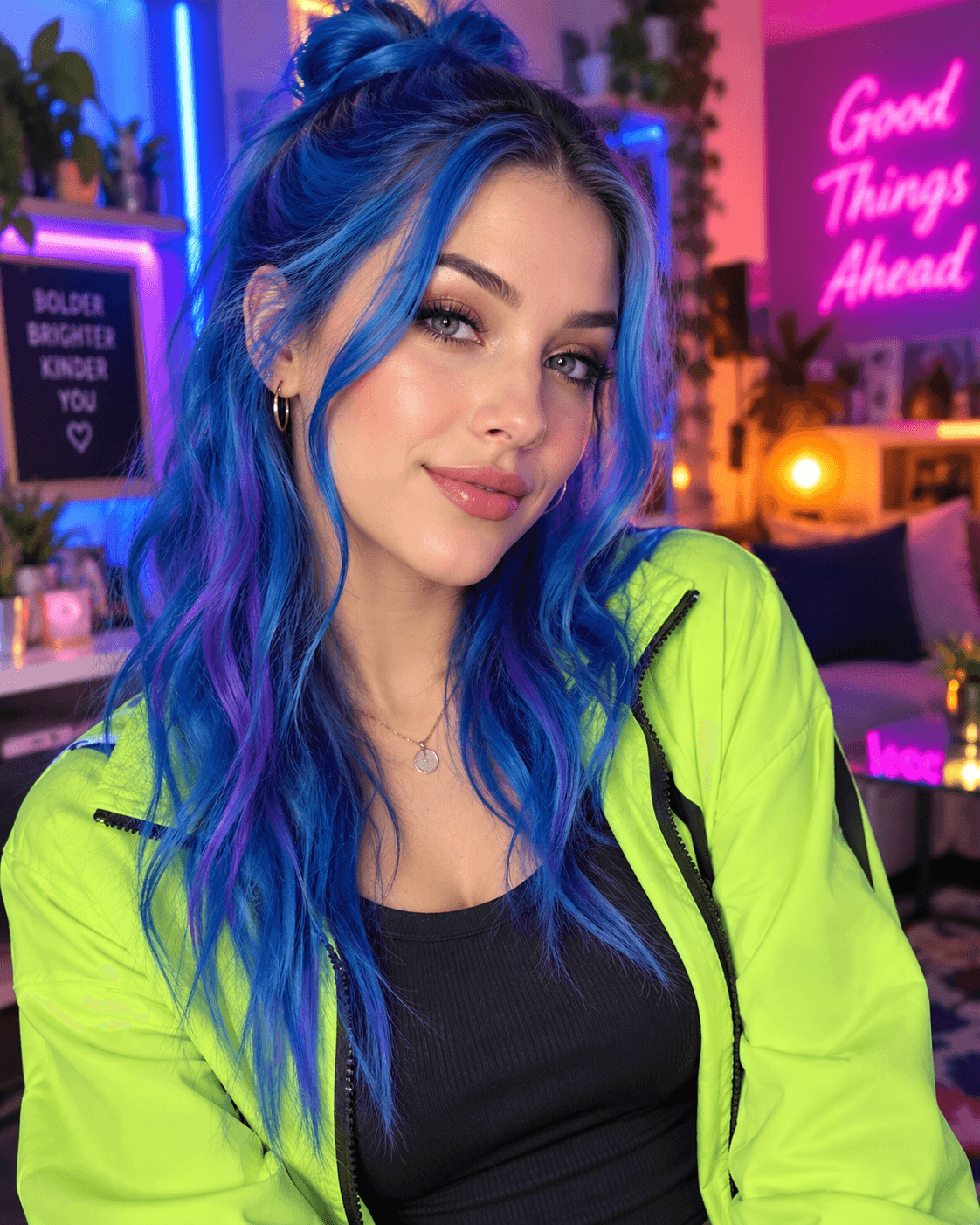
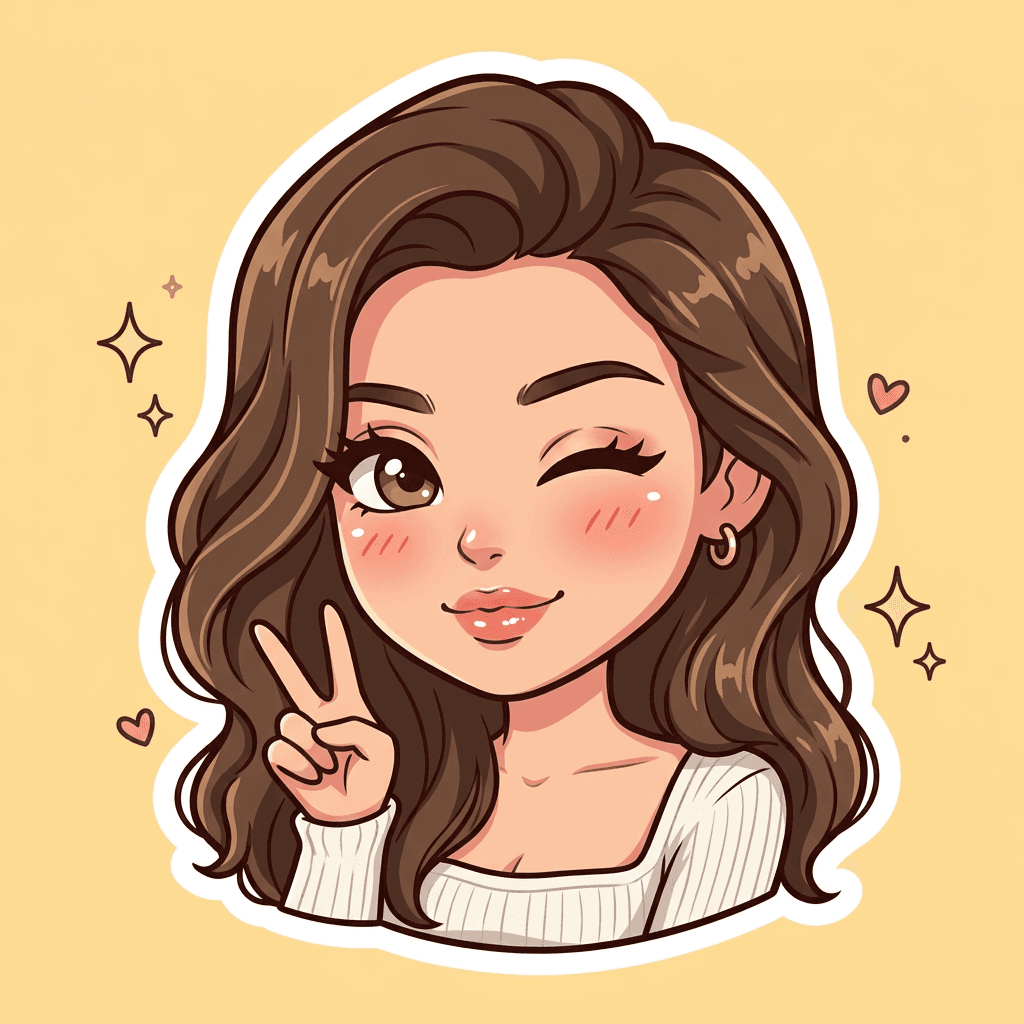
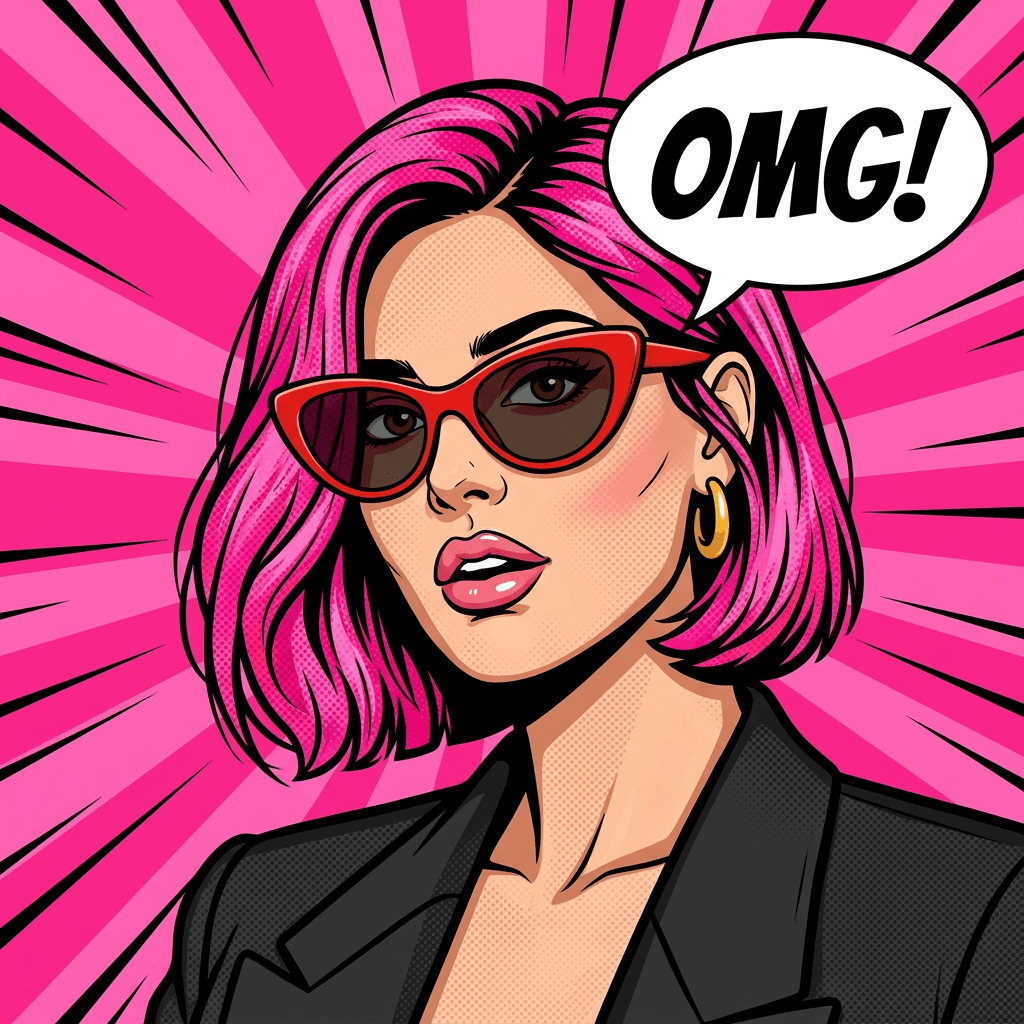
Saturday-Morning Cartoon Portrait
Translate a portrait into a lively two-dimensional cartoon with clean shapes, expressive features and a nostalgic color treatment.
Read the exact prompt
Use the uploaded portrait as the identity and styling reference. Transform the same person into a polished 2D 1980s Saturday-morning cartoon portrait while keeping them clearly recognizable. Preserve: - recognizable facial identity and face shape - skin tone - eye color - hairstyle length, color, volume, and facial framing - apparent age - main clothing style and visible accessories Create a clean retro cartoon illustration inspired by classic 1980s hand-drawn TV animation. Face: Keep the person’s likeness strong while simplifying the features into bold animated shapes. Preserve the eyes, eyebrows, nose, lips, jawline, and overall expression. Use expressive eyes, defined lashes, clean facial contours, and a confident natural look. Avoid generic cartoon-face replacement. Hair: Preserve the reference hairstyle structure, including length, parting, waves or curls, and overall silhouette. Render it with flowing hand-drawn shapes, simple highlight streaks, and rich warm color. Wardrobe: Keep the outfit recognizable from the reference, but simplify it into a retro cartoon version with flat colors and clean outlines. Style: - 1980s Saturday-morning cartoon - hand-drawn 2D animation - bold dark outlines - flat cel shading - limited highlight tones - warm saturated colors - clean graphic shapes - slightly retro print texture - polished vintage TV-animation feel Background: Use a simple flat medium-gray, muted blue, cream, or retro neutral background. Keep it uncluttered so the character remains the focus. Composition: Centered head-and-shoulders or upper-body portrait, direct or slight three-quarter gaze, face large in frame. Avoid identity drift, anime-style exaggeration, oversized eyes, random hairstyle changes, realistic photographic shading, clutter, text, logos, watermarks, or obvious AI artifacts. Final result: A bold 1980s-style 2D cartoon portrait based directly on the uploaded person, with strong identity retention, matching hairstyle and styling, and a polished vintage animation look.
3D Characters & Collectibles
From soft character portraits to miniature toy designs, material and lighting directions make the transformation tangible.
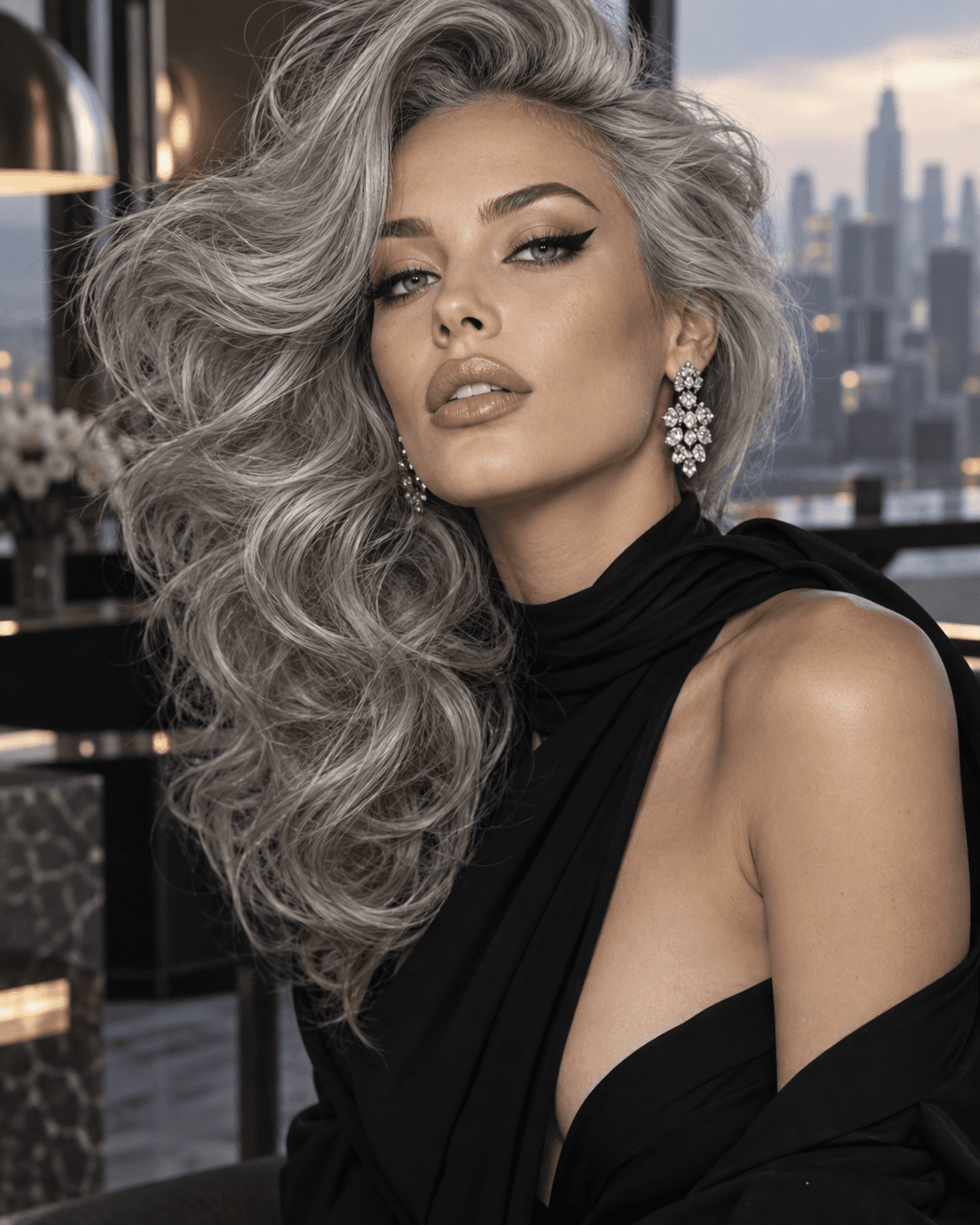
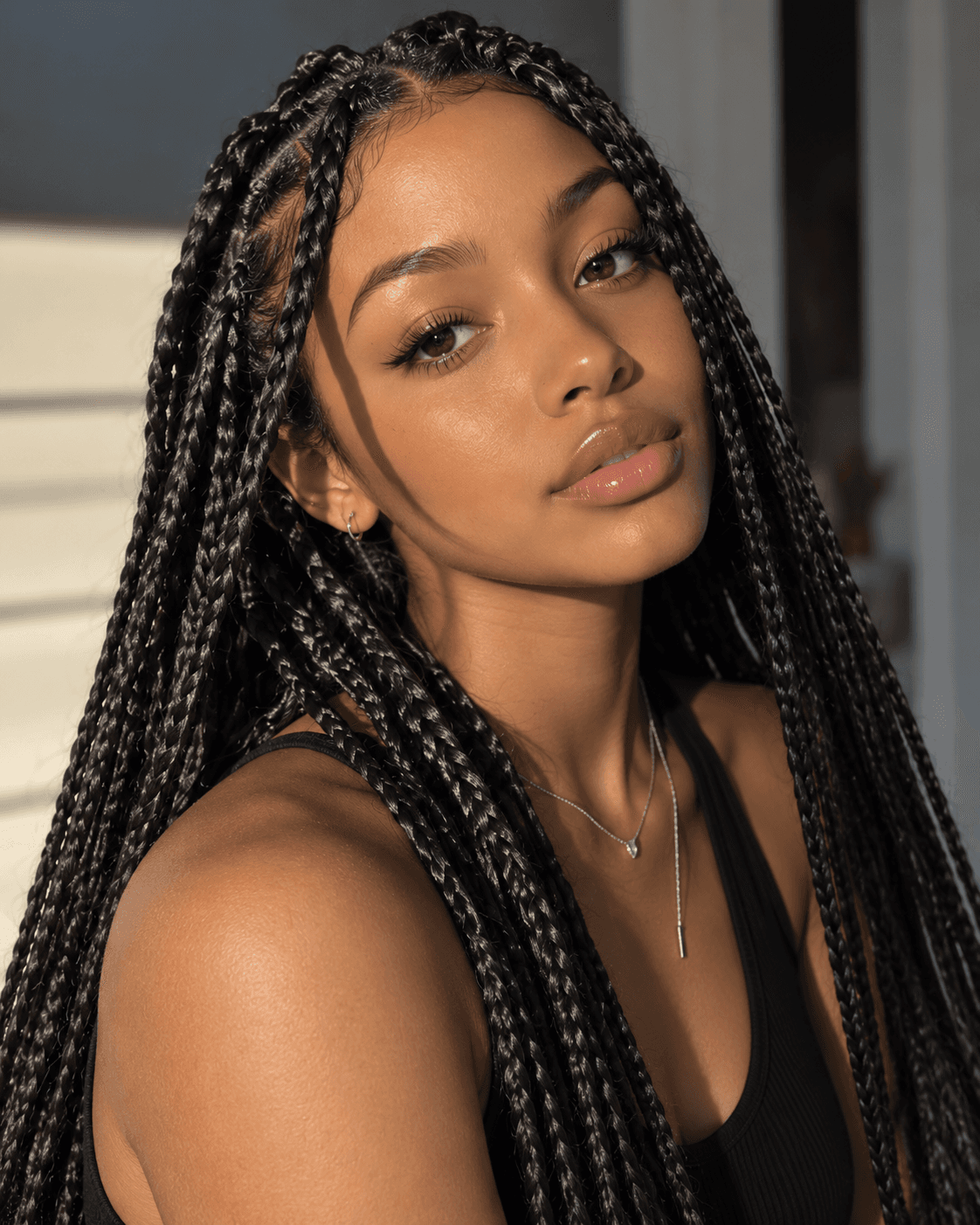
 Before
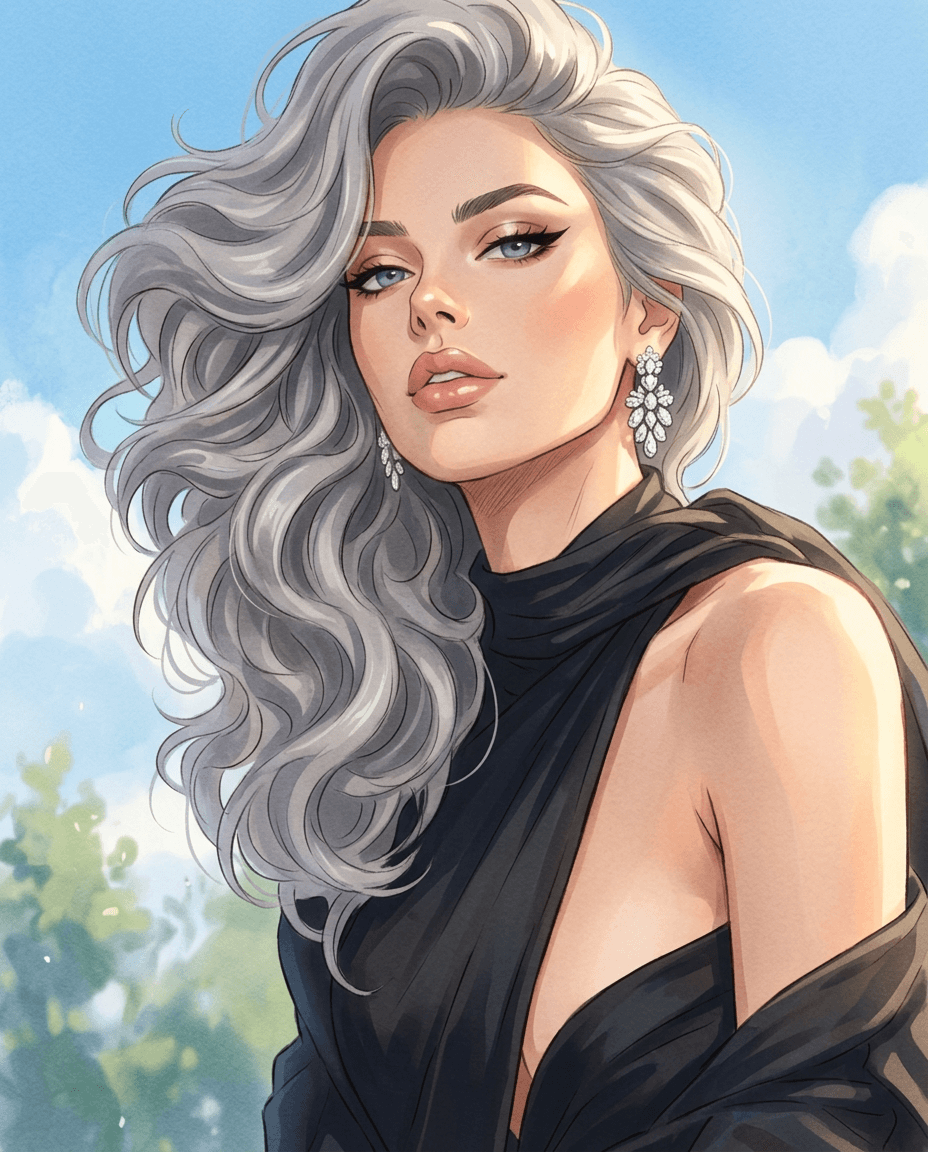
 After
AfterFashion · Nano Banana 2 edit
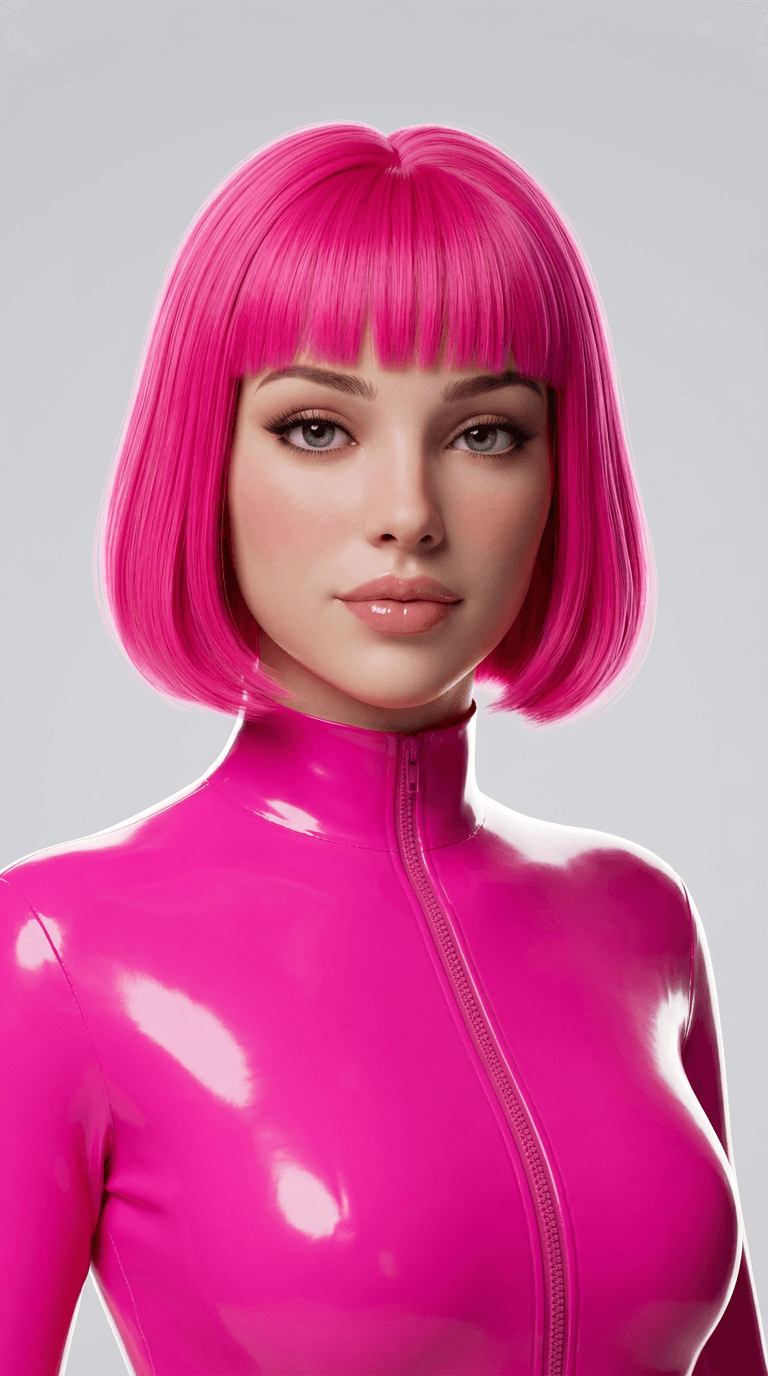
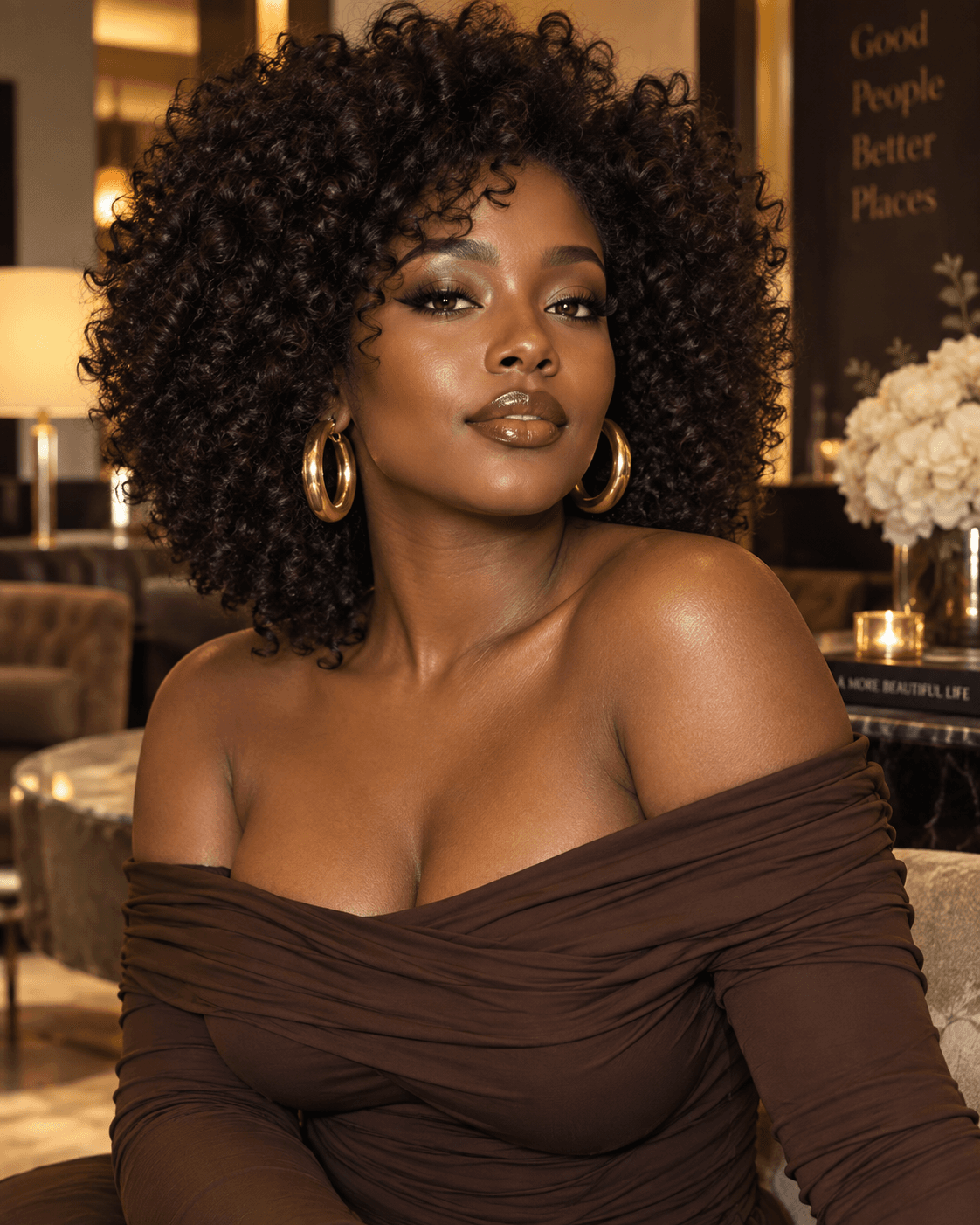
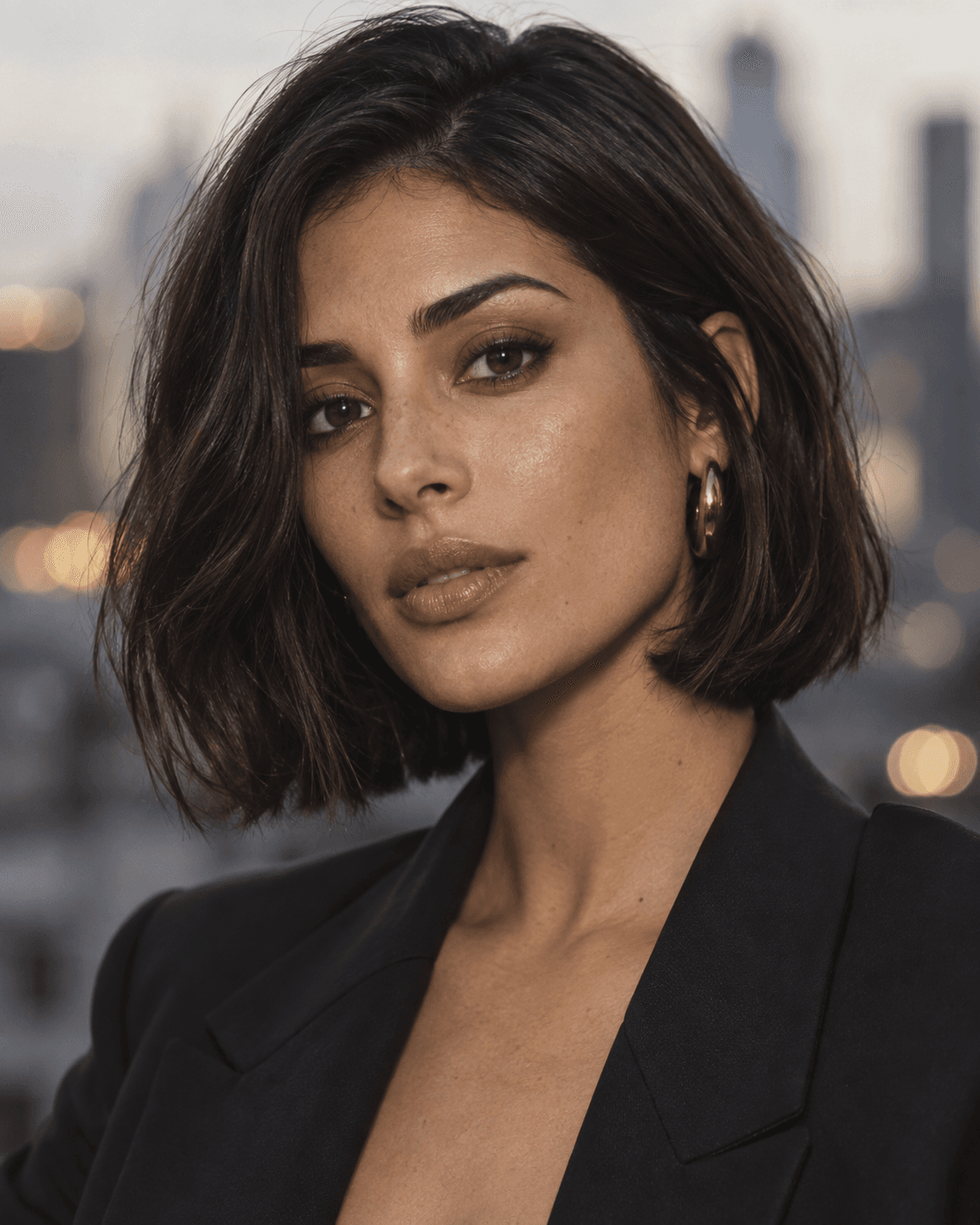
Fashion-Doll Character Portrait
Recast a portrait as a glossy fashion-doll character while retaining the person's hairstyle, outfit direction and facial identity.
Read the exact prompt
Use the uploaded portrait as the identity and styling reference. Transform the same person into a premium fashion-doll-inspired 3D character while keeping them clearly recognizable. Preserve: - recognizable facial identity and face shape - skin tone - eye color - hairstyle length, color, parting, and overall silhouette - apparent age - main clothing style and visible accessories Create a polished stylized 3D doll portrait with a glamorous early-2000s fashion-toy aesthetic. Face: Keep the person’s likeness strong while gently exaggerating the features into a fashion-doll style. Use larger almond-shaped eyes, long lashes, refined brows, a small nose, glossy full lips, soft blush, and smooth but believable skin shading. Avoid replacing the face with a generic doll. Hair: Preserve the reference hairstyle closely, including length, parting, color, and facial framing. Render it as sleek, glossy sculpted 3D hair with smooth strands and controlled volume. Wardrobe: Keep the reference outfit recognizable, simplifying it into a fitted fashion-doll version with clean fabric shapes and polished texture. Preserve the main garment type and color direction. Pose: Head-and-shoulders or upper-body portrait, facing the camera with a calm confident expression and elegant posture. Lighting: Use clean professional studio lighting with a soft key light, gentle fill, subtle highlights, and polished global illumination. Style: - premium 3D fashion doll - early-2000s glam aesthetic - oversized expressive eyes - glossy lips - smooth sculpted hair - refined beauty styling - polished collectible-doll finish - elegant modern rendering Background: Simple clean white, light gray, or warm neutral studio background with no clutter. Composition: Centered portrait with the face large in frame and strong visual focus on identity, eyes, hair, and styling. Avoid identity drift, random hairstyle changes, excessive eye enlargement that destroys likeness, childish proportions, plastic-looking skin, distorted anatomy, text, logos, watermarks, packaging, or obvious AI artifacts. Final result: A polished premium 3D fashion-doll transformation based directly on the uploaded person, with strong identity retention, matching hairstyle and styling, and a glamorous collectible-toy finish.
Graphic, Pop-Art & Cinematic Characters
Bolder color, graphic shapes and story-led settings produce portraits designed to read clearly at a glance.
 Before
 After
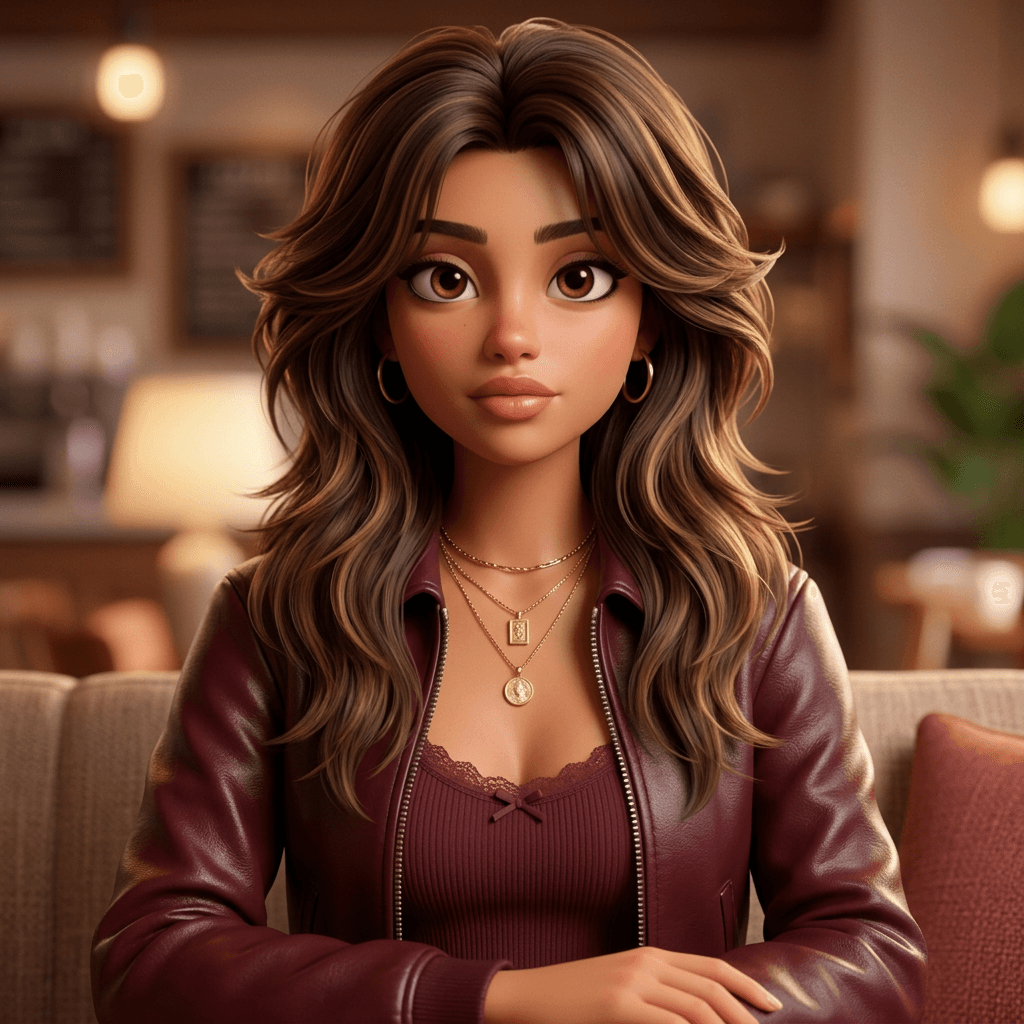
AfterCinematic · Nano Banana 2 edit
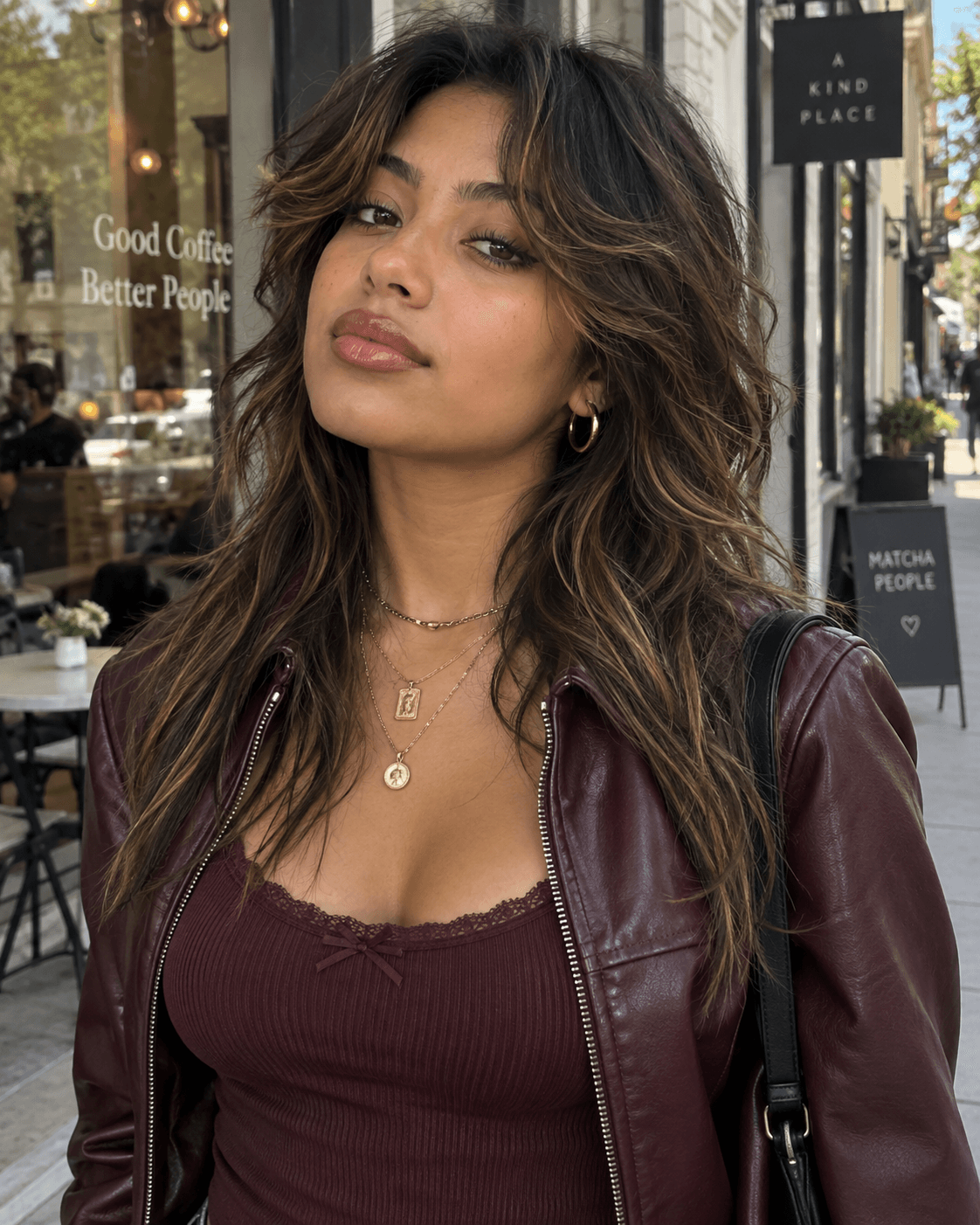
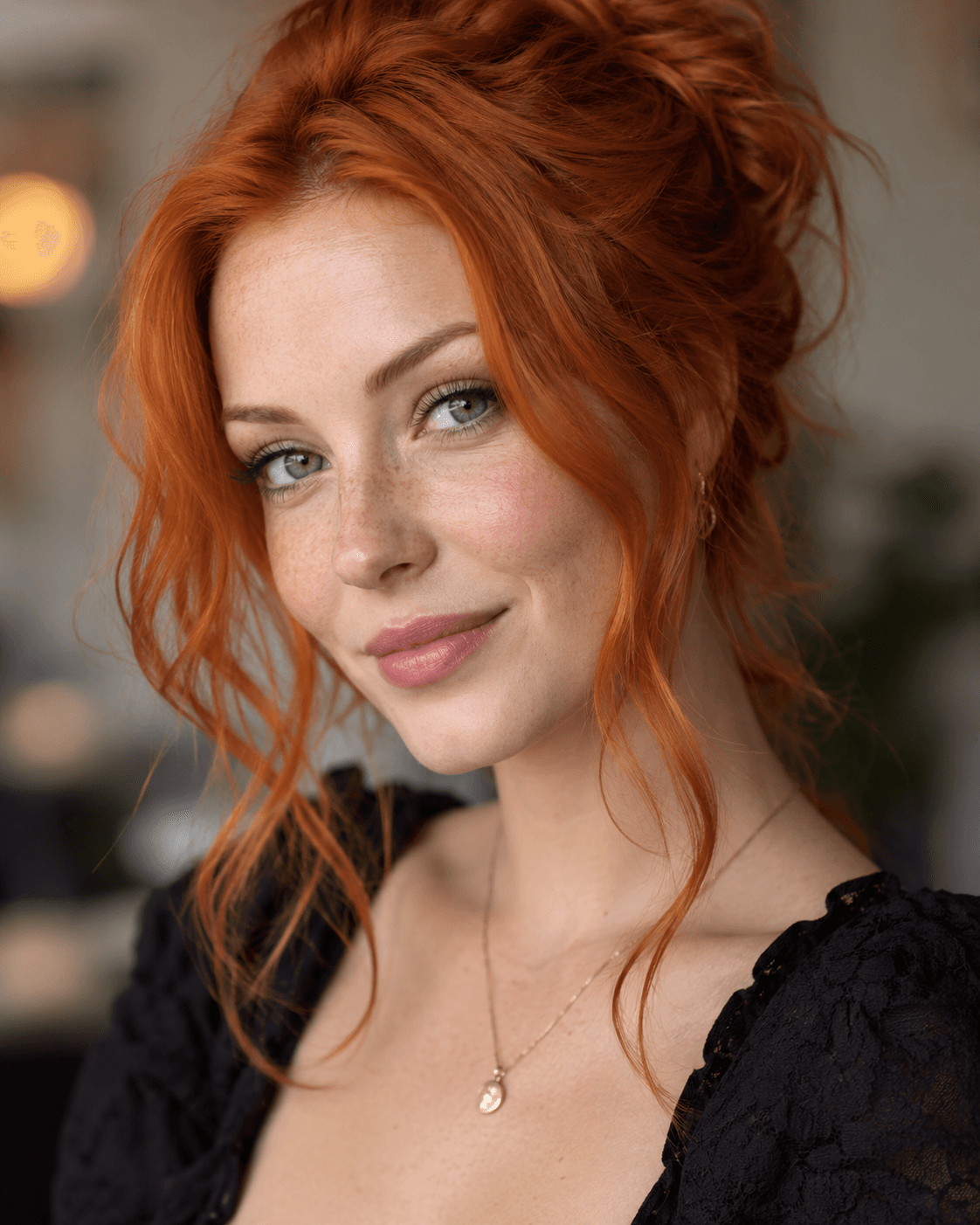
Fantasy Archer Character Restyle
Place a recognizable portrait into a stylized fantasy-archer design with dramatic costume, pose and cinematic light.
Read the exact prompt
Use the uploaded portrait as the identity reference. Transform the same person into a polished stylized fantasy battle character while keeping them clearly recognizable. Preserve: - recognizable facial identity and face shape - skin tone - hairstyle color, length, and overall silhouette - age and key facial features - overall personality Create a premium 3D fantasy game character with a colorful mobile-strategy-game aesthetic. Character: Reimagine the person as a confident fantasy archer hero. Keep the face recognizable while gently stylizing the proportions with slightly larger expressive eyes, refined brows, smooth skin shading, and strong heroic features. Hair: Preserve the reference hairstyle concept and color, but adapt it into a clean fantasy-game look with polished strands and controlled volume. Wardrobe: Dress the character in practical fantasy archer clothing: - deep green hood or short cape - fitted leather chest piece - brown bracers - utility belt with gold buckle - subtle layered fabric and leather details - quiver with arrows on the back Pose: Dynamic action pose, upper body dominant in frame. The character is drawing a bow and aiming an arrow toward the camera or slightly past it, with confident focused eye contact and believable hand placement. Environment: Bright stylized medieval battlefield or fortress setting with stone towers, banners, wooden structures, distant characters, smoke, and subtle action in the background. Keep the background colorful and detailed but secondary to the main character. Lighting: Bright cinematic daylight with warm highlights, soft shadows, rim light on the hair and shoulders, and polished global illumination. Style: - premium stylized 3D game character - clean heroic proportions - colorful fantasy environment - polished materials - soft cinematic shading - high-end mobile game artwork - crisp character detail - energetic promotional composition Avoid identity drift, generic fantasy face replacement, oversized cartoon eyes, distorted bow geometry, warped hands, extra fingers, duplicated arrows, excessive armor complexity, text, logos, watermarks, or obvious AI artifacts. Final result: A polished fantasy archer character based directly on the uploaded person, with strong identity retention, dynamic action, and premium colorful 3D game-art quality.
How to Write Better Nano Banana 2 Portrait Prompts
Start with the person: identify which facial features, age cues and hairstyle should stay consistent. Describe any intended clothing, hair or makeup changes separately. Then specify the background, camera distance, crop, light direction and realism level. For illustration, name the medium and texture. Finish with a short list of artifacts to avoid, such as extra fingers or an altered face.
How to Use a Reference Portrait
Open Nano Banana 2 in KiwiMotion Image Studio, select the edit workflow, add a portrait you have permission to use, enter or adapt a prompt, choose your image settings and generate. Compare the result against your source before reusing it. Public Prompt pages show only separately approved, Prompt-owned copies of reference images.
Portrait Transformation vs a New Person
A transformation begins with a specific reference face and asks for visual changes while retaining identity cues. Text-to-image generation describes a new subject from words. For continuity across a campaign, the reference-based approach gives the prompt a concrete person and styling anchor.
Best Uses for Portrait Transformations
Use these directions to explore social content, editorial concepts, fashion treatments, profile imagery, creative campaigns, beauty concepts and original character looks. The source portrait and intended audience should guide how far the edit moves from photorealism.
Frequently Asked Questions
What is a Nano Banana 2 portrait prompt?
It is an instruction for creating or editing a portrait with Nano Banana 2. The examples here are reference-based edits: each starts from an uploaded person and asks for a specific visual transformation.
Can Nano Banana 2 preserve the same face?
You can ask it to preserve facial structure, apparent age, skin tone and hairstyle, then compare the result against your reference. Stylized looks may still change fine details, so review the output before using it.
Can I change clothes without changing the person?
Yes. State which identity cues must remain, then describe only the wardrobe changes you want. Avoid broad instructions that also replace the face or body shape.
Can I change hairstyle and makeup?
Yes. Specify the intended hair and makeup changes while identifying the facial features that should stay recognizable.
Can I replace the background?
Yes. Describe the new setting, its light direction and camera perspective so the subject integrates with the scene.
Can I use multiple reference images?
Where the Studio workflow supports multiple inputs, you can provide more than one image and explain the role of each. Only approved public copies are shown on published Prompt pages.
How detailed should a portrait prompt be?
Give enough detail to define identity, the intended change, framing, light and important exclusions. Extra adjectives that do not change the result usually add little value.
Can I copy these prompts?
Yes. Open a Prompt Library page to copy its exact generation prompt, then adapt it to your own approved reference portrait.